
To safeguard your SD card from theft without losing evidence, you should use physical security measures like lockable enclosures, tamper-evident seals, or locking brackets. Encrypt your data with hardware or software tools to prevent unauthorized access. Handle and eject cards carefully using safe procedures. Choose reliable brands and verify product quality. Organize and label your cards clearly, store them securely, and limit access to authorized users. Staying informed on best practices ensures your evidence stays safe—more tips await if you continue.
Key Takeaways
- Physically lock SD cards in secure enclosures or use lock adapters to prevent unauthorized removal.
- Apply tamper-evident seals or security tape over access panels to detect attempts at theft or tampering.
- Store SD cards in labeled, secure cases and separate used from unused cards to prevent confusion and theft.
- Limit device access to authorized personnel and enable physical lock switches for write protection.
- Regularly monitor and inspect SD cards for physical damage or signs of tampering to ensure data integrity.

UTENEW Transparent Standard SD SDHC Memory Card Case Holder Box Storage Boxes (Pack of 10)
Premium Material: The mini bead container is made of high-grade plastic material. Thick and sturdy, hard case, not…
As an affiliate, we earn on qualifying purchases.
As an affiliate, we earn on qualifying purchases.
Use Physical Locks and Secure Storage Solutions
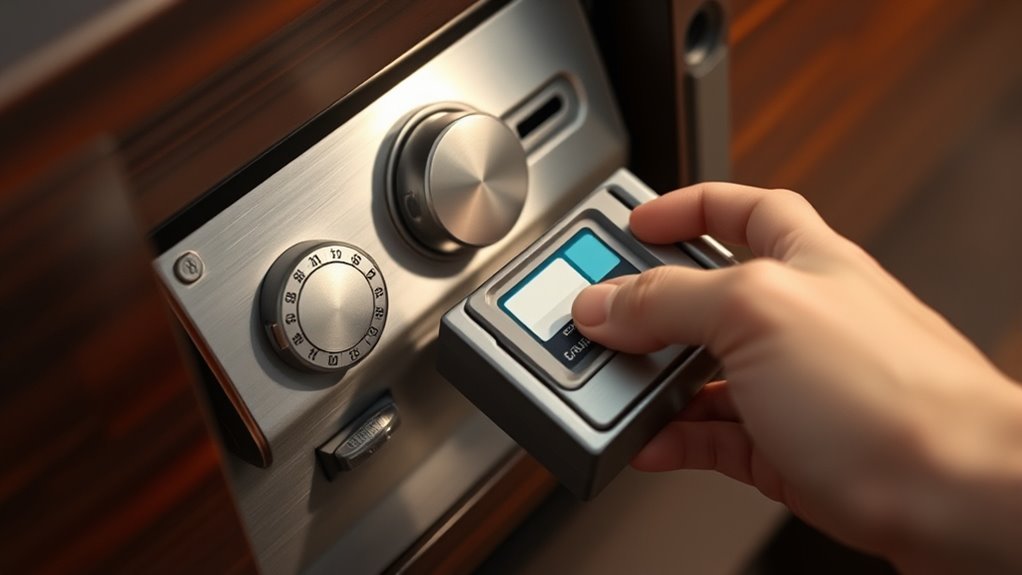
To effectively prevent SD card theft, you should implement physical locks and secure storage solutions. Use commercial SD-card locking brackets or carrier adapters to secure the card inside a device or enclosure, making quick removal difficult. Fit tamper-evident seals or security tape over access panels, so any tampering leaves visible marks, supporting theft detection. Install screw-down or keyed access panels on equipment housing SD cards, requiring tools or keys for removal, which deters opportunistic theft. Equip SD-card slots with mechanical lock adapters or retention clips that block extraction without special tools. Additionally, install tamper switches or intrusion sensors on enclosures to trigger alerts or log events whenever access is attempted. Implementing these measures can significantly reduce the risk of unauthorized access and theft, especially in high-security environments. These measures help maintain control over your SD cards and prevent unauthorized removal, especially when combined with physical security measures like surveillance cameras or security personnel. Incorporating access control systems further enhances security by restricting physical access to sensitive storage areas. Employing security hardware such as lockable enclosures or safes can provide an extra layer of protection against theft. Using monitoring systems that track access events can also serve as an additional deterrent.

TamperSeals Group – 100pcs 100% Total Transfer Tamper Evident Security Warranty Void Stickers/Labels/Seals/Tapes for Shipping, Package, Retail, Food, Medicine (Red, 1 x 3.35 Inches, Serial Numbers)
【Keep Your Assets 100% Secured】: Compared with others’ only 50-60% partial transfer feature, our security prints or patterns…
As an affiliate, we earn on qualifying purchases.
As an affiliate, we earn on qualifying purchases.
Implement Encryption Protocols for Data Protection

Implementing encryption protocols for data protection is essential to safeguard your SD card contents from unauthorized access. Hardware-based encryption, like self-encrypting SD cards with built-in AES-256, offers transparent security without taxing your device’s CPU. Verify tamper-resistant features and secure key storage inside the card to prevent physical attacks. Compatibility matters—check that your device supports the card’s encryption features with proper drivers or firmware. For software solutions, use full-disk encryption tools such as BitLocker To Go, and store recovery keys securely in separate vaults. Alternatively, encrypt sensitive files with container tools like VeraCrypt, applying strong passphrases and authenticated encryption. These measures reduce risk, preserve evidence integrity, and ensure that, even if stolen, your data remains protected against unauthorized access. Encryption protocols are continually evolving to counter new security threats, so staying updated on the latest standards is advisable. Additionally, employing security best practices, such as regular updates and access controls, further enhances your data protection efforts. To complement these measures, consider physical security practices like device hiding or secure storage to prevent theft in the first place. Incorporating hardware-enforced encryption standards can provide an extra layer of protection aligned with modern security requirements. Regularly reviewing the vetted security solutions ensures your encryption methods stay robust against emerging vulnerabilities. Furthermore, integrating layered security approaches creates a comprehensive defense against various attack vectors.

iStorage datAshur SD I Encrypted USB Flash Drive with Removable iStorage microSD Cards (Sold Separately) I Password Protected I Secure Collaboration I FIPS Compliant
Easy to use: Insert the iStorage microSD Card, enter your 8–64 digit PIN, and use as a regular…
As an affiliate, we earn on qualifying purchases.
As an affiliate, we earn on qualifying purchases.
Practice Safe Handling and Eject Procedures

Practicing safe handling and proper ejection procedures is essential to protect your SD card from data corruption and physical damage. Never remove the card while it’s in use; wait at least 30 seconds after saving or transferring files to guarantee writing completes. Use the dedicated eject option on your device or in your file explorer before physically removing the card. This prevents corrupting the file system and damaging the card. Handle the card gently, avoiding bending, twisting, or applying pressure, and never touch the metal contacts directly. When cleaning, use a soft cloth or isopropyl alcohol on contacts without scratching. Store the SD card in protective cases, keeping it dry and away from extreme temperatures, dust, and magnetic fields. Proper handling minimizes risks and extends your card’s lifespan, which is crucial for safeguarding valuable data and maintaining the card’s integrity over time. Additionally, understanding the importance of data protection strategies can further enhance your efforts to prevent theft or loss of your data. Being aware of the risks associated with improper handling helps you adopt better practices to avoid accidental damage. Staying informed about Glycolic Acid benefits can also help you choose appropriate skincare routines to maintain healthy skin. Moreover, staying informed about Lifevest Advisors’ recommendations on secure storage can help you adopt best practices for protecting your data from theft or accidental loss. Implementing security measures like encryption can provide an extra layer of protection against unauthorized access.
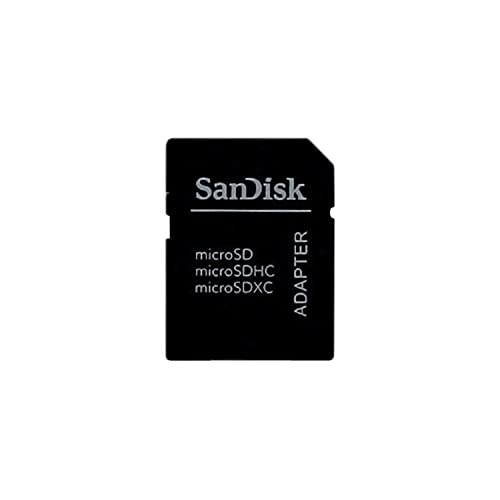
SanDisk MicroSD to SD Memory Card Adapter , Black
Micro SD to SD card adapter
As an affiliate, we earn on qualifying purchases.
As an affiliate, we earn on qualifying purchases.
Choose Reliable Brands and Verify Product Quality

Choosing reliable SD card brands is essential to guarantee your data stays safe and your device performs at its best. Stick to top brands like SanDisk, Lexar, Samsung, ProGrade Digital, OWC, Sony, and Delkin Devices, as they’re known for quality and durability. Avoid bargain-bin options, like unknown sellers offering 16GB cards for $8, which often turn out to be counterfeit or low-quality. To verify product quality, consider these tips:
- Purchase from reputable sellers or official stores
- Match the card type to your device’s specifications
- Review manufacturer read/write speeds and performance reviews
- SanDisk Ultra MicroSD Cards are among the most popular choices for everyday use due to their reliability and affordability.
- Ensuring auditory processing in data management is less common, but selecting high-quality SD cards can prevent data corruption related to device errors. Additionally, checking for manufacturing standards can help ensure the authenticity and durability of your SD card.
- Paying attention to quality control standards during manufacturing can also reduce the risk of data loss and improve overall longevity. Incorporating design thinking principles into your selection process can help you consider user needs and device compatibility more effectively.
Maintain Consistent Backup and Recovery Routines
To safeguard your SD card from data loss, you need to establish reliable backup and recovery routines. Automating your backup schedule helps ensure your data is regularly saved without extra effort, while using multiple storage media minimizes the risk of complete loss. Regularly verifying your backups confirms data integrity and readiness for recovery if needed. Additionally, implementing regular data recovery practices can help you quickly restore files in case of accidental deletion or formatting. Establishing a file organization system can further streamline your recovery process by making files easier to locate and restore efficiently. Incorporating support for breakfast options in your backup routines, such as storing important documentation or images related to breakfast dishes, can also be helpful in preserving culinary or cultural data. Using cloud storage services provides an additional layer of protection, ensuring your data remains safe even if physical devices are compromised. Furthermore, adopting physical security measures such as safes or locked cabinets can prevent theft or tampering with your storage devices. Moreover, staying informed about modern data protection techniques can help you adapt your strategies to evolving threats and technologies.
Automate Backup Scheduling
Automating backup scheduling is essential for maintaining reliable and consistent data protection routines. By setting up regular, automated backups, you guarantee critical evidence stays current and protected. You can align backup frequency with data volatility—daily for active projects, weekly for archives, or real-time for surveillance. Use versioning to preserve chain-of-custody and employ incremental or differential backups to save time and storage. Enforce immutable copies to prevent tampering and document your schedule within incident-response plans for legal defensibility. Additionally, leverage trigger-based automation, such as:
- Automatically starting backups when SD cards are inserted
- Using file watchers to sync new files instantly
- Scheduling regular health checks and retries
- Incorporating backup verification to ensure data integrity and detect issues early
- Integrate automated alerts to notify you of backup failures or anomalies
These strategies keep your backups consistent, reliable, and ready when needed. Regular backups help prevent data loss and ensure quick recovery in case of device failure or theft.
Use Multiple Storage Media
Using multiple storage media enhances the reliability of your backup and recovery routines by safeguarding your digital evidence against hardware failures and data loss. Create multiple copies using bit-by-bit forensic imaging, keeping at least two: the original and a digital image stored separately. Verify these copies with hash algorithms like MD5, SHA-1, or SHA-256 to guarantee they’re identical to the original. Diversify your storage media—use optical disks like UDO, DVDs, and BDs for long-term retention, and SSDs for quick access with lower failure rates. Employ RAID 5 or 10 configurations for redundancy, and consider secure network servers for electronic evidence. Implementing encryption on your backup media further protects your evidence from unauthorized access. This multi-layered approach minimizes risks, assure your evidence remains intact and accessible throughout investigation and legal processes.
Regularly Verify Data Integrity
Maintaining consistent backup and verification routines is key to ensuring your digital evidence stays intact over time. You should regularly verify data integrity by implementing checksum and block-level checks. Consider these practices:
- Generate SHA-256 or SHA-512 checksums for critical files immediately after transfer, then verify later to detect any changes.
- Schedule automated integrity scans that compare stored checksums with current hashes, flagging mismatches for quick action.
- Keep offline or air-gapped copies, and log every backup and verification event to create a reliable audit trail.
- Conduct regular storage health checks on your SD card to monitor for signs of physical or logical degradation that could compromise data integrity.
Additionally, run periodic health checks on your SD card, monitor write cycles, and replace cards showing signs of failure. Always produce a bit-for-bit forensic image before any destructive tests to preserve evidence authenticity.
Protect Contacts and Prevent Physical Damage
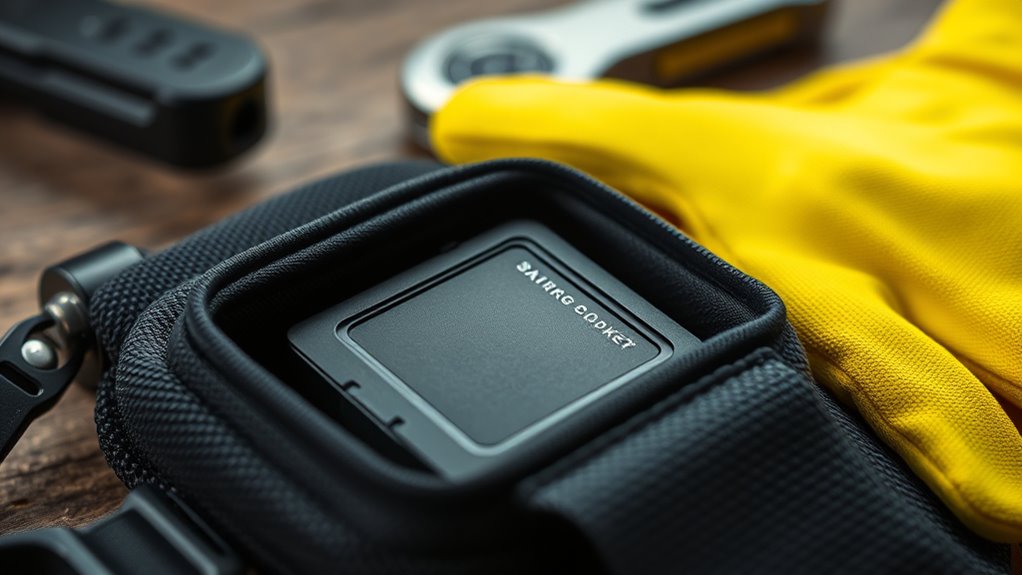
To safeguard your SD card from physical damage and guarantee the contacts stay clean and functional, handle it carefully and store it properly. Use a dedicated protective case to prevent scratches and accidental drops. Gently clean metal contacts with a soft, lint-free cloth—avoid liquids that could cause corrosion. Never bend, twist, or apply excessive pressure to the card. Keep it away from environmental hazards like extreme temperatures, humidity, and shocks. Consider physically locking the card in devices to deter theft in shared spaces. Using proper handling techniques can significantly extend the lifespan of your SD card and improve data integrity. Regularly inspecting your SD card for signs of wear and tear, physical damage, and corrosion can help prevent data loss and ensure it remains reliable over time. Ensuring the quality of contacts remains high is essential for consistent data transfer. Additionally, maintaining a clean environment around your storage devices can reduce the risk of dust and debris settling on the contacts, further safeguarding your data.
Label and Organize Your SD Cards Effectively
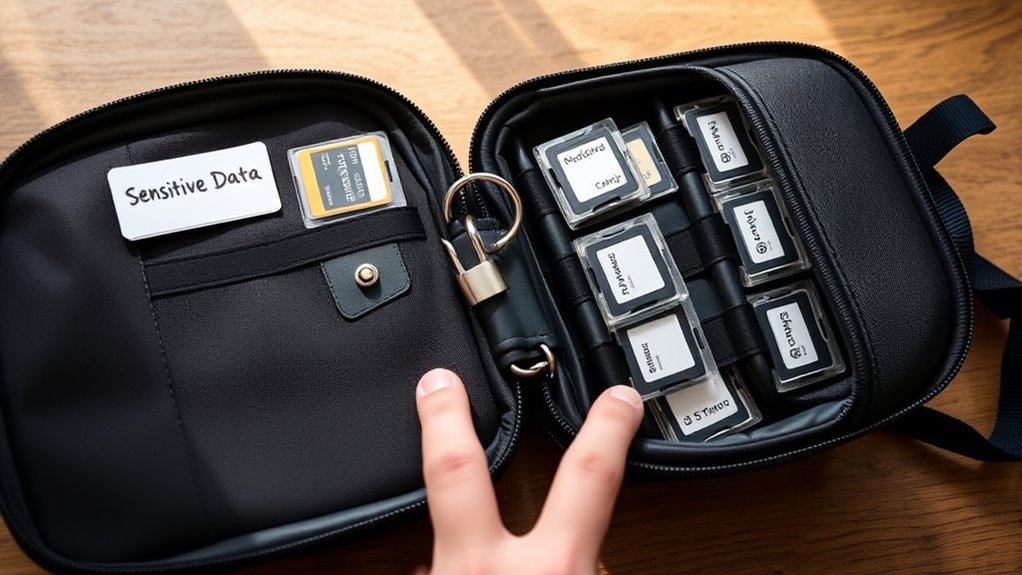
Effective labeling and organizing of your SD cards prevents confusion and streamlines your workflow. It guarantees quick identification and maintains data integrity during handling. Use concise alphanumeric IDs like A, B, or A1, A2 to differentiate cards easily. Apply labels to cases or holders, not directly on the cards, to avoid residue or damage. Match external labels with internal drive names, such as SM-A (64), for clarity. Use color-coded stickers—red for cameras, blue for roles—to instantly recognize card functions. Keep metadata consistent by mirroring external IDs in folder names and including project details, dates, and operator info. Store cards in labeled wallets or cases with clear status indicators, and separate used from unused cards. This organized approach minimizes errors and preserves evidence integrity.
Monitor Devices and Limit Access to Authorized Users
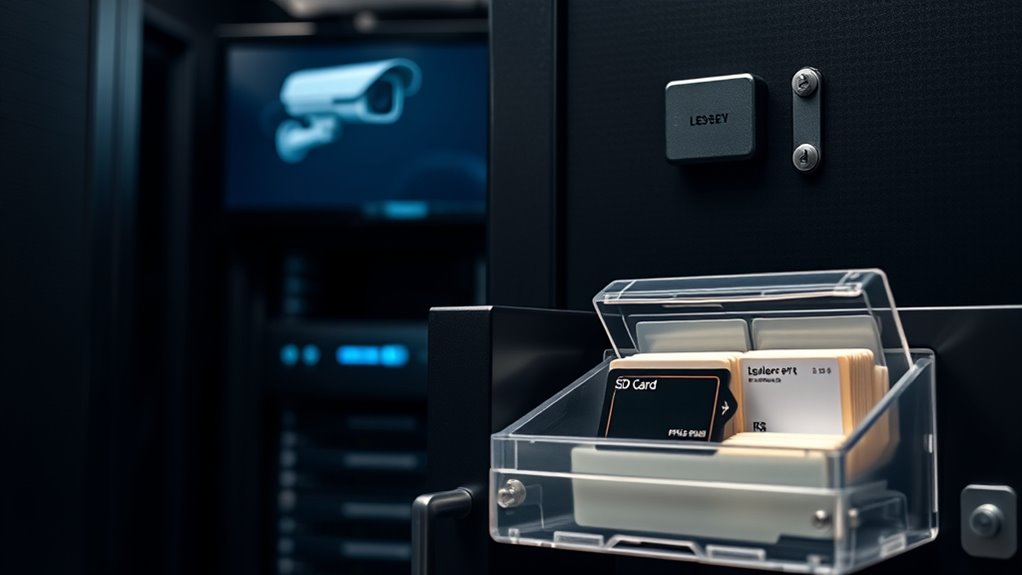
Monitoring your devices and restricting access guarantees your SD cards stay secure from unauthorized use. Use the physical lock switch on your SD card, sliding it down to enable write protection. This makes the card read-only, preventing accidental or malicious changes while still allowing you to view files. Limit connecting your SD card to trusted devices only—avoid unknown or infected systems. Always use the safe eject function before removal and turn off devices first to prevent data corruption. Physically lock cards in secure machines to prevent unauthorized removal. Additionally, install reliable antivirus software and perform regular scans on your SD card to detect threats. These steps ensure only authorized users access your data, reducing risks of theft, corruption, or malware infections. Physical lock switch provides a simple yet effective way to prevent unauthorized modifications.
Stay Informed on Best Practices and Security Updates
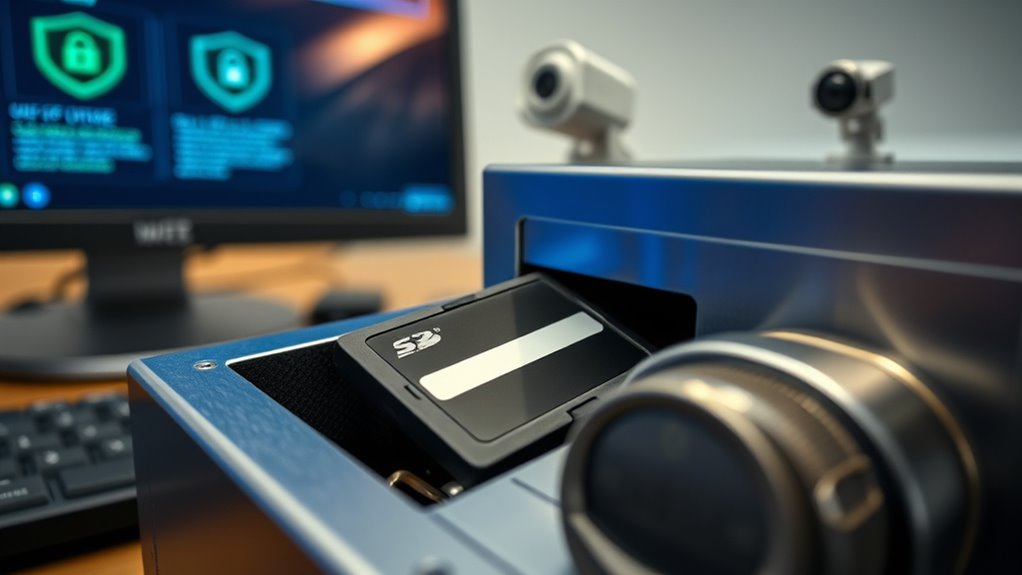
Staying up-to-date with security best practices and firmware updates is a key step in maintaining your SD card’s protection. Regularly follow vendor advisories and subscribe to security feeds for your devices and SD card manufacturers. Always verify the authenticity of firmware updates with vendor-signed checksums before applying them, and schedule checks monthly or quarterly. Keep logs of firmware versions and updates to help with forensic analysis if needed. Focus on updates that fix encryption flaws, remote code execution, or data leaks. Additionally, monitor threat intelligence sources for new attack methods targeting removable media. Use industry-standard encryption algorithms like AES-256, and stay aware of deprecated ciphers. Incorporate these updates into your SOPs, ensuring your SD cards stay secure against evolving threats.
Frequently Asked Questions
How Can I Detect if My SD Card Has Been Tampered With?
You can detect if your SD card has been tampered with by checking its physical features like watermarks or indentations, and verifying the serial number matches manufacturer records. Use tools like ChipGenius to examine internal data, and compare the digital signature on the data to the stored metadata. If signatures don’t match or if physical markings are altered, it’s a clear sign your SD card may have been tampered with.
Are There Hidden or Covert Ways to Secure SD Cards?
Yes, you can use hidden or covert methods to secure your SD cards. You can hide the card inside inconspicuous objects, conceal it behind false walls, or store it in secret compartments. You can also modify the card with physical lock switches or cover the lock slot with tape. Combining these covert measures with encryption guarantees your data stays safe from unauthorized access while remaining discreet and protected.
What Are the Signs of Counterfeit SD Cards?
You can spot counterfeit SD cards by checking for mismatched logos, poor print quality, or crooked stickers. If the capacity seems too good to be true, like 256GB for a low price, it’s likely fake. Performance issues such as slow transfer speeds, frequent errors, or inconsistent benchmarks also hint at counterfeit products. Additionally, discrepancies in serial numbers, missing manufacturer marks, or abnormal firmware behavior confirm suspicions. Always verify with official tools if possible.
Can Encryption Be Bypassed or Cracked?
Encryption isn’t foolproof; skilled attackers can bypass or crack it through side-channel attacks, firmware exploits, or physical methods like cold boot attacks. While strong encryption like AES is robust, vulnerabilities exist if hardware is compromised or if firmware is manipulated. You should stay vigilant, update firmware regularly, and use layered security measures. Remember, no system is entirely unbreakable; combining encryption with physical and operational security best practices offers the best protection.
How Often Should I Update My SD Card Security Practices?
You should update your SD card security practices regularly, ideally every few months or whenever a new vulnerability is discovered. Routine updates guarantee you’re protected against emerging threats, bugs, and vulnerabilities. Schedule these updates alongside firmware and security patches, especially before critical shoots or high-use periods. Consistently maintaining your security measures minimizes risks of theft, data loss, or corruption, keeping your data safe and your workflow smooth.
Conclusion
By following these tips, you can substantially reduce the risk of SD card theft while preserving vital evidence. Did you know that nearly 70% of data breaches involve physical device theft or loss? Staying vigilant with secure storage, encryption, and proper handling not only protects your data but also helps you respond effectively if theft occurs. Keep practicing these habits to guarantee your SD cards remain safe and your evidence stays intact.