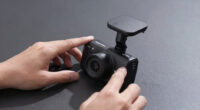
Plug and play dash cam installs are marketed as quick and simple, but they often involve hidden challenges. While they promise minimal setup, you might still need tools like suction cups or adhesive pads, and some wiring is usually involved. Wireless features improve convenience, but ensuring compatibility and proper placement could require extra effort. For a truly seamless experience, understanding what’s involved can help you avoid surprises. Keep going, and you’ll discover how to get the most hassle-free installation.
Key Takeaways
- “Plug and Play” dash cams typically mean minimal setup, mainly attaching mounts and connecting power, with no extensive wiring needed.
- Wireless connectivity enhances ease of use, reducing cable clutter and allowing flexible device placement.
- Many so-called “plug and play” systems still require some tools and basic installation steps, not entirely tool-free.
- Compatibility and automatic updates ensure seamless operation without complicated setup procedures.
- User-friendly features make installation quick, but understanding device limitations ensures realistic expectations.
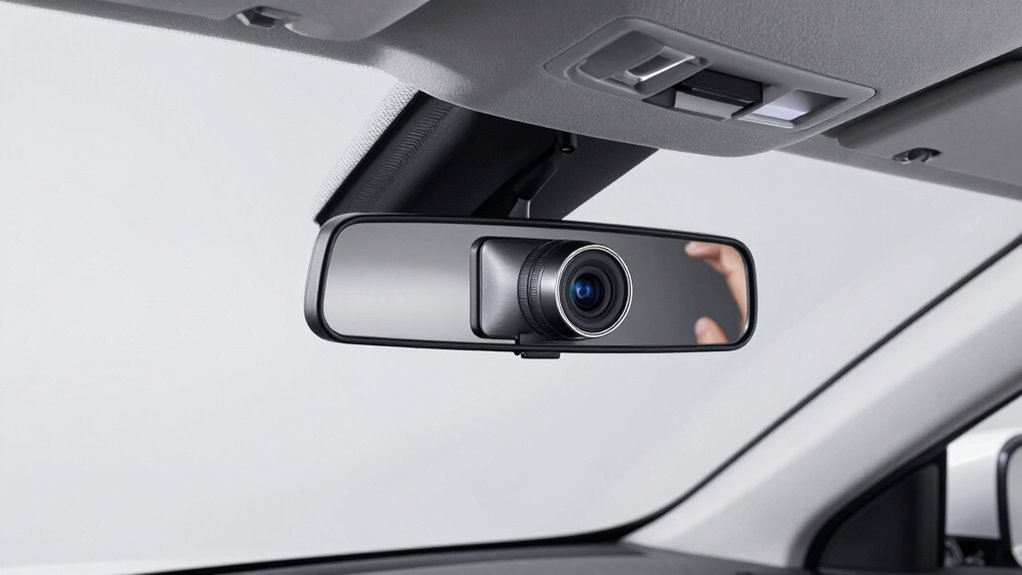
Installing a dash cam used to be a complicated task, but with plug and play systems, it’s become much simpler. You no longer need to spend hours wiring your vehicle or worry about complex setup procedures. These modern systems are designed to be user-friendly, allowing you to get your camera up and running quickly. The key advantage is wireless connectivity, which means you can connect your dash cam to your smartphone or other devices without the hassle of tangled cables. This feature makes it easier to access footage, change settings, or update firmware on the go.
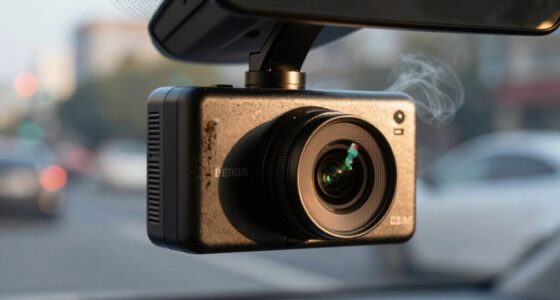
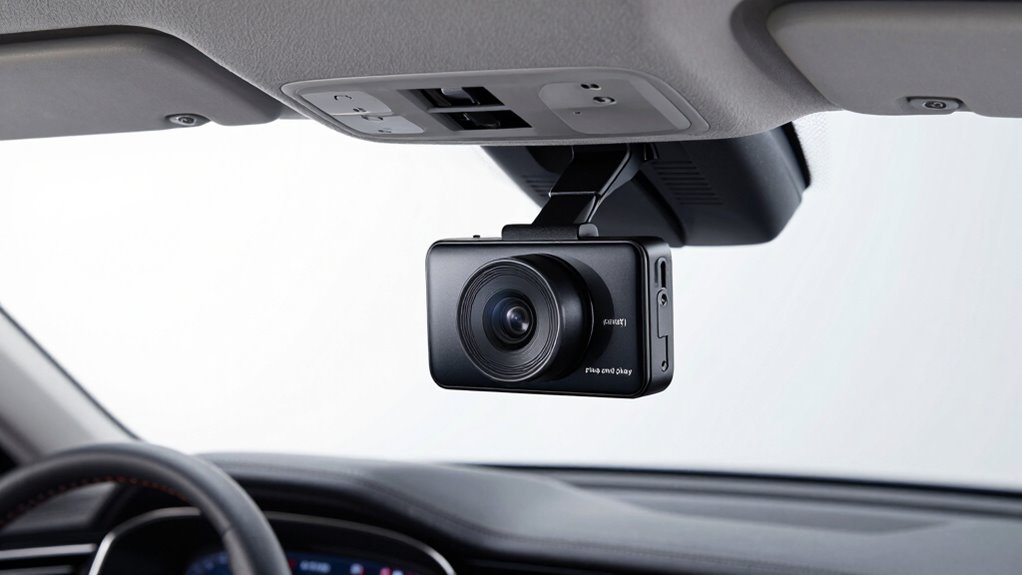
When you’re setting up a plug and play dash cam, you’ll find that most models come with minimal installation tools. Typically, you just need a few basic items like a suction cup mount or adhesive pad, a power cable, and sometimes a small screwdriver if mounting hardware requires it. The absence of complicated wiring harnesses means you won’t have to crawl under your dashboard or remove panels. Instead, you simply attach the mount to your windshield, plug in the power cable, and connect via wireless connectivity if your system supports it. This streamlined process significantly reduces installation time and eliminates the need for specialized skills. Additionally, many models are designed with user-friendly interfaces, making setup even more straightforward for users of all experience levels.
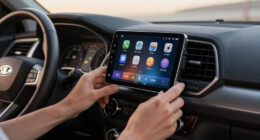
Many plug and play dash cams automatically connect to your smartphone through a dedicated app, thanks to integrated wireless connectivity. Once paired, you can monitor your footage, adjust settings, or even set up alerts directly from your phone. This wireless setup not only simplifies the installation but also provides a more flexible and convenient way to manage your dash cam. You don’t need to worry about running long cables across your vehicle, and you can position the camera for optimal coverage without hassle. Wireless connectivity is a crucial feature that enhances the overall user experience. Additionally, some models include automatic firmware updates, which help keep your device running smoothly without manual intervention. Being aware of compatibility features can further streamline the process and ensure your dash cam integrates seamlessly with your existing devices.

Dash Cam Front and Rear: 4K+2.5K Dash Camera for Cars – Dashcam Built-In WiFi APP Control 64GB Included 3.39" Touchscreen 24H Parking Monitor WDR Night Vision Loop recording Collision Detection(X5)
[4K+2.5K Dual Dash Cam Front and Rear] – The front dash cam records stunning 4K videos, while the…
As an affiliate, we earn on qualifying purchases.
As an affiliate, we earn on qualifying purchases.
Frequently Asked Questions
Do All Vehicles Support “Plug and Play” Dash Cams?
Not all vehicles support “plug and play” dash cams, especially when it comes to wireless connectivity and advanced features. Many newer cars have compatible power outlets and wiring setups, making installation straightforward. However, older models or vehicles with complex wiring may require additional adapters or professional installation. Check your vehicle’s compatibility beforehand to confirm your dash cam can easily integrate and offer the features you want without hassle.
Can I Install a “Plug and Play” Dash Cam Myself?
Can you install a “plug and play” dash cam yourself? Absolutely, if your vehicle supports wireless connectivity and has accessible power sources, it’s straightforward. These cameras are designed for easy installation, often requiring just plugging into the cigarette lighter or power outlet. You’ll need to manage power efficiently and guarantee your dash cam connects seamlessly to your device. Is your vehicle compatible? If yes, you’re ready to install without professional help.
Are “Plug and Play” Dash Cams Compatible With All Car Models?
Plug and play dash cams aren’t compatible with all car models due to vehicle compatibility and power source options. You need to check if your vehicle’s power outlet matches the dash cam’s plug type and if the device fits within your vehicle’s interior space. Some models work with standard 12V outlets, while others may require additional adapters or wiring. Always verify compatibility before purchasing to guarantee a seamless installation.
What Safety Precautions Should I Take During Installation?
You should guarantee your vehicle is turned off before installation to prevent electrical issues. Use the proper power source, like the cigarette lighter or USB port, to avoid damaging your car’s wiring. Be cautious with wireless connectivity if your dash cam has Wi-Fi features, as it can pose security risks. Keep your work area clear, and carefully follow the manufacturer’s instructions to prevent short circuits or accidental damage during setup.
How Reliable Are “Plug and Play” Dash Cam Connections Over Time?
Plug and play dash cam connections are generally reliable over time, but their power stability and connection durability depend on quality. If you choose a high-quality unit, it’s less likely to suffer from loose connections or power interruptions. Regularly check the connections to guarantee they stay secure, especially after rough driving or weather changes. Proper installation and maintenance help maximize the longevity and consistent performance of your dash cam.

9" Wireless Apple Carplay Screen for Car with 4K Dash Cam, Portable Apple Carplay & Android Auto with 1080p Backup Camera DVR, Voice Control/GPS Navigation/Mirror Link/BT
CarPlay and Android Auto: This plug-in device connects to your phone via Bluetooth and WiFi. To use CarPlay,…
As an affiliate, we earn on qualifying purchases.
As an affiliate, we earn on qualifying purchases.
Conclusion
Remember, a true “plug and play” dash cam isn’t quite as simple as tossing it in and hitting record. While it’s tempting to think of it as the modern equivalent of plugging in a rotary phone, the reality is more like assembling a model T—parts need careful fitting, and some know-how helps. Don’t rush the process; a proper install guarantees your dash cam captures every moment without fuss. Trust me, even in this digital age, a little patience goes a long way.

IIWEY N5 4 Channel Dash Cam 360° View, 1080P Front and Rear Inside, Left Right Dash Camera for Cars, 8 IR Lamps Night Vision, 5G WiFi & APP Control, G-Sensor, Parking Mode, with a Free 128GB SD Card
❗❗❗NOTE: This product must be powered by the original cigarette lighter charger; it cannot be powered by a…
As an affiliate, we earn on qualifying purchases.
As an affiliate, we earn on qualifying purchases.
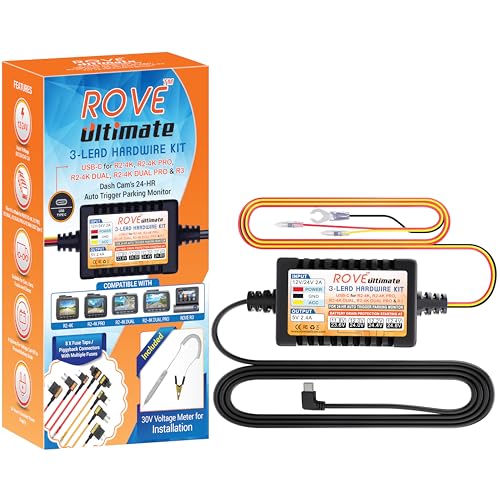
ROVE Ultimate Dash Cam Hardwire Kit with USB-C Port for R2-4K, R2-4K PRO, R2-4K Dual, R2-4K Dual PRO, and R3 Dash Camera Models, 24Hr Parking Monitoring Kit with Low Voltage Protection
【Compatible for ROVE R2-4K with USB-C Port, R2-4K PRO, R2-4K DUAL, R2-4K DUAL PRO, and R3 Dash Cam…
As an affiliate, we earn on qualifying purchases.
As an affiliate, we earn on qualifying purchases.