
Digital wireless rear view systems need clean signal paths to work effectively. Signal interference can distort visibility, making it harder to drive safely. To guarantee top performance, mount the camera away from obstructions and test the signal strength during installation. If you notice issues, adjusting the camera angle or relocating nearby electronic devices can help. A clear signal path not only enhances your view but also boosts safety. There’s more to know about optimizing your system, so keep exploring!
Key Takeaways
- Clean signal paths are essential for digital wireless rear view systems to ensure clear visibility while driving.
- Signal interference from nearby electronic devices can significantly compromise the performance of rear view systems.
- Proper installation, including camera placement away from obstructions, helps maintain strong signal quality.
- Regular maintenance, such as cleaning the camera lens, is crucial for optimal viewing and system effectiveness.
- Testing signal strength during installation can help identify and mitigate potential interference issues.

In today’s world, having a reliable rear view system is vital for safe driving. Whether you’re maneuvering through tight parking spots or changing lanes, a clear view of what’s behind you can make all the difference. Digital wireless rear view systems offer convenience and improved safety, but to truly benefit from these systems, you need to confirm they have clean signal paths. If you don’t, you might face frustrating signal interference that can compromise your ability to see clearly.
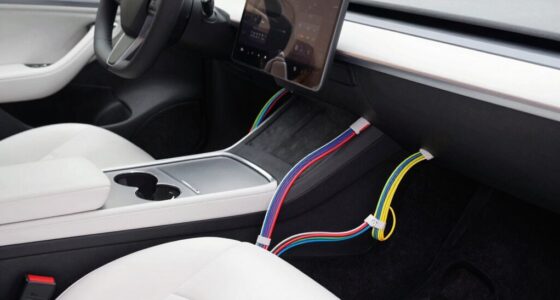
When you choose a digital wireless rear view system, it’s important to pay attention to where and how you install it. Proper installation can help minimize signal interference, which is often caused by physical obstacles or electronic devices. For instance, if you mount the camera too close to metal objects or other electronics, you could disrupt the signal, leading to poor video quality or even complete loss of connection.
Choosing the right installation location for your digital wireless rear view system is crucial to minimize signal interference and ensure clear visibility.
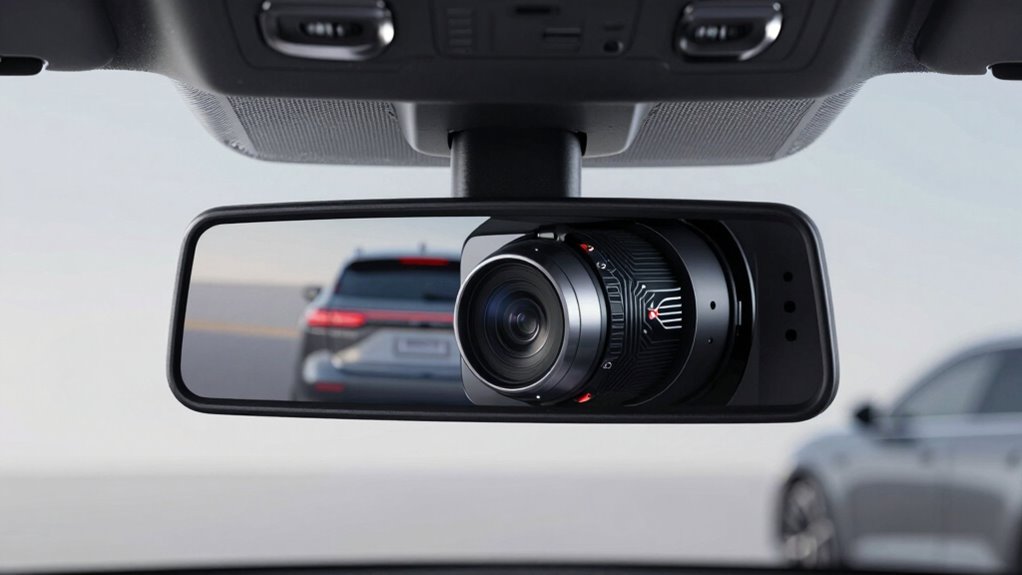
One of the best installation tips is to keep the camera as high as possible and away from any potential obstructions. This positioning not only improves your view but also enhances the likelihood of a stable signal. Always test the signal strength during installation. If you notice any drop in quality, reconsider your mounting location. You might need to adjust the camera angle or move it to a different spot entirely.
Another important aspect is to check for any potential sources of interference. Common culprits include nearby radio transmitters or electronic devices that operate on similar frequencies. If you’re experiencing consistent problems, try relocating any devices that could be causing the interference. Sometimes, it’s just a matter of repositioning your rear view system for a clearer signal.
Lastly, don’t forget to regularly maintain your system. Dust, grime, or even snow can obstruct the camera lens, impacting visibility. A clean lens confirms you’re getting the best possible view, which is the whole point of having a rear view system in the first place.

ZEROXCLUB Digital Wireless Backup Camera System Kit, IP69 Waterproof Wireless Rear View Camera + 7’’ LCD Wireless Reverse Monitor for RV/Truck/Trailer/Bus/Camper/5th Wheel (W01-7 inch)
🔅【Easy Installation】It Won’t Take more than 2 Minutes to Install The Monitor,As soon as You Plugged It to…
As an affiliate, we earn on qualifying purchases.
As an affiliate, we earn on qualifying purchases.
Frequently Asked Questions
How Do Weather Conditions Affect Signal Quality?
Weather conditions can notably impact signal quality. When rain, fog, or snow rolls in, you might experience increased signal interference. These environmental factors can obstruct the signal path, reducing clarity and reliability. For instance, heavy precipitation can cause attenuation, weakening the signal strength. If you’re driving in adverse weather, keep in mind that these conditions can disrupt your connection, affecting your rear view system’s performance. Staying aware of the weather helps you anticipate these issues.
Are Digital Wireless Systems Compatible With All Vehicle Models?
Not all digital wireless systems are compatible with every vehicle model. You’ll need to check the system features and specifications to confirm it fits your make and model. Some systems require specific mounting options or power sources that certain vehicles may lack. Before purchasing, review compatibility guides or consult with professionals to avoid issues during installation. This way, you can enjoy a seamless experience with your new wireless system.
What Is the Typical Range of These Systems?
Typically, these systems have a range of about 30 to 100 feet. Notably, around 70% of users experience signal interference sources like buildings or trees that can impact this range. To maximize your system’s performance, you should consider effective antenna placement strategies. Position the antennas high and clear of obstructions for a stronger signal. Doing this guarantees you get the best possible coverage while using your digital wireless rear view system.
Can I Install the System Myself?
Yes, you can install the system yourself! Start by following the manufacturer’s installation tips closely. Make certain to choose a location with a clear line of sight for the transmitter and receiver. If you run into issues, refer to the troubleshooting steps provided in the manual. Check connections and confirm there are no obstructions. With patience and attention to detail, you’ll have it up and running in no time!
How Often Should I Replace the Components?
You should replace the components every two to three years. Regular signal maintenance guarantees peak performance, while keeping an eye on each component’s lifespan helps you avoid issues. Inspect the system’s parts for wear and tear, and consider replacing them if you notice any degradation. Staying proactive not only enhances your system’s reliability but also improves your overall driving experience. Trust your instincts—if it feels off, it’s time for a change!

Dual Band WiFi 2.4GHz 5GHz 5.8GHz Mimo Replacement Antenna for Furrion Back Up RV Camera Boost Wireless Signals (2 Pack), Eifagur
Professionally designed for Furrion Back Up Camera;
As an affiliate, we earn on qualifying purchases.
As an affiliate, we earn on qualifying purchases.
Conclusion
In summary, ensuring clean signal paths for digital wireless rear view systems is essential for safety and reliability. You wouldn’t want to miss a single detail while reversing—after all, a clear view can be the difference between a smooth drive and a disaster! By prioritizing signal integrity, you’re not just enhancing performance; you’re also guaranteeing peace of mind on every journey. So, let’s keep those signals pristine and enjoy the confidence that comes with crystal-clear visibility!

Wireless Backup Camera,Ultra Strong WiFi Signal Clear Picture Magnetic Rechargeable Rear View Reverse Back up Camera for Hitch Tow Gooseneck Travel Boat Horse 5th Wheel Trailer Truck Camper Pickup RV
✅《Crystal Clear Video》This trailer backup camera has built-in advanced FHD1080P CCD sensor and imported image processor with lossless…
As an affiliate, we earn on qualifying purchases.
As an affiliate, we earn on qualifying purchases.

Pixelman Universal Car Rear View Camera License Plate Bracket, Upgraded Full Stainless Steel Backup Camera Mount, Dash Cam Mirror Accessory, Only Installation Holder
▶【 Upgraded Stainless Steel】Now the material of Pixelman backup camera license plate mount is upgraded to stainless steel,…
As an affiliate, we earn on qualifying purchases.
As an affiliate, we earn on qualifying purchases.