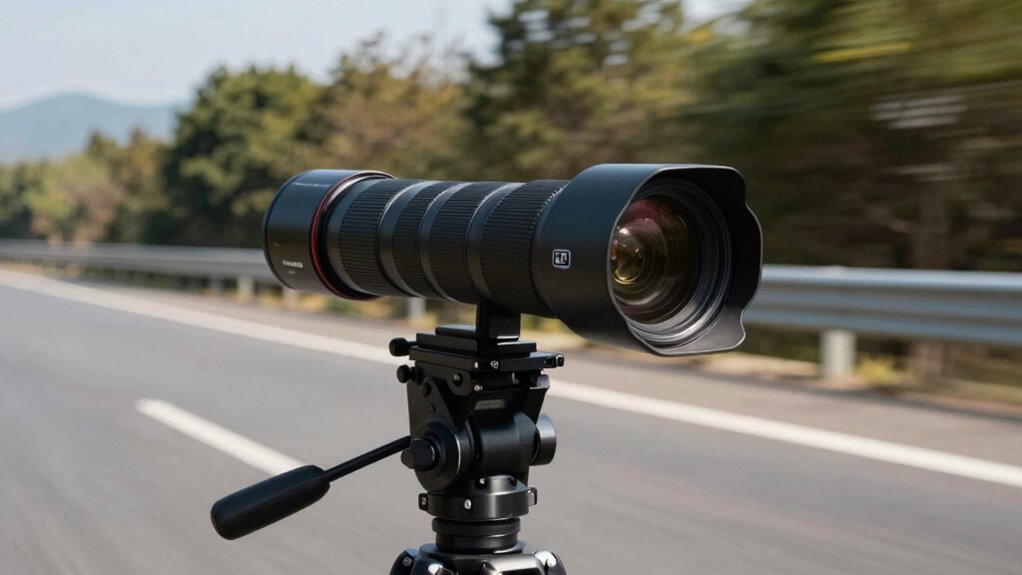

To capture clear license plates, you need to contemplate distance, angle, and speed. Keep your camera at a distance where the plate fills the frame without too much background, and adjust the height for a straight-on shot. Use a proper angle—preferably perpendicular—to avoid distortion and glare. Also, set a fast shutter speed, especially if vehicles move quickly, to prevent motion blur. For more tips on perfecting your shots, continue exploring these essential techniques.

Get business pricing on garage and car supplies
- Business-only prices and quantity discounts
- Tax-exempt purchasing
- Multiple users, one account, clear invoices
Key Takeaways
- Maintain an optimal distance where the license plate fills the frame without background clutter or blurriness.
- Position the camera perpendicular or slightly downward to the license plate to minimize distortion and glare.
- Use faster shutter speeds (e.g., 1/1000 sec) to freeze motion and prevent blur at higher vehicle speeds.
- Adjust camera angle and height to align with the license plate, reducing oblique angles and improving clarity.
- Ensure proper lighting and focus settings to enhance readability, especially in low-light or challenging weather conditions.
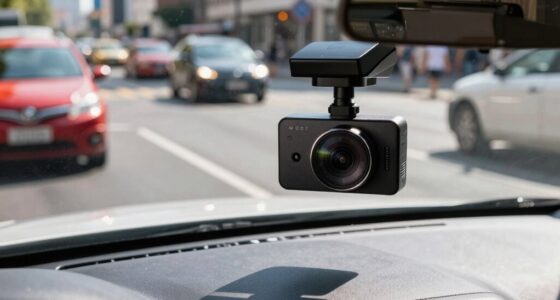
license plate camera with fast shutter speed
As an affiliate, we earn on qualifying purchases.
As an affiliate, we earn on qualifying purchases.
The Impact of Distance on License Plate Clarity
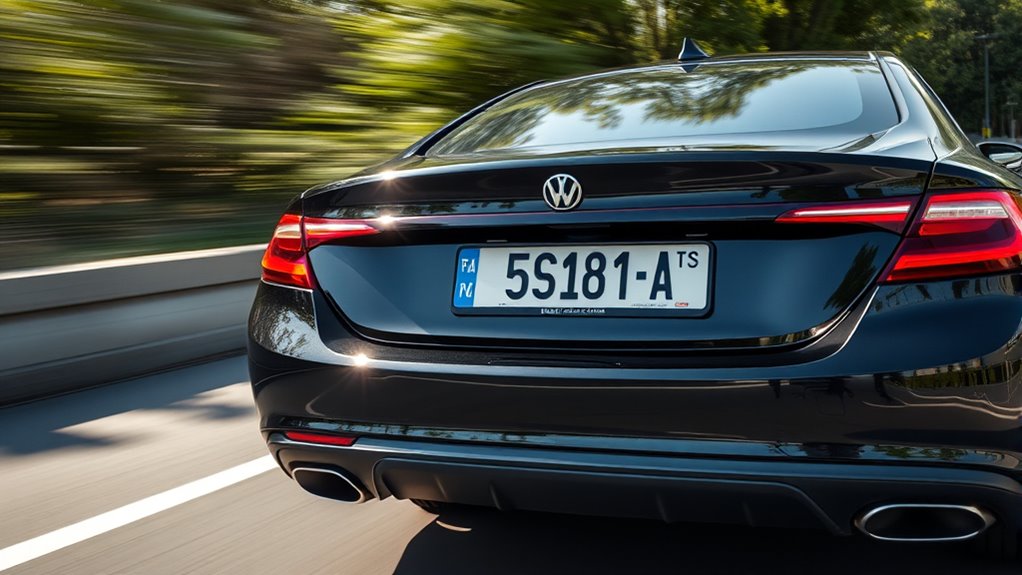
Ever wonder how distance affects the clarity of a license plate in your photos or videos? As you increase the distance, the license plate becomes harder to read because the camera sensor struggles to capture fine details. Smaller license plate fonts also play a role; if the fonts are thin or intricate, they’re more likely to blur at longer ranges. When you’re too far away, the camera’s sensor may not gather enough light and detail, resulting in a blurry or illegible image. To improve clarity, get closer or use a camera with a higher resolution sensor. Remember, maintaining an ideal distance helps ensure the license plate remains sharp and readable, especially if you’re relying on the camera’s ability to pick up small, detailed font styles. Additionally, understanding camera resolution and sensor quality can significantly impact your ability to capture clear images at various distances. It’s also important to consider lighting conditions, as poor lighting can further reduce image clarity regardless of distance. Moreover, proper focus is essential to avoid blurry images when capturing at different ranges. Improving sensor sensitivity can also help in low-light situations, ensuring clearer images even at greater distances. Recognizing the role of lens quality can further enhance image sharpness across different distances.
high resolution surveillance camera for license plates
As an affiliate, we earn on qualifying purchases.
As an affiliate, we earn on qualifying purchases.
How Camera Angle Affects Readability
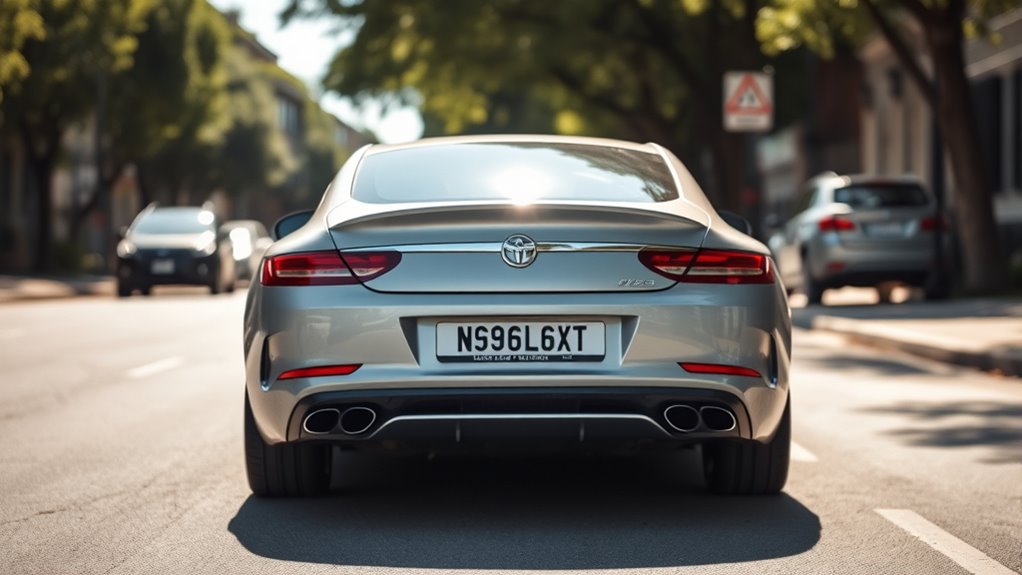
The angle at which you position your camera can substantially impact how easily you can read a license plate. Proper camera positioning guarantees the plate is captured clearly and legibly. When adjusting your camera, focus on optimizing image composition by aligning the camera directly facing the plate. Avoid tilted or oblique angles that distort the image and reduce readability. Consider these tips:
- Keep the camera perpendicular to the license plate for a straightforward view.
- Use a slight downward angle to minimize glare and reflections.
- Ensure the entire plate is within the frame for maximum clarity.
- Remember that camera angle is a crucial factor influencing the clarity of the captured image. Additionally, understanding the distance between the camera and the license plate helps determine the optimal angle for capturing clear images. Proper angle adjustment can significantly improve image quality, especially in varying lighting conditions and at different speeds. To achieve the best results, consider how lighting conditions may affect your camera’s positioning and readability. Adjusting your camera to account for environmental factors can further enhance image clarity under diverse circumstances.
license plate capture camera lens
As an affiliate, we earn on qualifying purchases.
As an affiliate, we earn on qualifying purchases.
The Role of Speed in Capturing Clear Images

When capturing license plates, controlling the speed of the vehicle as it passes by is essential for obtaining a clear image. Higher speeds increase the risk of motion blur, making the plate unreadable. Adjusting shutter speed helps freeze motion; a faster shutter speed minimizes blur and sharpens the image. To illustrate, consider this table:
| Vehicle Speed | Shutter Speed Needed | Result |
|---|---|---|
| Slow | 1/60 sec | Clear, minimal blur |
| Moderate | 1/250 sec | Sharp, little motion blur |
| Fast | 1/1000 sec | Crisp, no motion blur |
Choosing the right shutter speed based on speed prevents motion blur and ensures clear license plate images. Keep speed in check, and your photos will be much more readable. Understanding motion is crucial for optimizing your camera settings. Additionally, being aware of essential oils for clarity can help you stay focused and alert during long observation periods. Recognizing the importance of accurate distance measurement can further improve your success in capturing clear images of license plates. Furthermore, maintaining proper lighting conditions can significantly enhance image clarity and readability, especially in low-light environments.
As an affiliate, we earn on qualifying purchases.
Selecting the Optimal Distance for Sharp Shots

To get sharp shots of license plates, you need to choose the right distance from your subject. Keep your camera focused clearly and guarantee proper lighting to enhance details. Also, watch out for background distractions that can take attention away from the plate. Utilizing an appropriate focal length can further improve image clarity and reduce distortion in your shots. Ensuring your camera settings are optimized for piercing care and hygiene can help achieve better focus and clarity in your images. Additionally, understanding home theater setup principles can assist in controlling ambient light and glare, ultimately improving your overall image quality. Paying attention to Free Floating techniques can also help maintain a steady shot, minimizing blurriness caused by camera shake. Incorporating Vetted electric bike conversion kits, known for their reliable performance, can serve as a metaphor for maintaining stable and consistent shooting conditions.
Maintain Clear Focus
Maintaining proper distance reduces the risk of capturing blurry or unreadable characters, especially when dealing with reflective surfaces that can reflect sunlight. This helps guarantee your shot is sharp and legible. Additionally, understanding lighting conditions and how they affect reflectivity can further improve image clarity and license plate recognition. Recognizing the field‑of‑view limitations of your camera setup can also help optimize framing and focus accuracy in various scenarios. Being aware of visual angles can further enhance your ability to capture clear images without distortion. Being mindful of distance and angle considerations can significantly impact the success of your license plate captures in different environments. Considering camera placement strategies can also help maximize image quality and recognition success.
Use Adequate Lighting
Proper lighting is essential for capturing clear license plate images, as it directly affects the visibility of characters and reflective surfaces. Good lighting conditions ensure the plate is well-illuminated, making details easier to read. Avoid relying solely on natural light; instead, supplement with external sources if needed. Keep your camera stable to prevent blurring caused by shaky hands, especially in low-light situations. A steady shot helps maintain sharpness and clarity. If lighting is insufficient, consider using a flashlight or a camera with low-light capabilities. Remember, adequate illumination allows you to capture sharp shots at the right distance, reducing the risk of blurry or unreadable images. Proper lighting and camera stability are key to obtaining high-quality license plate photos. Ensuring your setup includes adequate illumination can significantly improve image clarity and readability.
Minimize Background Distractions
Maintaining the right distance from the license plate helps minimize background distractions and guarantees your photos are sharp. When you’re too close, background noise and clutter can blur the focus on the plate. Conversely, standing too far away can cause the image to be blurry or pixelated, especially in poor weather conditions. To get the best shot, find a distance where the plate fills the frame without including unnecessary surroundings. Consider weather conditions—rain or fog can affect clarity, so adjust your distance accordingly. Additionally, understanding image resolution can help you better evaluate when your shot is optimally focused. Properly managing shot composition ensures your images are both clear and effective for identification.
Adjusting Camera Angle for Better Results
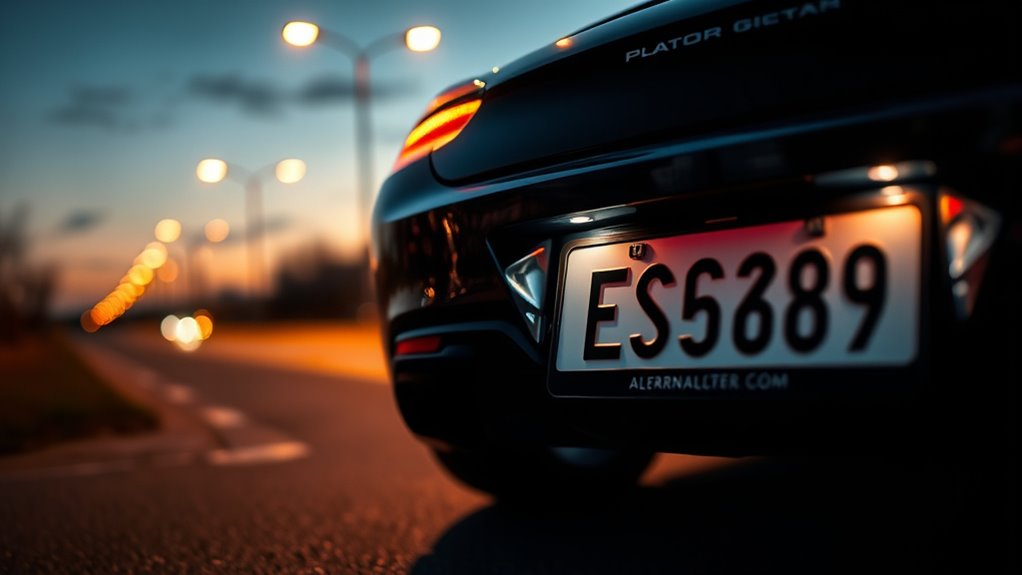
To get clear license plate images, you need to position your camera ideally. Avoid oblique angles that can distort the view, and consider using elevated mounts to improve clarity. Proper camera placement makes a big difference in capturing sharp, readable plates.
Optimal Camera Positioning
Adjusting the camera angle is essential for capturing clear license plate images. Proper positioning guarantees the camera captures the plate straight-on, reducing distortions caused by skewed angles. To optimize results, consider these tips:
- Position the camera at a height that aligns with the license plate’s typical height.
- Angle the camera to minimize glare on reflective surfaces, which can obscure license plate fonts.
- Ensure the lens is perpendicular to the plate to avoid distortion and improve readability.
Pay attention to license plate fonts, as certain styles are easier to recognize when captured head-on. Reflective surfaces can cause glare, so adjusting the angle helps reduce reflections and enhances clarity. Proper camera positioning makes a significant difference in capturing sharp, legible images.
Minimize Oblique Angles
Since oblique angles can distort license plate images and make recognition difficult, it’s vital to position your camera to minimize these angles. Adjusting your camera’s angle helps reduce perspective distortion and improves image clarity. Proper camera calibration ensures your lens is correctly aligned, decreasing lens distortion that can blur or warp license plates. Keep the camera as perpendicular to the plate as possible, avoiding tilts or skewed positioning. This setup ensures the license plate is captured with minimal distortion, making it easier for OCR software to read the characters accurately. Regularly check and calibrate your camera to maintain ideal alignment, especially if environmental conditions or vibrations cause shifts. Minimizing oblique angles is a key step toward capturing clear, recognizable license plate images.
Use Elevated Mounts
Using elevated mounts can substantially improve your license plate capture results by providing a better viewing angle. By adjusting the mounting heights and elevation, you can reduce oblique angles and improve clarity. Proper elevation adjustments help guarantee the camera captures plates head-on, minimizing distortion. When positioning your camera higher, consider these tips:
- Mount the camera at a height that aligns with the license plates’ height for ideal focus.
- Use elevation adjustments to reduce glare and shadows that obscure characters.
- Test different mounting heights to find the angle that offers the clearest, most readable images.
Elevated mounts offer a strategic advantage, especially on busy roads or curved paths. They help you achieve sharper images and increase the likelihood of successful plate recognition.
Techniques for Freezing Motion at High Speeds

Freezing motion at high speeds requires more than just a fast shutter speed; it demands a strategic approach to camera settings and technique. To prevent motion blur, set your camera’s shutter speed high enough—typically 1/1000 second or faster—to stop the rapid movement of vehicles. Keep in mind that a shutter speed that’s too slow will introduce motion blur, making license plates unreadable. You might also need to increase ISO or open your aperture to compensate for reduced light at faster shutter speeds, ensuring proper exposure. Practice panning techniques by smoothly following the vehicle with your camera, which can help keep the license plate sharp while blurring the background for context. Remember, the key is balancing shutter speed with other settings for crisp, clear images at high speeds.
Equipment Tips for Effective License Plate Photography
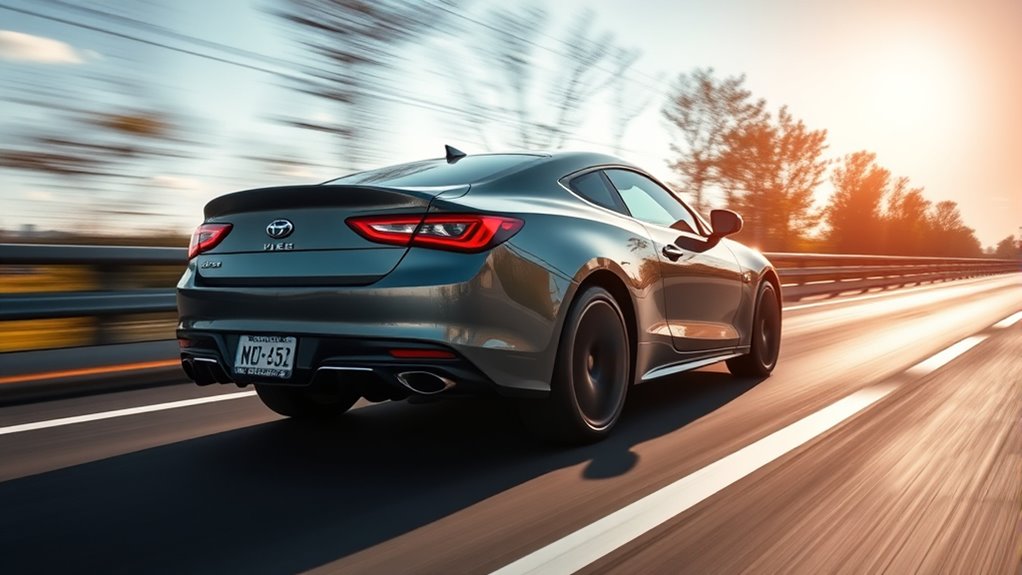
To capture clear, legible license plates at high speeds, having the right equipment is key. Focus on a camera with a fast shutter speed and a large camera sensor to reduce motion blur and improve image quality. Choosing lenses with good autofocus ensures sharp images even when vehicles are moving quickly. Additionally, pay attention to license plate fonts; some fonts are easier to read in photos, so selecting ideal angles can enhance legibility.
Using fast shutters, large sensors, and autofocus lenses enhances license plate clarity at high speeds.
- Use a high-speed camera with a large sensor for better light capture
- Opt for lenses with fast autofocus to keep moving plates sharp
- Adjust settings to accommodate license plate fonts and angles for maximum clarity
Environmental Factors That Influence Image Quality
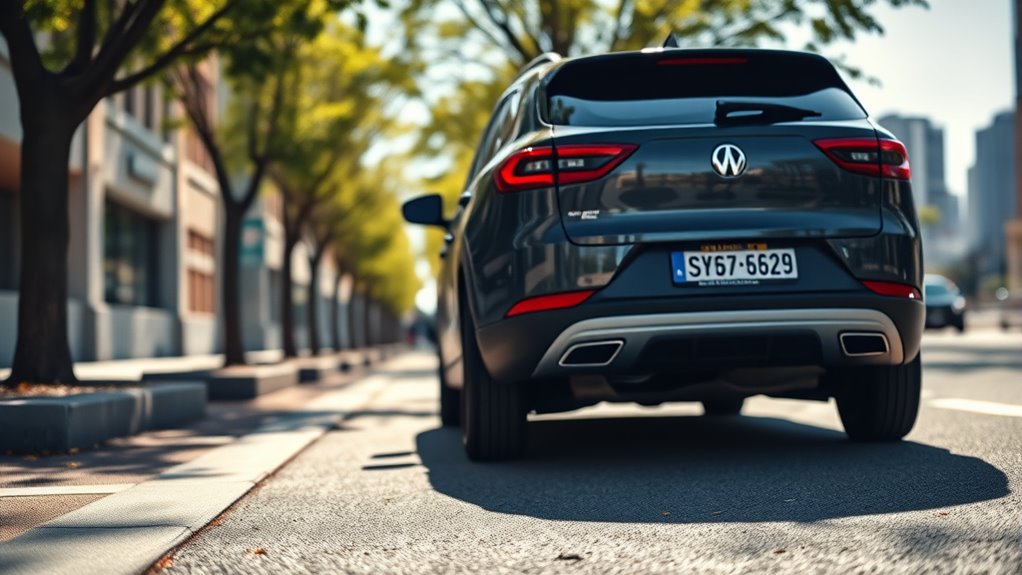
Environmental conditions play a crucial role in capturing clear license plate images, especially when shooting outdoors. Lighting conditions directly impact the clarity and readability of the plate; bright, even light reduces shadows and glare, while low or uneven lighting can obscure details. Weather influences, such as rain, fog, or snow, can distort images or cause reflections that hinder visibility. Overcast days may provide softer light, but too much cloud cover can reduce overall brightness. Wind or dust can shake your camera or introduce particles into the frame, decreasing quality. To optimize image clarity, aim for well-lit conditions, avoid extreme weather, and consider the time of day. Controlling these environmental factors helps you capture sharper, more legible license plate images.
Practical Strategies for Different Shooting Scenarios
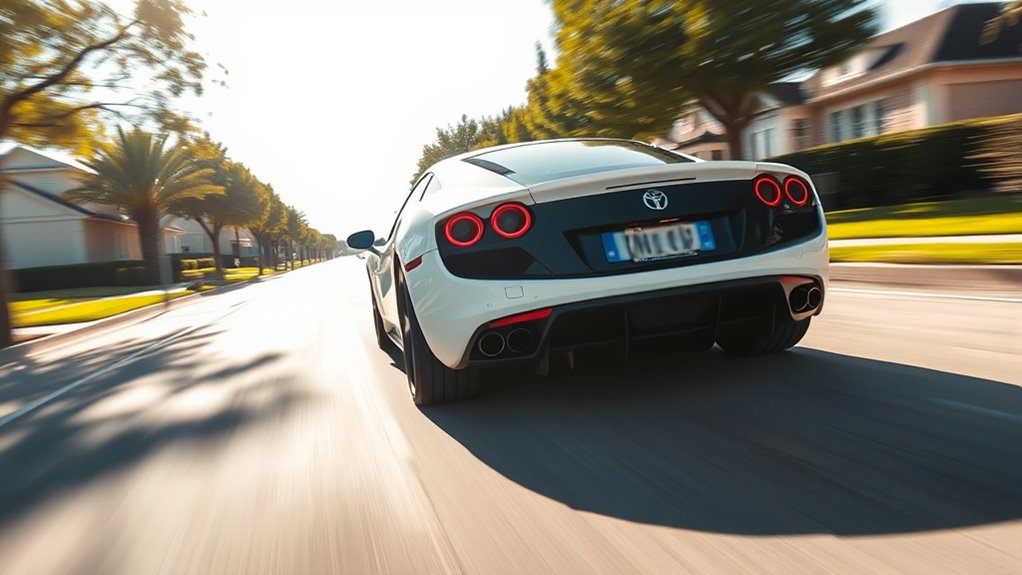
When capturing license plates in various scenarios, you need to modify your approach based on distance and vehicle speed. Optimizing your shooting angles can make a big difference in clarity, especially in challenging conditions. Managing vehicle speed helps make certain you get sharp images without motion blur, no matter the situation.
Adjusting for Distance
Adjusting for distance is essential when capturing license plates, as the clarity of the image directly depends on how well you adapt your camera settings to the scenario. When the vehicle is far away, you need to increase your camera shutter speed to prevent motion blur, ensuring sharp details. Pay attention to license plate fonts; smaller or more intricate fonts require closer shots or higher resolution. Using zoom lenses helps compensate for distance, bringing the plate into clearer view without sacrificing quality. Additionally, adjusting your aperture can improve depth of field, keeping the plate in focus. Remember, different distances demand different settings to maintain legibility and detail.
- Use zoom lenses to get closer without moving
- Increase shutter speed for faster-moving vehicles
- Adjust aperture to improve focus on distant plates
Optimizing Shooting Angles
Have you considered how your shooting angle affects the clarity and legibility of a license plate? The right angle minimizes distortion and enhances readability. To optimize your shot, adjust your position to avoid glare and shadows, making lighting adjustments as needed. Choosing the correct lens is vital; a telephoto lens helps capture distant plates sharply, while a wide-angle lens suits closer shots. Keep your camera steady and aim for a slight downward angle if possible, reducing distortion. Here’s a quick guide:
| Scenario | Best Angle Strategy | Lighting Tips |
|---|---|---|
| Distant vehicle | Slight downward, avoid glare | Use reflectors or shade |
| Side-angle shot | Perpendicular to plate | Adjust for even lighting |
| Fast-moving vehicle | Low angle, steady shot | Increase shutter speed |
Managing Vehicle Speed
Managing vehicle speed is crucial for capturing clear license plate images, especially in dynamic or high-traffic scenarios. When vehicles move too fast, images can blur, making it difficult for vehicle registration or license enforcement efforts. To improve your success:
- Use high shutter speeds to freeze motion effectively.
- Time your shots for when vehicles slow down or pass through well-lit zones.
- Position your camera at an ideal angle to account for varying speeds and angles.
Adjusting your approach based on vehicle speed ensures sharper images and more reliable license plate recognition. Managing speed not only enhances image clarity but also supports efficient vehicle registration checks and license enforcement, helping authorities catch offenders more easily. Practice these strategies to adapt to different traffic conditions seamlessly.
Common Mistakes to Avoid When Photographing Plates
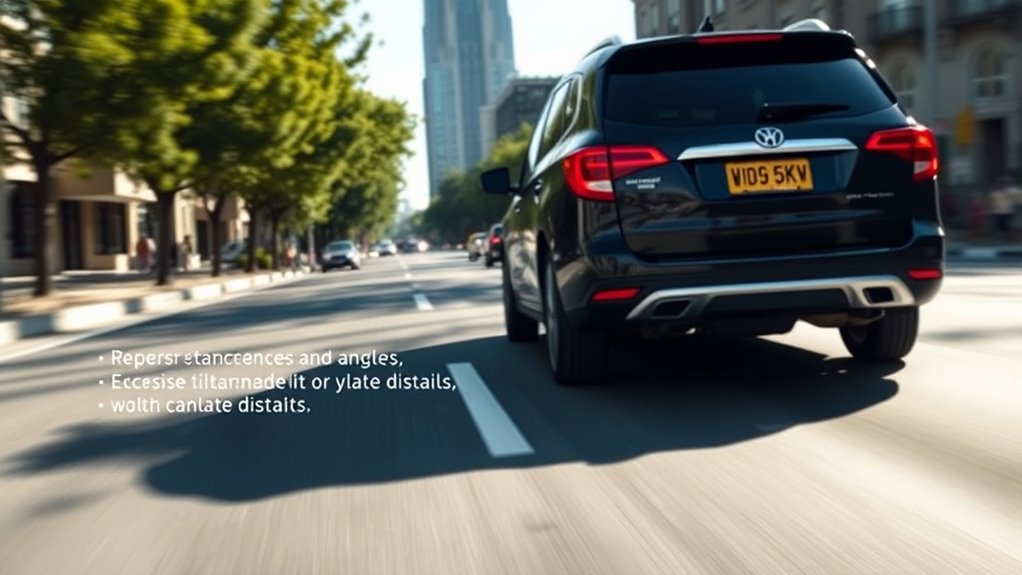
One common mistake to avoid when photographing license plates is neglecting proper focus. Blurry images make identification impossible. To improve clarity, pay attention to lighting tips—avoid harsh glare or shadows that obscure details. Control the background to prevent distractions and ensure the plate stands out.
| Mistake | Solution |
|---|---|
| Poor focus | Use autofocus or manual focus for sharp images |
| Bad lighting | Shoot during daylight or adjust exposure settings |
| Cluttered background | Choose a clean, simple backdrop |
| Ignoring angle | Position yourself for a direct, level shot |
Frequently Asked Questions
What Legal Considerations Should I Be Aware of When Photographing License Plates?
When photographing license plates, you should be aware of privacy laws and ethical considerations. Always respect individuals’ privacy rights and avoid capturing or sharing images without consent. Make sure your actions conform to local regulations regarding surveillance and data collection. Stay informed about laws that restrict the use of license plate data, and prioritize ethical practices to ensure you’re responsible and respectful while capturing images for legitimate purposes.
How Does Lighting Impact License Plate Image Clarity?
Lighting considerably impacts license plate image clarity. Proper license plate illumination ensures the characters are visible even in low light conditions. You should use a camera flash effectively to enhance visibility without overexposing the plate. Avoid relying solely on ambient light, as poor illumination causes glare or shadows that obscure details. By balancing lighting and utilizing your flash correctly, you improve image clarity, making the plate easier to read and record accurately.
Can Specific Camera Features Improve License Plate Capture Success?
Yes, specific camera features can boost your license plate capture success. A high-quality camera sensor captures clearer images, especially in low light or fast-moving situations. An advanced autofocus system ensures sharp focus on moving plates, reducing blur. Together, these features help you consistently get detailed, legible images, even at a distance or high speed, making your license plate recognition more accurate and reliable.
What Post-Processing Techniques Enhance License Plate Readability?
Coincidentally, applying image filters and OCR enhancement can greatly boost license plate readability. You should start by sharpening and denoising images to clarify details. Next, use contrast adjustment to make characters stand out. OCR enhancement techniques, like binarization and text normalization, further improve recognition accuracy. These post-processing steps help guarantee your license plate captures are clear and easily readable, making your data more reliable and efficient.
How Do Weather Conditions Affect License Plate Photography?
Weather effects like rain, fog, and snow can obscure license plates, making them harder to capture clearly. You should use camera filters, such as polarizers or UV filters, to reduce glare and enhance clarity in challenging conditions. Additionally, adjusting your camera settings for low light or adverse weather ensures better results. Keep in mind that maintaining a steady shot and choosing ideal angles also help improve license plate readability despite weather challenges.
Conclusion
To improve your license plate captures, focus on managing distance, angle, and speed; adjust settings for clarity, and consider environmental factors. Stay mindful of common mistakes, stay patient through practice, and adapt your approach to each scenario. By controlling these elements—distance, angle, and speed—you enhance your chances of capturing sharp, readable images every time. With consistency and awareness, you’ll master the art of clear license plate photography, turning challenges into opportunities for better results.
Evergreen bestsellers Picks
bestsellers
As an affiliate, we earn on qualifying purchases.