
If your reset button isn’t responding, start by turning off the breaker and testing the outlet with a voltage tester to verify no power is present. Disconnect all devices and press the reset button firmly, then restore power and check if it works. Sometimes dust, corrosion, or loose wiring cause issues, so cleaning or inspecting connections helps. Want a full guide on troubleshooting and ensuring your reset functions stay reliable? Keep going for detailed steps.

Get garage and car supplies delivered free — and shop member deals
- Fast, free delivery on millions of items
- Access to Prime Big Deal Days deals on October 6–7
- Prime Video, Amazon Music and more included
Key Takeaways
- Ensure the circuit breaker is fully turned off and verify no voltage before attempting to reset.
- Disconnect all devices from the outlet, then press and hold the reset button for 10-15 seconds.
- Clean the reset button and contact surfaces to remove dust, moisture, or corrosion.
- Inspect wiring and connections for looseness or damage, tightening or replacing as needed.
- If the button remains unresponsive, replace worn or faulty components and consider professional electrical assessment.
As an affiliate, we earn on qualifying purchases.
Understanding Why Reset Buttons Fail to Respond

Reset buttons often fail to respond due to a variety of mechanical, electrical, and circuit-related issues. Mechanical wear and contamination are common culprits. Repeated actuations degrade contact surfaces, increasing resistance and preventing reliable closures. Dust, moisture, or corrosive residues can cause debris buildup, oxidation, or shorting, which block button movement or contact continuity. Spring fatigue or plastic plunger wear alter the mechanical travel, making it harder for the button to reach contacts properly. Thermal cycling causes expansion and contraction, loosening mechanical fits and accelerating contact wear. On the electrical side, voltage loss, loose wiring, or faulty connections interrupt the reset signal. Shared grounds, power issues, or external interferences can also prevent the reset button from effectively signaling the system, making it seem unresponsive. Proper maintenance and inspection are essential to address these issues and ensure reliable operation of GFCI outlets. Additionally, understanding the circuit design can help identify potential points of failure and improve troubleshooting effectiveness. Regular testing and correct wiring practices can prevent many of these problems from occurring in the first place. Moreover, employing diagnostic tools can assist in quickly pinpointing the root cause of reset button failures. Recognizing the signs of mechanical wear can also guide timely repairs before complete failure occurs. Being aware of electrical interference can further help prevent false triggers or non-responsiveness in sensitive circuits.
As an affiliate, we earn on qualifying purchases.
Step-by-Step Approach to Resetting Outlets and Devices
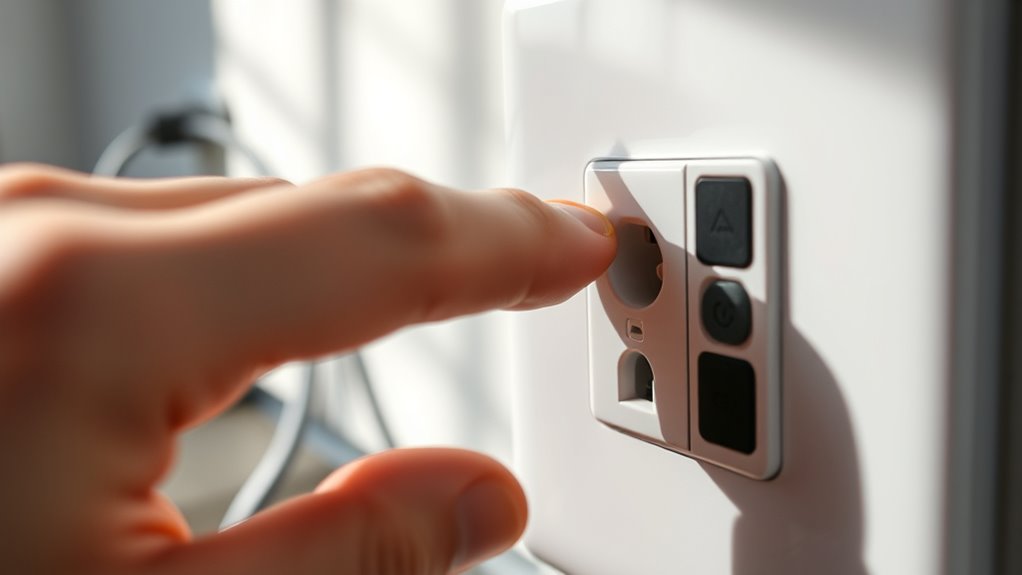
Before attempting to reset outlets and devices, preparation is essential to prevent further issues. First, identify the power source by locating the corresponding breaker and confirming its position matches the circuit. Remove all plugs and disconnect powered devices from the outlet or downstream outlets to eliminate load-related trips. If inspecting wiring, turn off the breaker and verify no voltage remains with a non-contact tester. Dry any wet outlets and surrounding areas thoroughly, as moisture often causes trips. Document which outlets are on the same circuit by resetting one GFCI and observing others. For GFCIs, unplug all devices, press TEST, then RESET, and restore power at the breaker if needed. Guarantee safety, then reintroduce devices one at a time, monitoring for re-trips. Additionally, understanding that GFCI outlets are designed to detect even small current leaks can help you troubleshoot more effectively. Being aware of the circuit breaker function can also aid in quickly isolating issues and preventing electrical hazards. Knowing how to interpret tripped breakers can expedite the process of restoring power safely. To further simplify troubleshooting, familiarize yourself with the ground fault detection mechanism that these outlets employ. Recognizing the importance of load management can help prevent overloads and repeated trips during the reset process. Proper inspection techniques are crucial for identifying underlying wiring issues that may cause repeated trips.
As an affiliate, we earn on qualifying purchases.
Diagnosing Common Hardware and Electrical Issues
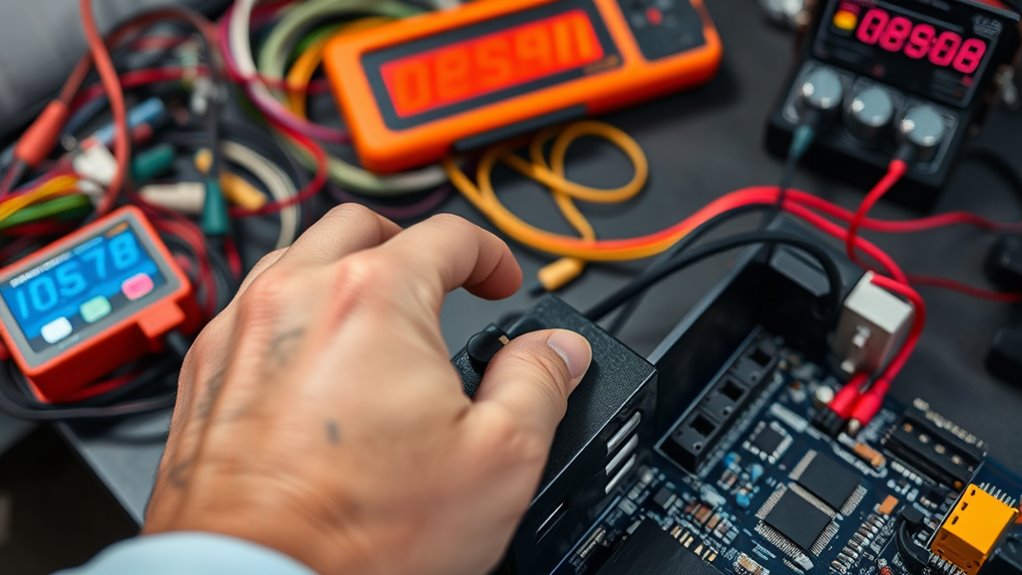
When outlets and devices keep tripping or failing to respond, hardware and electrical issues are often the root cause. Circuit overloads happen when multiple high-watt appliances share a circuit, exceeding its capacity. To fix this, redistribute devices across different circuits or consider a panel upgrade if overloads persist. Frequent surges, caused by faulty wiring, lightning, or appliances, damage components over time. Using surge protectors can help, but inspecting wiring is essential if surges continue. Loose connections, like loose wires or connectors, can cause power issues; tighten them safely after turning off power. Short circuits, often from frayed wires, need to be identified with a multimeter and repaired by a professional. Additionally, faulty components, such as worn-out switches or motors, should be tested and replaced to restore proper function. Regular electrical system maintenance can help prevent many of these issues and ensure your smart home devices operate smoothly. Understanding the importance of proper grounding is crucial for safety and system reliability, as it helps prevent electrical faults that could lead to more serious damage or safety hazards.
As an affiliate, we earn on qualifying purchases.
When to Seek Professional Help and Safety Precautions

Recognizing situations that require professional help is essential for safety and effective repairs. If you notice burning smells, smoke, melted plastic, or scorch marks around switches, outlets, or reset buttons, stop and call an electrician immediately—these signs indicate overheating or arcing that could cause a fire. Repeated breaker trips or trips right after resetting also signal a serious fault needing professional diagnosis. If a multimeter or tester shows unexpected live voltage on supposedly de-energized circuits, don’t attempt repairs yourself—these could be wiring issues or shared neutrals dangerous to handle. For repairs inside mains panels, replacing circuit breakers, or fixing fixed wiring, always call a licensed electrician. If resets fail or multiple outlets are affected, seek help to avoid worsening the problem or risking safety. Understanding common electrical terms can help you better communicate the issue to professionals and ensure proper diagnosis. Additionally, understanding the importance of proper exfoliation techniques can prevent damage when using glycolic acid products. Knowing the signs of electrical hazards can further help you identify urgent issues before they escalate, especially when combined with knowledge of security zone info and the features of modern home safety systems. It also helps to familiarize yourself with home safety protocols to respond effectively during emergencies.
Preventive Tips to Maintain Reliable Reset Functions
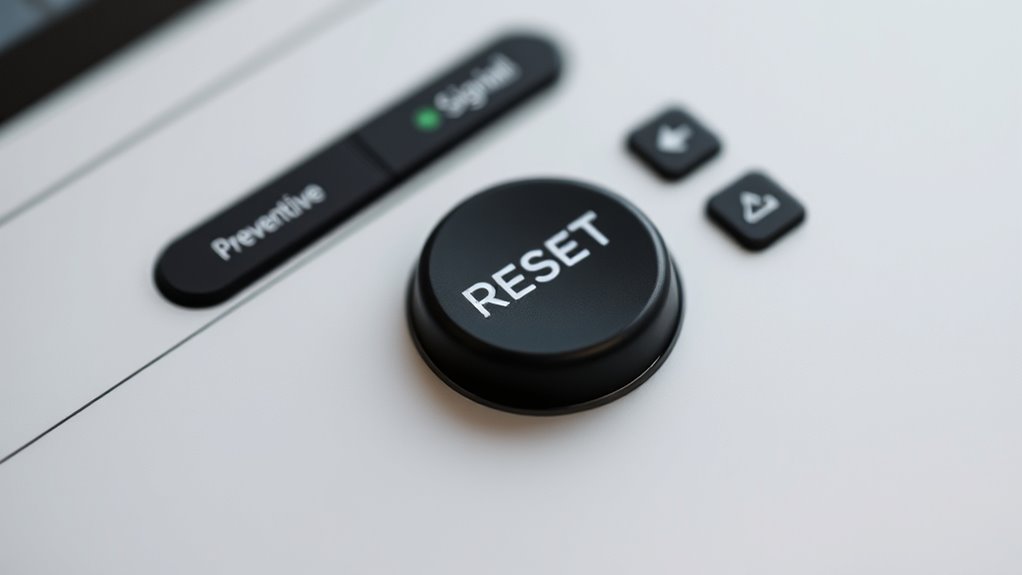
Maintaining dependable reset functions starts with simple, consistent preventive practices that keep your devices in top shape. Regular maintenance routines, like clearing unnecessary files and uninstalling unused apps, help prevent slowdowns and reduce reset needs. Routine checks and cleanups extend your device’s lifespan and catch issues early. For button and hardware care, gently clean buttons with a lint-free cloth, inspect for damage, and avoid excessive force. Lightly tap buttons to test responsiveness and proactively replace worn wires or loose connectors. Keep software updated to fix bugs and perform soft resets to clear glitches without data loss. Regular cleaning with compressed air prevents dust buildup in ports and crevices. Proper handling and storage practices also help prevent physical damage that could impair reset functions. Additionally, understanding the Doomsday Robots concept can help you prepare for critical failures and ensure your devices remain operational during emergencies. Incorporate regular device diagnostics to identify potential issues early and maintain optimal performance. Following safe handling practices, unplug devices before maintenance, and organize components carefully to ensure your reset functions stay reliable and responsive. Being aware of European cloud innovation trends can further support the development of resilient and secure systems.
Frequently Asked Questions
Can Environmental Factors Cause Reset Buttons to Stop Working?
Environmental factors definitely can cause your reset buttons to stop working. Exposure to moisture, salt spray, or chemicals leads to corrosion and moisture ingress that disrupt electrical connections. Temperature extremes cause material fatigue or expansion, impairing the button’s mechanism. Dust, dirt, and biological debris can block the actuator. Vibration and shock might loosen components. To prevent this, choose buttons rated for your environment, guarantee proper sealing, and perform regular maintenance.
How Do I Identify a Faulty Reset Button on Hardware?
You can identify a faulty reset button by visually inspecting it for signs like discoloration, burn marks, cracks, or corrosion. Check if the button feels stuck or sunken compared to others. Test its responsiveness by pressing gently; if there’s no tactile feedback or device response after multiple attempts, the button might be defective. Additionally, use a multimeter to check for continuity across the terminals—no reading indicates a fault.
Are There Specific Tools to Test Reset Circuitry Effectively?
Yes, you can use dedicated diagnostic devices to detect reset circuit defects. Digital multimeters and oscilloscopes help you monitor voltages, pulse shapes, and timing, revealing glitches or noise. Logic analyzers track signals across reset buses, while injectors simulate faults like power dips or transients. Mechanical testers and contact resistance meters confirm physical connections. These tools collectively troubleshoot, tease out, and tame tricky reset troubles, transforming complex chaos into clear, controllable conditions.
What Are Signs of Internal Component Failure in Reset Mechanisms?
You’ll notice internal component failure signs like inconsistent or no response when pressing the reset button, indicating mechanical or electrical issues. Look for symptoms such as physical damage, corrosion, or debris around the reset area. Burns, cracks, or bulges in components like capacitors or resistors also signal failure. Additionally, if internal wiring appears loose or broken, or if solder joints are cracked or cold, these are clear signs of internal faults preventing proper reset operation.
Is It Safe to Attempt Repairs on Non-Responsive Reset Buttons Myself?
It’s not safe to attempt repairs on non-responsive reset buttons yourself. You risk electric shock, damaging the unit further, or causing fire hazards. Reset buttons often indicate a deeper issue that requires professional diagnosis and repair. If button responses remain unresponsive after turning off power and inspecting basic issues, call a licensed technician. Your safety and the longevity of your heater depend on expert handling of complex repairs.
Conclusion
Did you know that nearly 60% of reset button failures are caused by simple electrical issues or worn-out components? By understanding why reset buttons often don’t respond and following the right troubleshooting steps, you can save time and avoid unnecessary repairs. Remember, safety always comes first—know when to call a professional. With proper maintenance and precautions, you’ll keep your outlets reliably resetting, ensuring your devices stay powered up whenever you need them.
Fall Picks
fall essentials
As an affiliate, we earn on qualifying purchases.