
To give your dash cam footage to your insurance without risking your claim, review your policy to follow submission guidelines, then select clear, high-quality clips of the incident. Save your footage in a universally supported format, like MP4, and keep original files unaltered for integrity. Include supporting evidence such as photos or reports, and communicate promptly with your insurer using secure methods. Staying organized and aware of legal considerations helps protect your claim—if you keep going, you’ll learn more about making the process smooth.
Key Takeaways
- Review your insurance policy for accepted footage formats and submission procedures before sharing any files.
- Select clear, relevant clips that highlight key incident details, ensuring high video quality and accurate timestamps.
- Backup original footage securely and encrypt files during transfer to maintain integrity and privacy.
- Follow official submission guidelines precisely, using secure methods like encrypted links or insurer portals.
- Accompany footage with a factual incident summary and supporting evidence to strengthen your claim.
Understand Your Insurance Policy and Requirements

Before sharing your dash cam footage, it’s essential to review your insurance policy to understand what’s required. This helps you verify that your driving safety efforts align with your insurer’s guidelines. Check if your policy specifies the format or method for submitting footage and whether any legal considerations apply. Some insurers may demand specific video quality or timestamps to validate your claim. Knowing these details prevents delays and ensures your evidence is admissible. Understanding your policy also helps you avoid potential legal pitfalls, such as sharing footage that breaches privacy laws or recording without consent. Being aware of privacy considerations and how they relate to your footage is crucial to avoid legal issues. Additionally, reviewing your policy’s acceptable evidence formats can help you prepare your footage accordingly. Clarifying these requirements upfront can also reduce the risk of claim denial due to improper submission. By familiarizing yourself with insurance claim procedures, you can streamline the submission process and reduce the chance of errors.
Review Your Dash Cam Footage Carefully

Once you’ve located the relevant footage, take the time to review it carefully. Pay attention to details that support your claim, but also consider legal considerations and privacy concerns. Making sure the footage clearly shows the incident without infringing on others’ privacy is vital. Misinterpreting or sharing footage with sensitive information could complicate your claim or violate privacy laws. To help you stay organized, here’s a quick guide:
| Aspect | What to Check | Why It Matters |
|---|---|---|
| Legal considerations | Ensure footage is admissible in court | Protects your claim from legal issues |
| Privacy concerns | Blur faces or license plates if needed | Avoid infringing on others’ privacy |
| Footage clarity | Confirm video quality and timestamps | Establish credibility of evidence |
Additionally, verifying the video quality ensures that crucial details are visible to support your case. Reviewing the footage with proper playback settings can help you better analyze key moments and avoid missing critical evidence. Review thoroughly to avoid pitfalls and strengthen your case. For further assurance, you may also want to review video playback settings to optimize the display of key evidence.
Select the Most Relevant Clips
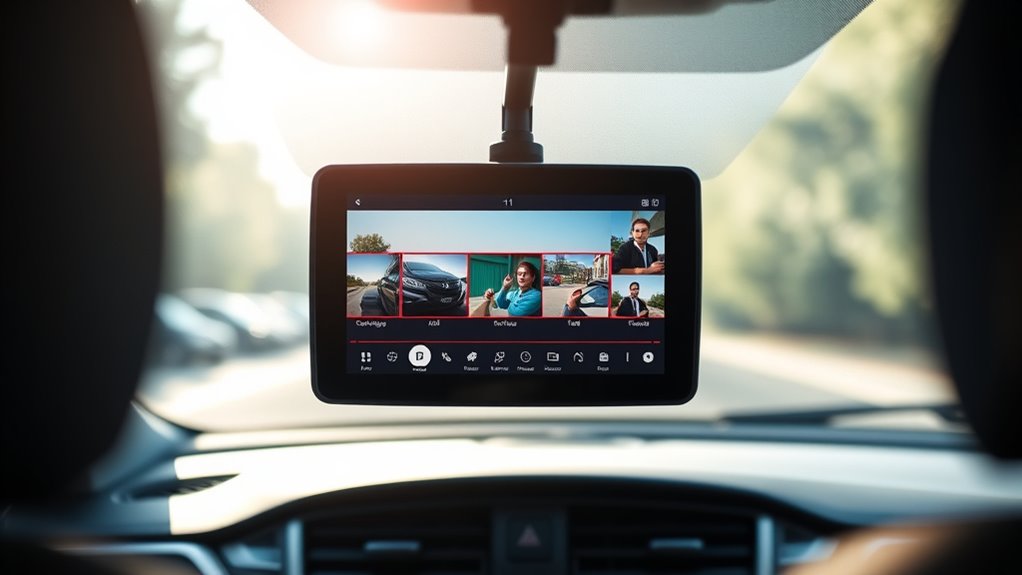
When selecting clips, focus on ones with clear footage that clearly shows what happened. Prioritize key events, such as accidents or important interactions, to make your case stronger. Also, double-check the video quality to verify the footage is easy to interpret. Ensuring your footage covers critical moments can significantly impact the outcome of your claim. Additionally, confirm that the footage captures the environmental conditions, like lighting and weather, which can influence the clarity of the video. Remember to check if your dash cam footage includes video resolution and clarity, as high-quality video can be crucial for insurance reviews. Considering local automation and storage options can help you preserve important clips securely and ensure they are readily accessible when needed.
Prioritize Clear Footage
To guarantee your footage is useful, focus on selecting the clearest and most relevant clips first. Good camera placement ensures important details, like license plates and road signs, are captured sharply. When reviewing footage, look for clips with minimal glare, motion blur, or obstructions, as these issues hinder clarity. Use footage editing tools to trim out irrelevant segments and highlight key moments, making it easier for your insurer to understand what happened. Prioritizing clear footage helps your claim process move smoothly, as blurry or shaky clips may be dismissed or questioned. Keep the best-quality clips organized and ready to share. By focusing on clarity and relevance, you strengthen your case and reduce potential delays. Clear, well-edited footage is your strongest evidence, especially when optimized for content quality to maximize your truck bed’s potential.
Focus on Key Events
Focusing on key events guarantees your footage highlights the most important moments of an incident. To do this effectively, select clips that clearly show the collision or relevant details without unnecessary footage. Be mindful of privacy concerns, such as by blurring faces or license plates if needed, to respect legal considerations. This not only protects individual privacy but also ensures your submission complies with regulations. Use the table below to identify essential clips:
| Key Event | Supporting Footage |
|---|---|
| The moments leading to impact | Approaching the scene |
| The collision itself | The crash or dispute |
| Post-incident actions | Driver exchange or police arrival |
Focusing on these clips ensures your claim is clear, relevant, and compliant with legal standards. Additionally, understanding how content selection impacts the strength of your evidence can help you present a more compelling case. Choosing the appropriate clips enhances the evidence quality and can make your claim more persuasive. Being aware of video editing techniques can also help you emphasize key moments without altering the integrity of the footage. Being familiar with video compression methods can further improve the clarity and usability of your clips when submitting them to insurance.
Check Video Quality
After selecting the key clips that best illustrate the important moments of an incident, it’s important to verify that the footage is clear and usable. Poor video quality can make vital details hard to see, jeopardizing your claim. Check that your footage isn’t overly affected by video compression, which can obscure license plates or faces. Confirm the resolution is high enough to identify important details. Also, verify that your storage solutions haven’t compromised footage quality or accessibility. To maintain these qualities, consider simple, room-by-room solutions that keep your footage organized and easy to retrieve when needed. Additionally, using high-quality storage devices can help preserve original footage integrity over time. Learning from publicized cases, such as those involving Ziva David’s detailed surveillance footage, can emphasize the importance of quality in legal and insurance matters. Furthermore, understanding video standards can assist you in ensuring your footage remains admissible and effective for your claim.
Consider these key points:
- Is the video sharp and detailed enough to identify involved parties?
- Are timestamps and other metadata visible and accurate?
- Have you preserved the original quality without excessive video compression?
Good quality footage strengthens your case and speeds up the insurance process.
Save Your Footage in a Secure, Accessible Format
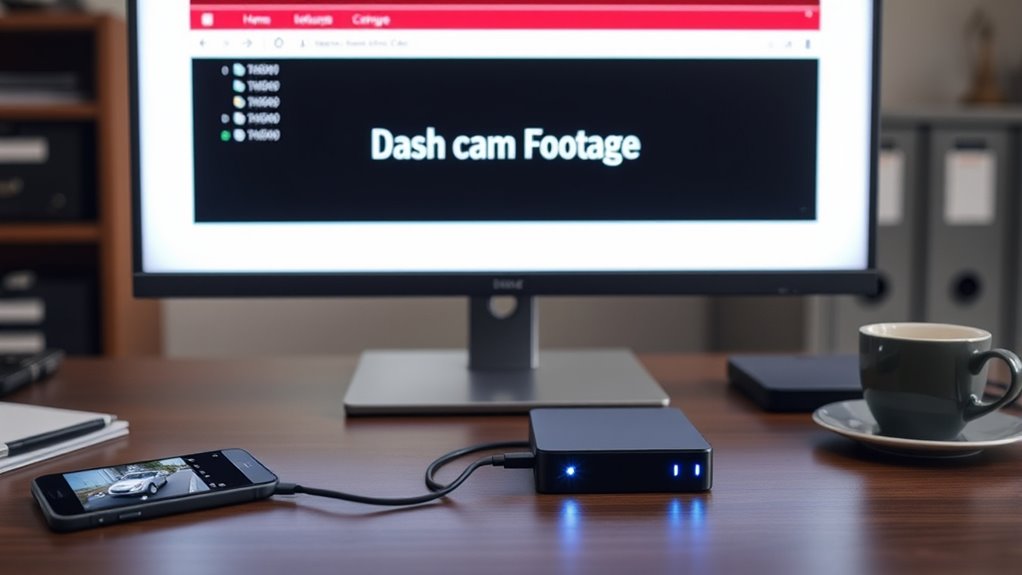
Make certain you save your footage in common video formats like MP4 or AVI so others can easily access and view it. Backing up your files to cloud storage keeps your clips safe from hardware failures or loss. Using these methods ensures your footage remains secure and readily available when needed. Additionally, choosing smart design principles for organizing your files can help you quickly locate and present the right footage during insurance claims.
Use Common Video Formats
Using common video formats guarantees your dash cam footage remains accessible and easy to share. To guarantee smooth transfer and review, stick to widely supported formats like MP4, AVI, or MOV. These formats are less prone to compatibility issues and reduce the need for additional conversions. Additionally, they help maintain the quality of your footage during video compression, preserving vital details for your claim. When sharing, consider encrypting your files to protect sensitive information, giving you peace of mind.
To keep things simple and secure, remember:
- Use standard formats like MP4 or AVI for universal access.
- Avoid obscure formats that could hinder playback.
- Apply file encryption to safeguard your footage during transfer.
This way, your footage stays intact and ready for your insurance claim.
Backup in Cloud Storage
Have you considered how cloud storage can protect your dash cam footage? Storing your videos in the cloud guarantees you have a secure, accessible backup if your device fails or footage gets deleted. It also simplifies sharing with your insurance company when needed. However, be aware of privacy concerns—choose reputable providers with strong encryption and clear privacy policies to keep your footage confidential. Legal considerations are also important; make sure your cloud storage complies with local data protection laws and that you retain ownership of your footage. Regularly uploading and organizing your videos in the cloud can save you time and stress during claims. Just ensure your chosen service balances accessibility with security to keep your evidence safe and legally compliant. Additionally, understanding the Sun’s energy output can help you appreciate the importance of secure data storage, especially as digital reliance grows. Being aware of data protection laws relevant to your location can further ensure your footage remains legally protected. Moreover, understanding the off-road vehicle top speeds can help you stay within safe limits when capturing footage of high-speed off-road adventures. Knowing about digital security best practices can further protect your stored videos from potential cyber threats.
Keep the Original Files Intact and Unaltered

To guarantee the integrity of your dash cam footage, it’s essential to keep the original files unaltered. Altering files can weaken their credibility and jeopardize your claim. Always save the original footage in its untouched state. To protect it, consider encrypting files with secure file encryption methods, ensuring they haven’t been tampered with. Avoid unnecessary video compression, which can degrade quality and raise suspicions. Here are three key tips:
- Keep untouched copies for legal and insurance purposes.
- Use reliable encryption to safeguard the evidence.
- Never modify the original footage before submitting it. Additionally, understanding file integrity and how to verify it can help ensure your evidence remains trustworthy.
Create a Clear and Concise Summary of the Incident

Creating a clear and concise summary of the incident is essential for presenting your dash cam footage effectively. When doing so, consider legal considerations to ensure your description stays within legal boundaries and doesn’t jeopardize your claim. Avoid including unnecessary details that could raise privacy concerns, such as bystanders’ faces or private conversations. Focus on factual information: what happened, when, where, and who was involved. Keep your summary objective and straightforward, avoiding emotional language or assumptions. This helps insurance adjusters quickly understand the incident without confusion or bias. Being precise and mindful of privacy concerns ensures your submission is both legally sound and respectful of others’ privacy, strengthening your case without opening you up to legal risks.
Include Supporting Evidence and Documentation
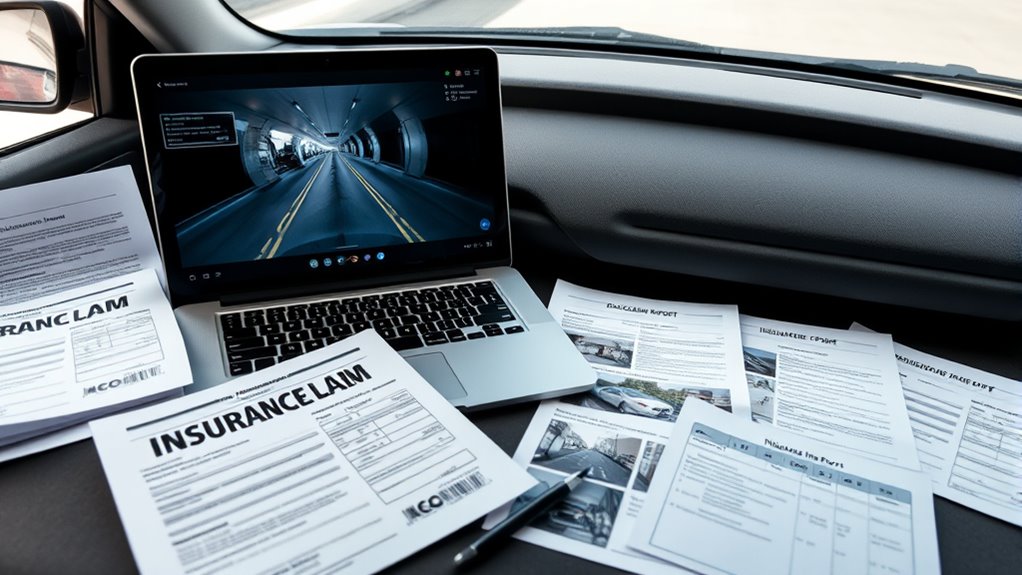
Including supporting evidence and documentation strengthens your claim by providing concrete proof of the incident. To guarantee your claim is solid, focus on key items:
- Verify metadata to confirm the footage’s authenticity and timestamp, preventing disputes during claim adjustment.
- Gather photos of vehicle damage and the accident scene for clear context.
- Keep copies of police reports and any witness statements to support your version of events.
Providing these elements helps establish credibility and reduces delays. When your supporting evidence is thorough, insurance companies can process your claim faster and more accurately. Remember, verifying metadata ensures the footage hasn’t been tampered with, strengthening your case in the eyes of adjusters. Including exhaustive documentation safeguards your rights and boosts your chances of a smooth, fair resolution.
Follow Your Insurance Company’s Submission Guidelines

Make certain you verify the file formats your insurance company accepts so your footage isn’t rejected. Use secure upload methods to protect your data and guarantee it reaches them safely. Following their specific guidelines makes the submission process smooth and prevents delays.
Verify File Formats
Before submitting your dash cam footage, verifying that your video files match your insurance company’s preferred formats is vital. This ensures smooth processing and prevents delays. First, check if your files require format conversion; some insurers prefer MP4 or AVI for compatibility. Second, ensure your videos aren’t protected by file encryption, which can block access or review. Third, confirm that your files meet size and resolution requirements to avoid rejection. By following these steps, you prevent technical issues that could jeopardize your claim. Taking the time to verify formats shows you’re prepared and serious about your claim’s success. Remember, adhering to submission guidelines is your best defense against unnecessary complications. Your careful attention can make or break the claims process.
Use Secure Upload Methods
To guarantee your dash cam footage is received securely and without issues, it’s essential to follow your insurance company’s specific submission guidelines. Using secure upload methods helps protect your privacy concerns by preventing unauthorized access during transmission. Avoid generic email attachments; instead, use official portals or encrypted links provided by your insurer. Ensure your upload speed is sufficient to transmit large video files efficiently, reducing frustration and preventing incomplete uploads. Always verify that you’re uploading to a trusted, secure platform to safeguard sensitive information. By adhering to these guidelines, you minimize the risk of tampering or data breaches, ensuring your footage arrives intact and confidential. Following your insurer’s instructions precisely helps keep your claim process smooth and secure.
Communicate Clearly and Promptly With Your Insurer

Clear and prompt communication with your insurer is essential after an incident involving your dash cam footage. By acting quickly, you demonstrate your commitment to a smooth claims process. To guarantee this, focus on three key actions:
- Share your dash cam footage and details as soon as possible to avoid delays.
- Provide detailed documentation of the incident, including dates, times, and descriptions.
- Follow up regularly to confirm your insurer received everything and answer any questions promptly.
Using timely communication and detailed documentation helps prevent misunderstandings and keeps your claim moving forward. Remember, the faster you respond and share accurate information, the better your chances of a smooth resolution. Don’t leave things to chance—stay proactive and organized.
Keep Copies of Everything for Your Records
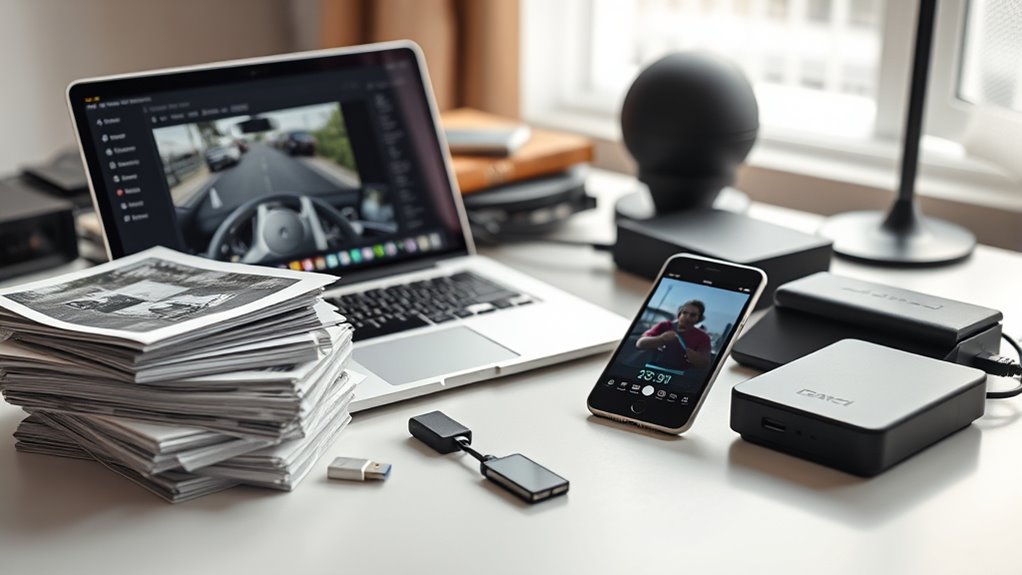
After sharing your dash cam footage and incident details, it’s important to keep thorough records of everything related to the claim. Make copies of all relevant documents, photos, and communication with your insurer. This helps protect you if any disputes or privacy concerns arise later. Be mindful of legal considerations when storing and sharing your footage, ensuring you don’t violate privacy laws or others’ rights. Keep digital backups in secure locations, such as encrypted drives or cloud storage with access controls. By maintaining organized copies, you create a clear paper trail that can support your case and clarify any misunderstandings. Staying diligent with your records ensures you’re prepared, confident, and compliant throughout the claims process.
Frequently Asked Questions
How Long Should I Keep My Dash Cam Footage?
You should keep your dash cam footage for at least 30 to 60 days, following storage guidelines to guarantee you have enough evidence if needed. Make sure to regularly back up your footage onto secure storage devices or cloud services, especially after an incident. This way, you’ll have a reliable backup in case original files get corrupted or deleted, helping protect your claim and providing clear evidence if required.
Can I Edit or Trim My Footage Before Submitting?
You can edit or trim your dash cam footage before submitting, but you should only do basic video editing or footage trimming to highlight relevant parts. Avoid altering the original content markedly, as this could raise concerns about authenticity. Keep an unedited version intact and submit both if possible. This ensures your claim remains transparent and credible, preventing potential disputes with your insurance company.
What File Formats Are Acceptable for Insurance Claims?
Imagine you’re submitting dash cam footage after an accident. Insurance companies typically prefer common formats like MP4 or AVI, which satisfy their file format requirements. Always check the video submission guidelines beforehand, as some insurers may specify acceptable formats or maximum file sizes. Using the correct format ensures smooth processing and avoids delays, helping you support your claim effectively and avoid unnecessary complications.
Should I Include Audio Recordings Along With Video?
You should include audio recordings along with video if they add relevant details and don’t compromise your claim. Keep in mind, audio can provide extra context, but poor audio quality might detract from your footage’s credibility. Make certain both audio and video are clear and intact, as insurance companies prefer high-quality recordings. Always review your footage to confirm it accurately captures the incident without any distortions or background noise.
How Do I Verify the Authenticity of My Footage?
To verify your dash cam footage’s authenticity, check the video timestamping to guarantee the date and time are accurate and match the incident. Always back up your footage securely in multiple locations, like cloud storage or an external drive. Keep the original files untouched, and avoid editing or altering the footage, so it remains credible if needed for insurance claims. This way, you can confidently prove your case.
Conclusion
By following these steps, you’ll handle your dash cam footage like a pro—smoothly and confidently. Think of your evidence as a key piece of a puzzle, fitting perfectly into your claim. Clear, organized, and unaltered footage can make all the difference, just like a lighthouse guiding ships safely home. Stay proactive, stay prepared, and your insurance process will be much smoother sailing. You’ve got this—just keep your records tight and your communication open.