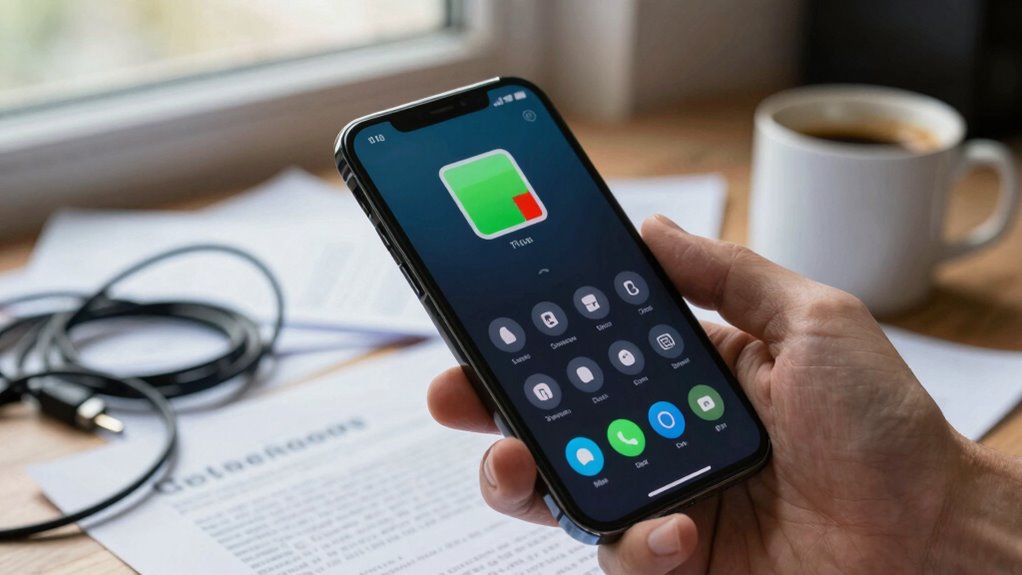

Many battery drain complaints start because you expect your device’s battery to last all day regardless of use, but modern batteries have inherent limitations. You might also think that charging habits or software tools can dramatically improve performance, but these only have minor effects. Additionally, natural capacity loss over time and hardware constraints mean batteries won’t perform like when new. If you keep these points in mind, you’ll better understand why your battery behaves as it does—and there’s more to learn ahead.
Key Takeaways
- Users often expect their battery to last all day regardless of usage, ignoring inherent capacity limits.
- Misunderstanding that battery health remains unchanged over time leads to unrealistic drain expectations.
- Relying on battery-saving tools gives minimal improvements, fueling false hopes of extended battery life.
- Constantly draining batteries to zero or overcharging accelerates degradation, causing more drain issues.
- Expectations ignore natural capacity decline, making normal aging seem like excessive drain.
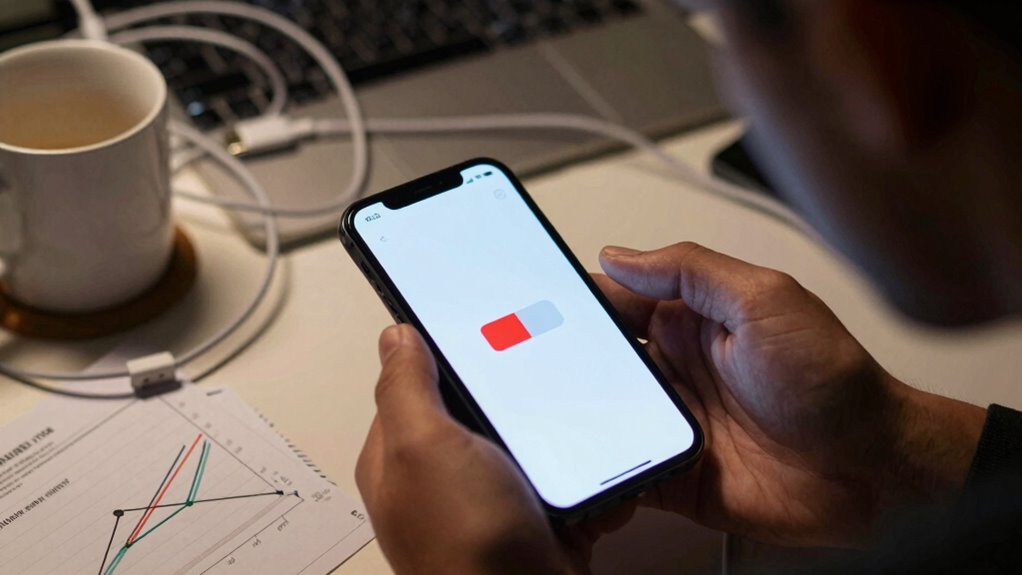
If your device’s battery seems to drain faster than usual, you’re not alone. Many people face this issue, often without understanding why it happens. A big part of the problem lies in expectations that don’t match reality. You might assume that your battery should last all day regardless of how you use your device, but that’s rarely the case anymore. Modern battery technology has improved over the years, but it’s still limited compared to what most expect from it. Battery technology involves complex chemistry and engineering, and while it’s gotten better, it can’t defy the laws of physics. So, when you expect your battery to hold a full day’s charge no matter what, you’re setting yourself up for disappointment.
Charging habits play a crucial role in how your battery performs over time. If you constantly let your device drain to zero before charging or leave it plugged in for extended periods, you’re likely weakening your battery’s health. Many people don’t realize that frequent deep discharges or prolonged overcharging can accelerate battery degradation. Instead, you should aim for regular, partial charges—like topping up when you hit around 20-30%. This practice aligns better with how batteries are designed to operate and helps extend their lifespan. Additionally, avoiding extreme temperature environments and not using your device while charging can prevent unnecessary strain on the battery. Understanding the battery chemistry involved can help you better grasp why certain habits impact battery longevity. Recognizing the impact of charge cycles on overall battery health can further inform better usage habits. It’s also helpful to understand how battery capacity decline naturally occurs over time, so you can set realistic expectations for your device’s performance. Being aware of how battery aging affects capacity can help you plan for replacements or manage expectations more effectively.
Another common misconception is that the battery’s capacity remains the same over the device’s lifetime. In reality, batteries gradually lose capacity with each charge cycle, which means your device won’t last as long between charges as it did when it was new. This natural decline often fuels complaints, but it’s built into the battery technology. Many users expect their batteries to perform like new, which isn’t realistic after a year or two of typical use. Being aware of this helps you adjust your expectations and avoid unnecessary frustration.
Furthermore, some users believe that installing battery-saving apps or tweaking settings will dramatically improve battery life. While these can help marginally, they don’t change the fundamental limitations of your device’s hardware and battery technology. Ultimately, understanding your device’s true capacity and adopting good charging habits are the best ways to manage expectations. If you start with realistic goals and maintain proper charging routines, you’ll notice fewer complaints about battery drain. Remember, your device’s battery isn’t a limitless resource; it’s a finite component that needs care and understanding.
smartphone battery health monitor
As an affiliate, we earn on qualifying purchases.
As an affiliate, we earn on qualifying purchases.
Frequently Asked Questions
How Can I Accurately Measure My Device’s Battery Health?
To accurately measure your device’s battery health, start with a battery calibration process by fully charging and then discharging your device. Next, run hardware diagnostics available through your device’s settings or a trusted app to get detailed health reports. These steps help you understand the battery’s actual capacity versus its original, and identify any issues affecting performance, giving you a clearer picture of your battery’s true health.
What Are the Most Common Myths About Battery Lifespan?
The most common myths about battery lifespan include the idea that fully draining your battery regularly extends its life, which isn’t true. Instead, you should focus on proper power management and occasional battery calibration to maintain accuracy. Many believe keeping your device plugged in constantly is harmful, but modern batteries handle it well. Understanding these myths helps you optimize your device’s battery health and avoid unnecessary replacements.
How Do Software Updates Affect Battery Performance?
Software updates act like a tune-up for your device, often improving battery performance. They can introduce power enhancement features or fix bugs that drain your battery faster. However, sometimes updates require you to recalibrate your battery to reflect current usage accurately. Without proper calibration, your device might misjudge its battery health, causing unnecessary drain. Staying updated and performing regular calibration helps maintain peak battery life, preventing surprises at critical moments.
Can Background Apps Significantly Impact Battery Drain?
Yes, background apps can substantially impact your battery drain. When these apps run without your knowledge, they consume resources like CPU and network, leading to faster battery depletion. To combat this, enable battery optimization features on your device, which limit background activity. Regularly checking and closing unnecessary background apps helps extend your battery life, ensuring your device lasts longer throughout the day.
What Is the Ideal Charging Habit to Preserve Battery Life?
Charge consciously by completing full charging cycles, ideally between 20% and 80%, to prevent battery wear. Avoid frequent partial charges that can skew your battery calibration. Regularly calibrate your battery by fully discharging and recharging it monthly, ensuring accurate battery readings. This consistent, conscious charging habit helps preserve your battery’s health, prolongs its lifespan, and maintains peak performance, making your device more reliable for longer periods.

KKnoon 150W 20A Adjustable Constant Current Electronic Load 2.4inch TFT Color Display 4 Working Modes USB Lithium Battery Capacity Monitor Tester Discharge Meter
- Power and Current Capacity: 150W power, 20A max load current
- Display Screen: 2.4-inch TFT color display with multiple readings
- Measurement Functions: Voltage, current, power, capacity, resistance, and more
As an affiliate, we earn on qualifying purchases.
As an affiliate, we earn on qualifying purchases.
Conclusion
Remember, a little patience goes a long way. When your battery drains quickly, it’s often due to misaligned expectations rather than faulty hardware. By understanding your device’s actual capabilities and managing your usage habits, you can avoid unnecessary frustration. As the saying goes, “A wise man adapts himself to circumstances, as water shapes itself to the vessel that contains it.” Adjust your expectations, and you’ll find your device performs better than you thought.
portable power bank for smartphones
As an affiliate, we earn on qualifying purchases.
As an affiliate, we earn on qualifying purchases.
battery maintenance tools for devices
As an affiliate, we earn on qualifying purchases.
As an affiliate, we earn on qualifying purchases.