Start-stop engine systems turn off your vehicle’s engine at red lights to save fuel, but they can also cut power to your dash cam during stops. This happens because the vehicle’s energy management reduces power to accessories to protect the battery, especially if it’s weaker or if energy-saving settings are active. If you want your dash cam to stay on, you’ll need to adjust settings or explore ways to improve power stability. Keep going to find out how to prevent these interruptions.
Key Takeaways
- Start-stop systems reduce engine power during idling, cutting off power to dash cams if not supplied by an independent power source.
- Vehicle energy-saving settings may turn off accessories like dash cams to conserve battery during stops.
- Auto-shutdown features in dash cams or vehicle systems activate when low voltage is detected, shutting them off at red lights.
- Wiring issues or insufficient power management can cause dash cams to lose power during start-stop engine cycles.
- Configuring parking mode or extending auto-shutdown timers can help maintain dash cam operation during stops.
How Start-Stop Systems Function in Vehicles
Start-stop systems work by automatically shutting down your engine when the vehicle is idle, then restarting it when you press the accelerator or release the brake. These systems are common in modern vehicles, especially hybrids, which use both a gasoline engine and electric motor. When your car stops, the system turns off the engine to save fuel and reduce emissions. During this process, regenerative braking plays a key role by capturing energy when you brake, converting it into electrical power to recharge the battery. This stored energy supports the electric motor, helping the engine restart smoothly when needed. Additionally, many vehicles incorporate European cloud solutions to monitor and optimize start-stop system performance remotely. By integrating hybrid engines with start-stop technology and regenerative braking, your vehicle enhances fuel efficiency and minimizes idle emissions without sacrificing performance. Furthermore, engine management systems ensure the start-stop function operates seamlessly, maintaining vehicle responsiveness and driver comfort. Understanding regenerative braking can further improve how your vehicle conserves energy during stops and starts. Properly calibrated control modules can optimize the start-stop operation for even greater efficiency.
Reasons Behind Dash Cam Power-Offs at Idle
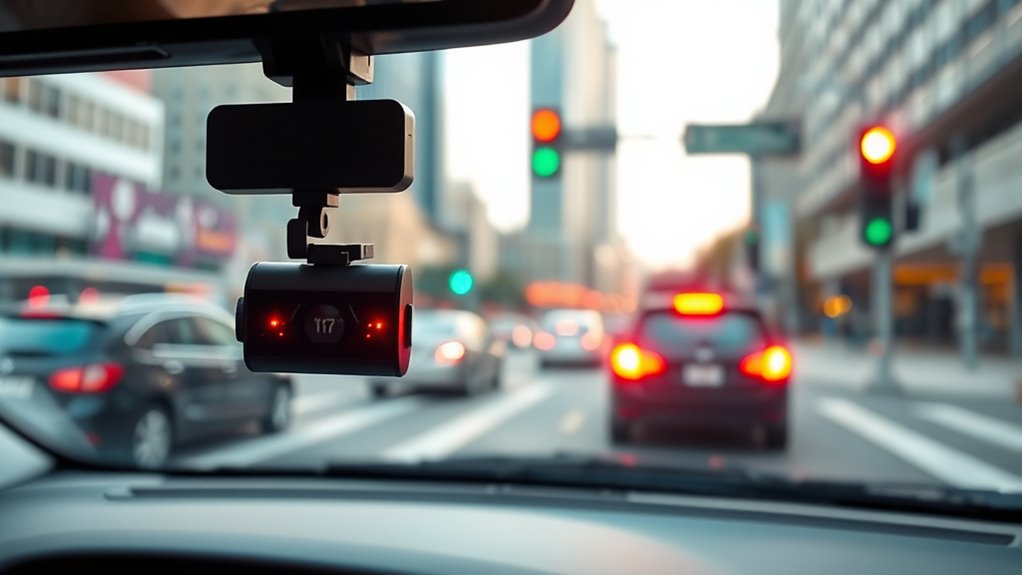
When your vehicle is idling, your dash cam may unexpectedly power off due to insufficient electrical supply. This often happens because of battery drain caused by the vehicle’s start-stop system, which reduces power to conserve energy. During idle periods, the battery isn’t being recharged as efficiently, leading to lower power availability for accessories like your dash cam. Poor power management settings can also contribute, as some vehicles prioritize engine control over auxiliary devices when the engine is off or idling. If your dash cam isn’t designed to handle these fluctuations, it may shut down to prevent draining the battery further. Ensuring your vehicle’s electrical system is optimized and your dash cam is compatible with start-stop features can help maintain continuous operation at idle. Additionally, understanding how essential oils can support vehicle health and maintenance might provide alternative ways to safeguard your car’s electrical components. Proper filtration and pump protection can also prevent debris from causing electrical issues that may lead to power loss. Regularly checking your battery’s health and considering battery management systems can also help prevent unexpected power interruptions. Implementing a power supply upgrade can further enhance your dash cam’s reliability during idling periods.
Impact of Energy-Saving Settings on Recording Continuity
Energy-saving settings in your vehicle can considerably affect your dash cam’s recording continuity. When your car’s system reduces power to conserve energy, it may turn off features like the dash cam, especially if it relies on the vehicle’s battery. If your vehicle uses solar panels to help maintain battery health, these can mitigate power loss, but they don’t eliminate it entirely. Reduced power can cause the dash cam to shut off unexpectedly, risking gaps in your recordings. To prevent this, consider installing an independent power source or adjusting energy-saving settings to prioritize continuous recording. Maintaining good battery health also helps assure your dash cam stays operational during idle periods, like red lights, providing you with uninterrupted footage when you need it most. Energy conservation features in your vehicle can override your dash cam’s operation, so understanding and managing these settings is crucial for reliable recording. Additionally, exploring power management options can help optimize your dash cam’s performance and ensure continuous operation.
Common Settings That Trigger Automatic Shutoff

Certain vehicle settings can automatically shut off your dash cam to conserve power or prevent system overloads. One common trigger is the dash cam firmware’s power management feature, which detects low voltage from your vehicle battery and turns off the device to avoid draining it completely. Additionally, some dash cams have built-in auto-shutdown settings that activate after a set period of inactivity or when the engine is turned off. These settings are designed to protect your vehicle battery from unnecessary drain, especially during extended stops like red lights. It’s also important to review your dash cam’s firmware updates and settings to understand these auto-shutdown triggers. Adjusting these parameters can help ensure your dash cam stays on when you need it most, without risking battery health. Vetted – wave and wind Understanding these auto-shutdown settings can help optimize your dash cam’s performance during various driving conditions. Moreover, selecting a model with customizable power management options can further enhance your experience. Being aware of auto-shutdown triggers allows you to fine-tune your dash cam’s operation for both safety and convenience. Recognizing the firmware updates related to auto-shutdown features can also lead to improved functionality and reliability.
Adjusting Your Dash Cam to Stay On During Red Lights

To guarantee your dash cam stays on during red lights, you need to adjust its auto-shutdown settings. First, enable parking mode, which keeps your camera powered when your vehicle is stationary. Next, tweak motion detection features to ensure the camera records movement even when parked. Finally, review the timer settings to extend the auto-shutdown delay, so your dash cam doesn’t turn off prematurely. Here’s what to do:
Adjust parking mode, enable motion detection, and extend auto-shutdown timers to keep your dash cam on during red lights.
- Turn on parking mode to maintain power during red lights.
- Activate motion detection so the dash cam records any activity at a stop.
- Increase the auto-shutdown timer to keep the camera on longer without manual intervention.
- Be sure to understand power management features and how they help keep your dash cam operational during extended stops. Properly configuring these settings ensures your dash cam remains active during extended stops, even at red lights. Additionally, understanding dash cam settings can further optimize its performance during various driving conditions.
These adjustments help your dash cam stay alert and recording, even during those long red lights.
Troubleshooting Persistent Power-Off Issues
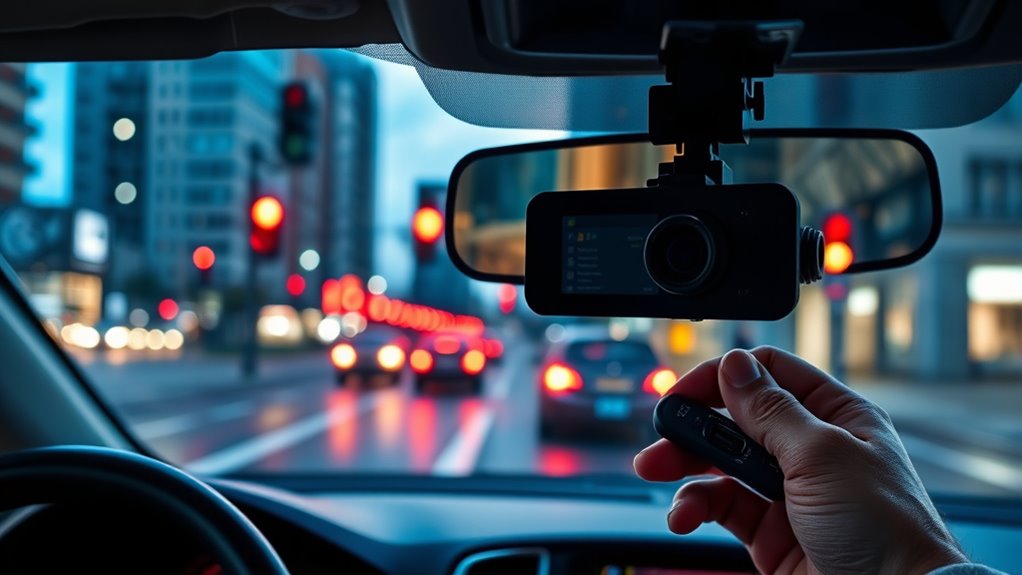
First, check your power settings to guarantee they’re configured correctly for continuous operation. Next, inspect the wiring and connections to spot any loose or damaged cables. Addressing these issues can often resolve persistent power-off problems. Additionally, ensure that your dash cam’s power supply is adequate and functioning properly to prevent unexpected shutdowns. It’s also helpful to review the installation practices to ensure the device is mounted and wired correctly for reliable power. Proper maintenance can further enhance device longevity and performance. For optimal results, consider using quality cables and connectors to minimize potential electrical issues that could cause shutdowns. Incorporating smart power management techniques can help optimize energy use and improve overall device reliability.
Power Settings Check
If your vehicle keeps shutting off unexpectedly, checking the power settings is a crucial step. Start by inspecting your battery health—a weak or aging battery can’t sustain power, especially during a power surge. Next, verify that your dash cam’s power settings aren’t set to turn off automatically at red lights or after a specific period. You can also review your vehicle’s navigation and mapping settings, as some systems may influence power management. Additionally, consider power fluctuation issues that could be causing instability in your system, which is why confirming your power source’s stability is important. It’s also helpful to ensure your vehicle’s electrical system is functioning properly, as underlying electrical issues can affect your dash cam’s operation. Be sure to also examine the power source for any underlying issues that might result in intermittent shutdowns. Here’s what to do:
- Test your battery’s health with a voltmeter or get it checked professionally.
- Review your dash cam’s power timeout settings in the menu.
- Confirm that all connections are secure and that no power surges are affecting the system.
Taking these steps helps prevent unnecessary shutdowns and keeps your dash cam running smoothly.
Wiring and Connection
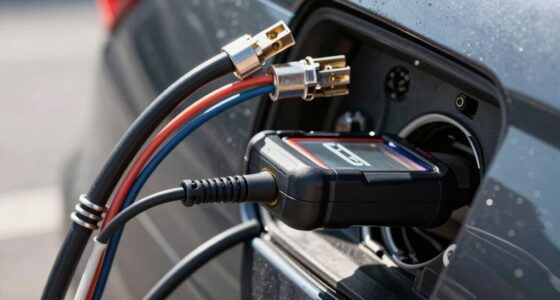
Loose or damaged wiring is a common culprit when your dash cam keeps powering off unexpectedly. Poor wiring connections can interrupt power, especially during start-stop cycles. To troubleshoot, first check all wiring for signs of wear or looseness, ensuring they’re securely connected. Proper wiring safety is essential—avoid exposed wires or faulty insulation that could cause shorts or further damage. Regular battery maintenance helps ensure a steady power supply, reducing the risk of power interruptions. If your wiring looks intact but issues persist, consider replacing old or frayed cables. Always disconnect the power source before inspecting or adjusting wiring to prevent accidents. A secure, well-maintained wiring setup ensures consistent power, preventing your dash cam from shutting off at red lights.
Tips for Ensuring Continuous Recording in Stop-and-Go Traffic
Stop-and-go traffic can make it challenging to maintain continuous recording, especially when frequent stops cause your dash cam to turn off or reset. To prevent interruptions, consider these tips:
- Use a high-quality power supply that minimizes battery drain and supports stable power delivery during repeated stops.
- Enable parking mode or motion detection features to keep your dash cam active without relying solely on ignition power.
- Regularly check and update your dash cam’s firmware to reduce issues related to power cycling, ensuring it stays on even during frequent stops.
Frequently Asked Questions
Can Dash Cams Be Customized to Ignore Start-Stop System Signals?
Yes, you can customize your dash cam to ignore start-stop system signals through start stop customization options. Many advanced dash cams allow you to disable or modify how they respond to dash cam signals triggered by start-stop systems. By adjusting these settings, you guarantee your camera continues recording even when the engine shuts off at red lights, giving you consistent footage regardless of start-stop engine features.
Do Different Vehicle Brands Handle Start-Stop Systems Differently for Dash Cams?
Did you know that over 60% of vehicles with start-stop systems display varied integration methods? Different vehicle brands handle start-stop system integration uniquely, affecting how dash cams operate. Some brands allow seamless operation, while others cause dash cams to shut off at red lights. You need to check your vehicle’s brand-specific system to guarantee your dash cam functions reliably, especially if it’s programmed to record continuously.
Are There Specific Dash Cam Models Better Equipped for Stop-And-Go Traffic?
You should choose dash cams with advanced parking mode and motion detection features for stop-and-go traffic. These models automatically activate when you park or detect movement, ensuring continuous recording even when your engine shuts off. Look for units with reliable power management, so they don’t stop unexpectedly at red lights. Such features help you capture vital footage, regardless of your vehicle’s start-stop system, keeping you protected in busy traffic situations.
How Does Battery Health Affect Dash Cam Operation During Engine Shutdowns?
Think of your dash cam’s battery as its lifeblood—if it degrades over time, power cycle effects become more pronounced, causing shutdowns at red lights. Poor battery health means your dash cam might struggle to operate during engine shutdowns, risking missed footage. To keep it running smoothly, regularly check your battery’s condition and consider upgrades if you notice performance dips. Maintaining a healthy battery guarantees your dash cam stays vigilant, no matter the stop-and-go traffic.
Is There a Risk of Data Loss When Dash Cams Shut off Unexpectedly?
Yes, there’s a risk of data loss if your dash cam shuts off unexpectedly due to power interruptions. During sudden power cuts, data corruption can happen if the device doesn’t save recordings properly. To minimize this risk, verify your dash cam has a reliable power source or a backup battery. Regularly check for firmware updates that improve stability and prevent potential data loss from abrupt shutdowns.
Conclusion
To keep your dash cam running through red lights, you need to understand the system, adjust your settings, and troubleshoot issues. By staying aware of how start-stop features work, disabling energy-saving modes, and ensuring your device is properly configured, you can maintain continuous recording. Don’t let power-offs interrupt your footage—stay vigilant, stay proactive, and keep your dash cam on during every stop, every light, and every moment on the road.