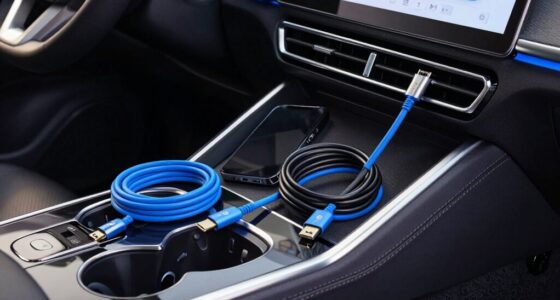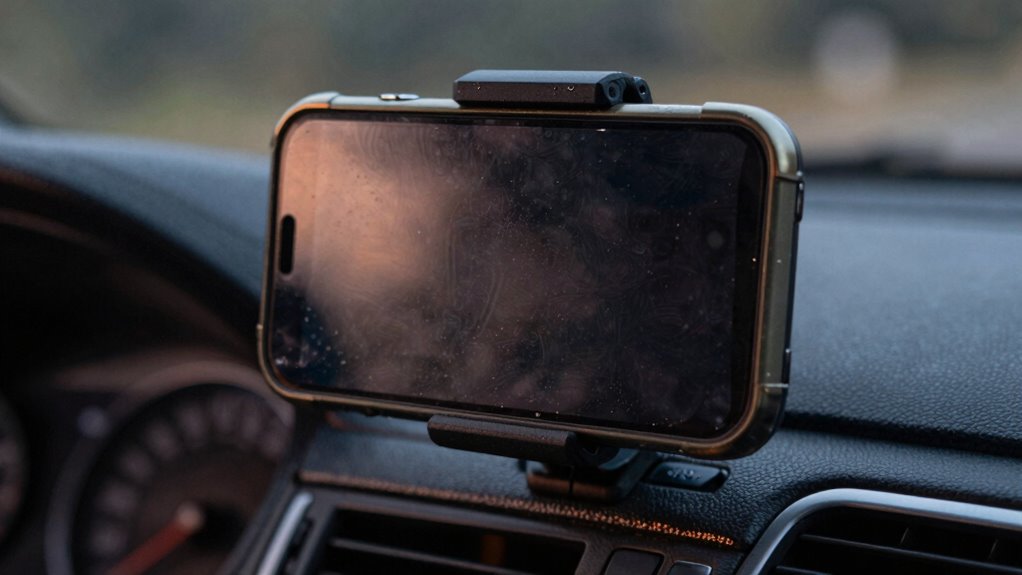

When your mounted phone overheats first during navigation, it’s usually because intensive software tasks like GPS tracking, high screen brightness, and complex map rendering generate excessive heat. Combined with environmental factors like sunlight and poor ventilation from the mount, your device struggles to dissipate this heat. Fast charging or background apps also add to the thermal load. To prevent this, understanding device and mount design details can help keep your phone cooler—there’s more to discover below.

Get business pricing on garage and car supplies
- Business-only prices and quantity discounts
- Tax-exempt purchasing
- Multiple users, one account, clear invoices
Key Takeaways
- Continuous GPS and high screen brightness generate excess heat, causing devices to overheat and shut down to protect components.
- Enclosed or heat-conductive mounts trap heat, preventing proper cooling and accelerating device temperature rise.
- Prolonged high power charging increases internal heat, leading to thermal shutdown during navigation.
- Intensive navigation apps and background processes push the CPU/GPU limits, raising device temperature quickly.
- External factors like sunlight, high ambient temperatures, and poor ventilation exacerbate overheating and early device failure.
As an affiliate, we earn on qualifying purchases.
The Impact of Continuous Navigation and Screen Brightness on Device Heat

Continuous navigation and high screen brightness substantially increase your phone’s heat because both demand substantial power, leading to thermal buildup. Using GPS constantly requires your device to triangulate position through satellite signals, which consumes significant energy. Even though GPS itself produces little direct heat, its high power demands push your phone toward thermal limits, especially during long trips. Additionally, some devices may struggle with thermal management when under sustained load, further raising temperatures. Implementing effective device cooling strategies can help mitigate the risk of overheating during prolonged usage. Furthermore, thermal sensors in smartphones can detect rapid temperature increases during such prolonged usage, highlighting the importance of managing power consumption to prevent overheating. Simultaneously, keeping your screen bright in sunlight draws more energy and strains the display system, further raising temperatures. Brightness adjustments in bright environments intensify this effect, as the display consumes more power. When you combine screen activity with GPS use, the surface temperature rises unevenly, making your device hotter. These factors work together, causing heat to accumulate rapidly and increasing the risk of overheating during navigation sessions.
As an affiliate, we earn on qualifying purchases.
How Mount Placement and Design Contribute to Overheating
Mount placement and design play a crucial role in how quickly your phone heats up during use. Poor choices, like enclosed mounts or those made from heat-conducting materials, trap heat around your device. Aluminum bases transfer heat from dashboard surfaces, raising battery temps, while plastic backs trap heat inside. Mounts positioned in direct sunlight or near windows expose phones to intense rays, accelerating overheating. Enclosed designs act like greenhouses, preventing airflow and cooling. Lack of ventilation features worsens heat retention, especially in tightly fitted or waterproof mounts. Additionally, materials like heat-resistant silicone can help reduce conduction, but flimsy or vibrating mounts with poor grip can exacerbate thermal issues. Proper placement and thoughtful design are key to preventing overheating. Being aware of thermal conductivity and choosing mounts with adequate airflow can significantly improve device cooling. When selecting a mount, consider how the material composition impacts heat dissipation to ensure your device remains safe. Moreover, opting for mounts that incorporate ventilation options can further enhance airflow and reduce heat buildup. Selecting mounts with adjustable positioning can also help prevent overheating by allowing you to avoid direct sunlight and improve airflow around your device.
As an affiliate, we earn on qualifying purchases.
The Role of Charging Methods in Thermal Buildup During Navigation

When you use fast charging while steering, your phone generates more internal heat due to higher voltage and current levels, which increase power conversion losses and battery resistance. This added heat raises the device’s temperature, especially when combined with navigation workloads. Higher charging power reduces thermal headroom, making it harder for the phone to dissipate heat efficiently. Many phones implement thermal limits to throttle charging speed, but sustained fast charging can push temperatures into throttling ranges during long sessions. Using lower-wattage chargers or cables reduces heat from the charger and battery, lowering overall thermal stress. Repeated fast-charge cycles also increase internal resistance, causing more heat during subsequent uses. This cumulative effect accelerates overheating, especially on mounts with poor airflow, risking device shutdowns during navigation. Being aware of your device’s thermal management features can help you optimize charging habits and prevent overheating. Additionally, proper airflow around your device can significantly aid in heat dissipation, especially during extended use. Moreover, the design of the device influences how effectively it can dissipate heat, impacting overheating risks during intensive tasks. Understanding the thermal dynamics of your device and how different charging methods influence thermal buildup can help you make more informed decisions about your device’s care and longevity.
As an affiliate, we earn on qualifying purchases.
Software Demands and App Behavior That Accelerate Overheating

When you use navigation apps that require continuous map rendering or 3D views, your phone’s CPU and GPU work harder, generating more heat. Background activities like constant sensors, data transfers, and app updates keep the processor busy even when you’re not actively interacting with the device. These demanding app behaviors push your phone toward overheating, especially when combined with resource-heavy features like camera or voice recognition. Additionally, thermal management techniques have helped devices better handle these stresses, but intense usage can still lead to overheating. Modern phones often include temperature sensors that help monitor and regulate internal heat levels to prevent damage.
Excessive Rendering Loads
Excessive rendering loads from navigation apps substantially contribute to phone overheating by pushing the GPU and CPU to their limits. High-resolution map textures and 3D buildings demand intense GPU processing, generating heat rapidly. Animated effects like traffic flow and map rotation require constant frame updates, keeping the GPU active and overheated. Complex vector tiles with detailed styling increase draw calls and shader work, raising power consumption. Frequent zooming and panning, especially on mounts affected by vibrations, prevent the GPU from resting. Overlay layers like POIs and lane guidance add further compositing demands. Simultaneously, the CPU handles route recalculations, sensor fusion, voice guidance, and map decoding. These combined rendering and processing loads sustain high thermal output, accelerating device overheating during navigation. Intensive GPU usage increases heat as the device continuously renders complex visuals and animations.
Background App Activity
Background app activity considerably contributes to phone overheating by keeping processors and sensors continuously engaged. Social media apps like Facebook, Instagram, Snapchat, and TikTok constantly refresh feeds and notifications in the background, even after you close them. These frequent updates strain the processor, steadily increasing heat. Disabling background refresh for these apps can reduce heat instantly. Messaging apps like WhatsApp send hundreds of pings daily, waking the processor repeatedly and generating excess warmth. Location-based apps keep GPS active for check-ins and tracking, creating ongoing resource demands that cause noticeable heating. Auto-sync processes for photos, emails, and cloud backups run during idle times, adding to the load. Outdated or buggy apps may loop or glitch, prolonging processor activity and accelerating overheating. Efficient app management can significantly lower the chances of your device overheating during prolonged use. Additionally, ensuring your apps are updated reduces the likelihood of app glitches that can cause excessive CPU activity and heat buildup. Regularly monitoring background activity with built-in tools helps identify resource-intensive processes that may contribute to overheating, especially when combined with software demands that push hardware beyond normal limits. Properly managing background processes can further help prevent your phone from overheating.
Hardware Factors That Make Phones More Susceptible to Heat
Your phone’s compact internal layout means there’s less space for heat to dissipate, making it easier to overheat when used on mounts. The materials used in the phone’s construction also affect heat transfer; some materials trap heat, while others help it escape more effectively. Understanding these hardware factors can help you prevent overheating, especially during extended use in confined or hot environments. Proper heat dissipation is essential to avoid damage and maintain performance during prolonged navigation sessions. Heavy usage or multitasking overloads CPU/GPU, which can significantly increase internal temperatures during prolonged navigation sessions. Additionally, the choice of phone case material can influence heat retention, either insulating or facilitating heat escape from the device. Recognizing how internal thermal design impacts heat management can further aid in preventing overheating issues, especially when combined with effective heat distribution strategies. Being aware of these hardware factors allows you to select accessories and usage habits that promote better heat management and device longevity.
Compact Internal Layouts
Compact internal layouts in modern phones force critical components to be packed tightly, which hampers heat dissipation. Higher PCB layer counts and dense routing reduce pathways for lateral heat spread, trapping heat around hot ICs. Thin dielectric layers between copper planes limit vertical conduction, increasing local temperatures. Placing high-power components close together intensifies heat flux and thermal coupling, creating hotspots. Limited internal space prevents the addition of thicker heat spreaders, vapor chambers, or large heat sinks, reducing passive cooling options. Small enclosures and minimal board-to-chassis contact diminish conduction paths into the metal frame, weakening chassis-based cooling. Moreover, fewer thermal vias and reduced copper area impair vertical heat transfer. Compact internal layouts often lead to increased thermal buildup, especially under sustained load or when mounted, exacerbating overheating issues. Additionally, thermal management techniques are often limited in such designs, further contributing to heat retention. Proper thermal dissipation strategies, such as optimized component placement and enhanced heat spreading materials, are essential but often neglected in compact designs, making overheating more likely.
Material and Heat Transfer
Material choices in phone mounts substantially influence heat transfer and the device’s susceptibility to overheating. Plastic mounts made from recycled plastics can warp at 140°F, while dashboard temps reach 160°F, risking plastic melting and phone drops. Metal components like aluminum bases conduct heat, raising internal battery temps by 18°F. Cheap alloys corrode, trapping heat and reducing thermal dissipation. Thick or padded cases block airflow, trapping processor heat, especially in hot environments. Effective heat management becomes crucial in hot conditions to prevent device failure. Proper thermal design and the use of heat-resistant materials are essential for maintaining device performance and longevity. Additionally, heat transfer mechanisms play a significant role in how quickly devices overheat under various conditions. Using materials with superior thermal conductivity can help dissipate heat more efficiently and protect your device from overheating.
Common Symptoms and Early Signs of Overheating on Mounts

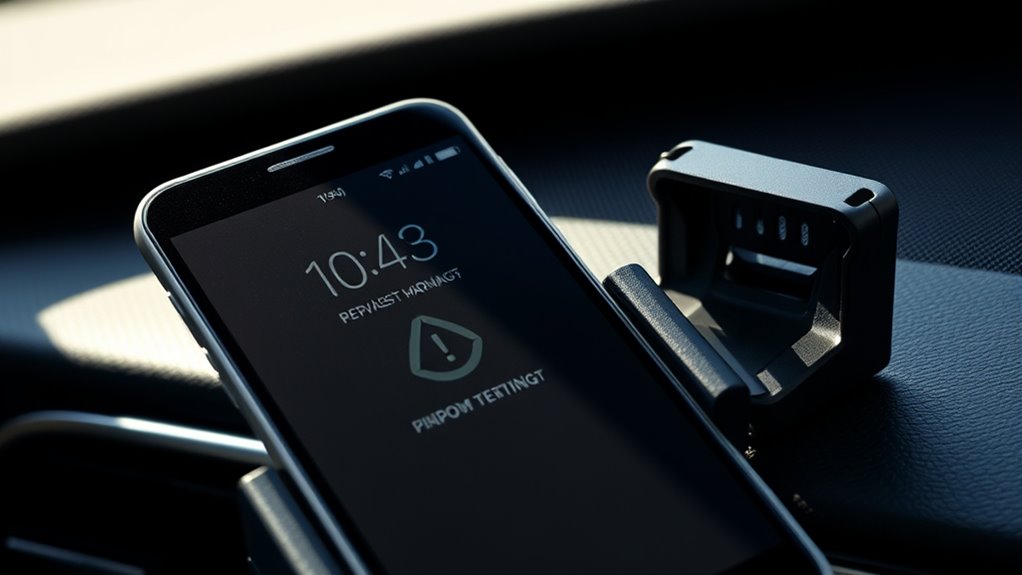
Recognizing the early signs of phone overheating while mounted is essential to preventing damage. You might notice an overheat warning message on your screen or feel the device’s exterior becoming unusually hot to the touch. During navigation, the display may turn black or go blank, or you may see visible warmth on the back or edges of the mount. Sunlight exposure can cause rapid color changes in the case, signaling excessive heat. Performance issues are common early signs—apps lag, videos stutter, or navigation crashes repeatedly. Response times slow down, and the screen brightness may automatically reduce. If your phone begins shutting down unexpectedly, reboots, or limits features to emergency calls, these are clear signs it’s overheating. Battery drain speeds up, and charging might stop altogether. Environmental heat significantly contributes to these symptoms, especially when devices are used outdoors in direct sunlight on mounts.
Practical Tips to Reduce Overheating Risks During Long Trips
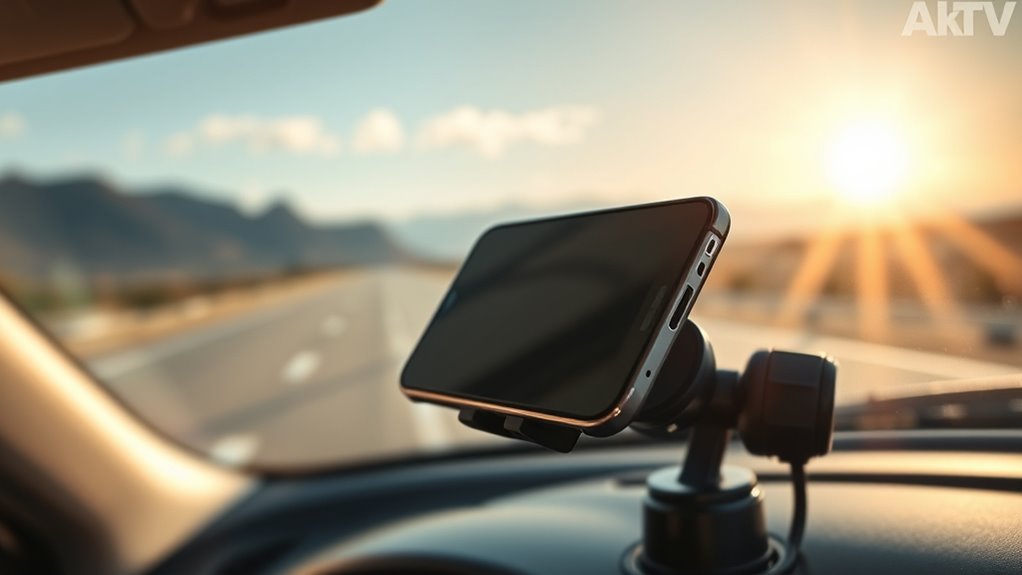
To minimize overheating risks during long trips, it’s essential to adopt practical strategies that keep your phone cool and functioning ideally. First, keep your phone out of direct sunlight by tucking it into your pocket or bag, and avoid placing it on heat-absorbing surfaces like the dashboard. Use an air vent mount to expose your device to cooling airflow, or insulate it in a small cooler when parked. Adjust settings by lowering screen brightness, enabling low power mode, and turning off background refresh. Manage connectivity by activating airplane mode in weak signal areas and downloading offline maps. For charging, switch to wired cables, avoid charging during heavy navigation, and monitor for overheating. Removing bulky cases or using fans can further help prevent heat buildup.
| Tip | Action |
|---|---|
| Shade & Sun Protection | Keep phone in shade, avoid dashboard placement |
| Settings Optimization | Lower brightness, enable low power mode |
| Connectivity Management | Use airplane mode, disable unused features |
| Charging & Cases | Use wired charging, remove bulky cases, insulate device |
The Importance of Proper Mount Selection and Environmental Awareness

Choosing the right mount and understanding your environment can make a significant difference in preventing phone overheating on the road. Dashboard and windshield mounts expose devices to direct sunlight, raising internal temperatures beyond safe limits. Vent mounts might block airflow or direct warm air from HVAC systems, increasing heat. Cup-holder and low-dash mounts near engine heat or trapped sunlight create hot spots that accelerate battery heating. Magnetic mounts that keep phones flat against metal plates reduce cooling, trapping more heat. Wireless charging mounts add internal heat from power transfer, especially in sunny or poorly ventilated areas. Be mindful of ambient temperatures—parked cars can reach extreme heat. Selecting mounts with proper materials, avoiding obstructed airflow, and positioning devices away from direct sunlight are key to managing device temperatures effectively. Proper ventilation within the vehicle can also help dissipate heat and maintain safe device temperatures.
Frequently Asked Questions
Can Thermal Throttling Cause Navigation Apps to Crash Unexpectedly?
Yes, thermal throttling can cause your navigation apps to crash unexpectedly. When your phone overheats, the OS lowers CPU and GPU speeds to cool down, which can lead to reduced performance and increased errors. Continuous high load from GPS, maps, and background processes worsens overheating, triggering crashes or errors like SQLite errors. To prevent this, keep your device cool, avoid direct sunlight, and limit background activity during navigation.
Do Certain Phone Models Overheat More Easily on Mounts?
Yes, some phone models are like fragile ice sculptures melting under the sun—they overheat more easily on mounts. Devices with high-power chips, compact design, metal backs, or poor heat spreaders trap heat like a sauna. When mounted in bright sunlight or pressed against warm surfaces, they struggle to breathe, causing temperatures to spike faster. If your phone’s built with these traits, it’s more prone to overheating on mounts, risking shutdowns and performance drops.
How Does Ambient Temperature Influence Device Overheating During Navigation?
Ambient temperature directly impacts your device’s overheating during navigation. When it’s hot outside, your phone’s internal components struggle to dissipate heat, causing internal temperatures to rise faster. Sunlight and enclosed spaces amplify this effect, pushing your device beyond safe limits. As temperatures climb, your phone throttles performance or shuts down to prevent damage, making navigation less responsive or causing it to fail altogether. Keep your device cool for peak performance.
Are There Specific Mount Materials That Help Dissipate Heat Better?
Choosing mount materials with high thermal conductivity helps dissipate heat better. Metals like aluminum and copper quickly transfer heat away from your device, while graphene and graphite sheets spread heat over larger areas, reducing hotspots. Embedding heat pipes or vapor chambers in mounts enhances cooling further. Perforated plastics and thermally conductive composites also improve airflow and heat transfer, keeping your phone cooler during navigation and preventing overheating issues.
Does Frequent Software Updates Impact a Phone’s Thermal Management Efficiency?
Frequent software updates are like regular tune-ups for your car—they keep your device running smoothly. They improve thermal management by optimizing workload distribution, adjusting frequencies, and refining throttling techniques. These updates help prevent overheating, so your phone stays cooler under high loads. Without them, your device struggles to manage heat effectively, leading to performance drops or shutdowns. Staying current guarantees your phone’s thermal system works at its best, extending its lifespan.
Conclusion
To prevent your phone from overheating on mounts, stay savvy by simplifying software, securing proper placement, and sparing yourself stress. By being mindful of mounting methods and mindful of environmental elements, you’ll preserve your device’s performance and prolong its lifespan. Remember, prevention is power—protect your phone from persistent heat and prevent premature failure. Stay smart, stay safe, and keep your navigation smooth and stress-free with simple, strategic steps.
Fall Picks
fall essentials
As an affiliate, we earn on qualifying purchases.