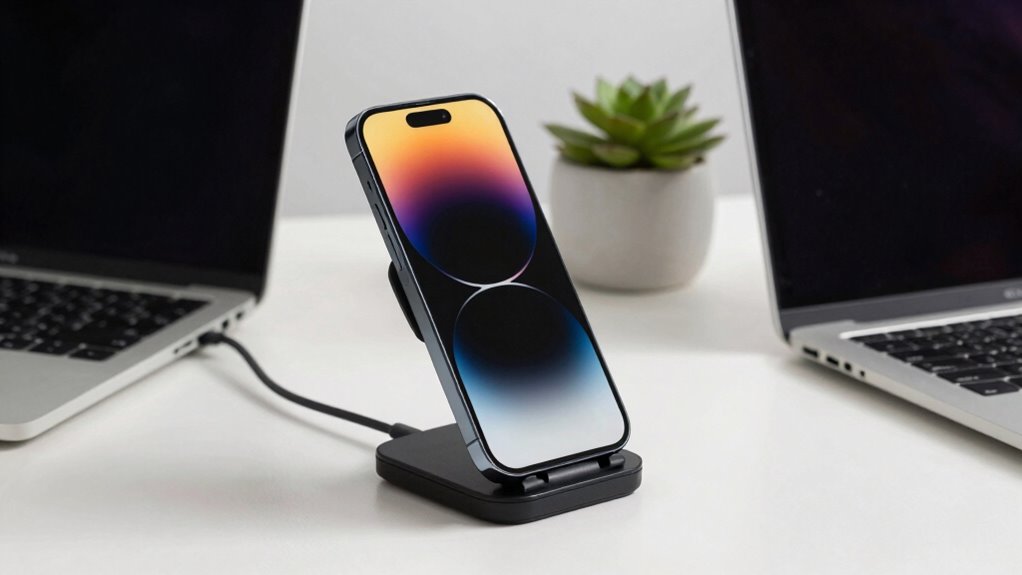

Wireless charging mounts make charging your device easy and hassle-free, but they can also generate more heat than traditional wired options. This heat can impact your battery health and charging efficiency. It’s essential to check mount compatibility with your device and consider choosing ones with temperature regulation features. Look out for safety measures as well to prevent overheating. Want to know how to choose the best mount for your needs? Keep going to discover more.

Get business pricing on garage and car supplies
- Business-only prices and quantity discounts
- Tax-exempt purchasing
- Multiple users, one account, clear invoices
Key Takeaways
- Wireless charging mounts offer convenience but often result in slower charging speeds compared to traditional wired options.
- Increased heat generation during wireless charging can negatively impact battery lifespan and efficiency.
- Selecting mounts with heat management features is crucial to mitigate overheating risks.
- Ensuring compatibility between mounts and devices can prevent charging frustrations and inefficiencies.
- Regularly monitoring battery health helps maintain optimal device performance and longevity.
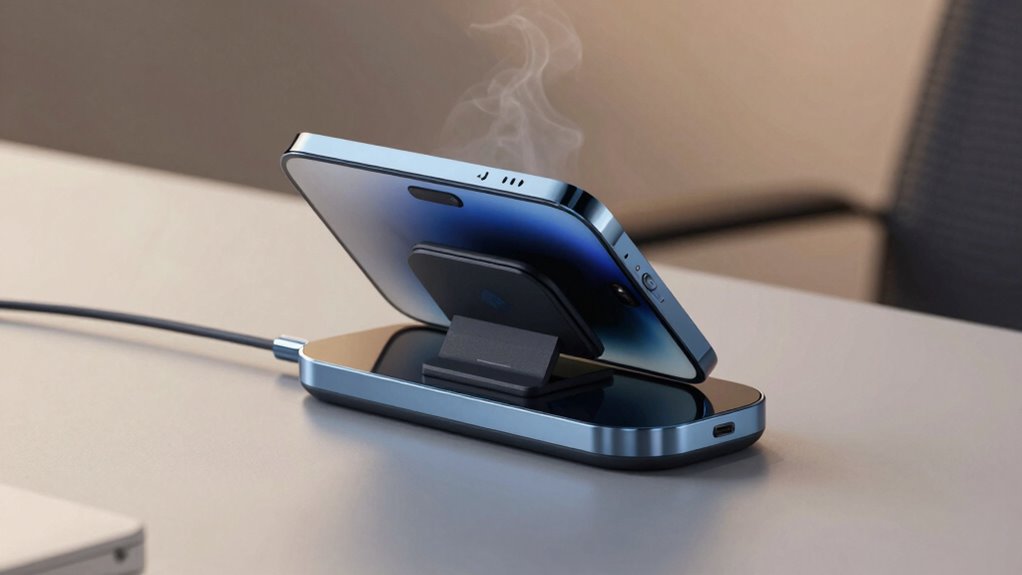
However, as with any technology, there are some potential drawbacks to take into account. One notable concern is charging efficiency. While wireless charging has improved considerably, it often doesn’t match the speed of traditional wired charging. Depending on your mount compatibility, you may find that the charging speed varies. For instance, if your mount isn’t optimized for fast charging or if your phone doesn’t support the latest wireless standards, you might experience slower charging times. You’ll want to check the specifications to make sure you’re getting the most out of your setup.
Another aspect to reflect on is heat generation. When you’re using a wireless charging mount, especially one that supports higher wattages, your device can get warmer than it would during a wired charge. This heat can impact both the efficiency of the charge and the overall lifespan of your battery. If your phone or mount isn’t designed to handle the additional heat, you could run into issues down the line. It’s essential to choose a mount that features built-in safety measures, like temperature regulation, to mitigate these risks. Additionally, understanding wireless charging standards can help you select more efficient and safer options. A heat management feature in the mount can further reduce the risk of overheating.
Furthermore, some mounts include adjustable positioning to optimize charging while minimizing heat buildup, which can be beneficial for maintaining device health. In addition, mount compatibility can pose challenges. Not all mounts work with all devices, so you’ll need to verify that your chosen mount is compatible with your phone model. Some mounts may not support certain cases or accessories, which could lead to frustration when you’re trying to charge on the go. It’s also helpful to consider battery health to ensure long-term device performance. Being aware of device compatibility can help prevent issues related to improper fit or charging functionality. Always double-check the compatibility details before making a purchase to avoid any surprises.
wireless charging mount with temperature regulation
As an affiliate, we earn on qualifying purchases.
As an affiliate, we earn on qualifying purchases.
Frequently Asked Questions
Are Wireless Charging Mounts Compatible With All Smartphone Models?
Wireless charging mounts aren’t compatible with all smartphone models. They rely on specific charging standards like Qi, so if your phone doesn’t support that, it won’t work. Also, the mount design plays an essential role; some are tailored for certain devices. Before you buy, check your smartphone’s compatibility with the charging standard and verify the mount fits your device properly to avoid any issues while charging.
How Long Does It Take to Charge a Phone Wirelessly?
Charging your phone wirelessly usually takes about 3 to 5 hours, depending on your device and the charging speeds of your mount. While it’s convenient, keep an eye on heat generation during the process; excessive heat can affect battery health. If you’re using a fast wireless charger, it might reduce charging time, but be cautious of overheating. Always verify your phone’s case is compatible for peak performance and safety.
Can I Use My Phone While It’s Wirelessly Charging?
Absolutely, you can use your phone while it’s wirelessly charging—it’s like multitasking on a superhero level! Just keep in mind that phone usage might slow down the charging speed, especially if you’re running demanding apps or streaming videos. Your phone may heat up a bit, too, so it’s a good idea to monitor it. Enjoy that convenience, but don’t be surprised if it takes a tad longer to recharge while you’re using it!
Do Wireless Charging Mounts Work With Phone Cases?
Yes, wireless charging mounts generally work with phone cases, but it depends on the case thickness. Most cases under 3mm should allow for effective charging, maintaining reasonable charging speed. However, thicker cases might hinder the connection and slow down the charging process. It’s best to check your mount’s specifications and your case’s thickness to verify compatibility. So, if you want efficient charging, consider both factors before using your mount.
What Safety Features Are Included in Wireless Charging Mounts?
Wireless charging mounts often include safety features like heat management systems and charging efficiency mechanisms. You’ll find that many models have built-in temperature sensors to prevent overheating, ensuring your device stays safe during charging. They also optimize power delivery to enhance charging efficiency, so your phone charges faster without risk. With these features, you can confidently use your wireless mount without worrying about heat damage or inefficient charging.
As an affiliate, we earn on qualifying purchases.
Conclusion
To sum up, wireless charging mounts really do add convenience to your daily routine, but they come with a hidden risk of overheating. Did you know that studies show devices can reach temperatures over 100°F during charging? While that’s a concern, the ease of just placing your phone on a mount can’t be beaten. So, if you stay mindful of your device’s temperature, you can enjoy the benefits without compromising safety.
fast wireless charging mount compatible with iPhone
As an affiliate, we earn on qualifying purchases.
As an affiliate, we earn on qualifying purchases.
adjustable heat management wireless charger
As an affiliate, we earn on qualifying purchases.
As an affiliate, we earn on qualifying purchases.
Fall Picks
fall essentials
As an affiliate, we earn on qualifying purchases.