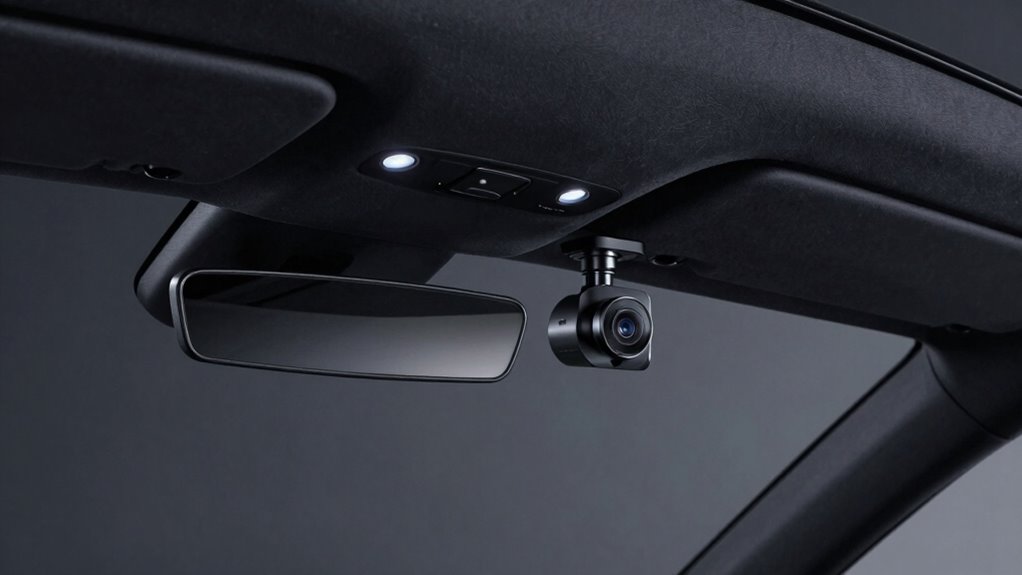

To set up a rideshare dash cam that records safely without unsettling passengers, choose a discreet device with privacy features like encrypted storage and clear recording indicators. Mount it subtly on your windshield or dashboard, keeping the lens angled to cover the road and interior without intruding on privacy. You should also inform passengers about the recording, especially audio, and keep the setup tidy to avoid distractions. Exploring ways to balance visibility and discretion will help you record smoothly—more tips ahead to get it just right.

Get business pricing on garage and car supplies
- Business-only prices and quantity discounts
- Tax-exempt purchasing
- Multiple users, one account, clear invoices
Key Takeaways
- Use discreet camera placement and low-profile mounts to avoid alarming passengers.
- Display clear, visible indicators showing recording is active to promote transparency and trust.
- Communicate openly with passengers about recording policies for safety and privacy reassurance.
- Adjust camera angles to capture essential footage without invading passenger privacy.
- Ensure secure, encrypted storage and comply with local laws to protect data and maintain legality.
Choosing the Right Dash Cam for Ridesharing
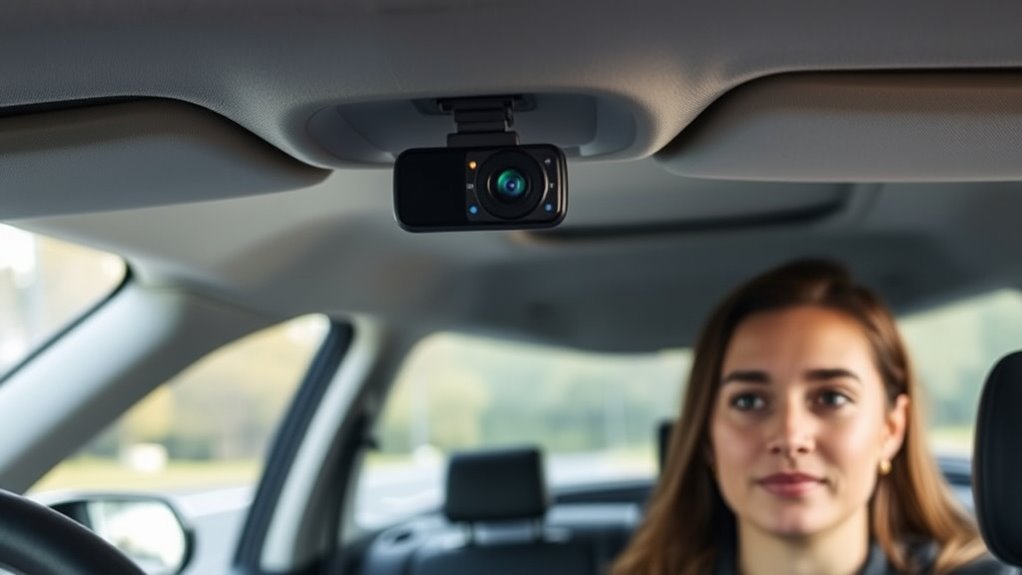
Choosing the right dash cam for ridesharing is essential to make certain you have clear evidence in case of an accident and to protect yourself from false claims. When selecting a device, consider privacy concerns—both yours and your passengers’. Some dash cams record continuously, which might raise legal considerations about consent and recording laws in your area. Look for models with features like automatic deletion of footage after a set period and clear indicators when recording is active to maintain transparency. You want a camera that balances quality with discretion, so it doesn’t feel intrusive. Research local laws to ensure your choice complies with regulations about recording passengers. Additionally, selecting a dash cam with high-quality video resolution helps ensure that recordings are clear and useful in any dispute. Choosing a device with privacy protection features can help you manage recordings responsibly and ethically. Understanding recording laws in your region is crucial to avoid legal issues and ensure you’re respecting passenger privacy. Incorporating security features such as password protection or encrypted storage can further safeguard your recordings. For example, some dash cams are designed with discreet appearance to blend seamlessly into your vehicle’s interior. Ultimately, a well-chosen dash cam helps you record safely while respecting everyone’s privacy.
Optimal Placement of Your Dash Cam
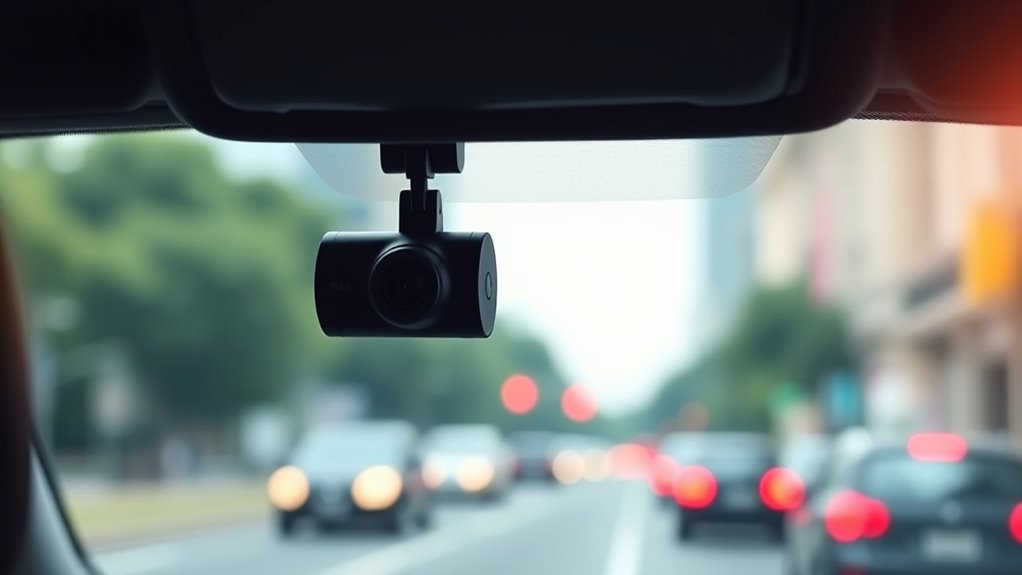
To get the best footage, you need to choose the right camera angle and mounting spot. Make sure your dash cam is positioned to avoid distracting passengers and to capture clear views of the road. Proper mounting techniques will guarantee your footage stays sharp and reliable in all conditions. Additionally, selecting a safe installation location helps ensure your setup complies with safety guidelines and reduces the risk of damage or theft. Ensuring your mounting stability is secure is essential for consistent recording performance. Incorporating ventilation considerations can also prevent overheating of electronic components and prolong the lifespan of your device. Considering Free Floating principles can help your setup adapt to various vehicle environments, maintaining optimal performance. Paying attention to vehicle interior dynamics can further enhance the stability and effectiveness of your dash cam setup.
Camera Angle Choices
The right camera angle can make a significant difference in capturing clear, useful footage during your rideshare shifts. Proper camera placement ensures that key areas, like the road and passenger seating, are well framed. When adjusting the camera, focus on the angle adjustment to avoid blind spots and glare. Keep the lens pointed slightly downward to capture both the road ahead and the interior without invading passenger privacy. Tilt the camera just enough to get a full view without distortion. Make sure it’s stable and secure to prevent shaking or shifting during drives. Regularly review your footage to confirm your camera angle remains ideal. Additionally, understanding camera angle choices can help optimize your footage for safety and evidence purposes. Correct camera placement is essential to prevent blind spots and ensure comprehensive coverage of both the road and interior. Paying attention to camera positioning can also reduce the need for frequent adjustments and improve overall footage quality. Proper placement can also help minimize distractions, making your recordings clearer and more professional.
Avoid Passenger Distraction
Placing your dash cam in the right spot helps prevent it from distracting passengers during rides. Position it where it doesn’t interfere with interior aesthetics or block views, ensuring it blends seamlessly with your vehicle’s design. Keep the camera out of passengers’ direct line of sight to avoid causing discomfort or unnecessary focus on the device. A discreet placement, such as near the rearview mirror or on the windshield corner, maintains passenger comfort while still capturing clear footage. Avoid mounting it in areas that draw attention or obstruct natural interactions. Prioritizing a subtle, unobtrusive location helps you record effectively without compromising the ride experience, making passengers feel more at ease and less distracted by the dash cam. Maximize Your Truck Bed’s Potential by choosing a mounting spot that balances visibility and discretion.
Mounting Techniques for Clarity
Achieving clear footage depends heavily on how you mount your dash cam, making ideal placement essential. You want a stable position that captures the road ahead without obstructing your view or distracting passengers. Choose mounting surfaces like your windshield or dashboard that are flat and smooth, ensuring the camera stays steady. Adhesive options are popular because they prevent the camera from shifting, but make sure to select strong, reliable adhesives designed for automotive use. Position your dash cam behind the rearview mirror for an unobstructed view of the road and to avoid blocking visibility. Avoid mounting near vents, airbags, or tinted areas that could interfere with footage quality. Proper placement guarantees sharp video and minimal distractions, helping you record safely and effectively.
Adjusting Camera Settings for Discreet Recording
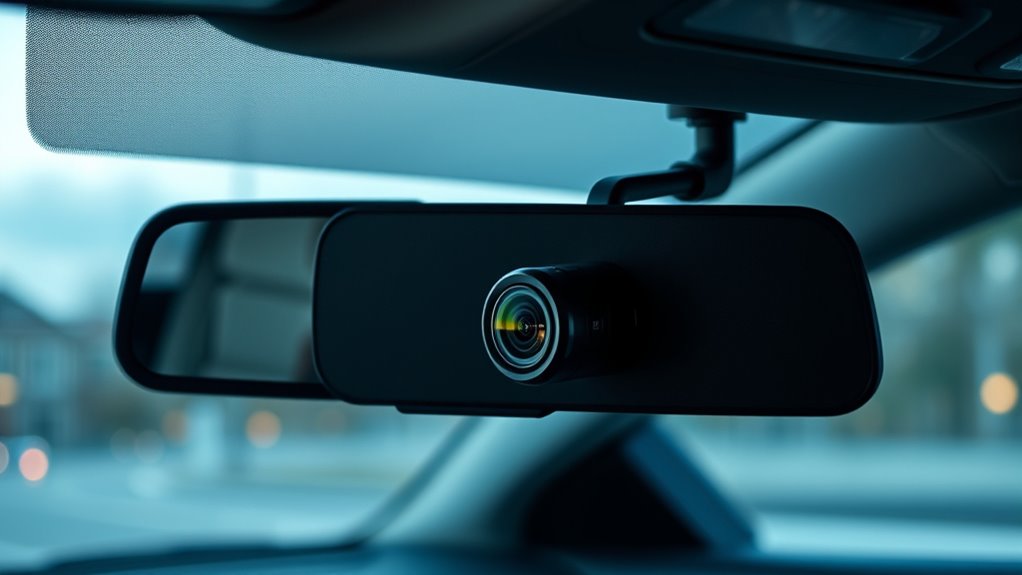
To keep your dash cam discreet, start by enabling Low-Light Mode so it records clearly without drawing attention. Use a wide-angle lens to capture the necessary area while keeping the camera unobtrusive. Also, minimize the screen brightness to prevent it from standing out to passengers or passersby. Additionally, adjusting the camera’s placement and angle can help ensure it remains inconspicuous while providing a clear view. Considering camera placement strategies can further enhance discreetness and security. Proper camera maintenance also ensures consistent performance and helps the device stay less noticeable over time. Developing a methodical approach to regularly check and clean the device can maintain its effectiveness and subtlety. Incorporating discreet wiring techniques can also prevent visible cables that might give away the camera’s presence.
Opt for Low-Light Mode
When recording in low-light conditions, switching your dash cam to low-light mode can substantially improve image quality without drawing attention. This setting enhances your camera resolution in darker environments, ensuring clear footage even when lighting conditions are poor. To make the most of low-light mode, consider these tips:
- Adjust exposure settings to prevent overly dark or bright footage.
- Use a camera with good low-light sensitivity.
- Keep the dash cam lens clean for ideal clarity.
- Test different lighting conditions to fine-tune your settings.
- Selecting a camera with low-light capabilities can significantly improve nighttime recording quality. Additionally, choosing a camera with advanced sensor technology can further enhance performance in challenging lighting situations.
Use Wide-Angle Lens
Using a wide-angle lens is essential for discreet recording because it captures a broader field of view, allowing you to monitor more of your surroundings without needing to adjust the camera constantly. However, be aware that a wider focal length can introduce lens distortion, making straight lines appear curved, especially at the edges. To minimize this, choose a lens with a focal length that balances a wide view with minimal distortion. This helps keep your recordings clear and professional-looking without drawing unnecessary attention. A properly selected wide-angle lens ensures you record everything you need while maintaining a discreet setup, helping you stay prepared in any situation. Remember, the goal is to observe without alarming passengers or drawing unwanted notice. Additionally, understanding the importance of energetic alignment can help you maintain a calm and confident presence while recording. Recognizing how camera settings influence your footage can also improve the quality and subtlety of your recordings. Moreover, selecting appropriate focal lengths can further optimize your setup for both coverage and minimal distortion.
Minimize Screen Brightness
Reducing your camera’s screen brightness is essential for maintaining discretion while recording. A dimmer display keeps your dashboard aesthetics clean and prevents passengers from noticing the camera branding or bright lights. To make this adjustment:
- Access your camera’s settings menu.
- Locate the brightness or display options.
- Lower the brightness level gradually until it’s barely visible.
- Confirm the settings to ensure minimal screen glare.
This small tweak helps your dash cam blend seamlessly with your vehicle’s interior, making it less distracting and more discreet. By minimizing screen brightness, you avoid drawing attention to the camera, ensuring a smoother rideshare experience for both you and your passengers. It’s a simple step that enhances your overall setup without compromising functionality.
Additionally, understanding your camera’s power consumption can help you manage battery life more effectively during long shifts, especially when considering how family photoshoot fails can unexpectedly drain your device.
Using Visible Indicators to Assure Passengers
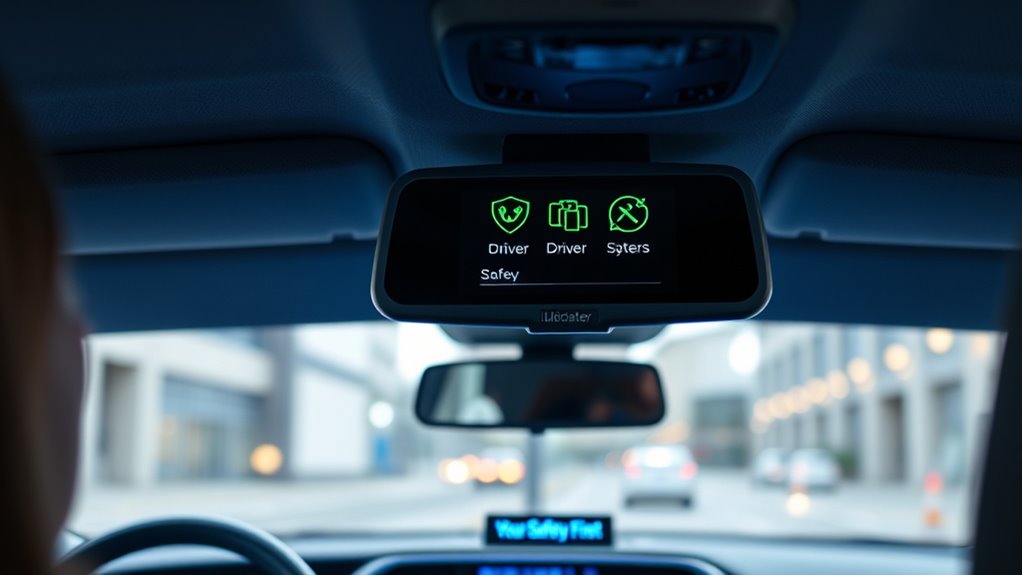
Visible indicators play a crucial role in reassuring passengers during their ride. When your dash cam has clearly visible lights or signs, passengers feel more comfortable knowing they’re being recorded for safety rather than privacy invasion. Be transparent about the camera, and consider using indicators like a small LED light or signage that shows recording is in progress. This openness helps address privacy concerns and demonstrates your respect for passenger privacy. Keep in mind legal considerations, such as local laws on recording and visible indicators, to avoid misunderstandings or legal issues. Clearly visible signals not only build trust but also demonstrate that you’re adhering to legal standards. Proper indicators ensure passengers feel secure without overstepping privacy boundaries.
Managing Audio Recording Respectfully
Managing audio recording respectfully is essential to maintaining passenger trust and comfort. You should prioritize their audio privacy while ensuring safety. To do this effectively:
- Clearly communicate that audio may be recorded for safety and security.
- Keep audio recording active only during the ride, not before or after.
- Use the dash cam’s audio controls to limit or mute recording when needed.
- Respect passenger requests to disable audio recording if they’re uncomfortable.
Informing Passengers About Dash Cam Use

Being transparent with your passengers about dash cam use helps build trust and sets clear expectations. It’s important to address privacy concerns upfront, so passengers feel comfortable and understand that recordings are for safety and security. Clearly communicate that the dash cam is active during rides and explain its purpose. This openness can prevent misunderstandings and reduce discomfort. Additionally, being aware of legal considerations in your area is essential—some regions require notifying passengers about recording or posting signage indicating surveillance. By informing passengers honestly and professionally, you respect their privacy rights and demonstrate responsible rideshare conduct. This approach not only fosters a positive experience but also helps you stay compliant with local laws and regulations concerning dash cam use.
Handling Privacy and Data Storage Responsibly
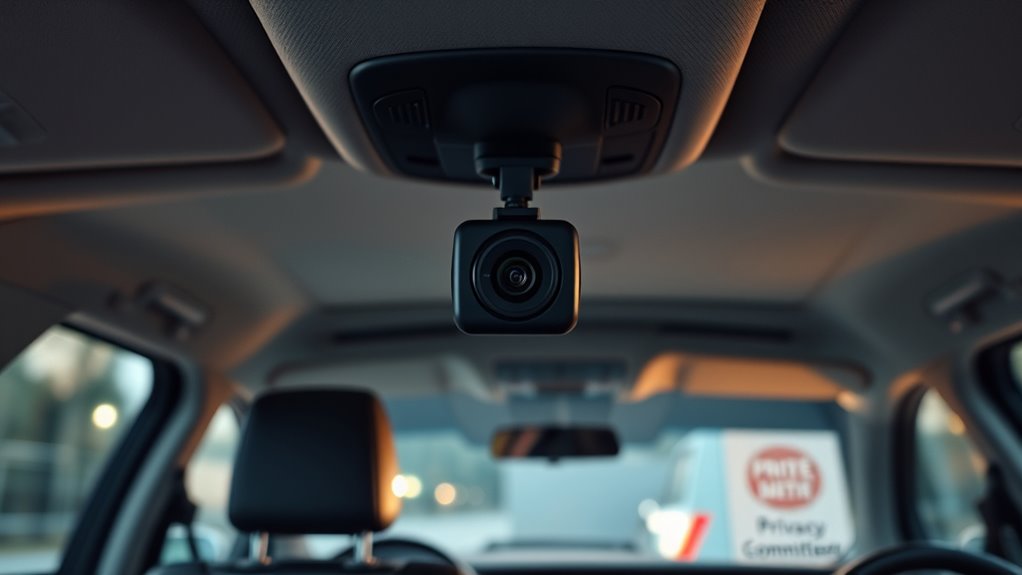
To handle privacy and data storage responsibly, it’s essential to establish clear protocols for how dash cam footage is stored, accessed, and protected. Addressing privacy concerns involves limiting access to recordings and informing passengers about data handling practices. Use data encryption to safeguard footage from unauthorized access. Consider implementing these steps:
- Store recordings securely with strong encryption.
- Limit access to only necessary personnel.
- Regularly review and delete outdated footage.
- Keep records of who accesses the data and when.
Troubleshooting Common Setup Issues
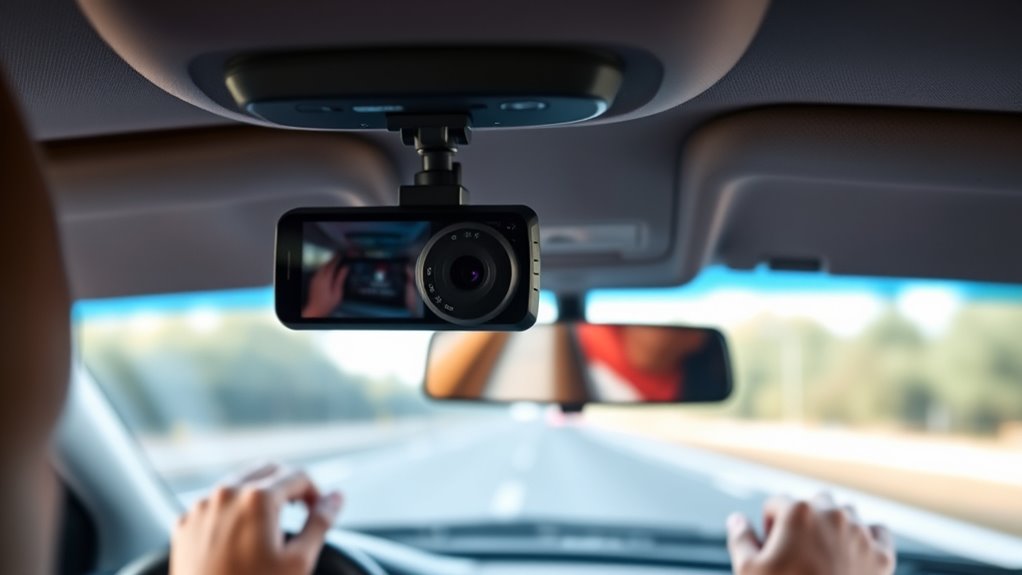
Even with careful setup, you might encounter common issues when installing and configuring your dash cam. One frequent problem is audio or video quality, which can stem from improper mounting or incorrect settings. If your footage appears blurry or shaky, double-check the camera’s position and stabilization features. Privacy concerns and legal considerations are also critical; ensure your camera doesn’t infringe on passenger privacy or record in restricted areas. If you face connectivity or power issues, verify the power source and cable connections. Firmware updates can resolve bugs and improve performance, so keep your device current. Finally, if your dash cam doesn’t turn on automatically, review the installation instructions and wiring. Troubleshooting these issues promptly helps maintain compliance and guarantees your dash cam functions smoothly.
Tips for Maintaining Your Dash Cam Effectively
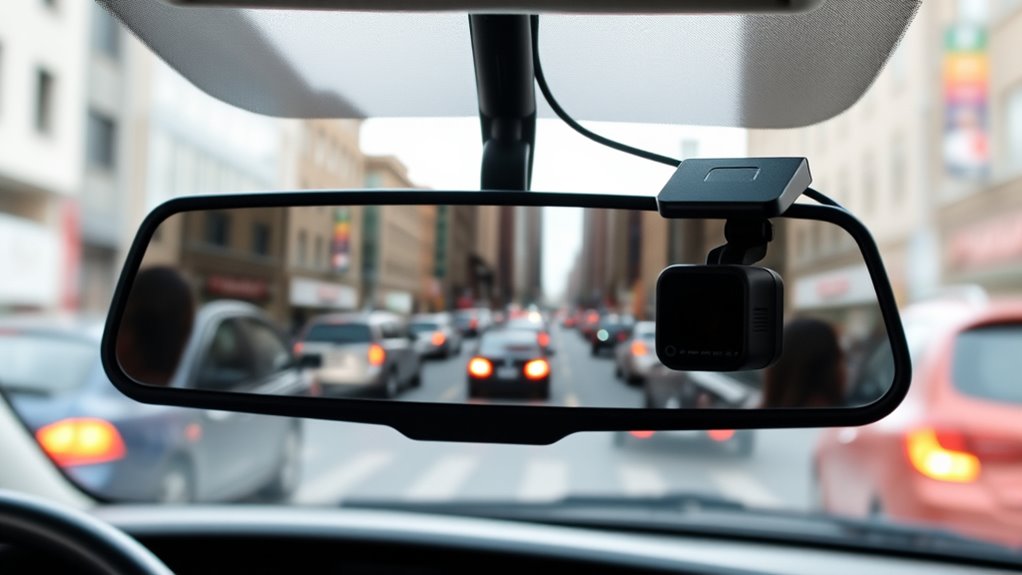
Regularly inspecting and cleaning your dash cam guarantees it stays in peak condition, ensuring ideal footage and maintaining dashboard aesthetics. To effectively maintain your device, consider these tips:
Regularly inspect and clean your dash cam to ensure optimal footage and a tidy dashboard appearance.
- Clean the lens weekly to prevent smudges that can blur footage.
- Check wiring connections for secure fit, avoiding disruptions during drives.
- Update firmware regularly to enhance features and security.
- Position the camera to avoid obstructing passenger views, promoting passenger comfort and safety.
Maintaining your dash cam not only preserves video quality but also keeps your vehicle’s interior looking neat. Proper upkeep minimizes distractions, helps you monitor recordings easily, and keeps the focus on passenger comfort and dashboard aesthetics. A well-maintained dash cam is a reliable tool for safe, professional rides.
Frequently Asked Questions
How Can I Ensure My Dash Cam Footage Is Admissible in Court?
To guarantee your dash cam footage is admissible in court, you need to follow privacy laws and consent requirements. Always inform passengers clearly that they’re being recorded, ideally through signage or verbal notification. Keep your footage properly secured and unaltered, and maintain a detailed log of recordings. By respecting privacy laws and obtaining necessary consent, you strengthen the legal validity of your recordings and protect yourself in case of disputes.
What Legal Considerations Exist for Recording Passengers Without Consent?
You need to follow privacy laws and consent requirements when recording passengers. In most states, you’re legally allowed to record if at least one party consents, which is yourself. However, some places require all parties to be aware of the recording. Always inform your passengers about the dash cam’s presence and purpose upfront to stay compliant and maintain trust. Ignoring these laws can lead to legal issues.
How Do I Securely Store and Back up Recorded Footage?
To securely store and back up your recorded footage, you should use encrypted storage devices like external hard drives or secure cloud services. Regularly transfer files to these backups, ensuring they’re protected from theft or damage. Implement strong passwords and multi-factor authentication for your cloud accounts. Additionally, keep multiple backups in different locations to prevent data loss, and periodically verify the integrity of your stored footage.
Can Dash Cam Recordings Be Accessed Remotely or via Mobile Apps?
Think of your dash cam as a trusty lighthouse. With remote access via a mobile app, you can shine a light on your recordings anytime, anywhere. Many dash cams now offer this feature, letting you access footage remotely or through your smartphone. You stay in control, ensuring your recordings are safe and accessible, all while keeping your focus on the road. It’s like having a security guard in your pocket.
What Should I Do if a Passenger Objects to Being Recorded?
If a passenger objects to being recorded, you should respect their concerns and follow clear consent protocols. Explain that your dash cam is for safety and legal reasons, and inform them that recording is compliant with passenger privacy laws. Reassure them that their privacy is a priority, and if they’re uncomfortable, offer alternatives or modify your recording practices. Always prioritize open communication to build trust and ensure a positive ride experience.
Conclusion
A well-placed dash cam can protect you and reassure your passengers, blending safety with trust. While it’s easy to focus on technical setup, don’t forget the human element—respecting privacy and transparency builds confidence. Striking this balance means you’ll record securely without unsettling riders. Ultimately, your dash cam becomes more than a device; it’s a tool for peace of mind, proving that safety and courtesy can go hand in hand behind the wheel.
Fall Picks
fall essentials
As an affiliate, we earn on qualifying purchases.