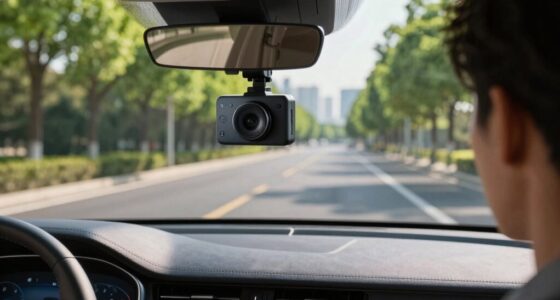
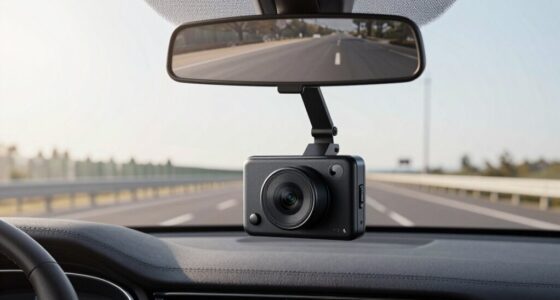
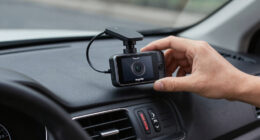
To build a dash cam setup tailored to your parking situation, start by choosing a camera with wireless connectivity for easy footage access and updates. Use power management solutions like hardwired kits or portable power banks to guarantee continuous operation, whether in a garage or outdoor lot. Adjust placement for reliable coverage and visibility based on your parking environment. Combining these elements makes your system dependable and hassle-free—keep going, and you’ll discover how to optimize your setup for any scenario.
Key Takeaways
- Assess your parking environment to determine if wired or wireless dash cam options best suit your access and power needs.
- Choose a power solution, such as hardwiring kits or portable power banks, based on parking duration and location.
- Position the camera for optimal visibility and reliable power supply, considering cable length and placement.
- Enable wireless connectivity for easy footage review, updates, and remote monitoring regardless of parking situation.
- Implement power management strategies to ensure continuous operation without draining your vehicle’s battery.
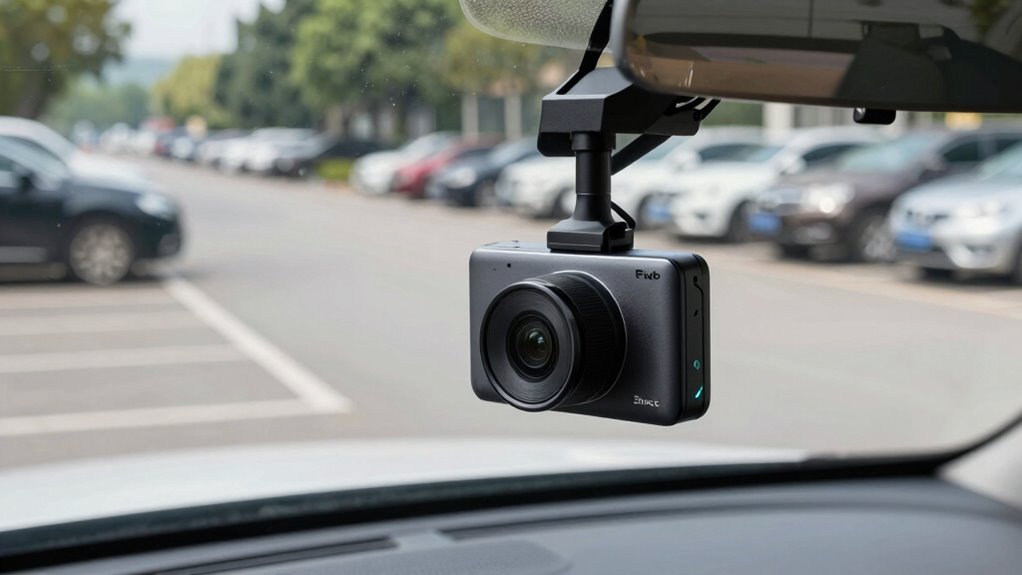
Setting up a dash cam is a smart move for any driver looking to enhance safety and protect against insurance disputes. If you’re parking your vehicle frequently or leaving it unattended for long periods, you’ll want a setup that’s reliable, easy to manage, and capable of capturing clear footage. Your parking situation influences how you configure your dash cam, especially when considering features like wireless connectivity and power management.
First, think about wireless connectivity. A dash cam with Wi-Fi or Bluetooth allows you to review footage directly on your smartphone without removing the device. This is especially handy when you need quick access to evidence after an incident or want to check on your vehicle remotely. With wireless connectivity, you can also update firmware and settings effortlessly, ensuring the camera operates optimally. This feature eliminates the hassle of dealing with cables or removing the SD card every time you want to review footage, which is ideal if your parking spot makes access inconvenient. Additionally, understanding vehicle energy consumption can help you choose power solutions that won’t drain your battery excessively, especially when considering power management options that suit your parking habits. Incorporating power efficiency principles can further extend your dash cam’s operational time during extended parking periods. Being aware of power consumption also helps prevent unexpected battery drain, which is crucial for maintaining your vehicle’s overall health. Monitoring power management options can help you optimize your setup for various parking environments.
Wireless dash cams enable quick remote access, effortless updates, and hassle-free footage review without removing the device.
Next, consider power management. When your vehicle is parked, the dash cam needs a steady, reliable power source to stay active without draining your car’s battery. Many dash cams support parking mode, which activates the camera when motion or impact is detected. To make this work smoothly, you can use hardwiring kits that connect directly to your car’s fuse box, providing continuous power even when the engine is off. This setup allows for seamless power management, ensuring your dash cam remains operational during extended parking periods without risking battery drain. If you prefer a simpler option, some models feature a built-in or portable power bank that can sustain operation during parking.
Finally, when building your setup, think about placement and power options that suit your parking situation. For instance, if you park in a garage with limited access, a dash cam with a long, flexible power cable might be necessary. Conversely, if you park outside, a wireless dash cam with a strong battery backup can serve you well. By integrating wireless connectivity for easy access and robust power management to keep your camera running, you can create a reliable parking surveillance system tailored to your needs. This way, whether you’re away for hours or just parking overnight, your dash cam will be ready to capture any incident, giving you peace of mind. Understanding smart home technology insights can also help you explore additional ways to integrate your vehicle safety system with other connected devices for enhanced security.

SHRINLUCK 4K+1080P+1080P 5.8GHz WiFi Dash Cam Front and Rear Inside, Free 64G SD Card, 4K UHD 3 Channel Dash Camera for Cars, 360° All Sides Dashcam, G-Sensor, Night Vision, WDR, 24H Parking Monitor
【UHD 4K Front+1080 Rear+1080P Cabin Recording】-SHRINLUCK brings you the X5 dash cam front and rear inside , which…
As an affiliate, we earn on qualifying purchases.
As an affiliate, we earn on qualifying purchases.
Frequently Asked Questions
Can I Use a Single Dash Cam for Both Front and Rear Recording?
Yes, you can use a single dash cam with a dual camera setup for both front and rear recording. These cameras feature recording angles that cover both perspectives simultaneously, providing thorough coverage. Make certain the dash cam has a dedicated rear camera or an extension cable for rear recording. This setup simplifies installation, saves space, and guarantees you have all-around footage without needing separate devices.
How Does Lighting Affect Dash Cam Footage in Parking Areas?
Lighting conditions greatly affect your dash cam footage clarity in parking areas. Poor or low light can cause grainy or blurry images, making it harder to identify details. Bright or uneven lighting may create glare or shadows that obscure important features. To improve footage quality, consider installing a dash cam with night vision or enhanced low-light capabilities, and guarantee your parking area is well-lit to maximize clarity and detail in your recordings.
What’s the Best Power Source for a Parking Mode Dash Cam?
Did you know that over 50% of parking lot thefts happen during the day? For your dash cam’s parking mode, the best power source is an alternative power source like a hardwire kit or a dedicated battery pack. These options prevent drain on your car’s main battery and offer vandalism prevention, ensuring your footage stays recording even if someone tries to disable your camera. Reliable power keeps your security footage intact and accessible.
How Do I Prevent Theft or Vandalism of My Dash Cam?
To prevent theft or vandalism of your dash cam, you should use anti-theft devices like lockable mounts or hidden installation spots. Consider vandalism prevention strategies such as tinted or tinted covers to make the camera less noticeable, or install the dash cam inside the windshield behind the rearview mirror. Additionally, parking in well-lit, secure areas and using security signage can deter potential vandals or thieves from targeting your vehicle.
Are There Legal Considerations for Parking Lot Recordings?
Around 70% of drivers have concerns about privacy when recording in parking lots. Legally, you must guarantee your dash cam recordings comply with privacy laws, like avoiding capturing private conversations or personal details without consent. Check local regulations for recording in public spaces, as laws vary. To stay compliant, focus on clear signage and avoid unnecessary recording of private property, helping you balance security with legal and privacy considerations.

Gebildet Dash Cam Hardwire Kit, Type C USB Hard Wire Kit 12V-24V to 5V Hardwire Kit with Low Voltage Protection 13ft/320cm Car Dash Camera Charger Power Cord for Dashcam Supply Radar Detectors
【Low Voltage Protection】 Once the input voltage drops below 11.6V (23.2V for 24V input), the battery drain protection…
As an affiliate, we earn on qualifying purchases.
As an affiliate, we earn on qualifying purchases.
Conclusion
By tailoring your dash cam setup to your parking situation, you guarantee better security and peace of mind. For instance, if you park on the street, a camera with motion detection and night vision can catch any suspicious activity. Imagine returning to find your car protected and evidence captured of a hit-and-run. Customizing your system makes all the difference, giving you confidence that your vehicle is monitored, no matter where or how you park.

LOHAO Portable Charger Power Bank, PD 30w & QC 3.0 Fast Charging Battery Pack, 70000mah Powerbank 5 Outputs 2 Inputs Compatible with iPhone 17/16/15/14/13/12 and More
Large Power Bank: LOHAO 70000mAh/259Wh high capacity portable charger can charge your smartphone for about 10-20 times, and…
As an affiliate, we earn on qualifying purchases.
As an affiliate, we earn on qualifying purchases.

TERUNSOUl 4K+4K Dash Cam Front and Rear, Free 128GB Card Included, 5.8GHz WiFi Dash Camera for Cars, Built-in GPS, G-Sensor, 170°Wide Angle, 3" IPS Screen, 24H Parking Mode, Support 512GB Max
Ultra HD 4K Front + 4K Rear Recording: The Terunsoul dash cam supports dual-channel simultaneous recording, capturing both…
As an affiliate, we earn on qualifying purchases.
As an affiliate, we earn on qualifying purchases.