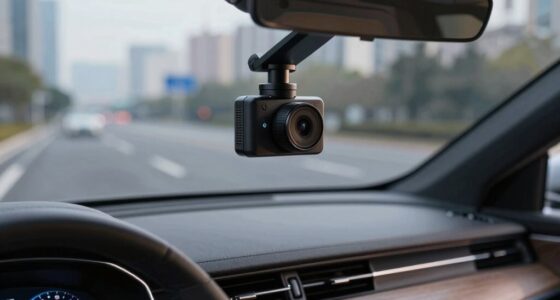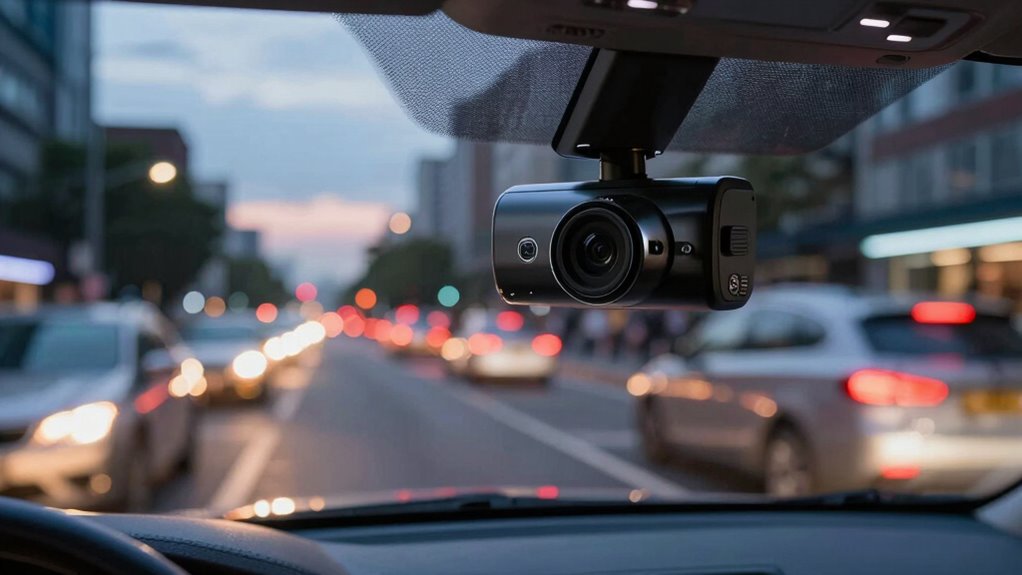

Time-lapse recording in dash cams captures frames at lower speeds, like 1 to 10 frames per second, instead of continuous footage. This compresses hours of driving into minutes, markedly cutting down storage needs and file sizes. It also enables features like loop recording and parking mode, ensuring your footage stays protected without filling up your memory quickly. Want to discover how to optimize this feature for your vehicle? Keep exploring to learn more.
Key Takeaways
- Time-lapse captures frames at low rates (1-10 fps), compressing hours of footage into brief videos and saving storage space.
- It produces smaller file sizes, reducing data transfer and minimizing MicroSD card wear for longer recording periods.
- Frame rate customization allows for extended parking mode surveillance with minimal storage consumption.
- Impact events trigger higher frame rates for detailed footage, optimizing storage use during normal recording.
- Loop recording automatically overwrites old footage, ensuring continuous coverage without manual file management.
How Time-Lapse Recording Works in Dash Cams
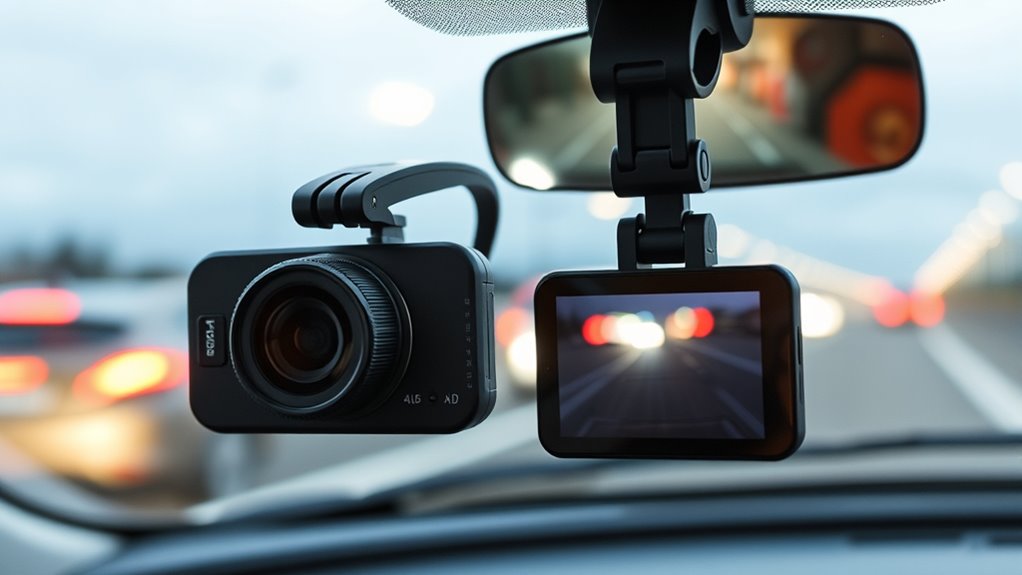
Time-lapse recording in dash cams works by capturing frames at a lower rate than playback, creating a fast-forward effect that speeds up long recordings. Instead of recording every frame like normal, it takes fewer images per second—options include 1, 2, 3, 5, or 10 fps—while playback occurs at a standard 30 fps. This means that a short recording, like one minute at 1 fps, can represent 30 minutes of real driving. The stitched images are played back quickly, giving the impression of a sped-up video. This method allows you to monitor extended periods, such as hours of driving or parking, without using excessive storage space. Frame rate (fps) is a key factor in determining how much time is compressed in the final video, allowing for customizable recording options. Additionally, storage efficiency is improved because fewer images are stored, which helps conserve memory and reduces the need for frequent data transfers.
Benefits of Using Time-Lapse to Conserve Storage
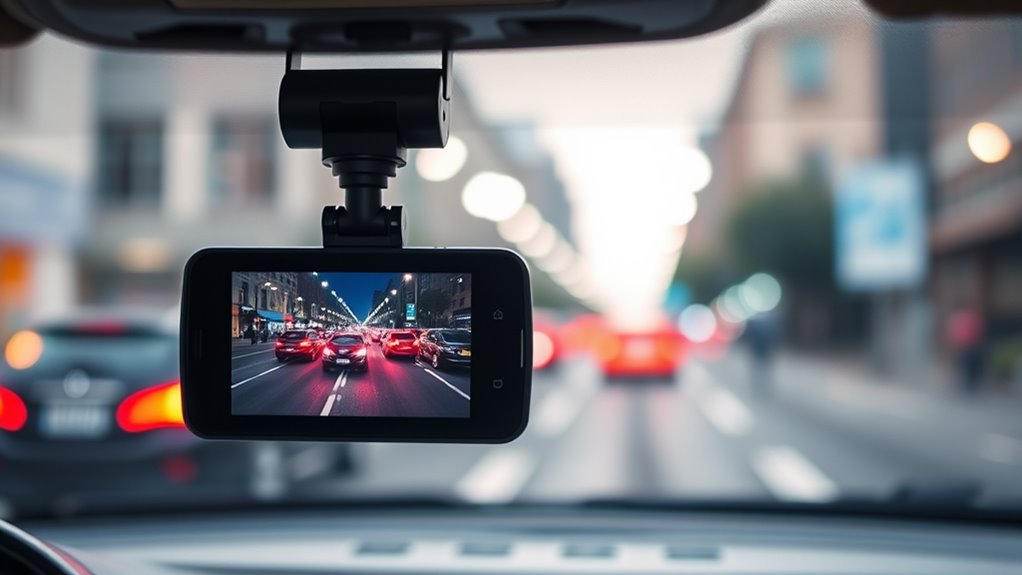
Using time-lapse recording considerably cuts down on storage space by capturing footage at set intervals instead of continuously recording every moment. This method stores snapshots instead of hours of uneventful video, notably reducing file sizes. Fewer files are generated compared to normal recording, easing the strain on your MicroSD card and allowing for longer recording periods without filling up storage quickly. Additionally, it supports loop recording, meaning old footage is automatically overwritten, further conserving space. Time-lapse also minimizes data volume in parking mode, making it easier to monitor your vehicle without exhausting storage. This technique is especially useful in scenarios where constant footage is unnecessary, such as monitoring a parked vehicle over extended periods. Implementing compression techniques can further optimize storage by reducing the size of each file without compromising image quality. Efficient encoding algorithms help maintain video clarity while minimizing file sizes, making the most of available space. Employing adaptive frame rates can dynamically adjust recording intervals based on motion detection or environmental conditions, further enhancing storage efficiency. Additionally, adjusting video resolution settings can improve overall storage management by balancing image quality and file size, tailored to your specific surveillance needs. Incorporating motion detection features can also help prioritize important footage and prevent unnecessary recordings from occupying storage. Overall, this approach maximizes storage efficiency, enabling you to keep more critical footage while reducing the need for frequent manual deletions or card replacements.
Integrating Time-Lapse With Parking Mode

Integrating time-lapse into parking mode allows your dash cam to monitor your vehicle efficiently without draining storage or power. It captures frames at set intervals—1, 2, 3, 5, or 10 frames per second—condensing hours of footage into compact summaries. This system switches seamlessly from driving to parking mode, either automatically through the ignition or via settings like ACC detection or a dedicated cable. In premium models like Rove R2-4K, no manual input is needed. When an impact occurs, the dash cam automatically shifts to 30 fps, activates audio, and rewinds to capture moments before the event. It then saves high-detail footage in a protected folder, supporting extended surveillance without excessive storage use or power drain. Frame rate options allow for customizable recording based on needs, ensuring optimal balance between footage quality and storage capacity. Additionally, understanding video compression techniques can further enhance storage efficiency and footage clarity. Incorporating storage management strategies can help optimize your dash cam’s performance and longevity, especially when combined with smart home integration for centralized monitoring and control. Exploring power consumption considerations can also aid in maintaining the dash cam’s operational efficiency over time. Moreover, choosing a dash cam with high-capacity storage options can further improve your surveillance capabilities.
Customizing Frame Rates for Extended Recording
Customizing frame rates allows you to tailor your dash cam’s extended recording capabilities to match your specific needs. Lowering the capture fps reduces file sizes and extends storage, making it ideal for long-term parking or continuous monitoring. Key points include:
Adjusting frame rates extends storage and suits long-term monitoring needs.
- Capture fps options typically range from 1 to 15 fps, with lower rates offering greater storage savings.
- Playback speed increases as capture fps drops; for example, 1 fps at 30 fps playback creates a 30× speed-up.
- Trade-offs involve losing detail and motion clarity at very low fps, which can impact the evidentiary value of footage.
- Frame rate indicates the number of individual frames captured per second, directly influencing video quality and storage needs.
- Understanding how frame rate adjustments affect the overall footage quality can help you make more informed choices for your specific monitoring goals. Additionally, selecting appropriate frame rates can also influence the long-term storage efficiency of your dash cam system. A clear understanding of how storage management works can help optimize recording durations and prevent data loss. Being aware of the video compression techniques used can further improve storage efficiency without sacrificing essential footage quality.
Choosing the right fps balances storage efficiency with the level of motion detail you need, ensuring your dash cam meets your specific monitoring goals.
Understanding the Limitations and Best Practices

Understanding the limitations and best practices of time-lapse recording guarantees you get reliable footage without unexpected issues. Keep in mind that audio isn’t typically recorded unless an incident detection feature activates it, which limits evidence for non-visual events. Modern dash cams can include impact-triggered audio, but continuous sound remains unavailable, reducing surveillance completeness. Lower frame rates, like 1-10 fps, may miss fast-moving incidents or blur details, making license plates or faces hard to identify. Storage limits also matter; a 16GB card lasts about 60 hours at 1 fps but only 2 hours at 30 fps. To maximize recording time, format your SD card monthly, choose appropriate intervals like 5 seconds, and consider hardwired setups for longer, uninterrupted footage. Proper maintenance guarantees reliable, efficient surveillance. Additionally, loop recording ensures continuous coverage by overwriting old footage, which is crucial for capturing ongoing events without manual intervention. Being aware of frame rate limitations helps you select the best settings for your needs and avoid missing critical moments. Regularly monitoring and adjusting your storage capacity can prevent loss of important footage due to space constraints. Understanding the power supply requirements and ensuring a stable connection can also prevent unexpected shutdowns and data loss. Implementing video compression techniques can further optimize storage and improve overall recording quality.
Frequently Asked Questions
Can I Switch Between Time-Lapse and Normal Recording Modes Manually?
Yes, you can manually switch between time-lapse and normal recording modes on most dash cams. You typically do this through the device’s menu or dedicated controls, depending on your model. Some dash cams like the Rove R2-4K and Redtiger T27 allow you to set and change modes easily, often with a simple button press or menu navigation. Keep in mind that certain models might also automate this process based on impact detection or parking mode activation.
Does Time-Lapse Recording Work With All Dash Cam Models?
Ever wonder if every dash cam supports time-lapse recording? Not quite. While many mid-range and premium models include this feature, it isn’t universal. Entry-level cams often skip it, and some budget options lack the capability altogether. You’ll find most aftermarket and multi-channel models support it, but always check the specific model’s specs. Compatibility depends on the device’s design, firmware, and intended use—so, verify before you buy.
How Does Time-Lapse Impact the Quality of Recorded Footage?
Time-lapse recording reduces footage quality because it captures fewer frames per second, making fast movements appear blurred and details like license plates or faces hard to identify. The lower bitrate also decreases clarity and resolution, prioritizing storage over detail. However, when an impact occurs, the dash cam switches back to higher-quality 30 fps to capture clearer evidence. This trade-off helps extend recording time but at the expense of footage precision.
Is Audio Recorded During Time-Lapse Parking Mode?
No, audio isn’t recorded during time-lapse parking mode. You’ll notice silence as the camera captures quick, condensed images without sound, prioritizing storage savings over audio. While some brands, like VOFO, switch to audio-enabled recordings during impact events, regular time-lapse mode remains silent. This sneaky setup keeps footage space-efficient, but if you want sound during parked periods, look for models with low bitrate or impact-triggered audio options.
What Are the Best Settings for Capturing Fast-Moving Incidents?
To capture fast-moving incidents, set your dash cam to a high frame rate of 60 fps or higher, pairing it with a resolution of at least 1440p to guarantee detail. Use higher bitrates to preserve motion clarity and select codecs that minimize compression artifacts. Enable automatic switching from time-lapse to full-frame recording upon impact or motion detection. Adjust exposure settings for low-light conditions, and prioritize sensors with good night performance.
Conclusion
While some worry that time-lapse might miss important details, it actually offers a clever way to extend your dash cam’s storage without sacrificing vital footage. By capturing scenes at intervals, you get more coverage and longer recordings, especially during extended parking periods. Don’t let the fear of missing moments hold you back—embrace time-lapse as a smart, efficient solution that keeps your storage manageable while still protecting you on the road.