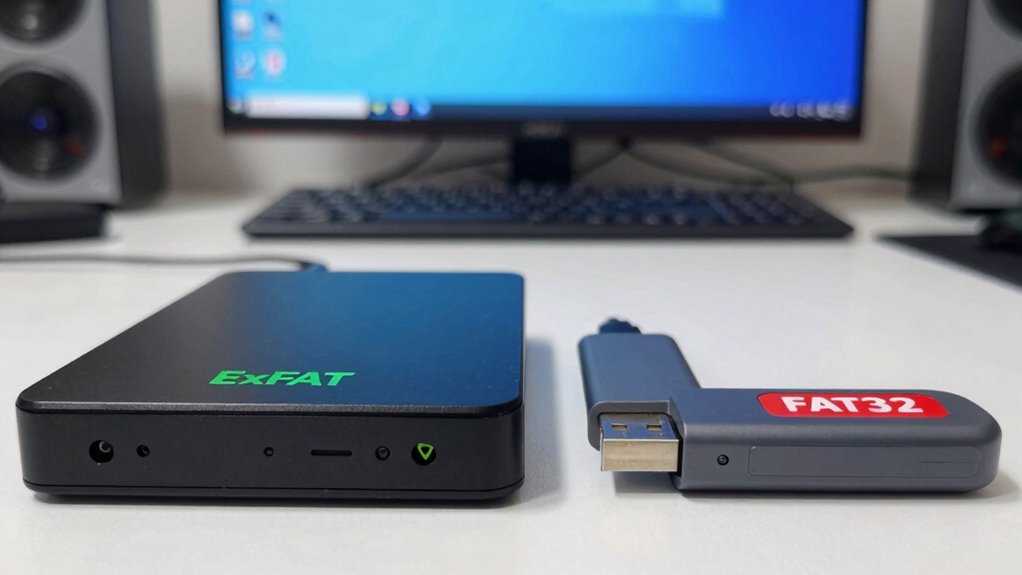

If you want a formatting choice that prevents errors, exFAT is your best bet. It supports larger files and drives, reduces fragmentation, and offers faster transfer speeds, especially with big data. Unlike FAT32, which can slow down over time and struggle with large files, exFAT keeps things smooth and reliable across many devices. To discover more about how to optimize your storage, keep exploring the key differences and benefits.
Key Takeaways
- exFAT reduces file fragmentation, leading to fewer errors and more consistent performance over time.
- exFAT supports larger files and volumes, minimizing transfer errors with high-capacity storage.
- FAT32’s 4GB file size limit can cause errors when handling large files, making exFAT more reliable.
- exFAT’s optimized structure offers faster read/write speeds, decreasing potential data access errors.
- Choosing exFAT ensures better compatibility with modern devices and operating systems, reducing formatting errors.
Understanding the Core Differences Between FAT32 and Exfat
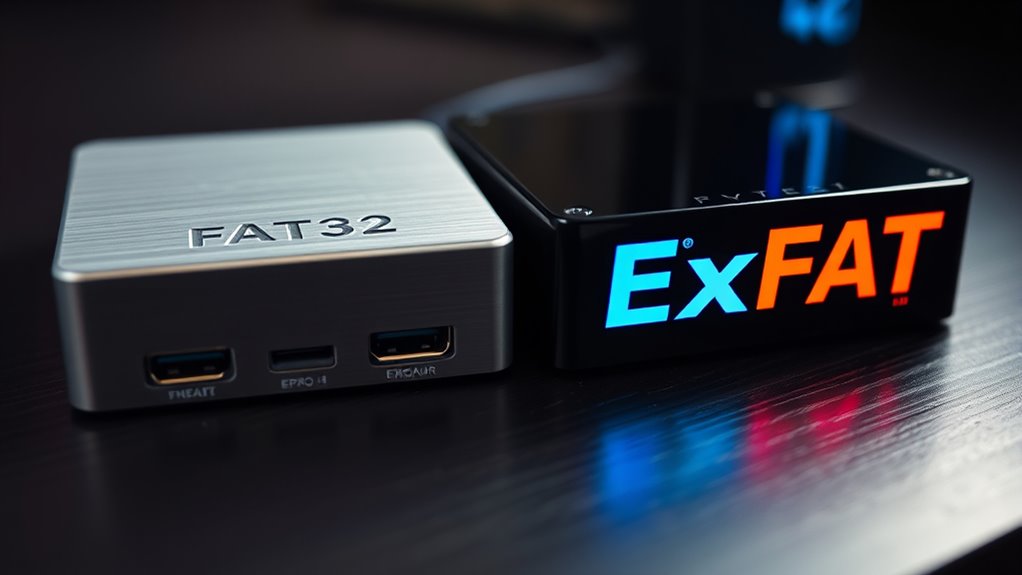
While both FAT32 and exFAT are file systems used to organize data on storage devices, they have distinct core differences that impact performance and compatibility. FAT32 tends to suffer from file fragmentation over time, which can slow down data access and complicate maintenance. It also requires format conversion if you need to upgrade to exFAT, since you can’t easily convert without erasing data. exFAT, on the other hand, handles larger files and storage volumes more efficiently, reducing fragmentation risks and offering smoother data management. This fundamental difference shapes how each system manages data, with FAT32 suited for smaller drives and simpler tasks, while exFAT is optimized for modern storage needs. Additionally, fragmentation issues can significantly affect the longevity and efficiency of FAT32-formatted drives, making exFAT a preferable choice for high-capacity and high-performance storage. Understanding these core distinctions helps you make informed formatting choices, especially considering compatibility and performance across different devices and systems.
Compatibility Considerations Across Devices and Operating Systems
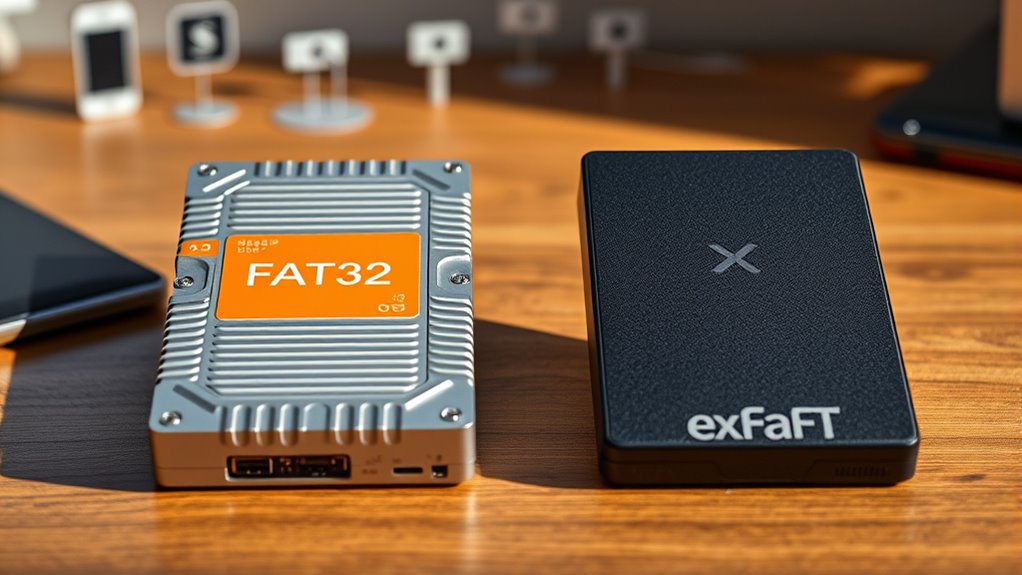
Choosing the right file system depends heavily on how well it works across your devices and operating systems. FAT32 offers broad device compatibility, working seamlessly with most older and newer hardware, including gaming consoles, cameras, and car stereos. However, its cross-platform support is limited on modern systems, especially with file size restrictions. Exfat improves cross-platform support, being compatible with Windows and macOS without additional software, making it ideal for transferring large files across different operating systems. If you regularly switch between devices or use a mix of old and new hardware, exfat delivers better compatibility. Conversely, FAT32’s universal device compatibility might suit simpler setups, but it’s less flexible for modern use cases requiring larger files. Your choice hinges on balancing device compatibility and cross-platform support needs.
File Size and Storage Limits: What You Need to Know
Understanding the file size and storage limits of FAT32 and exFAT is essential when managing your data. FAT32 has a maximum individual file size of 4GB and a volume limit of 8TB, but it can suffer from file fragmentation which slows down access and increases risk of errors. On the other hand, exFAT supports much larger files—up to 16EB theoretically—and volumes, making it ideal for high-capacity storage. Additionally, exFAT offers better encryption compatibility, helping you secure your data without sacrificing performance. Knowing these limits helps you choose the right file system for your needs, especially if you’re working with large media files or require efficient storage management. Being aware of these constraints ensures smoother data handling and minimizes potential errors. Moreover, understanding file system limitations is crucial for optimal data integrity and device compatibility across different platforms and devices.
Performance and Reliability in Real-World Usage
When it comes to real-world performance, exFAT generally offers faster read and write speeds compared to FAT32, especially with large files, because it’s optimized for modern storage devices. You’ll notice less fragmentation issues, which helps maintain consistent speed over time. exFAT’s design reduces the need for frequent defragmentation, improving speed optimization during daily use. FAT32 may struggle with larger files, causing slower transfers and potential errors. For reliable performance, exFAT handles high-volume data transfers smoothly, making it ideal for multimedia and large backups. Additionally, file system compatibility across various operating systems ensures smoother operation and fewer errors in diverse environments. The compatibility of exFAT with many devices and platforms makes it a versatile choice for everyday storage needs. Moreover, its ability to handle large files without restrictions makes it particularly suitable for modern storage requirements. Using exFAT can also enhance your connected home fitness setup by providing reliable data storage for multimedia content and workout data synchronization.
Choosing the Right Format to Minimize Errors and Protect Data
Selecting the right file system format is essential for minimizing errors and safeguarding your data. To do this effectively, consider these factors:
- File fragmentation: Choose a format like exFAT that reduces fragmentation, keeping data access smooth and reducing errors.
- Encryption compatibility: Ensure the format supports encryption if you handle sensitive data; exFAT offers better compatibility with encryption tools.
- File size limits: Select a format that accommodates your file sizes without errors—exFAT supports larger files than FAT32.
- Device compatibility: Pick a format that works across your devices, balancing error prevention with ease of use.
Frequently Asked Questions
Can I Convert FAT32 to Exfat Without Losing Data?
You can convert FAT32 to exFAT without losing data by using third-party tools designed for safe file compatibility and partition resizing. These programs typically allow you to upgrade your file system without formatting, preserving your files. However, always back up your data first to prevent potential loss. Follow the software instructions carefully, and make certain your storage device has enough space to support the conversion process smoothly.
Which Format Is Better for External SSDS?
ExFAT is better for external SSDs because it offers improved file compatibility and faster device performance. You’ll find it supports larger files and drives more efficiently than FAT32, making it ideal for high-capacity storage. Plus, exFAT is compatible with most modern operating systems, ensuring seamless data transfer. If you want reliable performance and broad compatibility, formatting your external SSD to exFAT is the smarter choice.
How Do These File Systems Impact Data Recovery Options?
Think of your data as treasure in a ship’s hold. FAT32 is like a sturdy, old chest—easy to access but with limited space, making data recovery a challenge if it’s damaged. ExFAT is a modern crate—more compatible with newer devices, offering better data recovery options. However, both have limitations; FAT32’s compatibility is narrow, while ExFAT might face data recovery issues with certain corruption, so choose wisely based on your needs.
Are There Security Differences Between FAT32 and Exfat?
You’ll find that FAT32 has more security vulnerabilities because it doesn’t support encryption capabilities, making your data more exposed. ExFAT, on the other hand, offers limited security improvements but still lacks robust encryption features. Neither file system provides advanced security options, so if security is your priority, consider using additional encryption tools alongside them. Be aware that both are vulnerable to certain exploits, so always back up your data regularly.
Does Exfat Support Encryption Features Natively?
You might think exFAT supports native security features, but it doesn’t include built-in encryption compatibility or native security. While exFAT is great for handling large files and cross-platform use, you’ll need to rely on third-party encryption tools to protect your data. If native security is essential, consider NTFS or other file systems that offer integrated encryption options, ensuring your files stay secure without extra software.
Conclusion
Choosing the right format can literally save your data from total disaster! FAT32 might be the ancient warrior, but exFAT is the superhero that prevents errors and keeps your files safe across devices. Don’t let incompatible formats turn your storage into a digital nightmare. Pick wisely, and you’ll dodge errors like a pro. Your data’s safety depends on it—trust me, a tiny mistake could lead to catastrophic data loss!