To organize your footage by date, location, and incident, start with a clear folder structure sorted chronologically, adding subfolders for each location and incident type. Use consistent, descriptive filenames that include date, project details, and incident codes. Incorporate metadata like GPS coordinates, scene notes, and environmental details to enhance searchability. Maintaining organized bins and sequences helps you manage large projects efficiently. If you keep exploring, you’ll discover how to make retrieval even easier.
Key Takeaways
- Use standardized filenames with ISO date format (YYYYMMDD) and include location and incident identifiers for easy sorting.
- Create hierarchical folders organized chronologically (year/month/day) and geographically (region/site) to categorize footage.
- Embed metadata such as capture date, GPS coordinates, and incident type within files for advanced searchability.
- Implement consistent naming conventions combining date, location, incident, and version info for quick identification.
- Utilize color labels, tags, and structured metadata to visually differentiate and efficiently retrieve footage by date, location, or incident.
Establishing a Clear Folder Structure for Your Project

Creating a clear folder structure is essential for managing your footage efficiently. Start by organizing your files hierarchically based on time, with top-level folders for each year. Inside, create monthly folders to reduce search complexity for specific periods. For multi-day shoots, add day-level subfolders within each project to capture shoot-day context and simplify incident correlation. Each project should have standardized numbered subfolders (e.g., 01_Project, 02_Footage, 03_Assets) to maintain consistency. To streamline workflows, include camera-specific subfolders under each shoot day, separating raw clips by source. This hierarchy ensures quick access, preserves organization across projects, and helps you locate footage efficiently. A well-structured folder system minimizes confusion and sets a solid foundation for effective media management. Implementing consistent naming conventions across all folders and files further enhances searchability and reduces confusion during editing. Additionally, adopting organized media management practices can significantly improve your overall workflow efficiency and project tracking, particularly when utilizing metadata and tagging to categorize footage. Using standardized naming patterns for files also supports easier sorting and retrieval later. Incorporating regular backups of your organized folders ensures your footage remains safe and accessible over time, which is especially important for maintaining footage integrity and avoiding data loss.
Implementing Consistent File Naming Conventions

To keep your footage organized, you should adopt standardized date prefixes, like ISO 8601, to guarantee files sort chronologically across platforms. Including clear project labels and categorization methods helps you quickly identify content related to specific incidents, locations, or events. Consistent naming conventions make it easier to manage, search, and automate your workflow effectively. Implementing standardized naming patterns ensures long-term accessibility and simplifies collaboration with others. Additionally, consistent file naming reduces confusion during project handoffs and version control. Recognizing the importance of pinball machine history can inspire themed naming conventions that reflect the era or style of footage.
Standardized Date Prefixes
Implementing standardized date prefixes in your file naming conventions helps guarantee your footage remains organized and easy to navigate. Using the YYYYMMDD format ensures files sort chronologically because the year-month-day order places the most significant element first. It minimizes filename length and avoids special characters that can cause compatibility issues across platforms. For more readability, the YYYY‑MM‑DD format adds hyphens, making it easier for humans to interpret while maintaining sort order. When grouping footage by month, using YYYYMM keeps filenames short and organized. For incident-level detail, appending time like YYYYMMDD_HHMM provides precise sorting and unique identification without illegal characters. Adopting a consistent date format across all files facilitates retrieval, support automation, and maintain clarity across your entire footage library. Additionally, establishing clear naming conventions ensures consistency and reduces confusion during searches or edits.
Descriptive Project Labels
Using descriptive project labels in your file naming conventions guarantees that each file is easily identifiable and organized, even at a glance. Keep names short but meaningful, using abbreviations like ‘feat’ for featured images, and limit length to 25-30 characters. Use only alphanumeric characters, underscores, or hyphens, avoiding special symbols to prevent errors. Incorporate version numbers, such as ‘v01’ or ‘v02,’ to track updates without overwriting. Omit status words like DRAFT or FINAL, favoring sequential numbering with leading zeros. Arrange elements by importance, including date, description, version, and author. For example, ‘location_event_v02_jdo.’ Consistent labeling simplifies searching, review, and collaboration, ensuring your footage remains organized and accessible. Implementing clear naming standards helps teams avoid confusion and reduces time spent on file management tasks. Additionally, aligning your naming conventions with organized metadata facilitates easier sorting and retrieval across different projects and platforms.
Clear Categorization Methods
Consistent file naming conventions are essential for organizing footage effectively by date, location, and incident. Start filenames with the ISO 8601 date (YYYYMMDD) to guarantee accurate chronological sorting. Add the time (HHMM) for multiple captures on the same day, and include location codes after the date, like NYC or GPS coordinates, to filter by place. Append incident identifiers such as ACCIDENT, MAINTENANCE, or INTERVIEW, along with unique incident numbers or versions (e.g., INC001_v01). Use underscores or dashes to keep components machine-parseable and human-readable. Include status markers like RAW or FINAL, and version numbers padded with zeros to maintain order. Avoid spaces or special characters, keeping filenames compact and consistent to facilitate cross-platform compatibility and efficient retrieval. Additionally, standardized naming practices are crucial for maintaining a clear and accessible archive, especially when managing large volumes of footage.
Incorporating Metadata for Effective Organization
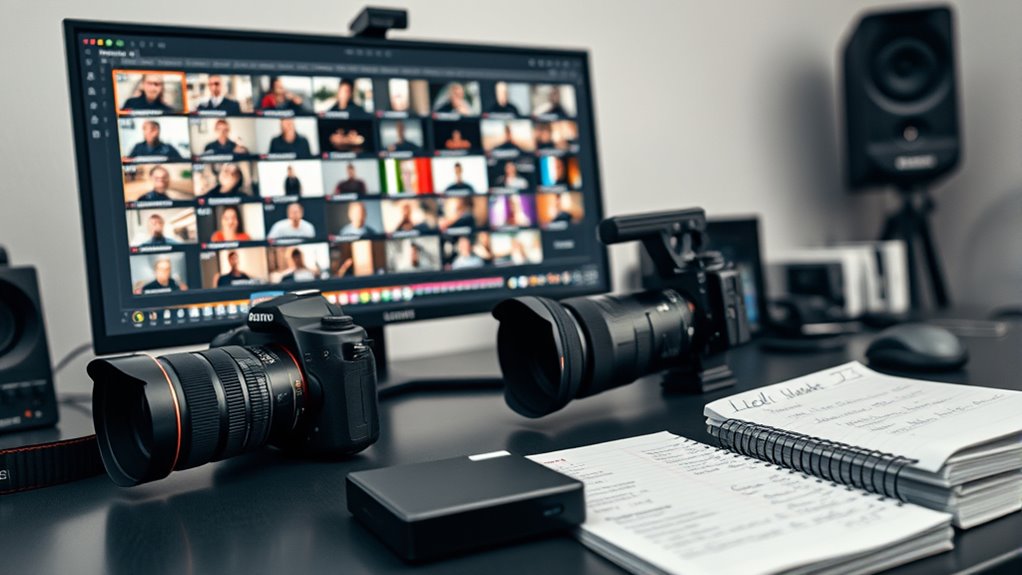
You need to use consistent vocabulary across all metadata entries to guarantee accurate search and retrieval. Following best practices for metadata entry helps prevent errors and maintains data quality. By standardizing terms and definitions, you make organizing and analyzing footage much more efficient. Implementing proper metadata standards ensures that your content remains interoperable and easily discoverable across various platforms. Additionally, understanding kitchen science & materials can help establish clear terminology related to equipment and techniques, which can be applied to metadata conventions. Recognizing metadata consistency as a key factor further improves the precision of your organization system. Incorporating knowledge about water-related environments, such as pools and water parks, can also aid in tagging footage related to aquatic locations and activities. Moreover, awareness of piercing aftercare and related hygiene practices can support categorization of footage involving body modifications and health procedures.
Consistent Vocabulary Usage
Establishing a clear and standardized vocabulary is essential for organizing footage effectively, as it guarantees that everyone interprets and tags data uniformly. You should define a preferred term for each recurring concept, like “collision,” to avoid synonyms that hinder retrieval. Maintain authority lists for people, locations, and incident types, making preferred terms centrally discoverable and reusable. Use controlled-term mappings to redirect search variants to the standard vocabulary. Apply hierarchical relationships to group related terms, supporting faceted browsing. Enforce consistent naming conventions for dates (ISO 8601) and locations (canonical names, geocodes). Develop a business glossary with clear definitions, usage examples, and governance rules to guide contributors. Embedding these standards ensures metadata remains consistent, accurate, and easy to search across collections. Additionally, metadata consistency is crucial for enabling efficient retrieval and analysis of footage over time.
Metadata Entry Best Practices
Implementing effective metadata entry practices is essential for organizing footage efficiently and ensuring easy retrieval. You should adopt a standardized schema like Dublin Core or schema.org VideoObject, defining required versus optional fields such as capture_date, gps_coordinates, and incident_type. Map descriptive, technical, and contextual metadata to appropriate schema fields for clear categorization. Use version control and publish change logs so workflows adapt smoothly. Both machine-readable and human-readable definitions help prevent inconsistent data entry.
| Metadata Aspect | Best Practice |
|---|---|
| Schema Selection | Use standardized schemas (Dublin Core, JSON) |
| Required Fields | Enforce capture_date, incident_type, gps_coordinates |
| Geolocation & Time | Store UTC timestamps, precise coordinates, and accuracy |
| Versioning & Definitions | Maintain change logs, clear field descriptions |
Sorting Footage by Date for Chronological Access
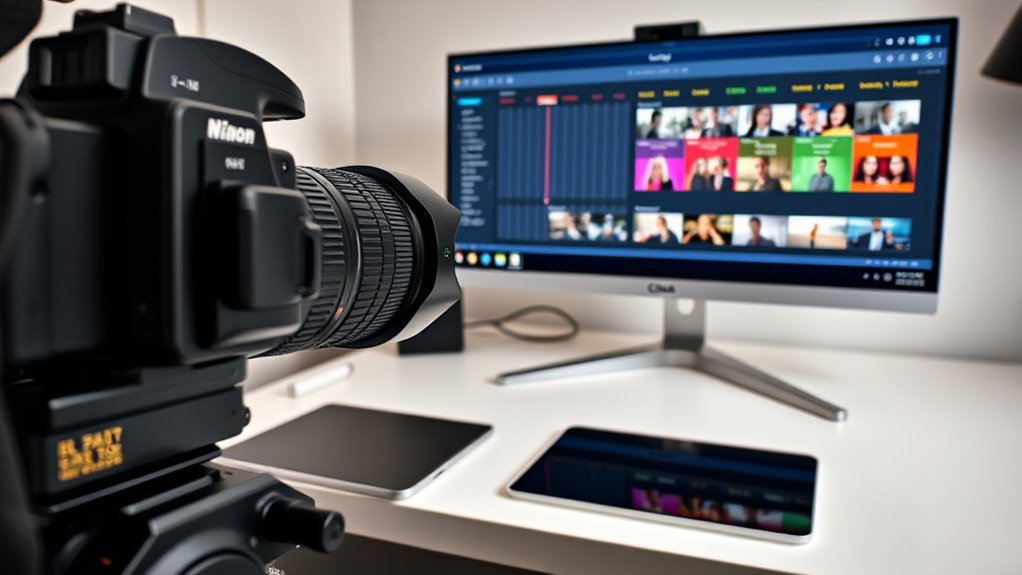
Sorting footage by date is essential for maintaining a clear chronological sequence, which simplifies editing and review processes. You should adopt a uniform filename convention, starting with the ISO 8601 date (YYYY-MM-DD), followed by the time in 24-hour format, and a project or camera code (e.g., 2025-07-14_CAMA_093012.mov). This ensures lexicographical sorting matches chronological order. Organize files into top-level folders named after each project, with subfolders for each shooting date and session, like CameraA or Drone. Use automated tools during ingest to read embedded timestamps and create date-based folders, renaming files accordingly. Normalize timestamps to UTC or a single time zone and embed accurate metadata. Maintaining consistent filename policies and folder structures guarantees reliable, straightforward chronological access. Implementing consistent naming and folder structures enhances the ability to quickly locate footage in the correct sequence during editing. Additionally, employing metadata management tools can help automate the process of updating timestamps and metadata, reducing manual errors. Incorporating automated file organization techniques can further streamline this process and minimize human oversight.
Categorizing Video Files by Location
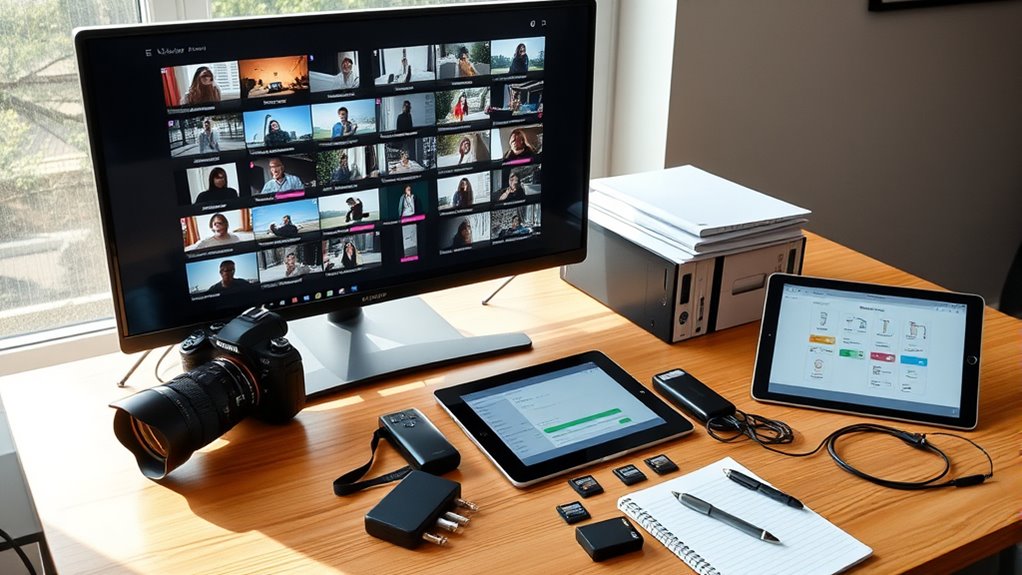
Organizing video files by location enhances retrieval efficiency and contextual understanding, especially when managing large, multi-region projects. You should create top-level folders for each geographic scope—country, state, or city—and nest site-specific folders like Facility_A or CameraZone_01. Use numeric prefixes (01_, 02_) for consistent ordering when multiple locations appear. Mirror this structure across storage tiers—local drives, NAS, and cloud—to maintain hierarchy and ease transfers. Incorporate location codes into filenames, such as NYC_WH01 or LAT-35.6895N_139.6917E, combined with camera IDs and timestamps (YYYYMMDDThhmmss). Adding incident tags helps with filtering. Applying structured metadata, GPS coordinates, and controlled vocabularies further improves searchability. Utilize VAM or cloud systems with geo-tagging and AI tools to automate and scale location-based organization effectively. Consistently using standardized naming conventions for location data reduces confusion and streamlines the retrieval process. Additionally, implementing geo-tagging techniques enhances automatic categorization and quick access to footage based on geographic information, leveraging metadata standards to improve consistency and interoperability. Incorporating location-aware software can further streamline the organization process, especially for large datasets and complex projects. Moreover, adopting automated tagging tools can significantly accelerate the sorting and retrieval of footage by location, saving time and reducing manual effort. This integration of AI-driven classification can also improve accuracy and efficiency in managing extensive video archives.
Managing Incident-Specific Footage and Documentation

Effective management of incident-specific footage and documentation guarantees quick retrieval, accurate reporting, and secure evidence handling. Begin by organizing all files—photos, videos, logs, and witness statements—immediately after an incident. Use a consistent naming convention that includes date, location, incident type, and file type. Maintain a centralized, secure repository with restricted access to ensure data integrity. Include wide shots first, then detailed views, and note any narration, timestamps, weather, or hazards during filming. Record witness and driver statements with clear consent, and preserve raw, unedited files via cloud or backups. Document all actions taken, environmental conditions, and responses in a factual, chronological manner. Implementing a standardized filing system and version control can prevent data loss and confusion. This structured approach ensures that incident records are comprehensive, reliable, and accessible for analysis, reporting, or legal purposes.
Utilizing Metadata to Track Shooting Details
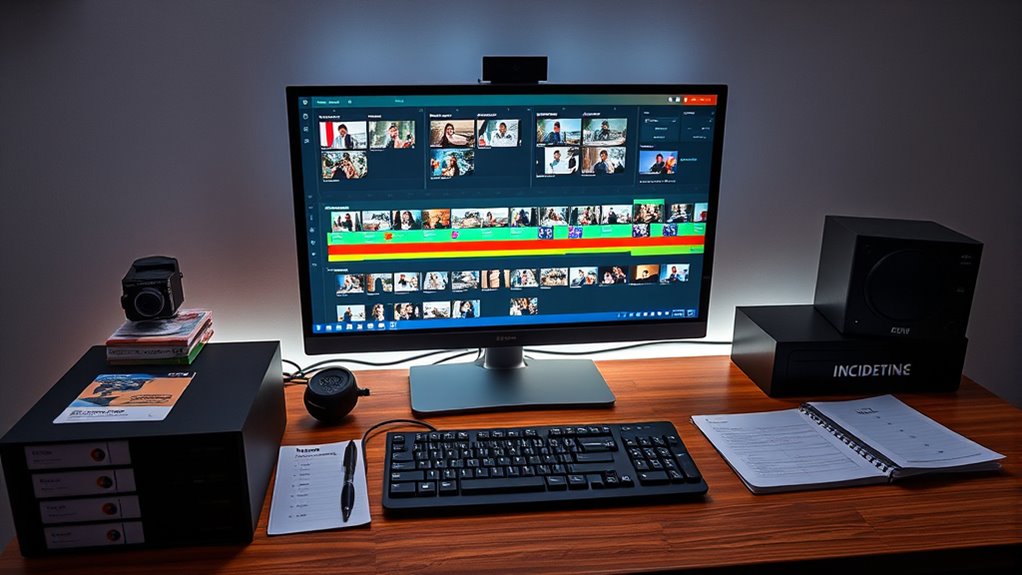
Utilizing metadata to track shooting details guarantees that every captured moment is accurately documented and easily retrievable. You record the start date and time from your camera clock to establish shot order. Embedding technical data like frame rate, resolution, codec, and color space supports editing and forensic checks. You link clips to specific gear by preserving camera and lens serial numbers. Exposure settings such as ISO, shutter speed, and focus metrics help with color grading and quality control. Additionally, you store sidecar files and camera-generated timecode to prevent metadata loss during transfers. Metadata can be viewed and verified using online tools or editing software, ensuring accuracy and completeness. – Visualize GPS coordinates pinpointing exact locations, helping you map footage geographically. – Scene notes and incident tags streamline search and review processes. – Camera serial numbers and device IDs connect footage to gear for troubleshooting. Furthermore, maintaining consistent metadata standards across your workflow enhances data integrity and simplifies future audits. Implementing standardized metadata protocols ensures that all details are uniformly recorded, reducing errors and improving overall organization. To ensure comprehensive documentation, incorporating standardized data formats enhances compatibility across different editing platforms and tools. Additionally, referencing known metadata standards can facilitate interoperability and ease collaboration with other production teams. You can also improve organization by using automatic tagging features that help categorize footage efficiently.
Maintaining an Organized Workflow With Bins and Sequences
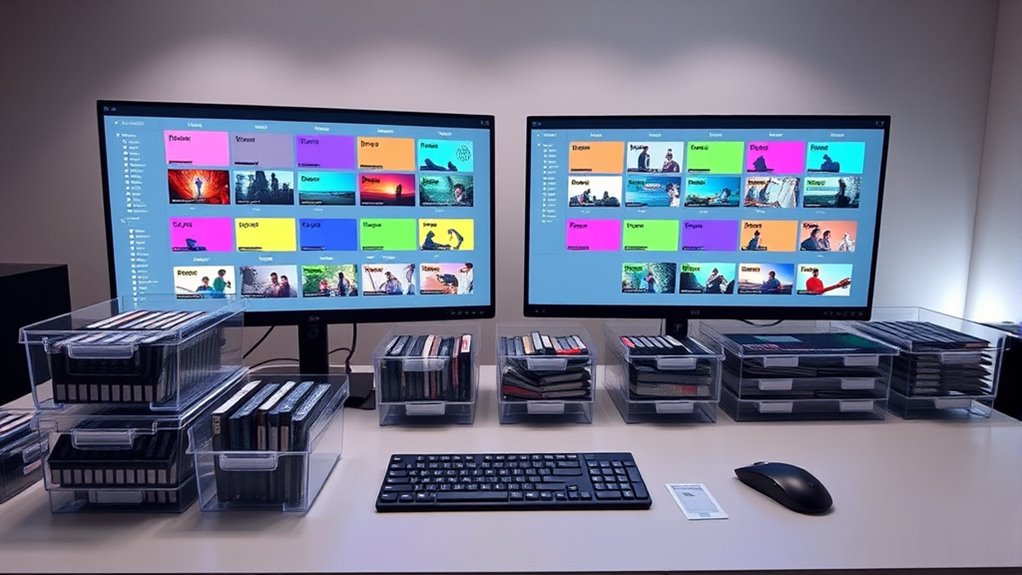
Building a structured workflow with bins and sequences helps you keep your project manageable and easy to navigate. Start by establishing parent bins for main categories like footage, audio, graphics, and sequences. Inside these, create sub-bins based on media type or event segments such as pre-ceremony or reception. Use nested folders for large projects to break content into smaller parts. Consistently label bins and clips with clear, project-specific names to speed up identification. Assign color labels to bins and clips for quick visual cues, differentiating media types or locations. Maintain at least three key sequences—sync, b-roll, and main edit—and duplicate them as needed for different versions. Regularly review and reorganize your bins and sequences to stay current and prevent clutter.
| Bin Type | Organization Strategy |
|---|---|
| Parent Bins | Main categories (footage, audio, graphics) |
| Sub-bins | Media types, event segments |
| Sequence Bins | Sync, b-roll, main sequences |
| Labeling | Clear, consistent naming conventions |
| Color Coding | Visual cues for quick navigation |
Best Practices for Searching and Retrieving Footage

To search and retrieve footage efficiently, you need a robust metadata and indexing system that supports precise queries across multiple parameters. Imagine filtering by:
- Exact date and time, normalized to UTC, with original timezones for accuracy
- Specific locations using geolocation data to pinpoint incidents
- Incident types like theft or fire, using controlled vocabularies for consistency. Implementing standardized breakfast terminology can improve incident categorization and retrieval accuracy. This system combines lexical metadata indexes with vector-based embeddings for semantic searches. You can narrow results with compound queries—date ranges, geo-fences, incident categories, and free-text conditions. Visual scene metadata, keyframes, and object descriptors enable sub-shot retrieval. Regular index maintenance, reindexing, and multi-phase ranking ensure fast, relevant results, helping you quickly find footage based on precise, multifaceted criteria. Vespa’s advanced search capabilities and multi-modal embeddings support complex, scalable retrieval workflows. Incorporating metadata management best practices ensures your system remains accurate and efficient over time.
Frequently Asked Questions
How Can I Ensure Consistent Metadata Entry Across Different Team Members?
You can guarantee consistent metadata entry by implementing standardized templates with mandatory fields and controlled vocabularies, which your team must use. Enforce validation rules for formats and values, and provide pick-lists to minimize errors. Offer training and quick-reference guides, assign clear ownership roles, and conduct routine QA checks. Automate metadata extraction and enrichment to reduce manual input, and establish workflows for reviewing and correcting discrepancies promptly.
What Are Effective Ways to Handle Footage From Multiple Locations in One Project?
Imagine your footage as a garden with diverse plants from different locations. You should use smart metadata tagging to label each clip by scene, location, and incident, much like marking each plant’s species. Employ centralized project management tools to organize and track footage, and utilize AI for auto-grouping. Regularly update your digital call sheets and collaborate via cloud platforms to guarantee every “plant” stays in its proper place, thriving together.
How Do I Prioritize Folder Structures When Managing Large-Scale Productions?
You should prioritize your folder structure based on your project’s workflow and scale. Start with top-level folders like Footage, Audio, Graphics, and Exports for clarity. Within Footage, organize by date, camera, scene, or location to streamline access. Use numbered prefixes and consistent naming conventions. Keep subfolders simple, limit levels, and adapt as your project grows. This approach guarantees efficient management, easy navigation, and scalability for large productions.
What Metadata Fields Are Essential for Incident-Specific Footage?
Imagine you’re tracing the trail of a vital event through your footage. To do that, you need key metadata fields like a detailed incident description that paints a clear picture, relevant keywords tagging incident types, and scene or take numbers to pinpoint exact moments. Adding location data, time-stamps, and chain-of-custody logs guarantees you can quickly navigate, verify, and understand the context of each clip during review or investigation.
How Can I Optimize Search Functions Within DAM Tools for Quick Retrieval?
You can optimize search functions in DAM tools by implementing faceted search with filters like date, location, and incident type, enabling quick narrowing down of results. Use structured metadata and synonyms for better recall, and leverage AI auto-tagging to enhance relevance. Incorporate saved searches, alerts, and analytics monitoring to refine performance continually. Prioritize indexing key fields and supporting advanced queries, so users find assets swiftly and accurately.
Conclusion
By mastering these organization techniques, you’ll turn chaos into clarity—like transforming a jumbled puzzle into a clear picture. Keep your folders, filenames, and metadata consistent, and you’ll find footage quickly and effortlessly. An organized workflow isn’t just neat—it’s your secret weapon for efficient editing and storytelling. Stay disciplined, and your project will flow smoothly, making every clip count like a well-tuned orchestra.