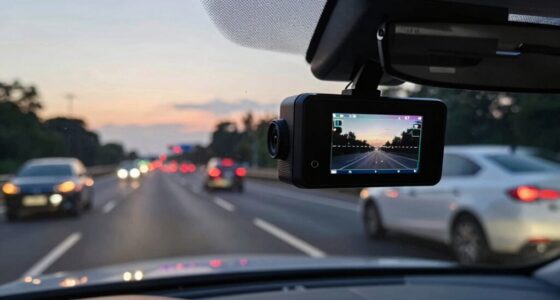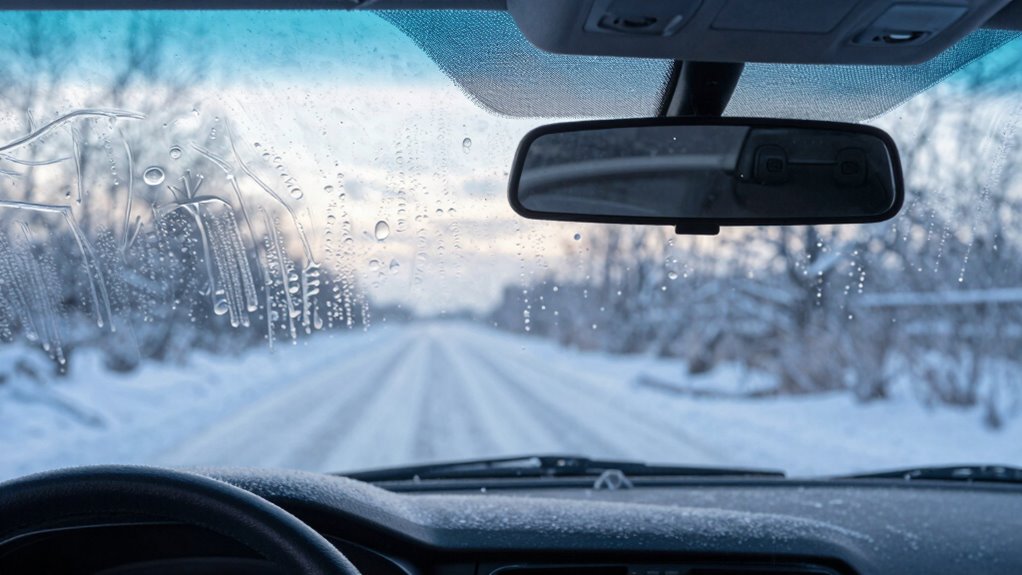

In winter, your dash cam takes longer to start because cold temperatures drain batteries faster, cause internal parts to contract and become stiff, and slow down electronic circuits. Moisture can also condense inside, leading to foggy footage or system hiccups. These issues are common, but you can reduce delays and protect your device by choosing cold-resistant models and accessories. Keep exploring to discover how to keep your dash cam running smoothly in the cold.
Key Takeaways
- Cold temperatures reduce the efficiency of lithium-ion batteries, causing longer startup times and potential power issues.
- Semiconductor components operate at lower clock speeds in cold, delaying device initialization.
- Internal components contract and become brittle, increasing the risk of connection issues and longer boot processes.
- Moisture condensation from temperature fluctuations can impair internal electronics, leading to delays or malfunctions.
- Heated or temperature-rated dash cams with thermal management features startup faster in freezing conditions.

USANOOKS Microfiber Cleaning Cloth Grey - 12 Pcs (12.5"x12.5") - High Performance - 1200 Washes, Ultra Absorbent Microfiber Towel Weave Grime & Liquid for Streak-Free Mirror Shine - Car Washing Cloth
- High Absorbency Microfiber: Locks in 8-10x its weight in liquids
- Durable 2.5mm Thick Design: Resists lint, scratches, and shedding
- Swirl-Free Mirror Shine: Rapid dry layers prevent streaks and damage
As an affiliate, we earn on qualifying purchases.
How Cold Weather Affects Dash Cam Batteries
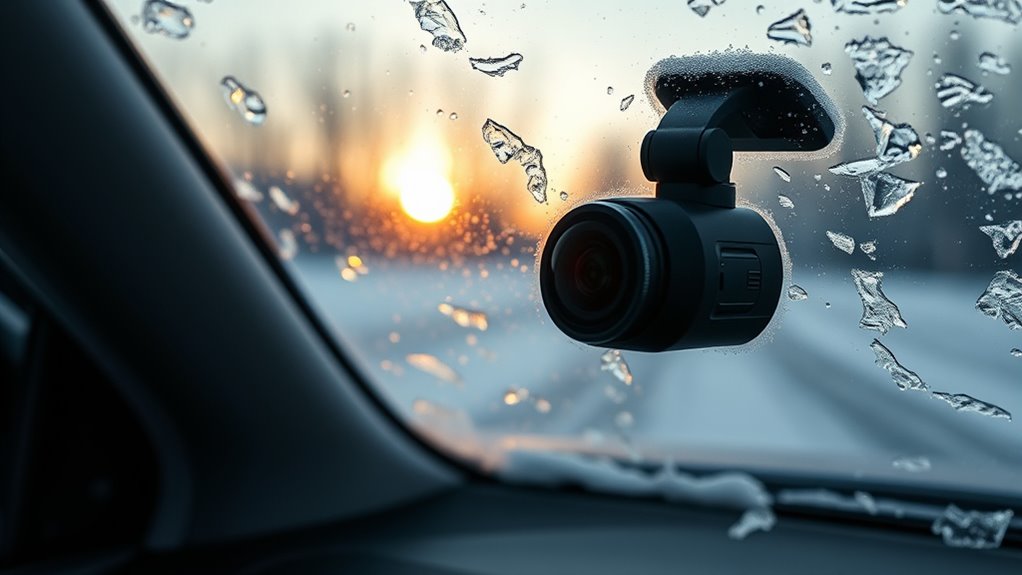
Cold weather considerably impacts dash cam batteries by slowing down the chemical reactions inside lithium-ion cells. When temperatures drop below freezing, lithium-ion movement slows, reducing efficiency and charge retention. The electrolyte thickens, which hampers ion flow between the anode and cathode, causing chemical processes to operate at just 95-98% capacity below 0°C. As a result, batteries lose 10-20% of their capacity at 0°F (-18°C), and even fully charged batteries drain faster in cold conditions. Internal resistance increases as the electrolyte becomes more viscous, leading to voltage drops and diminished power output. This reduced capacity and higher resistance make it harder for your dash cam to draw the necessary power, increasing the risk of shutdowns and recording interruptions during winter days. In addition, cold temperatures can cause internal components to contract, potentially leading to physical stress and damage over time. Understanding these effects is crucial for maintaining reliable dash cam operation in winter conditions, especially since battery performance can be significantly compromised in low temperatures.

HOMEXCEL Microfiber Cleaning Cloth 12 Pack, 12.5 x 12.5 inch Microfiber Towels for Cars, Ultra Absorbent Washing Cloth, Lint Free Streak Free Cleaning Rags for Car, Kitchen, and Window (Grey)
- High Water Absorption: Exceptional absorption for cleaning and drying
- Scratch-Free Material: Soft fabric protects car paint
- Quick Drying: Rapidly absorbs water for streak-free finish
As an affiliate, we earn on qualifying purchases.
Why Your Dash Cam Takes Longer to Power On in Freezing Temperatures

When temperatures drop below freezing, your dash cam’s startup process can slow considerably. The semiconductor and processor components, like microcontrollers and SoCs, experience reduced clock speeds, delaying boot times. Increased resistance in voltage regulators and power-management ICs also hampers stable power delivery, further extending startup. Cold causes threshold shifts in MOSFETs and other semiconductors, making device initialization and peripheral detection take longer. Crystal oscillators and RTC modules require more time to stabilize, adding to delays. Additionally, safety firmware might run extended self-tests or thermal checks in cold conditions, lengthening boot routines. Sluggish flash memory and SD cards also contribute, as their read/write speeds slow down, and error correction cycles increase. Furthermore, extreme cold can cause internal components to contract, which may affect the overall performance and reliability of the dash cam. This contraction can lead to misalignments or stress that impact internal connections and functioning. Moreover, the temperature effects on electronic components can cause temporary malfunctions or reduced lifespan if the device is frequently exposed to cold environments. The movement and expansion of internal parts due to temperature fluctuations can also cause mechanical stress and eventual damage. Additionally, air quality considerations like increased humidity in cold weather can cause condensation inside the device, potentially leading to corrosion or short circuits. Increased humidity can also accelerate corrosion processes, further risking internal damage. All these factors combine to make your dash cam take noticeably longer to be ready in freezing temperatures.

Amazon Basics Microfiber Car Drying Towels, Highly Absorbent, Lint Free, Scratch Free, Ultra-Soft, Car Detailing, Buffing and Polishing, 16" x 16", Yellow, 12-Pack
- Product Quantity: 12-pack of towels
- Size: 16 x 16 inches
- Material: Microfiber for drying and polishing
As an affiliate, we earn on qualifying purchases.
The Impact of Condensation on Dash Cam Performance

Temperature differences between your vehicle’s interior and exterior can cause moisture to condense on surfaces like the dash cam lens, especially during seasonal shifts. When the temperature drops or rises quickly, a fine layer of water forms on the glass and metal surfaces, including your camera. This condensation can make footage blurry, foggy, or completely obscured, preventing clear recordings during vital moments. You might notice:
Temperature shifts cause moisture buildup on dash cam lenses, leading to blurry footage and obstructed views.
- Soft, foggy images due to lens moisture
- Temporary safety system failures
- Obstructed visibility on camera optics
- Useless footage from obscured lenses
- Sudden moisture buildup that blocks the view
Repeated condensation can also promote mold growth, cause internal corrosion, and damage electrical components over time. Protecting your dash cam with heating elements and proper storage can minimize these issues. Implementing heated housings and lens heating films helps maintain lens clarity by actively preventing condensation buildup. Proper ventilation techniques and parking strategies can further reduce moisture accumulation inside your vehicle, ensuring your dash cam stays clear and functional in winter conditions. Additionally, understanding climate control methods inside your vehicle can help regulate temperature fluctuations, further reducing condensation risks. Using dehumidifiers or moisture absorbers inside your car can also significantly decrease internal humidity levels, helping to prevent condensation from forming on your dash cam and other surfaces. Incorporating ventilation systems designed for automotive environments can further improve airflow and moisture management, safeguarding your equipment during cold weather. Regularly inspecting and maintaining your vehicle’s HVAC system can also help keep moisture levels in check and prevent condensation issues.

Craftsman 262-Piece Mechanic Tool Set with 3-Drawer VERSASTACK Box, SAE and Metric Socket Set, Car and Motorcycle Tool Kit with Combination Wrenches and Spark Plug Sockets, 90-Tooth (CMMT45309)
- Low profile ratchet: Thinner head for tight spaces
- 90-tooth ratchet: 5-degree arc swing for precision
- Comprehensive mechanic set: Includes sockets, wrenches, and bits
As an affiliate, we earn on qualifying purchases.
How Extreme Cold Makes Internal Components Stiff and Brittle
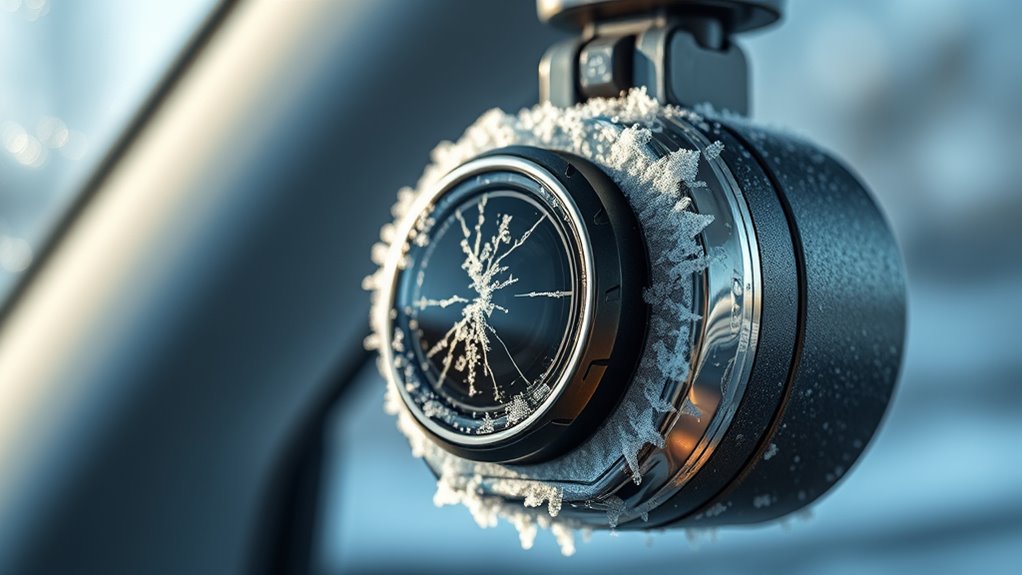
Extremely low temperatures cause internal components to become stiff and brittle, increasing the risk of damage and failure. Metal parts contract, making moving components like motors and disk drives less flexible and more prone to cracking. Plastic and rubber insulations shrink, stressing connections and risking disconnections. Freeze-thaw cycles warp enclosures, weakening structural integrity. Proper load‑planning can help mitigate some of these risks during cold weather.
Common Signs of Cold-Related Dash Cam Malfunctions
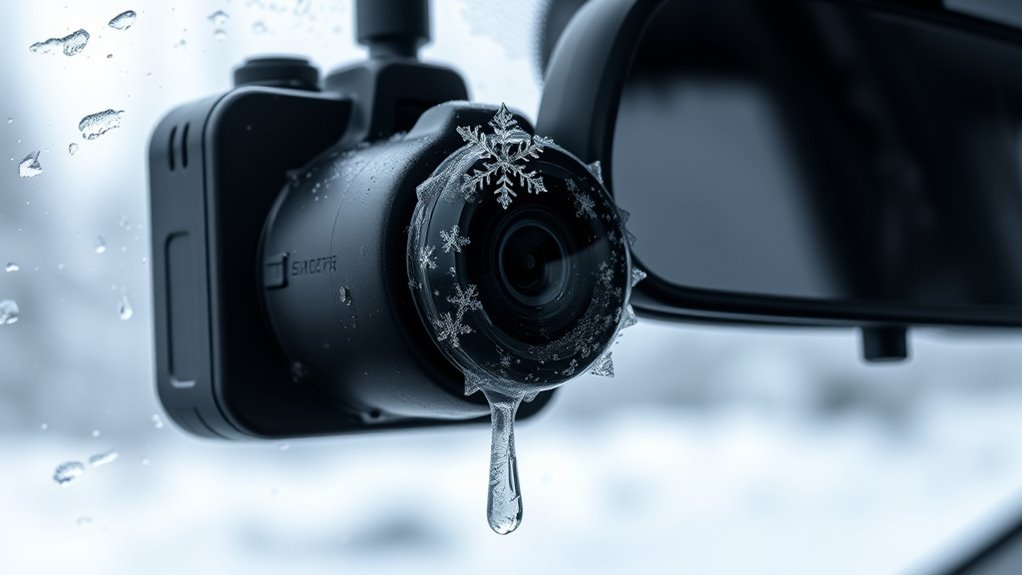
Cold weather can cause your dash cam to exhibit a range of malfunctions that often go unnoticed until they become serious issues. You might notice it failing to turn on or taking longer to power up. Sometimes, the screen freezes, becomes unresponsive, or flickers when you tap it. You may experience delayed responses when interacting with the device, making navigation difficult. Low temperatures can also lead to grainy footage or complete failure to record properly. Battery performance drops sharply, causing rapid drainage or total charge loss in sub-zero conditions. Additionally, you may hear unusual noises, experience unexpected shutdowns, or see errors related to sensors and systems. These signs indicate cold-related issues that can compromise your dash cam’s functionality and reliability. Frost, ice buildup, and condensation on internal components can also interfere with electronic signals, further impairing performance. To prevent or mitigate these problems, proper insulation and cold-resistant components can help maintain optimal operation in low temperatures. Incorporating thermal insulation around the device can help protect sensitive parts from rapid temperature drops and reduce malfunctions. Using heated enclosures or heating elements designed for electronic devices can also be an effective solution to maintain consistent performance in freezing conditions. Ensuring that the device has access to adequate power sources is also essential for reliable operation in cold environments.
Tips to Minimize Startup Delays During Winter
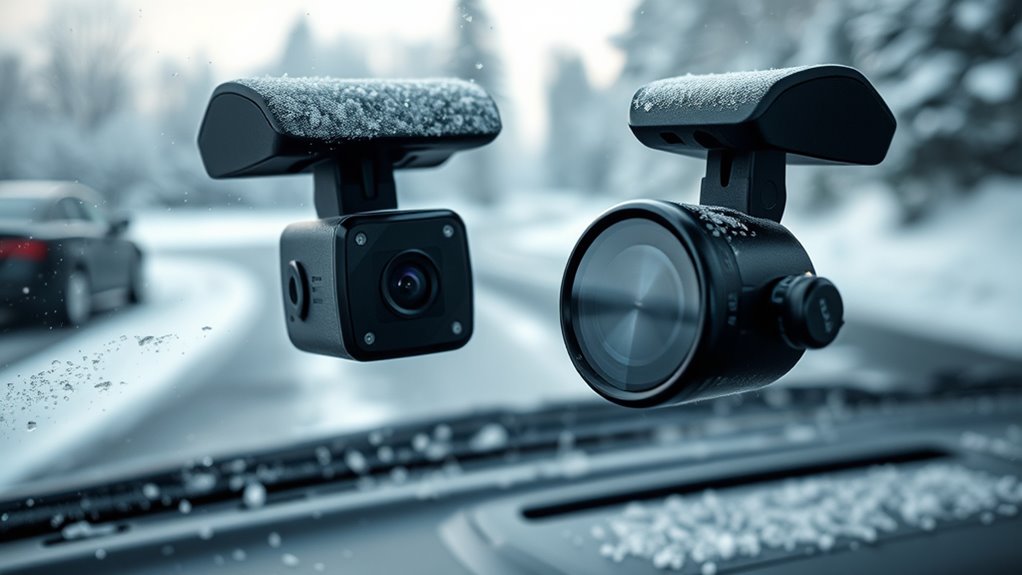
To reduce startup delays during winter, one effective strategy is to leave your dash cam plugged in for 30 to 60 seconds before unplugging it. This allows internal components to warm up, preventing cold-related shutdowns and reducing boot-up time. If your dash cam uses supercapacitors, they’re unaffected by freezing temperatures, they’re unaffected by freezing temperatures, ensuring reliable power and quick startup even in subzero weather. Additionally, using high-quality SD cards rated for extreme cold helps avoid errors and data loss during cold starts. Opting for models with optimized components designed for low temperatures ensures your camera boots quickly without delays. Finally, selecting temperature-rated dash cams that perform reliably down to -22°F guarantees consistent operation during harsh winter conditions. These simple steps keep your dash cam ready when you need it most. Incorporating thermal management techniques can further enhance performance in freezing environments, helping to mitigate the impact of low temperatures on your device’s startup time. Moreover, selecting dash cams with cold-resistant batteries can significantly improve their responsiveness in frigid weather. Using advanced heating technology can also help maintain optimal operating temperatures and reduce startup lag.
Choosing Cold-Weather-Resistant Dash Cams and Accessories
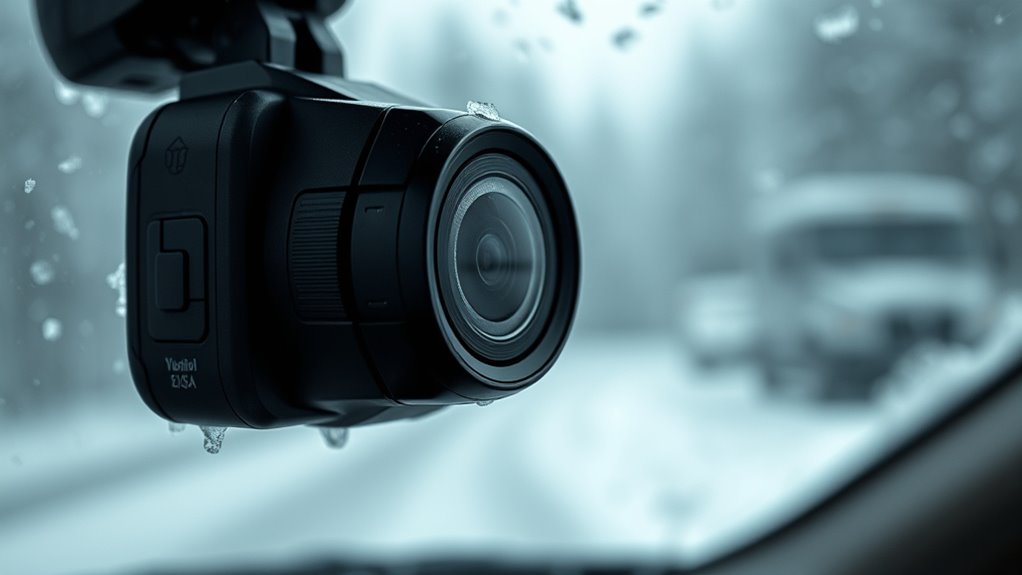
When selecting a dash cam for winter use, it’s important to focus on models designed to withstand low temperatures and harsh conditions. Look for cameras with supercapacitors instead of lithium-ion batteries, as they tolerate colder temps down to -20°C or -40°C, ensuring reliable startup and power recovery. Check the device’s temperature ratings in the specs—common operating ranges are from -10°C to -40°C—and verify them through reviews. Consider rugged features like high IP ratings for moisture and snow resistance. Opt for cameras with Sony STARVIS sensors and wide-aperture lenses (f/1.7) for better low-light and snow-reflection footage. Additionally, choose heated or hydrophobic lenses and ensure mounting accessories are designed for cold climates to prevent condensation and ice buildup. Supercapacitors provide longer-lasting performance in cold temperatures, and selecting products with weather-resistant features can further enhance durability in winter conditions. Incorporating thermal insulation into your setup can help protect the device’s internal components from extreme cold, maintaining optimal operation. Ensuring your dash cam has cold-weather-specific accessories and protective features will help maintain clear footage and reliable operation throughout the winter season.
Frequently Asked Questions
Can I Upgrade My Dash Cam’s Battery for Better Cold Weather Performance?
You can upgrade your dash cam’s battery, but it’s often not the best solution for cold weather. Lithium-ion batteries struggle in freezing temperatures, so replacing them may not improve performance considerably. Instead, consider switching to a dash cam with a supercapacitor, which handles cold much better. Alternatively, use a hardwiring kit to power your dash cam directly from your vehicle, ensuring reliable operation in winter conditions without worrying about battery performance.
Do Supercapacitors Completely Eliminate Startup Delays in Winter?
Think of supercapacitors as your dash cam’s winter superhero—they almost completely eliminate startup delays. Unlike traditional batteries that struggle in cold weather, supercapacitors charge instantly and operate reliably from -20°C to 70°C. You’ll notice your dash cam turning on immediately, even in freezing temperatures. While they don’t store enough energy for long recordings, they guarantee your device powers up swiftly, giving you peace of mind during winter drives.
How Can I Prevent Condensation Inside My Dash Cam During Temperature Shifts?
To prevent condensation inside your dash cam during temperature shifts, you should keep the device sealed with IP-rated housings or gaskets to block moisture entry. Use desiccant packs inside the housing to absorb residual humidity, and install hydrophobic lens covers to repel water. Additionally, activate built-in heaters or airflow systems that keep the lens above dew point, and let the camera warm gradually inside your vehicle before powering it on.
Are There Specific Maintenance Tips for Protecting Dash Cams in Extreme Cold?
To safeguard your dash cam in extreme cold, regularly clean the lenses with a microfiber cloth and lens cleaning solution to maintain clear footage. Park indoors or in warmer areas whenever possible, and use insulated covers or windshield sunshades to prevent ice buildup. Choose a dash cam with weather-resistant features and capacitors over batteries for better cold resistance. Secure mounting and check power sources frequently to ensure consistent operation during winter.
What Are the Best Practices for Storing Dash Cams During Winter Months?
Think of your dash cam as a winter traveler needing a warm bed. Store it indoors or in a heated space when not in use, avoiding freezing temperatures that can damage internal parts. Keep it in a protective case or insulated bag to shield it from cold shocks. Always power it down properly before storage, and avoid leaving it in your vehicle during extreme cold to preserve its longevity and performance.
Conclusion
So, as winter’s chill turns your dash cam into a sluggish turtle, remember that cold weather can turn your device into a frozen statue. By understanding how freezing temps impact batteries and components, you can keep your dash cam running smoothly all season. With the right precautions and gear, you’ll prevent those maddening startup delays—ensuring your camera’s always ready to capture every icy moment, no matter how cold the world gets.