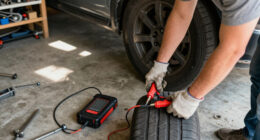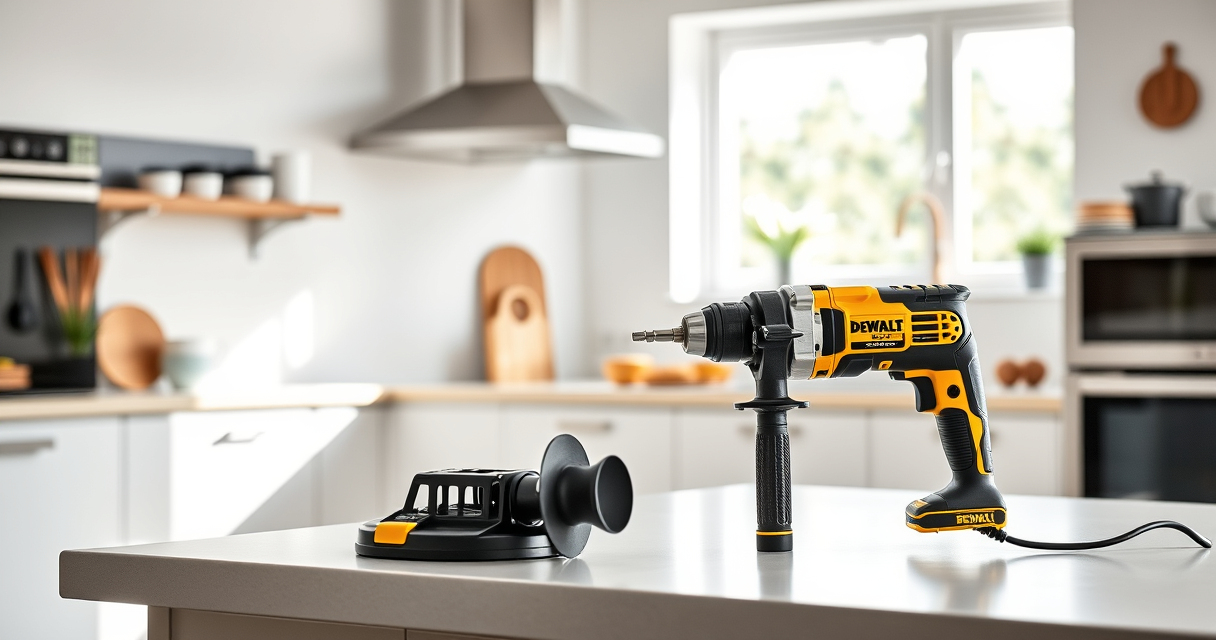

If your DEWALT power tool isn’t charging properly, it can be frustrating and hinder your work. Fortunately, most charging issues are fixable with some basic troubleshooting steps. This guide will walk you through practical, safe solutions to get your DEWALT tools back in action.

Get garage and car supplies delivered free — and shop member deals
- Fast, free delivery on millions of items
- Access to Prime Big Deal Days deals on October 6–7
- Prime Video, Amazon Music and more included
Before starting, ensure you’re working in a safe, dry area and have the appropriate tools ready. Always follow safety precautions to prevent injury or damage.
Key Takeaways
| Battery connection | Loose or dirty contacts can prevent charging. |
| Charger issues | Faulty chargers or cables can stop power flow. |
| Battery health | Old or damaged batteries may refuse to charge. |
| Temperature factors | Extreme cold or heat can affect charging. |
| Power source | Ensure outlet and circuit are working properly. |
Check the Battery Connection
- Remove the battery from the tool.
- Inspect the battery terminals for dirt, corrosion, or debris.
- If dirty, clean gently with a dry cloth or a soft brush.
- Reinsert the battery firmly into the charger, ensuring a snug fit.
Inspect the Charger and Power Source
- Verify the charger is plugged directly into a working outlet.
- Test the outlet with another device to confirm power.
- Check the charging cord and plug for damage or frays.
- If your charger has indicator lights, note their status for troubleshooting.
Test the Battery on a Different Charger
If you have access to another compatible DEWALT charger, try charging the battery there. If it charges normally, the original charger may be faulty. Conversely, test a different battery with your charger to identify if the battery or charger is the issue.
Evaluate Battery Condition
If the battery is old or heavily used, it might no longer hold a charge. Look for physical signs of damage, swelling, or leakage. Consider replacing the battery with a new one if it appears compromised.
Address Temperature and Storage Conditions
Ensure your battery and charger are used within recommended temperature ranges (typically 32°F to 113°F). Charging in extreme cold or heat can prevent proper charge cycles. Store batteries and chargers in a cool, dry place.
The Products in This Guide

DEWALT 20V MAX Cordless Drill Driver Set
- ✔ LED Light: Yes
- ✔ Speed Settings: 2-speed
- ✔ Included: Battery and charger

DEWALT Drill Bit Set
- ✔ Size Range: Various
- ✔ Durability: High
- ✔ Compatibility: All 3-flat shank chucks
DEWALT 20V MAX Cordless Drill Driver Set
The DEWALT 20V MAX Cordless Drill Driver Set is a versatile and durable tool, ideal for both professional and DIY projects. It features a brushless motor for longer run time and a compact design for tight spaces.
Pros:
- Brushless motor for efficiency
- Lightweight and ergonomic
- LED light for visibility
- Includes 2.0 Ah battery and charger
Cons:
- Battery life may vary with usage
- Limited to 20V system
Best for: General-purpose drilling and fastening in tight spaces
Not ideal for: Heavy-duty continuous drilling without breaks
Bottom line: A reliable, lightweight drill suitable for most household and professional tasks.
DEWALT Drill Bit Set
The DEWALT Drill Bit Set provides 14 high-speed steel bits with a 135° split point, perfect for a variety of materials. It complements your drill by making tasks easier and more efficient.
Pros:
- Durable high-speed steel
- Split point design reduces walking
- Variety of sizes
- Rust-resistant coating
Cons:
- Limited to drilling bits, not accessories
- Requires compatible chuck
Best for: Drilling into plastic, wood, and metal
Not ideal for: Heavy-duty industrial drilling
Bottom line: A versatile drill bit set that enhances your drilling projects.
Frequently Asked Questions
Why is my DEWALT battery not charging?
Possible reasons include dirty contacts, a faulty charger, battery age, or extreme temperature conditions. Follow the troubleshooting steps to identify the issue.
How can I tell if my battery needs to be replaced?
Signs include physical damage, swelling, inability to hold a charge, or if it no longer charges despite proper connections and conditions.
Is it safe to leave the battery on the charger?
Yes, DEWALT chargers are designed with safety features. However, it’s best not to leave batteries charging continuously for extended periods to prolong battery life.
Can I use a different charger for my DEWALT battery?
Only use chargers specifically designed for your DEWALT battery model to avoid damage or safety hazards.
Getting Your DEWALT Power Tool Charging Again
With these troubleshooting steps, you can often resolve charging issues without needing a replacement. Regular maintenance, such as cleaning contacts and storing batteries properly, will extend the life of your tools. If problems persist, consider replacing the battery or charger for optimal performance.
Affiliate disclosure: As an Amazon Associate we earn from qualifying purchases. Prices and availability are accurate as of the time of publishing.
Halloween Picks
halloween
As an affiliate, we earn on qualifying purchases.