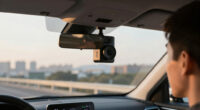
If your dash cam view appears tilted even when it’s properly mounted, it could be caused by misalignment during installation or internal component shifts. Modern cameras often have stabilization features, but if these are enabled or malfunction, they might distort the image or cause tilt. Updating firmware and ensuring regular calibration can also help. If you want to understand more about common causes and how to fix them, there’s plenty more to explore.
Key Takeaways
- The camera may be misaligned or mounted at an angle, causing a tilted footage appearance.
- Image stabilization features might be malfunctioning or improperly configured, leading to distortion.
- Outdated firmware or software can affect stabilization algorithms, resulting in tilt.
- Internal components or lens misalignment can warp the camera’s view over time.
- Lack of regular calibration or maintenance can cause shifts in camera alignment, producing tilted footage.
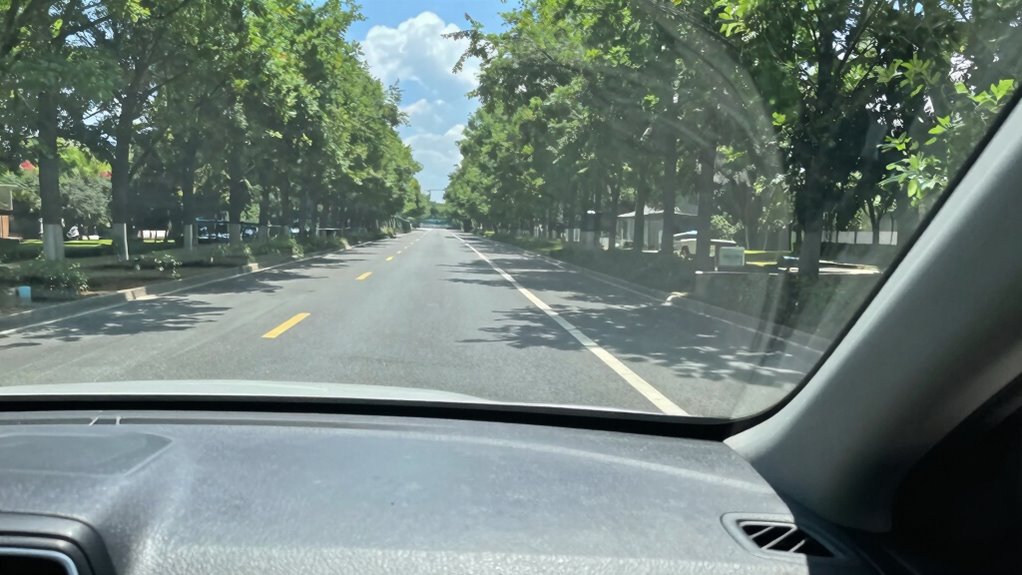
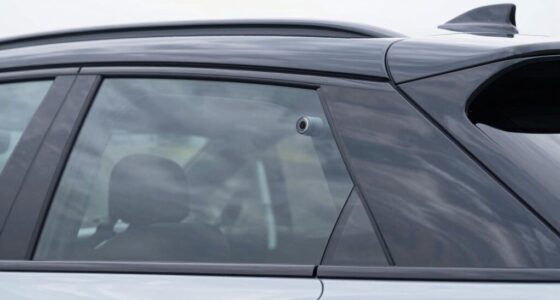
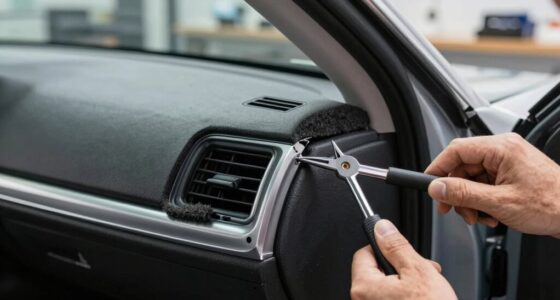
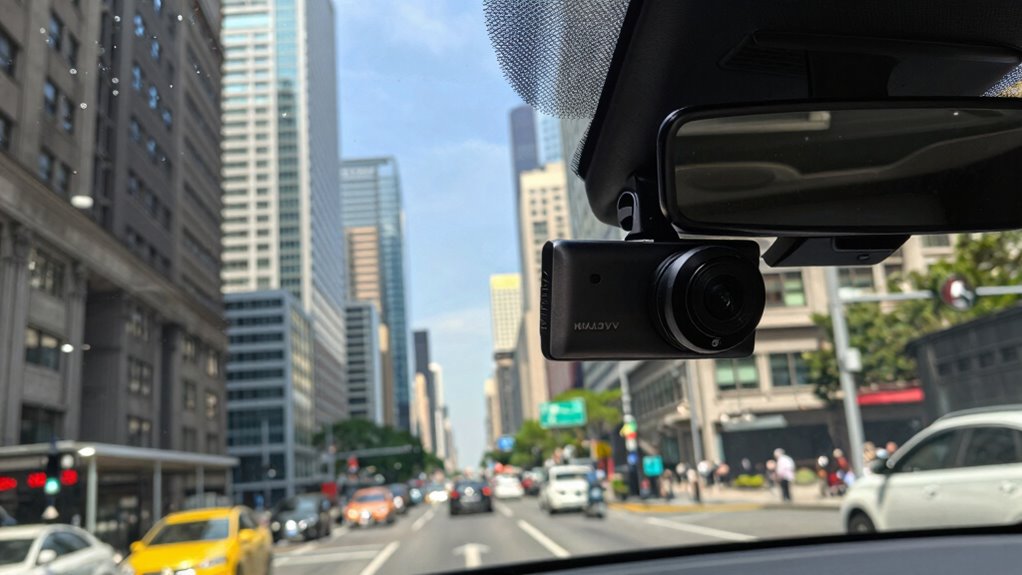
Ever noticed your dash cam view appears tilted or crooked? It’s a common issue, and it can be pretty frustrating, especially when you rely on your footage for evidence or safety. The good news is, the problem usually isn’t with the camera itself but with how it’s installed or how the image is processed. First, check your camera installation. If your dash cam isn’t mounted straight or is slightly off-angle, that tilt will show up in your videos. Even a tiny misalignment can make the entire view look skewed, which can be confusing when you’re trying to review footage. Make sure the mount is flush against the windshield or dashboard and that it’s properly secured. Use a level tool if needed to guarantee the camera is perfectly horizontal. Proper camera installation is key to getting a clear, level view that accurately captures your surroundings. Additionally, understanding how image stabilization technology works can help you troubleshoot unexpected tilt or distortion in your footage. Many modern dash cams include image stabilization features to smooth out shaky footage caused by bumpy roads or sudden movements. However, if these features are enabled or malfunctioning, they can sometimes introduce a slight tilt or distortion into the video. In some cases, the stabilization software interprets the camera’s position differently and adjusts the image accordingly, which can result in a tilted appearance. To fix this, check your dash cam’s settings. Disabling or adjusting the image stabilization feature might help you achieve a more stable, level view. It’s also worth updating your camera’s firmware, as manufacturers often improve stabilization algorithms through software updates. Additionally, be aware of the lens and its alignment. Sometimes, the lens itself can be slightly misaligned during manufacturing or installation, causing a warped or tilted view. If you’ve tried adjusting the mount and updating the firmware but still see a crooked image, it may be worth consulting the manufacturer or a professional installer. They can verify whether the camera’s lens or internal components are properly aligned. Regular maintenance and calibration can also ensure the camera remains properly aligned over time, especially considering vibrations and daily use that can shift the mount or internal parts. Recognizing the importance of proper installation and regular adjustments can prevent many common issues with tilted footage. Properly calibrating and maintaining your dash cam can significantly reduce the likelihood of tilt caused by internal or external factors. Remember, the goal is to have a clear, level image that accurately represents your driving environment. Proper camera installation combined with a good understanding of your dash cam’s stabilization features will go a long way in preventing that tilted view. When both are correctly set up, you’ll get footage that’s more reliable, easier to review, and truly trustworthy as evidence when you need it most.

volport Sticky Adhesive Pad Replacement for Dash Cam Suction Cup Mount, 4pcs 2.2" 3M VHB Round Heat Resistant Double Sided Mounting Sticker Tape for Dashcam Car Dashboard Windshield Camera GPS Holder
- Heat Resistant and High Adhesion: Withstands temperatures up to 120℃+
- Strong Bond for Dashcam Mounts: Reliable adhesion for suction cup holders
- Easy to Install and Remove: Simple application and residue-free removal
As an affiliate, we earn on qualifying purchases.
As an affiliate, we earn on qualifying purchases.
Frequently Asked Questions
Can a Tilted View Affect My Dash Cam’s Footage Quality?
Yes, a tilted view can affect your dash cam’s footage quality. When the camera isn’t aligned correctly, lens distortion may occur, making images appear warped. This distortion can obscure details and reduce clarity. Also, a tilted angle can distort the road surface, impacting your ability to accurately interpret scenes. Ensuring your dash cam is properly mounted helps minimize lens distortion and provides clearer, more reliable footage.
How Does Camera Angle Impact the Perception of Tilt?
Your camera angle considerably impacts how the dash cam’s view appears, often creating an optical illusion that looks like tilt. This perspective distortion makes straight lines seem slanted, affecting your perception of the footage. Even if the camera isn’t physically tilted, the angle can trick your eyes into seeing an imbalance. Adjusting the mount or positioning the camera differently can help reduce this optical illusion and provide a more accurate view.
Are There Specific Vehicle Types More Prone to Tilted Views?
Did you know SUVs and trucks are 30% more likely to have tilted dash cam views? These vehicles often have less stable mounts due to their taller profiles, making them more sensitive to road curvature and vehicle stability issues. As you drive over bends or uneven surfaces, your dash cam might appear tilted, even if it’s mounted properly. So, vehicle type and road conditions greatly influence your dash cam’s perceived tilt.
Does the Type of Mount Influence the Tilt Appearance?
Yes, the type of mount considerably influences the tilt appearance. If your mount isn’t stable or properly aligned, it can cause the camera orientation to seem tilted, even if the camera itself isn’t. Choose a mount that offers secure stability and easy adjustability. Ensuring your mount is firmly attached and correctly positioned helps maintain a level view, preventing unwanted tilt and keeping your dash cam footage clear and straight.
Can Software Correction Fix a Tilted Dash Cam View?
Yes, software correction can fix a tilted dash cam view, but it’s like smoothing out wrinkles rather than fixing the root cause. Lens distortion and mounting stability often cause the tilt, so software edits can only do so much. You’ll get a better result by ensuring your camera is mounted securely and using calibration tools or video editing software that corrects lens distortion, making your footage straight and true.

FineVu LX4K True 4K Dual Dash Cam Front and Rear, SRTARVIS 2, 128GB SD Card
- Night Vision: Enhanced low-light recording with STARVIS 2 IMX678
- 4K Front Recording: Sharp 3840x2160p front footage at 30fps
- Rear Full HD Recording: Clear rear view in 1920x1080p at 30fps
As an affiliate, we earn on qualifying purchases.
As an affiliate, we earn on qualifying purchases.
Conclusion
So, next time your dash cam looks tilted, remember it’s probably not your driving—just your camera’s quirky angle or a simple setting mistake. Ironically, what’s supposed to keep your eyes on the road might be giving you a headache instead. But hey, at least you’ve got a reason to double-check that mount before blaming your shaky driving skills. Sometimes, technology’s little quirks remind us that perfection is just a crooked line away.

Dash Cam Installation Kit – Trim Removal Tool, 20 Strong Adhesive Cable Clips, Reusable Cable Ties, Split Sleeve & Foam Pads – Clean Car Wire Organizer
- Wire Concealment Kit: Hide dash cam wires neatly and professionally
- Strong Adhesive Cable Clips: 20 transparent clips with secure self-adhesive backing
- Trim Removal Tool: Durable 5.5-inch pry tool for safe trim removal
As an affiliate, we earn on qualifying purchases.
As an affiliate, we earn on qualifying purchases.
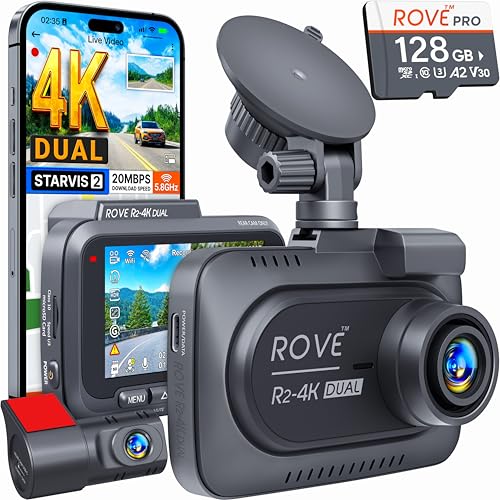
ROVE R2-4K Dual Dash Cam Front and Rear, SRTARVIS 2 Sensor, Free 128GB Card
- 4K Front and 1080P Rear Recording: Dual-channel recording with wide angles
- Sony STARVIS 2 Sensor: Exceptional night vision and vivid colors
- Ultra Fast 5G WiFi: Download speeds up to 20MB/sec
As an affiliate, we earn on qualifying purchases.
As an affiliate, we earn on qualifying purchases.