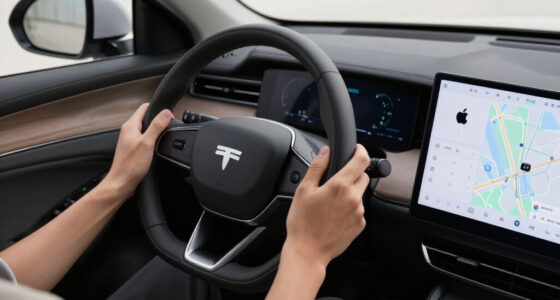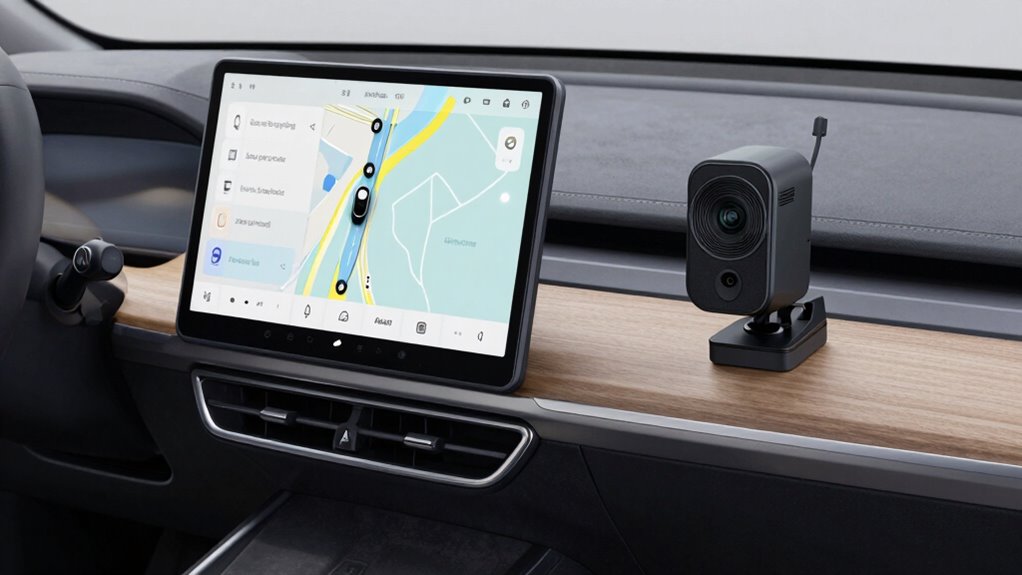

To keep navigation, charging, and recording from fighting each other, you should optimize your device settings. Use battery management to prioritize essential functions and restrict unnecessary background apps. Enable voice commands to operate hands-free and reduce manual interaction. Employ accessories like mounts with built-in charging to guarantee steady power. Regular updates and customization help balance these activities. For more tips on managing these tasks seamlessly, explore additional strategies that can make your device work better for you.

Get business pricing on garage and car supplies
- Business-only prices and quantity discounts
- Tax-exempt purchasing
- Multiple users, one account, clear invoices
Key Takeaways
- Use device’s battery optimization settings to prioritize essential functions and prevent conflicts.
- Employ dedicated mounts with built-in charging to keep devices powered without interference.
- Utilize voice control to operate navigation and recording hands-free, reducing manual device use.
- Restrict background processes and close unnecessary apps to free resources for navigation and recording.
- Regularly update firmware and apps to ensure smooth performance and optimal power management.
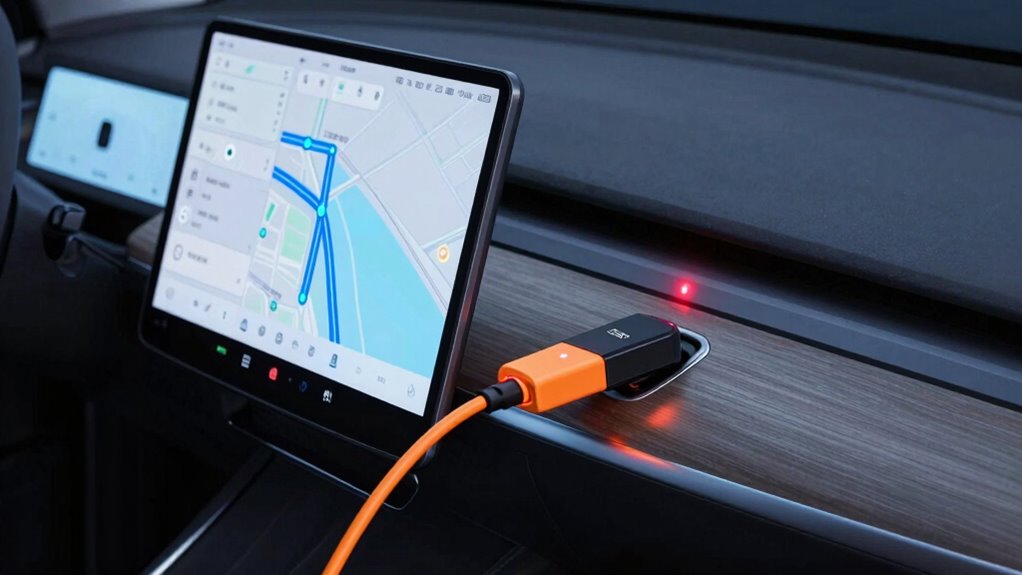
First, optimize your device’s battery life to prevent conflicts between navigation, recording, and charging. Using battery optimization settings on your smartphone or GPS device can help prioritize essential functions. For example, if you’re recording a long drive, disable power-consuming apps or background processes that aren’t necessary. When charging, make sure you’re using a high-quality cable and power source to guarantee quick and stable charging, reducing the risk of your device shutting down during navigation or recording. This way, your device remains ready and responsive, minimizing interruptions during critical tasks.
Optimize battery settings and use quality chargers to keep your device responsive during navigation and recording.
Next, leverage voice control features to streamline your workflow. Voice commands let you operate navigation and recording functions hands-free, which is especially useful when driving or engaged in other activities. You can ask your device to start or stop recording, change navigation routes, or even adjust settings related to power management—all without touching the screen. Voice control reduces the chances of accidental inputs that could disrupt your tasks or drain the battery faster. It also enhances safety by allowing you to stay focused on the road or your environment, rather than juggling multiple device operations simultaneously. Additionally, enabling voice assistants can further improve your experience by providing quick access to various functions with minimal effort.
Additionally, managing how your device handles background processes is vital. Many devices allow you to set specific apps to run in the background or restrict unnecessary ones that drain power during critical tasks. This helps maintain a balance where navigation, recording, and other essential functions operate smoothly without competing for resources. Keep your device’s firmware and apps updated, as developers often improve power efficiency and compatibility with new features in these updates. Understanding how background processes impact battery life can help you make smarter choices for device management. Recognizing the importance of power efficiency can lead to longer device uptime and more reliable performance during your activities. Moreover, being aware of device settings helps you customize your device for optimal performance in various scenarios.
Finally, consider using dedicated accessories designed for this purpose. For instance, a mount with built-in charging capabilities ensures your device stays powered without cables cluttering your workspace or dashboard. Similarly, external microphones or voice command accessories can improve recording quality and ease of use without heavily impacting battery life. Combining these tools with thoughtful device management practices will help keep navigation, charging, and recording from fighting each other, so you can focus on what matters most—your journey and the moments you want to capture.
car mount with built-in wireless charging
As an affiliate, we earn on qualifying purchases.
As an affiliate, we earn on qualifying purchases.
Frequently Asked Questions
Can I Use a Single Device for Navigation, Charging, and Recording Simultaneously?
Yes, you can use a single device for navigation, charging, and recording simultaneously if it has good device compatibility and effective power management. Look for devices with multi-functional ports or accessories like powered hubs and adapters that support multiple functions at once. Proper power management guarantees your device doesn’t overheat or drain quickly, allowing you to operate all three features smoothly without conflicts.
What Safety Precautions Should I Take When Managing Multiple Devices?
Think of managing your devices as tending a delicate garden. You should check device compatibility first, ensuring all tools work smoothly together. Practice good power management by using quality chargers and avoiding overloads. Keep cables organized to prevent tangles, and never leave devices unattended while charging. By staying attentive and cautious, you protect your tech and yourself, creating a safe environment where all devices thrive harmoniously.
Are There Specific Accessories to Prevent Device Conflicts While Driving?
Yes, you can prevent device conflicts while driving by using wireless adapters and mounting solutions. Wireless adapters help reduce cable clutter and interference, guaranteeing smooth operation of your navigation, charging, and recording devices. Mounting solutions keep devices securely in place, preventing accidental disconnections or overlaps. By integrating these accessories, you maintain a tidy setup, avoid conflicts, and ensure all your devices work harmoniously during your drive.
How Do I Prioritize Functions When All Are Competing for Attention?
Imagine a traffic light guiding your device functions. To prioritize, use device integration features that set clear priorities—like a red light for navigation, yellow for charging, green for recording. Your user interface acts as the traffic controller, helping you switch smoothly between tasks. By customizing alerts and notifications, you prevent conflicts, ensuring each function gets attention without chaos, keeping your drive safe and organized.
Will Using Multiple Devices Drain My Vehicle’s Battery Quickly?
Yes, using multiple devices can drain your vehicle’s battery quickly if you’re not careful. To prevent this, focus on battery conservation by unplugging devices when not in use and limiting their power consumption. Good power management practices, like using a high-quality, dedicated power supply and avoiding simultaneous heavy loads, help extend your battery life. Regularly check your battery’s health to guarantee it remains capable of supporting all your device needs.
voice-controlled GPS navigation device
As an affiliate, we earn on qualifying purchases.
As an affiliate, we earn on qualifying purchases.
Conclusion
So, there you have it—your one-way ticket to tech harmony. Just remember, if your navigation, charging, and recording start duking it out, maybe it’s time to remind them who’s boss. Keep your devices in check, and you’ll avoid the chaos of digital turf wars. After all, no one wants their gadgets throwing a tantrum when you need them most. Stay savvy, stay organized, and let your tech play nicely—your sanity will thank you.
smartphone battery management app
As an affiliate, we earn on qualifying purchases.
As an affiliate, we earn on qualifying purchases.
high-quality charging cables for smartphones
As an affiliate, we earn on qualifying purchases.
As an affiliate, we earn on qualifying purchases.
Halloween Picks
halloween
As an affiliate, we earn on qualifying purchases.