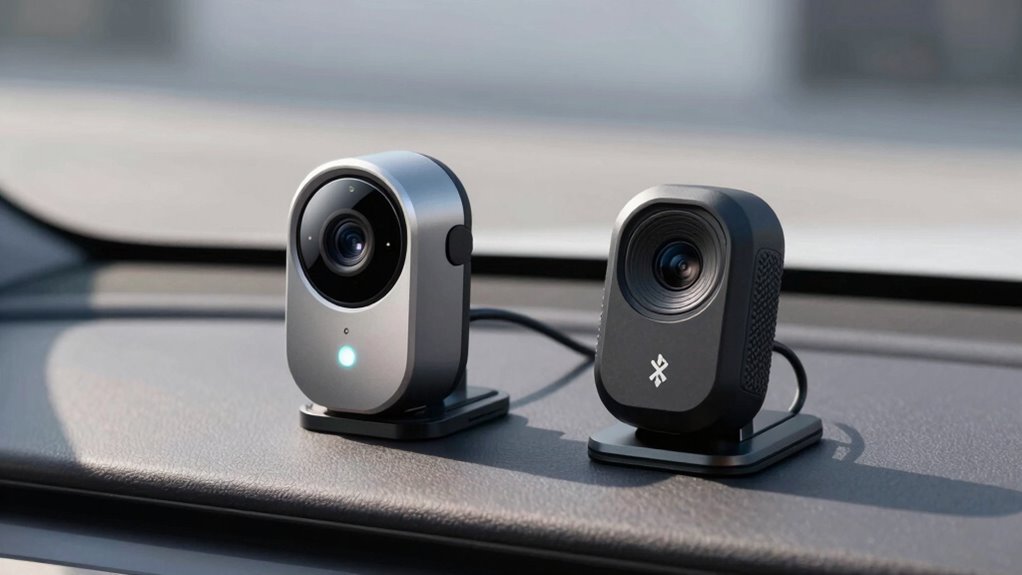

When choosing between Wi-Fi and Bluetooth dash cams, consider what matters most to you. Wi-Fi models offer faster data transfer, easier remote access, and better video quality but can drain batteries faster and be more complex to set up. Bluetooth options are simpler, use less power, but have limited speeds and features. Think about your priorities—whether smooth footage, easy use, or longer battery life—and explore further to find the best fit.
Key Takeaways
- Wi-Fi dash cams offer faster data transfer, higher video quality, and remote access, ideal for extensive footage management.
- Bluetooth dash cams provide simpler, quicker setup with lower power consumption, suitable for basic monitoring needs.
- Wi-Fi models support broader device compatibility and more advanced app features for seamless control.
- Bluetooth cameras excel in energy efficiency and ease of use, but have limited data transfer capabilities.
- The choice depends on priorities like video quality, setup convenience, security, and power management.
Connectivity and Setup Processes
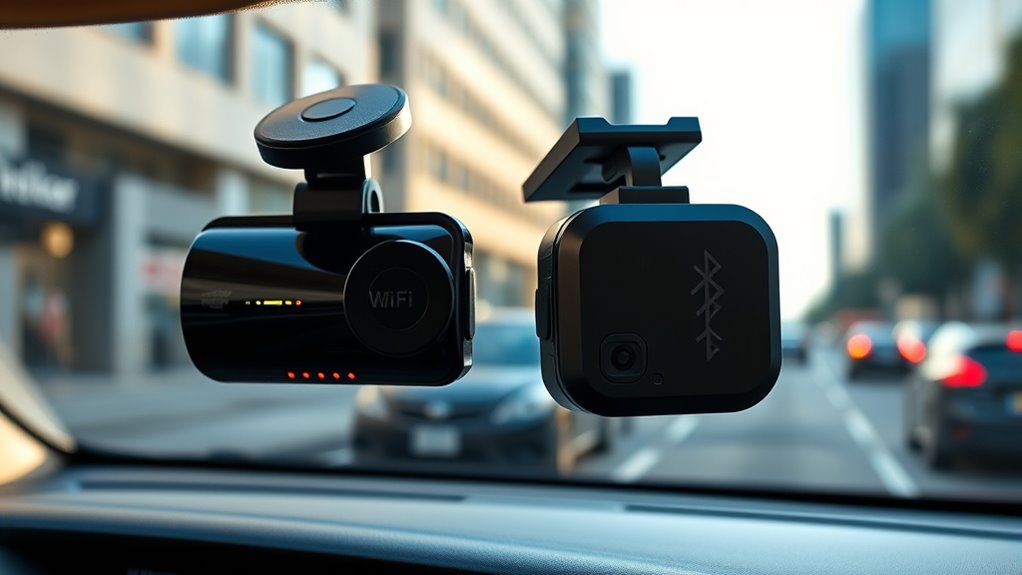
When setting up a dash cam, the connectivity and setup process can vary substantially between Wi-Fi and Bluetooth models. With wireless pairing, Wi-Fi dash cams often require connecting to your network, which can involve entering passwords and browsing app menus, adding to setup complexity. Bluetooth models typically simplify this process—pairing usually just involves turning on Bluetooth and selecting the device from your phone’s list. This shorter process makes Bluetooth cameras more straightforward for quick installation. Additionally, some Wi-Fi dash cams support remote access, allowing you to view footage or adjust settings from anywhere, but this feature can also add to the initial setup time. Wi-Fi dash cams may also require more network configuration, which could be challenging for users unfamiliar with network settings. However, Wi-Fi dash cams may offer more features once connected, despite the initial setup being more involved. If you prefer a simple, hassle-free setup, Bluetooth models might suit you better. But if you’re comfortable with a bit of setup complexity for advanced features, Wi-Fi dash cams are a solid choice. Additionally, understanding the connectivity options can help you choose the right model for your needs, especially considering security concerns related to wireless connections.
Data Transfer Speeds and Performance

Wi-Fi dash cams generally offer faster data transfer speeds compared to Bluetooth models, enabling quicker uploads and live streaming. This speed boost means your video quality remains high without lag, and signals stay stable during transfers. Faster speeds reduce buffering and ensure smooth playback, especially when reviewing footage or sharing clips. Bluetooth, on the other hand, often struggles with larger files, leading to delays and potential signal drops. Additionally, European cloud innovation supports the development of more efficient data management solutions for dash cams. Here’s a quick comparison:
| Feature | Wi-Fi Dash Cams | Bluetooth Dash Cams |
|---|---|---|
| Data Transfer Speed | Faster, supports high-quality video | Slower, limited bandwidth |
| Signal Stability | More reliable for large files | Less stable with large files |
| Video Quality | Maintains clarity during transfer | May degrade with slow transfer |
| Upload Speed | Quick, ideal for cloud backups | Slow, may require multiple attempts |
| Live Streaming | Smooth, real-time access | Limited or unstable connection quality |
Furthermore, data transfer speeds play a crucial role in ensuring seamless operation and user satisfaction with dash cams. As wireless technology continues to evolve, the overall user experience is likely to improve with more reliable and faster connections.
Power Consumption and Battery Life
You’ll want to evaluate how much power each connection type uses, affecting your dash cam’s battery drain rate. Bluetooth generally consumes less energy, making it more efficient for long-term use, but Wi-Fi can require more frequent charging. Keep in mind the charging requirements and overall power efficiency levels to ensure your dash cam stays operational whenever you need it. Additionally, consider how Free Floating systems might impact power consumption due to their reliance on wireless connections.
Battery Drain Rate
Battery drain rate substantially impacts how long your dash cam can operate without needing a recharge or replacement. Higher power consumption shortens battery longevity, especially if wireless interference causes the device to work harder to maintain connections. Wi‑Fi dash cams typically drain batteries faster than Bluetooth models because of increased data transfer demands. To help you understand, here’s a quick comparison:
| Feature | Impact on Battery Life |
|---|---|
| Wireless interference | Increases power use, reduces longevity |
| Data transmission mode | Higher settings consume more power |
| Connection stability | Frequent reconnects drain battery |
| Signal strength | Weaker signals lead to extra power use |
| Hardware efficiency | Better components conserve energy |
Monitoring these factors helps optimize your dash cam’s battery performance. Smart Home Technology principles can also be applied to improve overall device efficiency and reduce unnecessary power drain, as integrating energy-efficient components can significantly extend battery life.
Power Efficiency Levels
Understanding power efficiency levels is essential for maximizing your dash cam’s battery life and ensuring reliable performance. Power efficiency measures how well the device converts energy consumption into useful functions, directly impacting battery longevity. Bluetooth dash cams typically have lower energy consumption because they consume less power during data transfer, which helps preserve your battery over time. Additionally, exfoliation benefits contribute to the overall health and longevity of your device by preventing buildup and maintaining optimal performance. Regular maintenance and choosing models with efficient power management features can further enhance battery life and reduce the need for frequent recharging. Incorporating power management techniques into your device use can optimize battery life by controlling how and when the device uses energy. Properly managing data transfer protocols and device settings can significantly reduce energy waste, leading to longer-lasting batteries. Wi-Fi dash cams, however, often use more power due to higher data transfer rates, leading to increased energy consumption. When choosing between the two, consider how each technology’s power effectiveness aligns with your usage habits. A dash cam with better power efficiency minimizes frequent charging and reduces battery drain, giving you more consistent performance without sacrificing crucial features.
Charging Requirements
Charging requirements substantially influence how much power your dash cam consumes and how long its battery lasts. Wireless charging offers convenience but may drain batteries faster if not optimized. Power adapters vary in quality; a high-quality one ensures stable charging and prolongs device lifespan. To maximize battery life, consider dash cams with energy-efficient features. Keep in mind:
- Wireless charging can be more convenient but impacts power consumption
- Using the right power adapter prevents overcharging and damage
- Some dash cams support fast charging, reducing downtime
- Proper cable management minimizes power loss during charging
- Battery capacity determines how long your dash cam runs between charges
- Energy-efficient features in dash cams can significantly extend battery life and reduce power consumption. Additionally, choosing a dash cam with durable batteries can help ensure consistent performance over time. Selecting batteries with high-quality chemistry can further improve longevity and reliability. Being aware of power management options allows for better control over energy use and can extend overall device lifespan. Incorporating smart charging technologies can optimize power use and preserve battery health over the long term.
Understanding these factors helps you choose the right charging setup, ensuring reliable operation without sacrificing battery life.
Security and Privacy Aspects
When choosing between Wi-Fi and Bluetooth dash cams, security and privacy become critical considerations. Wi-Fi cameras often use stronger encryption protocols, making it harder for unauthorized users to access your data. Bluetooth, while generally simpler, can still be vulnerable if not properly secured. To protect your footage, look for dash cams that support data anonymization, which masks sensitive information during transmission or storage. This helps prevent personal details from being exposed if a breach occurs. Keep in mind that regular firmware updates enhance security by patching vulnerabilities. Additionally, understanding wireless communication protocols can help you make more informed choices about which connection type offers better security for your needs. Considering security best practices, such as strong passwords and network segmentation, can further enhance your data protection efforts. Being aware of encryption standards used by your device can provide additional assurance that your data remains private. Moreover, selecting devices that incorporate secure data transmission features can significantly reduce the risk of interception by malicious actors. Implementing network monitoring can also help detect unauthorized access attempts in real-time.
Compatibility With Devices and Apps
When choosing a dash cam, you’ll want to think about how easily it integrates with your devices and apps. Wi-Fi models often offer broader app functionality and quicker setup, while Bluetooth options may have more limited features. Understanding these differences helps you pick the system that best fits your tech ecosystem.
Device Integration Ease
Wi-Fi dash cams generally offer easier device integration because they connect directly to your smartphone or tablet through dedicated apps, allowing for quick setup and seamless access to footage. With wireless pairing, you don’t need complicated cables, making the process straightforward. Device compatibility is usually broader, supporting various operating systems and devices. This means you can effortlessly view, download, and share footage without hassle.
Consider these key points:
- Faster setup with wireless pairing
- Compatibility across multiple devices
- Instant access to footage via app
- No need for additional hardware
- Smooth synchronization with your smartphone or tablet
App Functionality Range
App functionality range determines how well a dash cam can integrate with various devices and software, making it crucial for a seamless user experience. With broad compatibility, you can easily access footage via cloud synchronization, ensuring your videos are stored securely and accessible from multiple devices. Look for apps that support firmware updates, as they improve performance and add new features over time. A wide app range also means you can connect your dash cam to smartphones, tablets, or computers without hassle. This flexibility simplifies reviewing footage, managing settings, and sharing videos. If the app ecosystem is limited, you may face frustration or miss out on essential updates. Choosing a dash cam with extensive app functionality ensures your device stays current and fully integrated into your digital life.
Practical Use Cases and User Experience
Choosing between Wi-Fi and Bluetooth dash cams depends heavily on how you plan to use them daily. If you want quick access to footage or easy setup, Wi-Fi models often offer better video quality and a more intuitive user interface. Bluetooth cams, on the other hand, excel in simple connectivity for basic playback and control. Consider these practical aspects:
Choose Wi-Fi dash cams for quick access and better video quality; Bluetooth models are ideal for simple, straightforward control.
- Fast footage transfer without delays
- Clearer, higher-resolution video quality
- User-friendly interfaces for quick navigation
- Seamless app connectivity for live viewing
- Reliable performance during daily commutes
Your choice hinges on what matters most—whether it’s crisp video, ease of use, or quick access. Both technologies have their strengths, so align your needs to enhance your user experience on the road.
Frequently Asked Questions
Which Type of Dash Cam Offers Better Video Quality Overall?
You’ll find that dash cams with higher video resolution and better lens quality offer superior video quality overall. Look for models that record in 1080p or higher, as this guarantees clear, detailed footage. The lens quality also matters—opt for wide-angle lenses with good light sensitivity. These features combined give you sharper, more reliable videos, making it easier to identify details in any driving situation.
How Do Wi-Fi and Bluetooth Impact Installation Complexity?
Wi-Fi dash cams generally make installation easier and more user-friendly because they connect wirelessly, reducing the need for complex wiring. Bluetooth models might require more effort, as they often need direct pairing with your device and sometimes physical connections. If you want a straightforward setup, Wi-Fi cameras are typically better, offering quicker installation and easier access to footage without fussing over tangled wires or complicated configurations.
Can Both Connectivity Options Be Used Simultaneously?
Think of your dash cam as a busy traffic intersection; both Wi-Fi and Bluetooth can run together smoothly, like cars flowing in harmony. You can use both simultaneously, but keep in mind, it may drain your battery faster and affect user convenience. If you prioritize quick setup and minimal battery drain, choose one connection at a time. Using both is possible but might complicate your system’s efficiency.
What Are the Cost Differences Between Wi-Fi and Bluetooth Dash Cams?
You’ll find that Wi-Fi dash cams tend to be more expensive than Bluetooth ones, primarily due to their advanced features and faster data transfer. When doing a price comparison, consider your budget and needs, as Bluetooth models usually cost less and are simpler to operate. If quick, high-quality footage transfer matters to you, investing in a Wi-Fi dash cam might be worth the extra cost.
How Do Connectivity Choices Affect Long-Term Device Durability?
Think of your dash cam’s connectivity as a garden trellis shaping its growth. Bluetooth’s simpler connection means less strain on components, potentially extending battery lifespan and reducing wear. Wi-Fi, with its more complex setup, might need more frequent firmware updates, which can impact long-term durability if not maintained properly. Ultimately, choosing the right connection helps your device stay resilient, ensuring it keeps capturing your journey for years to come.
Conclusion
Choosing between Wi-Fi and Bluetooth dash cams depends on what matters most to you. Did you know that Wi-Fi cameras typically transfer data up to 10 times faster than Bluetooth? This means quicker uploads and smoother live views. If you prioritize seamless connectivity and faster performance, Wi-Fi might be the way to go. But for simple, low-power use, Bluetooth still offers a reliable option. Consider your needs, and pick what suits your driving style best.