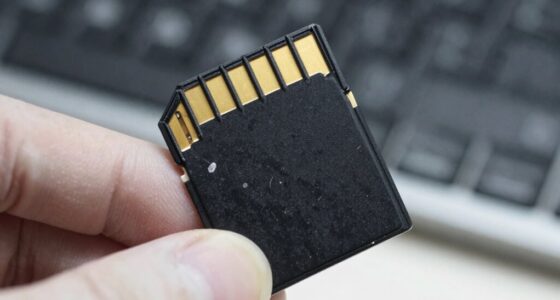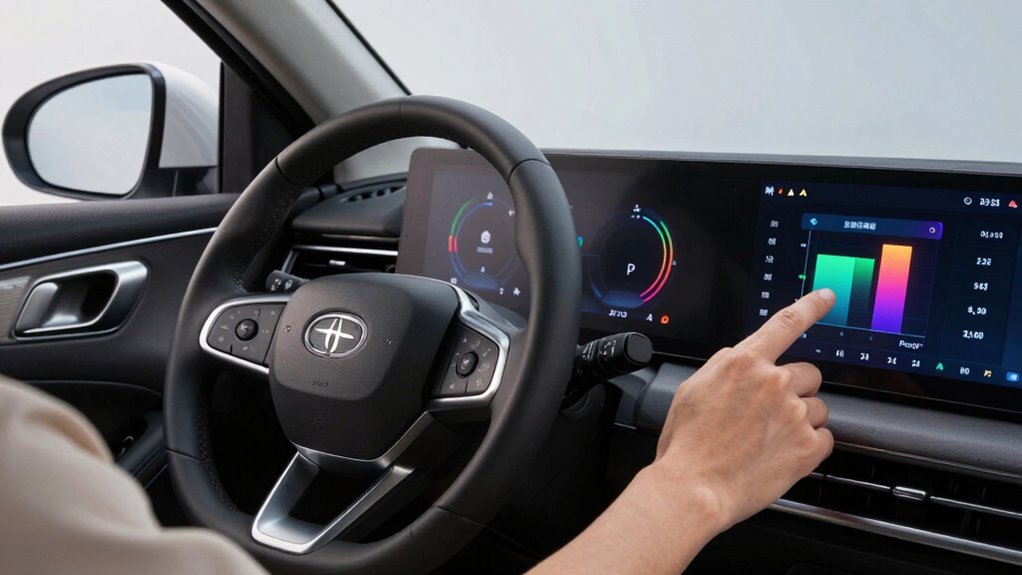

Keeping your memory card healthy should be a regular part of your driving routine because it guarantees your dashcam and navigation systems work reliably when you need them most. Over time, wear and tear can cause performance issues or data loss, putting your safety at risk. Regular checks, backups, and timely replacements prevent interruptions and protect your important footage. Stay proactive—if you want to learn how to keep your cards in top shape, there’s more to discover below.

Get business pricing on garage and car supplies
- Business-only prices and quantity discounts
- Tax-exempt purchasing
- Multiple users, one account, clear invoices
Key Takeaways
- Ensures reliable data storage for dashcam footage, navigation, and vehicle logs during driving routines.
- Prevents data corruption, loss, and card failure that can compromise safety and vehicle operation.
- Regular checks identify wear and performance issues early, avoiding unexpected recording disruptions.
- Maintaining memory card health extends its lifespan and keeps recording speeds optimal.
- Using high-quality, durable cards resistant to harsh conditions minimizes the risk of failure and data loss.
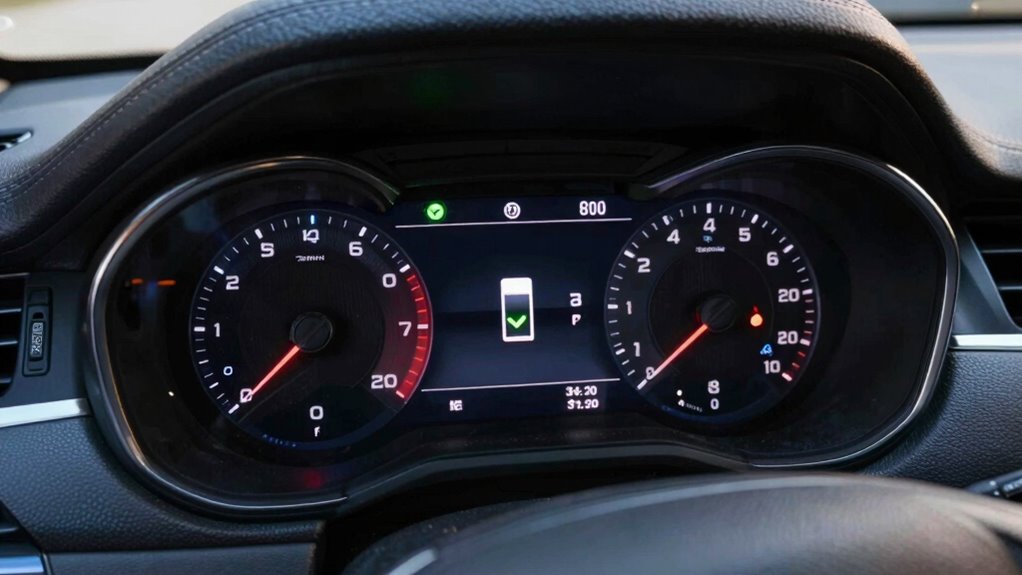
Maintaining your memory card’s health is essential for guaranteeing smooth and reliable data storage, especially if your driving routine involves frequent recordings or updates. Whether you’re capturing dashcam footage, storing navigation data, or saving important vehicle logs, your memory card acts as the backbone of your digital storage system. Neglecting its upkeep can lead to data corruption, loss of critical information, or even complete card failure—disrupting your driving experience and potentially compromising safety. That’s why incorporating memory card maintenance into your routine is just as important as performing regular vehicle maintenance.
Regularly maintaining your memory card ensures reliable data storage and prevents potential failures on the road.
Your digital storage device, the memory card, endures constant read and write cycles every time you hit the road. Over time, this wear can degrade its performance, making it more prone to errors or data corruption. Regularly checking the card’s health helps you catch problems early before they escalate into bigger issues. For example, a simple process like formatting the card periodically can prevent file system errors and maintain peak writing speeds. Additionally, using reliable software tools to scan for bad sectors or corrupt files can identify issues that might otherwise go unnoticed until it’s too late. This proactive approach ensures your data remains intact and accessible when needed. Keeping your storage device up-to-date can also help improve its overall reliability.
Incorporating memory card checks into your vehicle maintenance routine isn’t complicated. Set a schedule—perhaps once a month—to review the card’s status and back up important files to another device or cloud storage. Doing so not only preserves your valuable recordings but also frees up space for new data, preventing the card from becoming overloaded. Remember, a cluttered or nearly full memory card can slow down recording speeds and increase the risk of errors, especially during long trips or high-demand recording scenarios. Keeping your digital storage tidy and functional should be as routine as checking tire pressure or oil levels. Regular maintenance can extend the lifespan of your storage device and ensure optimal performance over time. Additionally, understanding the wear and tear that occurs with frequent usage helps you better anticipate when a replacement might be necessary.
Furthermore, selecting the right memory card for your vehicle’s needs is a critical part of this process. Opt for high-quality, durable cards designed for continuous use in automotive environments. They’re built to withstand vibrations, temperature fluctuations, and other harsh conditions, reducing the likelihood of damage. Using reliable storage solutions and staying vigilant about their health can help prevent unexpected failures and data loss. By investing in reliable storage solutions and staying vigilant about their health, you’re actively supporting your overall vehicle maintenance. It’s a small but significant step that ensures your data stays safe and your driving routine remains uninterrupted. Keeping an eye on memory card health and its longevity can help you avoid unexpected failures and data loss. Ultimately, prioritizing memory card health is an easy, effective way to protect your digital storage and keep your driving experience smooth and secure.
high durability micro SD card for dashcam
As an affiliate, we earn on qualifying purchases.
As an affiliate, we earn on qualifying purchases.
Frequently Asked Questions
How Often Should I Replace My Memory Card?
You should replace your memory card every 2 to 3 years, considering its lifespan and storage capacity. Over time, memory cards can develop errors or degrade, risking data loss. If you notice slow performance, corrupted files, or reduced storage capacity, it’s time for a replacement. Regularly checking your card’s health and upgrading when needed guarantees your data stays safe and your device runs smoothly.
Can Temperature Affect Memory Card Performance?
Yes, temperature fluctuations can affect your memory card’s performance. Extreme heat or cold can cause data corruption or slow down data transfer speeds. Poor storage conditions, like leaving your card in direct sunlight or a cold car, increase the risk of damage. To keep your memory card functioning well, avoid exposing it to temperature extremes and store it in a cool, dry place when not in use.
What Signs Indicate a Failing Memory Card?
A failing memory card is like a flickering light bulb—unpredictable and frustrating. You’ll notice slow data transfer speeds, corrupted files, or frequent read/write errors, signaling trouble. These signs threaten memory card longevity and make data recovery techniques necessary. If you observe these issues, it’s time to back up your data immediately and consider replacing the card to avoid losing valuable information.
Is It Safe to Use a Damaged Memory Card?
Using a damaged memory card isn’t safe because it risks losing your data and causing further damage. Memory card durability decreases with damage, making data recovery options limited or unreliable. You might try recovering important files, but it’s better to replace the card to prevent data loss. Avoid using a compromised card, and always back up your data regularly to protect yourself from potential failures.
How Do I Properly Back up Data From My Memory Card?
Think of your memory card as a treasure chest—protect it by properly backing up data. Connect it to your computer with a USB or card reader, then perform a data transfer to your preferred storage. Set a regular backup schedule, like clockwork, to guarantee your digital treasures remain safe. This way, you prevent data loss and keep your memories secure, no matter what surprises come your way.
memory card health check software
As an affiliate, we earn on qualifying purchases.
As an affiliate, we earn on qualifying purchases.
Conclusion
By checking your memory card’s health regularly, you’re like a driver inspecting their tires before a long trip—preventing surprises along the way. Imagine the frustration of losing essential footage or data just when you need it most, like hitting a hidden pothole. Stay vigilant, keep your memory card in top shape, and drive confidently knowing your data is secure. After all, a well-maintained card is your safest route to smooth, worry-free journeys.
best SD card for vehicle dashcam
As an affiliate, we earn on qualifying purchases.
As an affiliate, we earn on qualifying purchases.
memory card formatter for dashcam
As an affiliate, we earn on qualifying purchases.
As an affiliate, we earn on qualifying purchases.
Fall Picks
fall essentials
As an affiliate, we earn on qualifying purchases.