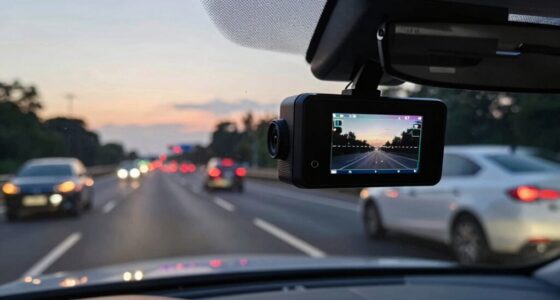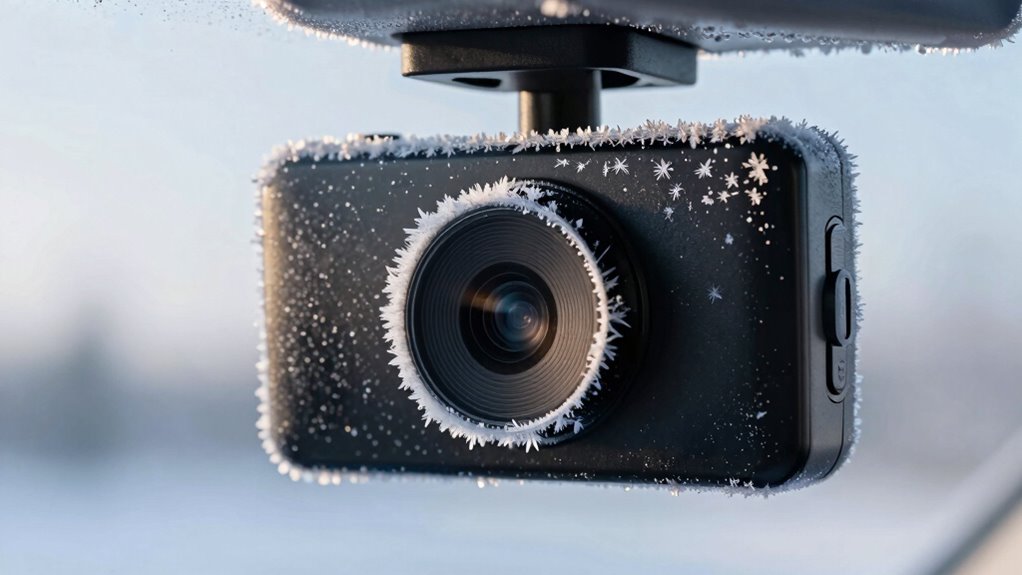

In freezing temperatures, your dash cam can fail due to hardware issues like brittle plastic, cracked components, and battery failures that cause power drops. Software glitches, such as freezing firmware and slow startups, become more common. Moisture buildup from condensation can fog up the lens and cause internal damage. Protecting your device with proper insulation, updating firmware, and avoiding extreme temperature swings will help keep it running smoothly. Learn more to guarantee your dash cam stays reliable in winter.
Key Takeaways
- Cold temperatures cause material brittleness and battery failures, leading to hardware damage and power loss.
- Firmware can freeze or crash in low temperatures, causing device malfunctions and recording issues.
- Rapid temperature changes promote internal condensation, fogging lenses and damaging internal components.
- Moisture intrusion and condensation reduce recording clarity and can cause electrical failures.
- Proper mounting, insulation, and regular updates mitigate winter-related hardware and software problems.
How Cold Temperatures Affect Dash Cam Hardware

Cold temperatures can markedly impact dash cam hardware, causing components to become less reliable or even fail. When exposed to freezing conditions, hardware degradation occurs more rapidly, as materials become brittle and prone to cracking. Thermal expansion and contraction from temperature fluctuations put stress on solder joints and delicate electronic parts, leading to potential disconnections or damage. Batteries also struggle in the cold, losing capacity and risking complete failure. Additionally, plastic casings can become brittle, increasing the risk of cracking or breaking when handled or during vibrations. These effects compromise your dash cam’s ability to record properly, making it essential to protect the device from extreme cold. Proper insulation and thoughtful placement can help mitigate some of these issues, ensuring your dash cam remains functional in winter conditions. Using reliable power solutions can help keep your device operational despite harsh weather. Furthermore, choosing models with temperature-resistant components can significantly enhance durability in winter climates. Paying attention to material quality and design features that accommodate temperature variations can also extend the life of your dash cam in cold environments. Additionally, selecting a dash cam with robust construction can provide extra resilience against the stresses caused by low temperatures and physical impacts. Recognizing and addressing temperature-related vulnerabilities is crucial for maintaining reliable video recording during winter months.
Common Software Glitches in Freezing Conditions
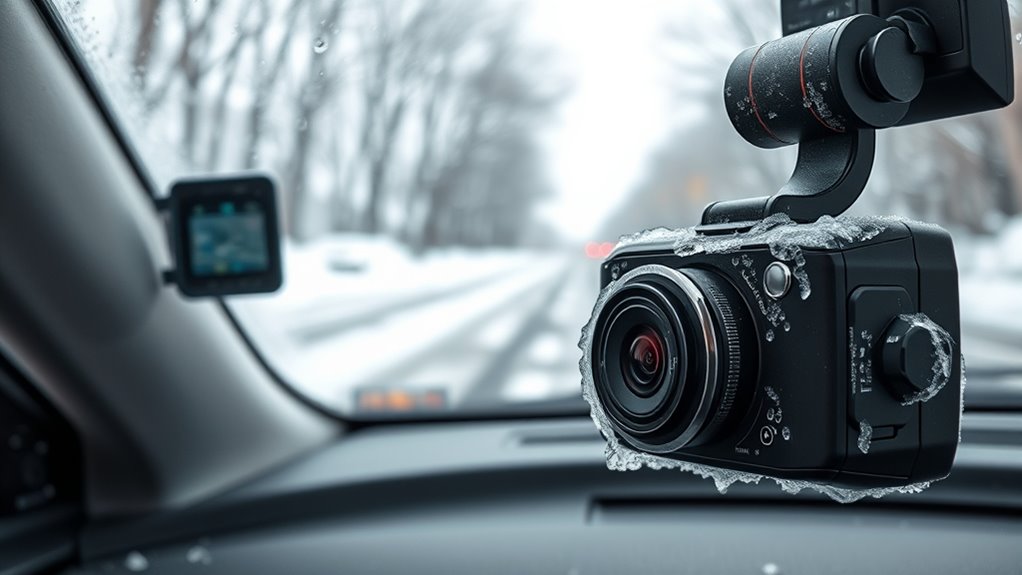
When temperatures drop, your dash cam’s software can act up, causing it to freeze or crash unexpectedly. You might also notice longer startup times or error messages delaying your device’s readiness. These glitches can be frustrating, but understanding their causes helps you prepare and troubleshoot effectively. Proper maintenance practices, such as ensuring your device is kept within recommended operating temperatures and updating firmware regularly, can help mitigate some of these issues. Additionally, temperature-sensitive components may struggle to function properly in freezing conditions, impacting overall device performance. Being aware of hardware limitations in cold weather can help you choose more resilient models that perform reliably in winter, especially those designed with cold weather durability in mind. Recognizing thermal management strategies used in device design can further improve reliability during freezing temperatures.
Firmware Freezes and Crashes
Firmware freezes and crashes are common issues that occur in dash cams during freezing temperatures. Cold weather can cause the firmware to become unresponsive, leading to sudden crashes or a frozen display. This often happens because outdated software updates haven’t addressed temperature-related bugs or vulnerabilities. When the firmware freezes, your dash cam’s user interface may become unresponsive, making it difficult to operate or view recordings. Regularly updating your dash cam’s firmware can help prevent these glitches by fixing known bugs and improving stability in low temperatures. Additionally, some models may have software that isn’t optimized for freezing conditions, so checking for updates that enhance thermal resilience is essential. Keeping your firmware current ensures smoother operation and reduces the risk of crashes during winter’s coldest days. Understanding thermal resilience in software design can help in choosing models better suited for cold climates. Detecting passive voice in your writing can also improve clarity and engagement.
Startup Delays and Errors
During freezing temperatures, your dash cam may experience startup delays or errors, disrupting normal operation. Cold weather can cause hardware malfunctions, like battery issues or internal component failures, leading to slow or failed startups. User errors, such as improper installation or neglecting to keep the device warm, can also contribute to software glitches. When your dash cam struggles to initialize, it might display error messages or take longer than usual to become operational. To guarantee your dash cam is properly installed and kept in a warm environment when not in use, consider utilizing temperature regulation techniques to protect electronic components. Regularly check connections and firmware updates to prevent freeze-related software issues. Ensuring proper hardware maintenance and awareness of environmental conditions can significantly reduce the risk of failures in cold weather. Additionally, using proper jewelry materials for any accessories around the device can prevent corrosion or damage caused by moisture exposure. Addressing both hardware and user errors helps your dash cam start reliably, even in freezing conditions. Modern kitchen technology offers solutions like heated enclosures or remote warming options that could be adapted for electronic devices in cold environments.
Battery Performance and Power Issues During Winter
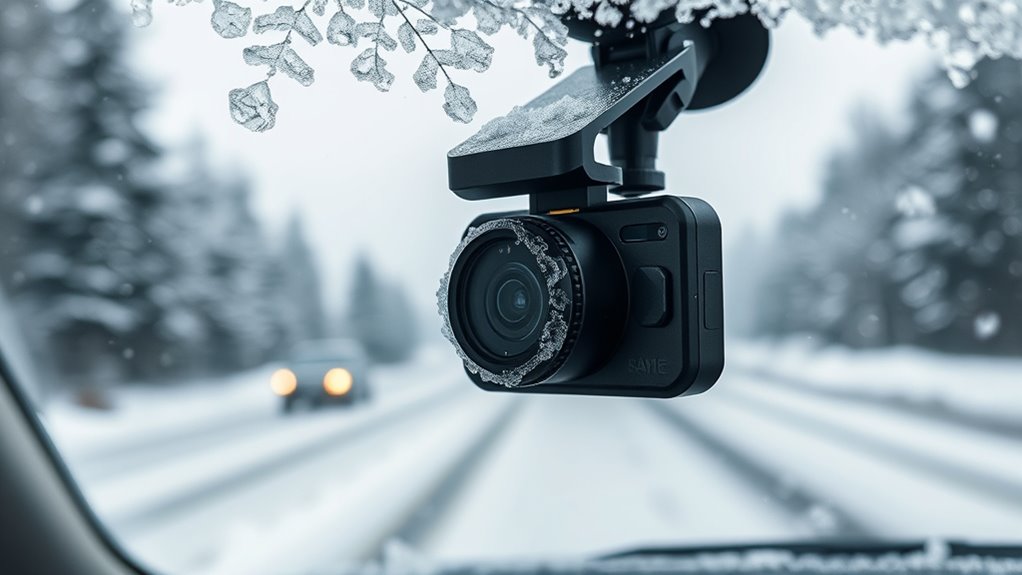
Cold temperatures can considerably reduce a dash cam’s battery performance, causing power issues that may lead to unexpected shutdowns or data loss. As batteries experience degradation over time, cold weather accelerates this process, resulting in increased power loss. You might notice your dash cam struggling to turn on or shutting down unexpectedly. To minimize these issues, consider these tips:
Cold weather worsens dash cam battery performance, leading to shutdowns and data loss. Proper maintenance can help prevent issues.
- Keep your vehicle parked in a garage or sheltered area
- Use a heated or insulated mount to shield the device
- Regularly check and replace aging batteries
- Avoid leaving your dash cam on unnecessarily
- Install a power management system to prevent sudden shutdowns
- Battery degradation can also be mitigated by choosing dash cams with advanced power management features. Additionally, understanding battery performance and how it is affected by environmental conditions helps you better prepare for winter. Proper maintenance ensures your dash cam operates smoothly despite freezing temperatures. Monitoring battery health regularly can help prevent unexpected failures during cold weather, especially since Youngster Choice highlights how environmental factors impact device performance. Being aware of environmental effects on batteries allows users to adopt proactive measures for winter conditions.
Impact of Moisture and Condensation on Device Functionality

Moisture can build up inside your dash cam, especially when temperature fluctuations cause condensation. This moisture can fog up lenses or damage internal components, affecting video quality and device reliability. Understanding how condensation forms helps you take steps to protect your camera during freezing temperatures. Proper maintenance of your dash cam can help prevent moisture buildup and ensure reliable operation in cold weather. Additionally, using desiccants or moisture-absorbing products inside the device can further reduce the risk of internal fogging. Being aware of temperature fluctuations can help you take preventive measures to maintain your dash cam’s performance, as rapid changes in temperature can accelerate internal moisture development.
Moisture Accumulation Inside
When moisture seeps into your dash cam, it can lead to condensation inside the device, especially in freezing temperatures. This moisture accumulation can cause foggy lenses, electrical issues, and even data loss. To combat this, proper moisture management is crucial. You should:
- Use weatherproof or sealed dash cams
- Apply desiccant packs inside the housing
- Ensure proper ventilation around the device
- Avoid sudden temperature changes
- Regularly check and dry the device if needed
These steps help prevent condensation buildup and protect your equipment. Moisture management and condensation prevention are key to maintaining clear recordings and reliable operation during winter. Ignoring these precautions can lead to internal damage, reducing your dash cam’s lifespan and effectiveness. Stay proactive to keep your device functioning at its best in freezing conditions. Moisture control is essential for safeguarding electronic devices against winter-related issues.
Condensation Formation Effects
Condensation inside your dash cam can substantially impair its functionality, often resulting in blurred footage and obstructed lenses. Moisture buildup causes fogging lenses, reducing visibility and recording clarity. When warm air meets cold surfaces, condensation forms, leading to fogging lens issues. To understand how moisture impacts your device, consider this table:
| Cause | Effect | Solution |
|---|---|---|
| Rapid temperature change | Fogging lens | Use anti-fog treatments |
| Humid environment | Moisture buildup | Keep device dry and ventilated |
| Seal failure | Internal condensation | Ensure proper sealing |
Addressing condensation involves proper sealing, ventilation, and anti-fog measures to prevent moisture buildup and ensure clear recordings even in freezing temperatures.
Tips for Preparing Your Dash Cam for Cold Weather

To guarantee your dash cam performs reliably in freezing temperatures, you need to take some proactive steps before hitting the road. Start by making sure your device is properly mounted and protected from snow and ice. Keep your winter clothing accessible in case you need to clear snow from the camera lens quickly. Check your tire traction to prevent slipping when adjusting your vehicle or dash cam. Consider parking in a sheltered spot to reduce exposure to extreme cold. Additionally, use a power bank if your dash cam isn’t connected to the vehicle’s power, preventing battery drain. In conclusion, clean the camera lens regularly to remove frost or condensation. These simple precautions help maintain clear footage and ensure your dash cam functions effectively in harsh winter conditions.
Choosing the Right Dash Cam for Winter Conditions
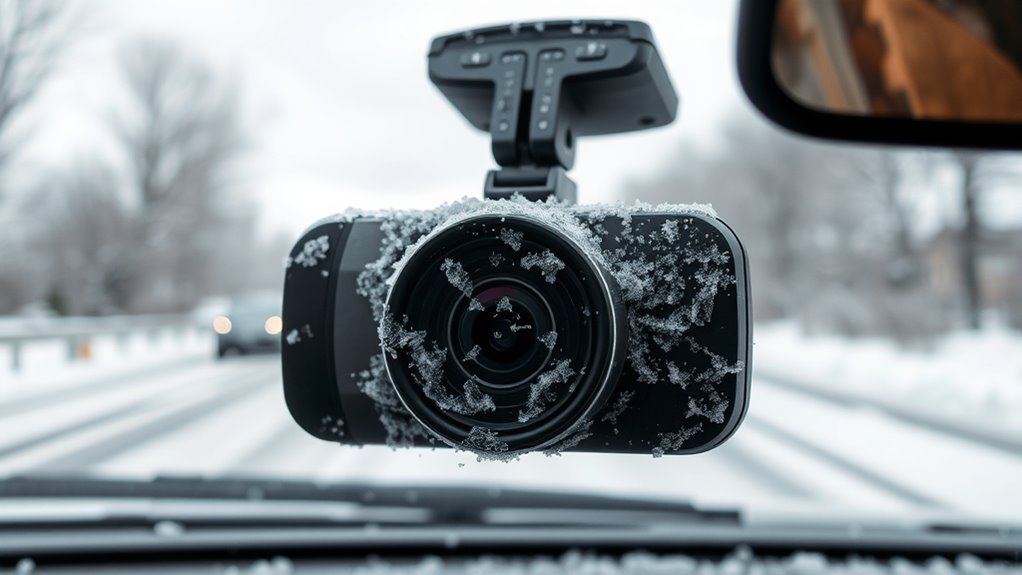
Choosing the right dash cam for winter conditions requires selecting a device built to withstand cold temperatures and harsh weather. Look for models designed with winter gear in mind, such as heated lenses or weather-resistant casings, to prevent freezing and fogging. Guarantee your dash cam is compatible with your vehicle accessories, making installation and operation easier in winter months. Features like wide temperature ranges, robust shockproofing, and sealed connectors help protect against snow, ice, and freezing rain. Consider models with good low-light performance for shorter, darker days. Investing in a dash cam specifically designed for winter ensures reliable recordings, even in extreme cold. This way, your vehicle’s security and evidence collection won’t falter when temperatures plummet.
Frequently Asked Questions
Can Winter Weather Cause Permanent Damage to Dash Cam Lenses?
Winter weather can cause permanent damage to dash cam lenses if you don’t take precautions. Freezing temps may lead to lens fogging and condensation, which can harm the optical integrity over time. Additionally, rapid temperature changes can cause cracks or warping, impacting lens clarity. To protect your dash cam, keep it in a climate-controlled environment when not in use and avoid exposing it to extreme cold for prolonged periods.
How Does Snow Accumulation Affect Dash Cam Visibility and Recording?
Snow accumulation can greatly obstruct your dash cam’s visibility, making it harder to capture clear footage. You might worry about lens fogging, but regular cleaning and using anti-fog solutions can help. When snow covers the lens, your recordings become blurry or incomplete, reducing their usefulness. To avoid this, clear snow promptly and consider protective covers. Staying proactive ensures your dash cam keeps recording despite winter’s icy grip.
Are There Specific Brands Better Suited for Extreme Cold Conditions?
You should look for brands known for reliability and cold-resistant features, like Garmin or BlackVue. These brands design dash cams specifically to handle extreme cold, with better insulation and heating elements that prevent freezing. By choosing reputable brands with proven cold resistance, you guarantee your dash cam keeps recording reliably even in harsh winter conditions. Always check reviews and specifications to confirm they’re suited for freezing temperatures before making a purchase.
What Maintenance Routines Can Prevent Winter-Related Dash Cam Failures?
To prevent winter-related dash cam failures, you should regularly check and clean the lens to maintain clear footage, especially after snow or ice buildup. Also, focus on battery preservation by keeping the device in a warm spot when not in use and avoiding frequent power cycles in extreme cold. These routines help guarantee your dash cam functions reliably, even in freezing temperatures.
Do Heated Dash Cams Exist for Harsh Winter Environments?
Yes, heated dash cams do exist for harsh winter environments. These heated cameras feature built-in heating elements that prevent snow and ice buildup, guaranteeing clear footage. Cold-resistant models are also available, designed specifically to operate reliably in freezing temperatures without failing. When choosing a dash cam for winter, look for models with these features to ensure consistent performance and durability despite the cold.
Conclusion
To keep your dash cam running smoothly through winter’s icy grip, you need to prepare meticulously. Cold temperatures can turn your device into a fragile snowflake, but with proper care, you’ll avoid costly failures. Think of your dash cam as the steadfast guardian of your journeys—weatherproofing it guarantees it won’t freeze or falter when you need it most. Stay vigilant, and your camera will stand strong against winter’s relentless assault.