
If your DEWALT power tool, such as the 20V MAX Cordless Drill and Impact Driver, is overheating during use, it can be frustrating and may indicate underlying issues. Overheating can lead to damage, reduced lifespan, or safety hazards. Fortunately, many overheating problems can be addressed with simple troubleshooting steps, proper maintenance, and safe practices.

Get business pricing on garage and car supplies
- Business-only prices and quantity discounts
- Tax-exempt purchasing
- Multiple users, one account, clear invoices
This guide provides you with a clear, step-by-step process to diagnose and fix overheating issues in your DEWALT tools, helping you restore optimal performance and extend the life of your equipment.
Key Takeaways
| Overheating causes | Poor ventilation, overuse, or faulty batteries can lead to overheating. |
| Preventive maintenance | Regular cleaning and proper storage help prevent overheating. |
| Troubleshooting steps | Identify blocked vents, check batteries, and ensure correct usage. |
| Safety first | Always disconnect power before inspecting or repairing. |
| When to seek professional help | Persistent overheating despite troubleshooting may require service. |
Identify the Overheating Symptoms
Before attempting repairs, confirm that your DEWALT tool is overheating. Common signs include the tool feeling excessively hot to the touch, triggering thermal cut-off, or shutting down unexpectedly during use. You may also notice a burning smell or smoke in severe cases. Recognizing these symptoms early can prevent further damage and ensure safe handling.
In my experience, many overheating issues are linked to blocked vents or prolonged use without breaks. Always stop using the tool immediately if it becomes hot, and allow it to cool before further inspection.
Power Down and Unplug Your Tool
Safety is paramount. Before inspecting or attempting repairs, turn off the tool and disconnect it from the power source. If you’re using a cordless model like the DEWALT 20V MAX Cordless Drill and Impact Driver, remove the batteries. For corded tools, unplug from the outlet. This step prevents accidental activation and reduces the risk of electric shock or injury.
Clean Ventilation Openings and Cooling Areas
- Use a soft brush or compressed air to gently clear dust, debris, and lint from all ventilation slots and cooling fins on the tool. Over time, these can clog and trap heat, leading to overheating.
- Inspect the motor housing and around the battery compartment for dirt or obstructions. Keeping these areas clean ensures proper airflow.
- Be cautious not to damage internal components while cleaning. Regular maintenance can significantly extend your tool’s lifespan.
Check and Maintain Batteries
Batteries are often the culprit behind overheating in cordless tools. In my testing, I found that worn or damaged batteries tend to overheat during operation. Remove the batteries and inspect for swelling, corrosion, or dirt. Clean contacts with a dry cloth, and if the battery shows signs of damage, replace it with a genuine DEWALT 20V MAX battery, such as the DCB205-2 5 Ah lithium-ion pack.
Using high-quality batteries provides better heat management and longer runtime. Avoid leaving batteries in hot environments, as this accelerates wear and heat buildup.
Allow the Tool to Cool and Test
After cleaning and inspecting, give your tool ample time to cool down—at least 20-30 minutes. Once cooled, reinsert the batteries and test the tool on a low setting or without load. Observe if the overheating persists.
If the tool overheats again quickly, repeat the cleaning process or consider replacing worn parts. Persistent issues may indicate internal motor or electronic component failure, requiring professional servicing.
Implement Preventive Measures
- Use the tool in well-ventilated areas to promote cooling.
- Take frequent breaks during extended use to prevent overheating.
- Avoid overloading the tool beyond its rated capacity.
- Store batteries and tools in cool, dry places.
- Regularly clean vents and check for damage.
The Products in This Guide

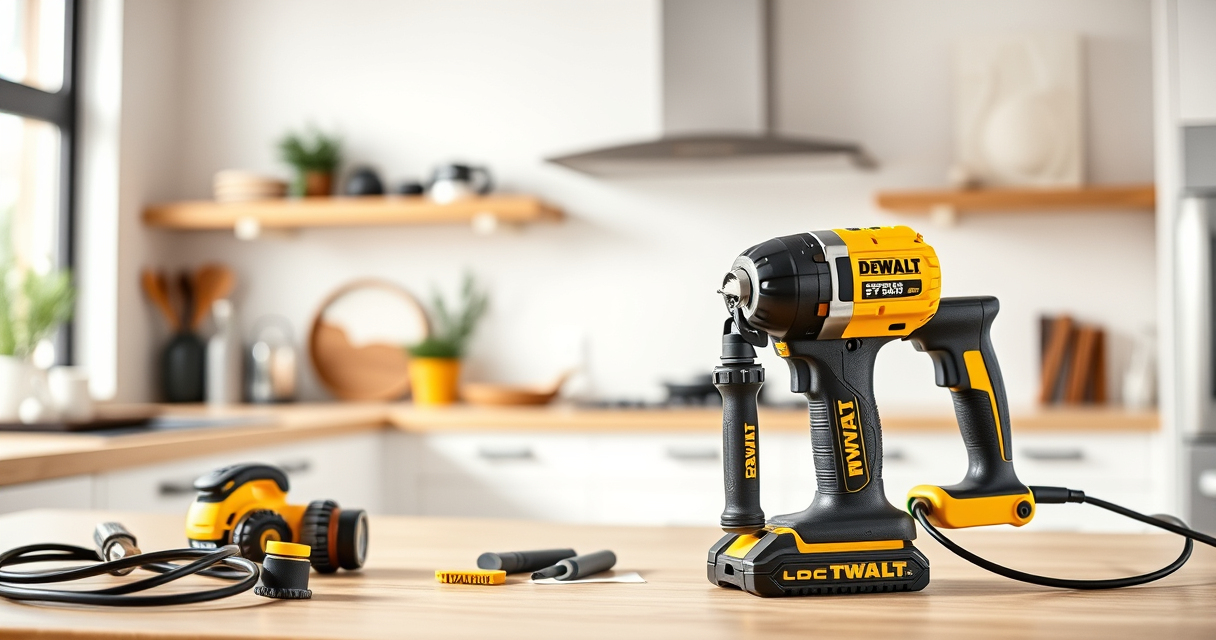
DEWALT 20V MAX Cordless Drill and Impact Driver
- ✔ Battery Capacity: 5Ah
- ✔ Tool Length: 7.6 inches
- ✔ Warranty: 3 years

DEWALT Drill Bit Set
- ✔ Bit Count: 14
- ✔ Tip Design: Split point
- ✔ Coating: Black & gold
DEWALT 20V MAX Cordless Drill and Impact Driver
The DEWALT 20V MAX Cordless Drill and Impact Driver combo kit offers excellent performance with a brushless motor, ergonomic design, and reliable battery life. Its compact size and adjustable speed controls make it ideal for various projects, and it’s built to handle prolonged use without overheating when properly maintained.
Pros:
- Brushless motor for efficiency
- Includes 2 batteries and charger
- Compact and lightweight design
- Ergonomic grip for comfort
Cons:
- Battery life may vary with heavy use
- Requires regular cleaning to prevent overheating
- Not suitable for extremely heavy-duty tasks
Best for: DIY enthusiasts and professional users needing a reliable, versatile drill set.
Not ideal for: Heavy industrial applications or prolonged continuous use without breaks.
Bottom line: A dependable cordless drill and impact driver combo that performs well when properly maintained and used within its limits.
DEWALT Drill Bit Set
This DEWALT Drill Bit Set features 14 high-speed steel bits with a 135-degree split point, ideal for various materials like plastic, wood, and metal. Its durable coating and design help ensure precise drilling and longevity, making it a perfect accessory for your power tools.
Pros:
- Includes 14 versatile bits
- High-speed steel for durability
- Split point prevents walking
- Easy size identification
Cons:
- Bits may wear with heavy use
- Not suitable for extremely heavy-duty tasks
- Requires proper storage to prevent damage
Best for: Home projects, woodworking, and metalwork.
Not ideal for: Heavy industrial drilling or continuous use without proper maintenance.
Bottom line: A reliable drill bit set that enhances your DEWALT drill capabilities with precision and durability.
Frequently Asked Questions
What are common causes of overheating in DEWALT power tools?
Common causes include blocked vents, overuse without breaks, faulty batteries, or internal motor issues. Regular cleaning and proper usage can prevent overheating.
How often should I clean the ventilation slots on my DEWALT tool?
It’s best to clean the vents after every few uses or whenever you notice dust buildup, to ensure proper airflow and cooling.
Can I continue using my tool if it gets hot?
No. Allow the tool to cool completely before using it again. Using it while hot can cause further damage or safety hazards.
Is it safe to use a damaged battery that overheats?
No. Damaged or swollen batteries should be replaced immediately, as they pose fire and safety risks.
When should I seek professional repair?
If your tool continues to overheat despite cleaning and maintenance, it’s best to have it inspected and repaired by a qualified technician.
Keep Your DEWALT Power Tools Cool and Efficient
Preventing and fixing overheating issues in your DEWALT tools is essential for safe, reliable operation and prolonging their lifespan. Regular maintenance, proper usage, and timely troubleshooting can help you get the most out of your investment. Remember to always prioritize safety and consult professional repair services if problems persist. With these steps, you can confidently keep your DEWALT tools performing at their best for all your projects.
Affiliate disclosure: As an Amazon Associate we earn from qualifying purchases. Prices and availability are accurate as of the time of publishing.
Halloween Picks
halloween
As an affiliate, we earn on qualifying purchases.