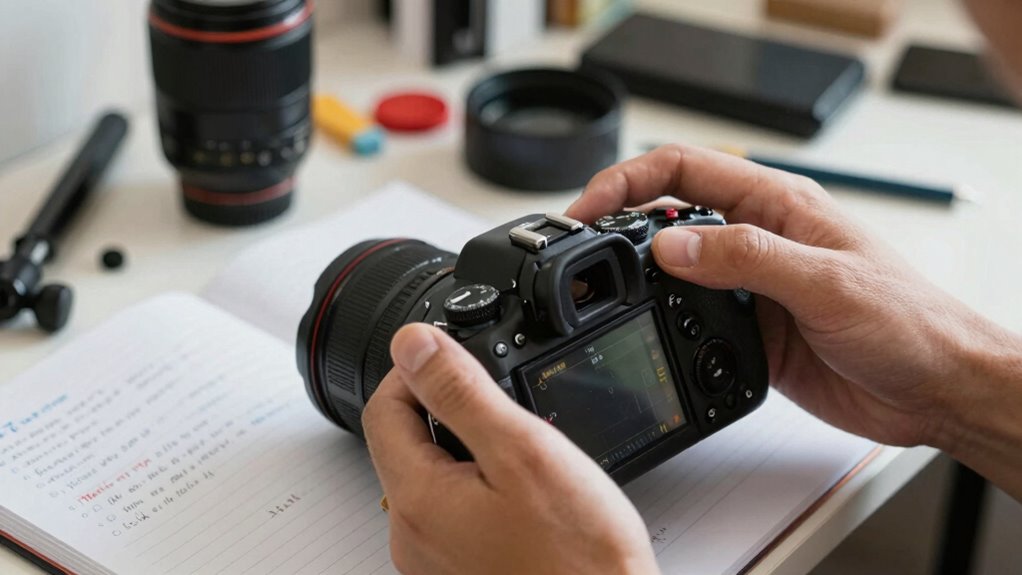

Before blaming your camera, first check your lighting conditions—poor or low light can cause dark and blurry photos. Make certain you’re handling the camera steadily, avoiding shaky hands or pressing too hard on the shutter. Clean the lens and confirm your focus settings are correct. Test with different accessories or external devices to rule out external factors. Understanding your camera’s limitations helps set realistic expectations. If you follow these steps, you’ll identify most issues early—more tips to troubleshoot effectively follow.

Get business pricing on garage and car supplies
- Business-only prices and quantity discounts
- Tax-exempt purchasing
- Multiple users, one account, clear invoices
Key Takeaways
- Ensure proper lighting conditions to avoid blurry or dark photos caused by insufficient illumination.
- Check and clean the camera lens, and verify focus settings to prevent user handling errors.
- Understand your camera’s specifications and limitations to set realistic expectations and troubleshoot effectively.
- Stabilize your camera during shots using tripods or steady hands to minimize blur from movement.
- Test with different accessories or devices to identify external factors affecting camera performance.
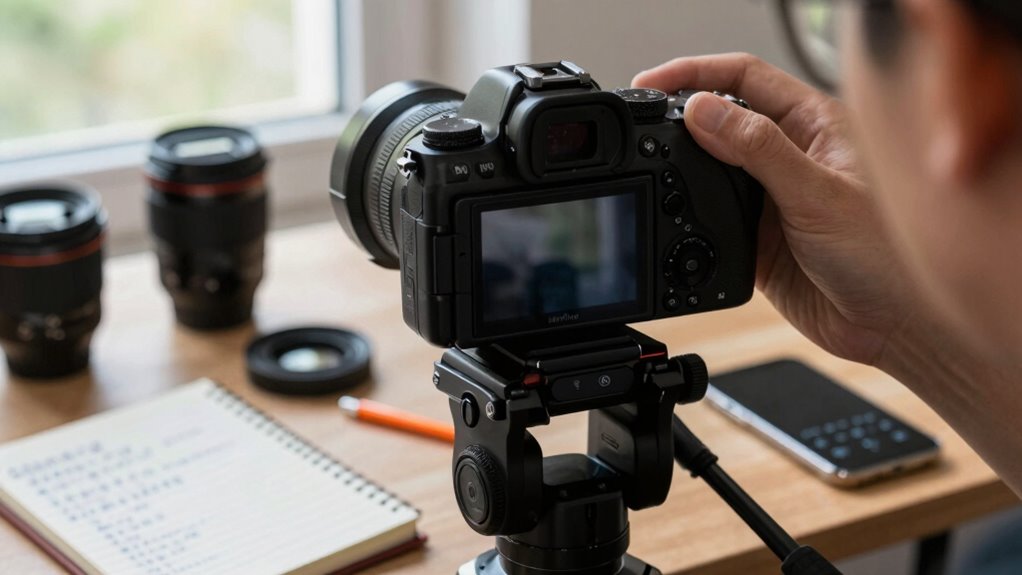
Ever wondered if the issue you’re experiencing is with your camera or something else? Before jumping to the conclusion that your camera is faulty, it’s important to troubleshoot thoroughly. Many times, what seems like a camera malfunction actually boils down to simple problems like lighting issues or user errors. Start by evaluating your environment and your own handling of the device. If your photos are dark or blurry, the root cause might be inadequate lighting rather than a defective camera. In low-light situations, your camera struggles to focus and capture clear images, so always check if you’re shooting in well-lit conditions first. Adjust the lighting if possible, or increase exposure settings to improve image quality. Sometimes, you might think your camera isn’t working because the photos aren’t as bright as you’d like, but in reality, it’s just a matter of understanding how your camera handles different lighting situations.
Check lighting and handling first before assuming your camera is faulty. Simple adjustments can often fix the issue.
Next, consider user errors. It’s easy to forget basic camera functions or overlook simple mistakes. Double-check whether your lens is clean; smudges or dust can considerably impact image clarity. Ensure the camera is properly focused—many issues stem from the autofocus not locking onto the subject. If you’re using manual focus, confirm that it’s set correctly. Also, verify that your camera settings are appropriate for the shot you’re trying to take. Sometimes, a high ISO or a slow shutter speed can cause issues like grainy images or motion blur. Review your camera’s manual or quick setup guides to make sure you’re using the right modes and adjustments. Recognizing camera limitations can help set realistic expectations for your results. Additionally, understanding camera specifications can guide you in choosing the right settings for different shooting conditions. Knowing how camera technology operates can also improve your troubleshooting efficiency. Being familiar with common camera issues can further streamline the process of diagnosing problems. Developing a basic understanding of camera troubleshooting techniques can empower you to resolve many issues quickly without professional help.
Another common user error involves handling the camera incorrectly. If you’re holding it unsteadily or pressing the shutter button too hard, you might introduce shake or blur into your images. Use a tripod or stabilize your hands to improve sharpness. Take a few test shots and compare results after making small adjustments. Remember that many problems are easily fixed without replacing or repairing your camera—often, it’s just about recognizing and correcting your own mistakes.
Finally, if you’ve ruled out lighting issues and user errors but still encounter problems, consider testing your camera with different lenses or accessories, or try it on another device to see if the issue persists. This process helps identify whether the camera itself is at fault or if other external factors are influencing its performance. By systematically troubleshooting these aspects, you can save time, money, and frustration, ensuring that you don’t wrongly blame your camera when the real issue lies elsewhere.
As an affiliate, we earn on qualifying purchases.
Frequently Asked Questions
What Common Software Issues Affect Camera Performance?
You might notice camera performance issues caused by outdated camera firmware or incorrect app permissions. Check if your camera firmware is up-to-date, as outdated firmware can cause glitches. Also, make sure the app has all necessary permissions, like access to camera and storage, to function correctly. Incorrect permissions can prevent proper operation. Updating firmware and reviewing app permissions often resolve common software issues, improving your camera’s overall performance.
How Do Lighting Conditions Impact Photo Quality?
Think of lighting as the brushstroke that paints your photo’s mood. When lighting conditions are poor, your camera struggles to capture details, resulting in dull or overexposed images. To fix this, make lighting adjustments and tweak exposure settings to balance brightness and shadows. Proper lighting guarantees your camera captures vibrant, clear photos. So, always assess your environment and adjust accordingly—your photos will thank you.
Can User Error Cause Blurry or Dark Images?
Yes, user error can cause blurry or dark images. When you’re unfamiliar with your camera or unsure of proper shooting techniques, you might not adjust settings correctly, leading to poor photos. Lazy handholding or not using a tripod can result in blurriness, while incorrect exposure settings can make images too dark. Improving your user familiarity and mastering basic shooting techniques help prevent these issues and guarantee clearer, brighter photos.
What Accessories Can Interfere With Camera Operation?
Accessories can be sneaky culprits, like hidden gremlins disrupting your shot. Lens accessories, such as filters or hoods, might block or distort light, causing blurry images or focusing issues. Battery issues can also cause unexpected shutdowns or poor performance. Always check that lens accessories are properly attached and clean, and make certain your battery is fully charged and functioning correctly. These simple steps can prevent minor issues from turning into major frustrations.
How Often Should I Clean My Camera Lens?
You should clean your camera lens regularly, ideally after each shoot or when it appears smudged or dirty. Proper lens maintenance involves gentle cleaning techniques, like using a microfiber cloth and lens cleaning solution. Avoid harsh chemicals or abrasive materials to prevent scratches. Regular cleaning keeps your images sharp and prevents dirt buildup, ensuring peak performance. Make it a habit to check and clean your lens to maintain its clarity and longevity.
As an affiliate, we earn on qualifying purchases.
Conclusion
Before blaming your camera, remember that even the best tools need a little patience and troubleshooting. Think of it like fixing a leaky faucet—you check the connections, test the water flow, and identify the source before calling a plumber. Once, I spent hours blaming my camera for blurry shots, only to realize a simple lens misalignment was the culprit. Taking a step back and troubleshooting can save you time and frustration, revealing that sometimes, the problem isn’t what you thought.
As an affiliate, we earn on qualifying purchases.
As an affiliate, we earn on qualifying purchases.
Columbus Day / Indigenous Peoples' Day Picks
long weekend sales
As an affiliate, we earn on qualifying purchases.