
To keep your dash cam’s timestamp accurate after power loss, make certain it’s connected to a reliable backup power source like a supercapacitor or RTC battery, and wire it properly for constant power. Use firmware that accepts GPS time and enables automatic syncing, and check your backup components regularly for wear or failure. Maintaining good wiring practices and updating your device guarantees your timestamps stay precise, no matter the situation—more tips ahead to help you stay on time.

Get garage and car supplies delivered free — and shop member deals
- Fast, free delivery on millions of items
- Access to Prime Big Deal Days deals on October 6–7
- Prime Video, Amazon Music and more included
Key Takeaways
- Use a high-accuracy RTC module like DS3231 with temperature compensation for stable timekeeping during power loss.
- Integrate GPS to automatically synchronize the dash cam’s clock with satellite UTC signals.
- Implement periodic checkpoints and file flush routines to back up timestamps and prevent data loss.
- Hardwire the dash cam to a constant 12V fuse or OBD port to maintain power during ignition off periods.
- Utilize supercapacitors for quick shutdown support and reliable time preservation in case of short power interruptions.
Understanding Your Dash Cam’s Power Sources for Time Retention

To keep your dash cam’s timestamps accurate, it’s essential to understand how different power sources support time retention. Using the cigarette lighter socket provides 1-5 watts during normal operation, turning off when you switch off the ignition. However, some vehicles keep the port active post-ignition, causing a small, continuous power draw that’s usually negligible since your alternator recharges the battery during driving. This setup is suitable for daily drivers without parking mode needs. Alternatively, hardwiring your dash cam to the fuse box allows it to operate when the engine is off, enabling parking mode but risking battery drain. To avoid depleting your battery, many dash cams use low-power designs, external battery packs, or intelligent parking mode features to maintain accurate timestamps without draining your vehicle’s power. Understanding your vehicle’s electrical system and the dash cam’s power management options is crucial for ensuring reliable timekeeping even when the vehicle is parked for extended periods. Additionally, selecting a dash cam with long-lasting internal batteries or backup power supplies can further enhance timestamp accuracy during power interruptions. Properly configuring power management settings can also help balance between data accuracy and battery preservation. Being aware of power consumption patterns helps in choosing the right setup for your specific vehicle and usage habits. Recognizing how connected power sources influence your dash cam’s operation can help optimize its performance and data integrity over time. Being familiar with backup power solutions can also provide peace of mind during unexpected power losses.
Selecting the Right Hardware Components to Hold Accurate Time
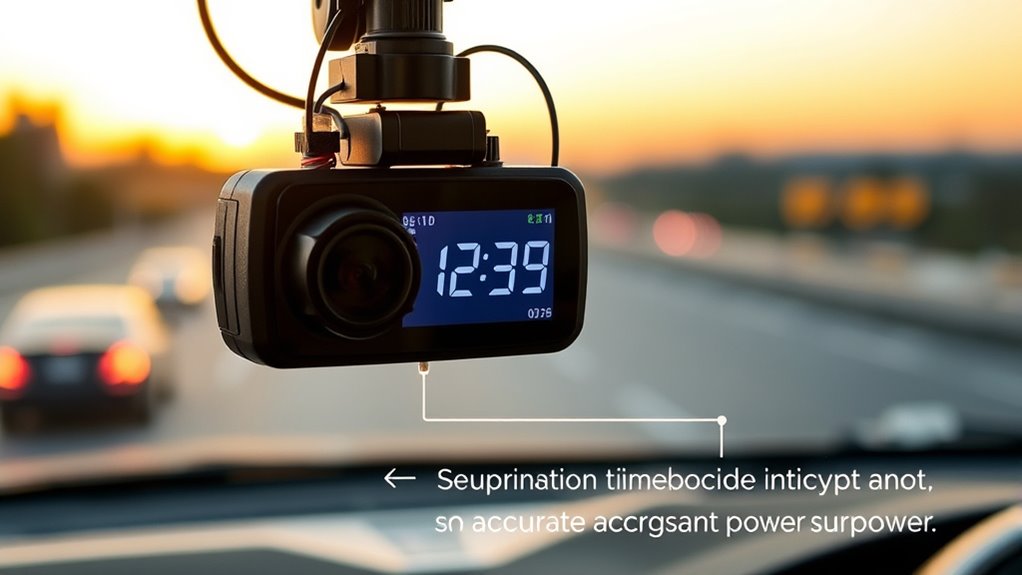
Choosing the right hardware components is key to keeping your dash cam’s timestamps accurate. Supercapacitors offer quick charging and long lifespan, making them a solid backup option over traditional batteries. Pairing a reliable RTC module with these components guarantees your time stays precise, even during power interruptions. Advanced clock synchronization protocols help ensure consistent timekeeping across various system conditions. Additionally, understanding the impact of cookies on device performance can assist in optimizing your dash cam’s software for better reliability. Selecting hardware with robust power management features further enhances stability during unexpected power losses. Incorporating components with long-term durability ensures your device maintains accurate timing over extended periods without frequent maintenance. Furthermore, choosing preventive maintenance practices can help avoid potential timing inaccuracies caused by component wear or environmental factors. Properly managing system calibration is also essential to maintain synchronization over time.
Supercapacitor vs. Backup Battery
When selecting hardware to maintain accurate dash cam timestamps during power loss, understanding the differences between supercapacitors and backup batteries is essential. Supercapacitors store only enough charge for safe shutdown and quick file saves, lasting seconds to a few minutes. Lithium-ion backup batteries provide larger reserves, capable of powering the system for minutes to hours, depending on capacity. Supercapacitors excel in hot environments and support many charge cycles but fall short for multi-minute retention. Batteries offer longer backup times but degrade faster in heat. Use the table below to compare key traits:
| Feature | Supercapacitor | Backup Battery |
|---|---|---|
| Hold Time | Seconds to a few minutes | Minutes to hours |
| Temperature Range | −20°C to +70°C | Limited, heat accelerates degradation |
| Cycle Life | Very high | Limited, short lifespan |
| Safety | Lower fire risk | Higher risk of failure |
Additionally, supercapacitors are more environmentally friendly due to their longer lifespan and safer materials, making them a sustainable choice for automotive safety applications. It’s also important to consider cost differences when choosing between these components for your dash cam setup.
Choosing Reliable RTC Modules
Selecting a reliable RTC module is essential for maintaining accurate time in dash cams, especially during power outages. You should look for temperature-compensated RTCs like the DS3231 or Micro Crystal RV-3028, which offer sub-ppm accuracy across wide temperature ranges. Automotive-grade RTCs such as the RV-3032-C7 or RV-8803 provide stability from -40°C to +85°C and resist vibration and EMI. Check the specified accuracy in ppm or seconds per day, and verify the temperature coefficient and compensation method to guarantee real-world precision. Compatibility is key—choose interfaces like I²C or SPI that match your MCU, and confirm voltage levels. Modules with alarm outputs and standard driver support simplify power management and integration, helping your dash cam stay accurate even after power loss.
Proper Wiring and Power Management Practices for Reliable Timestamps

Ensuring your dash cam maintains accurate timestamps relies heavily on proper wiring and power management. Start by hardwiring the device to your fuse box, connecting one wire to a constant 12V fuse for uninterrupted power, and the other to an ACC fuse to detect engine status. Use fuse taps rated 2A-5A, avoiding high-current fuses, and incorporate a voltage cut-off module to prevent draining your vehicle’s battery. Secure all connections tightly to prevent signal loss and tampering. Ground the dash cam to a clean, unpainted metal chassis bolt for a stable electrical connection. If available, use the OBD port for a quick, reliable power source, ensuring continuous recording and parking mode functionality. Proper wiring is essential for maintaining accurate time settings and preventing power interruptions that could affect timestamp reliability. Regularly inspect wiring and connections to maintain timestamp accuracy and system reliability, and consider using proper grounding techniques to further enhance connection stability. Additionally, employing voltage regulation modules can help stabilize power supply and protect your device from voltage fluctuations. Furthermore, adding a backup power source can ensure the dash cam continues to operate during power fluctuations or main power loss. Incorporating power management devices can also help optimize power efficiency and extend the lifespan of your dash cam. To further enhance system stability, consider installing surge protectors to guard against voltage spikes that could disrupt operation.
Configuring Firmware Settings for Optimal Time Synchronization
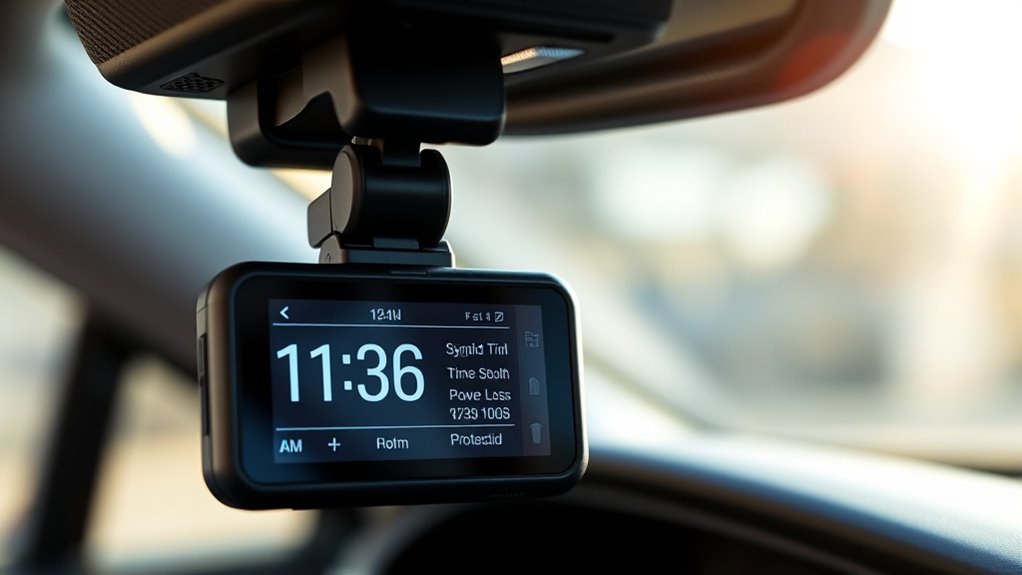
Configuring firmware settings correctly is essential for maintaining accurate time on your dash cam. First, verify your firmware is up to date by downloading the latest version from the manufacturer’s website and following the update instructions. After updating, reset your camera and reconnect it to the app, especially if you’re using a model-specific firmware like CA40A. For dashcams without GPS, manually enable “Manual time setting” in the app’s system settings, then verify and adjust the date and time as needed. Use the BlackVue Time Setting Program on your computer for older models lacking apps. Regularly check your time settings after firmware updates and confirm alignment. Proper configuration ensures your dash cam maintains precise timestamps, even during power interruptions. Additionally, understanding your dash cam’s firmware options can help troubleshoot and optimize time accuracy, especially when dealing with power loss issues.
Leveraging GPS for Precise and Automatic Time Updates
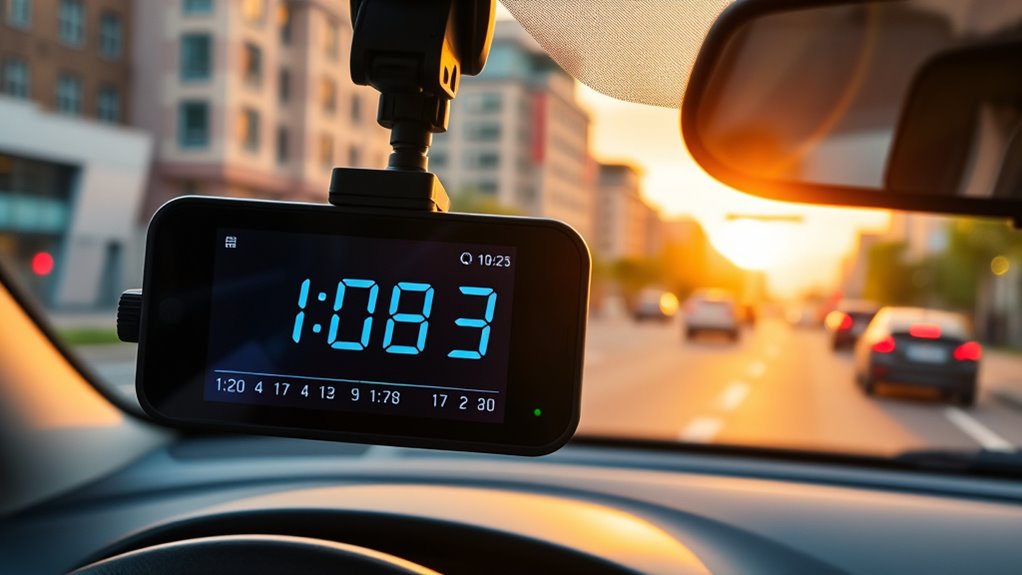
Using GPS as the primary time source allows your dash cam to automatically keep accurate timestamps without manual intervention. Built-in GPS modules provide Coordinated Universal Time (UTC) within nanoseconds of satellite clocks, updating immediately when a satellite lock is achieved. This corrects clock drift caused by power cycles or thermal changes. As long as ephemeris and almanac data are valid, GPS fixes persist across reboots, reducing time-to-first-fix to seconds. External factors like urban canyons or tunnels can temporarily block signals, but once clear sky view is regained, synchronization resumes. Proper antenna placement—such as on the roof or windshield top—and using high-sensitivity antennas enhance reception. Firmware configured to accept GPS time guarantees timestamps remain precise, verified, and consistent, even after power loss. Reliable satellite synchronization and the use of precise time sources ensure your dash cam maintains accurate timekeeping in any environment. Additionally, selecting a dash cam with advanced GPS features can further improve accuracy and reliability, especially when combined with robust signal acquisition methods.
Implementing Periodic Checkpoints and File Flushes to Protect Data

To protect your dash cam data, you need to implement regular timestamp backups and guarantee files are properly flushed to storage. This minimizes the window of potential data loss during power failures or crashes. By establishing routines for periodic checkpoints and flushes, you can greatly improve the reliability of your timestamp accuracy. Regular maintenance schedules ensure that these processes are consistently performed, reducing the risk of corrupted or lost footage. Incorporating backup power solutions can further help maintain uninterrupted operation during outages. Additionally, understanding the device’s data storage mechanisms can help you customize your maintenance routines for optimal data integrity. Exploring file systems and logging methods used in dash cams can also aid in designing more robust safeguarding strategies. Familiarity with wall surface finishes and their impact on mounting equipment can further enhance the stability of your dash cam installation. Moreover, staying informed about data recovery techniques can be crucial in restoring footage when unforeseen issues occur.
Regular Timestamp Backups
Implementing regular timestamp backups through periodic checkpoints is essential for protecting dash cam data during unexpected power losses. You should establish fixed intervals—every 5 to 30 minutes—aligned with the risk level of power loss and trip length. Use system clock monotonic counters combined with RTC values to create resilient checkpoints resistant to system time jumps. Record each checkpoint as a small, atomic metadata file containing timestamp, sequence number, and checksum, minimizing write time and corruption risks. Store checkpoints in two separate non-volatile locations, such as microSD and internal flash, with redundancy and error detection. Keep payloads minimal and use fixed-format binary data for quick recovery. Tie checkpoints to power detection signals, and utilize backup power to guarantee last-minute saves before shutdown. Incorporate error detection techniques to verify checkpoint integrity and prevent corrupted data from affecting the system. Additionally, implementing redundant storage strategies helps ensure data preservation even if one storage medium fails. Incorporating automated verification processes further enhances data integrity by routinely checking checkpoint consistency and detecting anomalies early.
Ensuring File Flush Routines
Regularly forcing file flushes guarantees that critical metadata, such as timestamps and checkpoint information, is reliably stored in non-volatile memory. Implement periodic checkpoints based on clip length and power-loss detection latency, writing checkpoint metadata to small, fixed-location files or reserved sectors for quick recovery. Use atomic replace or rename operations for checkpoint updates, preventing partial writes that could corrupt data. Include both wall-clock timestamps and monotonic counters in each checkpoint to detect drift and facilitate accurate recovery. Limit checkpoint frequency and batch small updates to reduce SD card wear while maintaining recovery granularity. Additionally, call fsync() or equivalent functions after writing timestamp headers or checkpoint records, ensuring data reaches non-volatile storage. Group metadata writes and optimize flushes to balance durability and performance.
Minimizing Data Loss Windows
Minimizing data loss windows involves strategically scheduling periodic checkpoints and file flushes to guarantee critical metadata remains safe during power failures. You should record timestamps, UTC offsets, and leap-second flags to non-volatile storage at regular intervals, such as every 30–120 seconds. Using compact binary checkpoint records with sequence numbers and CRC checks helps detect corruption. Rotating checkpoint areas prevents flash wear concentration and ensures recent checkpoints survive sudden power loss. Incorporating a boot counter or epoch identifier helps identify out-of-order data. To further safeguard data, monitor power lines or use supercapacitors to trigger emergency checkpoints during shutdown. By aligning checkpoint intervals with risk levels and leveraging wear leveling, you reduce data loss windows and extend storage lifespan, maintaining accurate timestamps even in abrupt power loss scenarios. Implementing redundant storage methods can also enhance data integrity during unexpected shutdowns, ensuring critical data remains protected.
Maintaining and Testing Backup Batteries and Supercapacitors
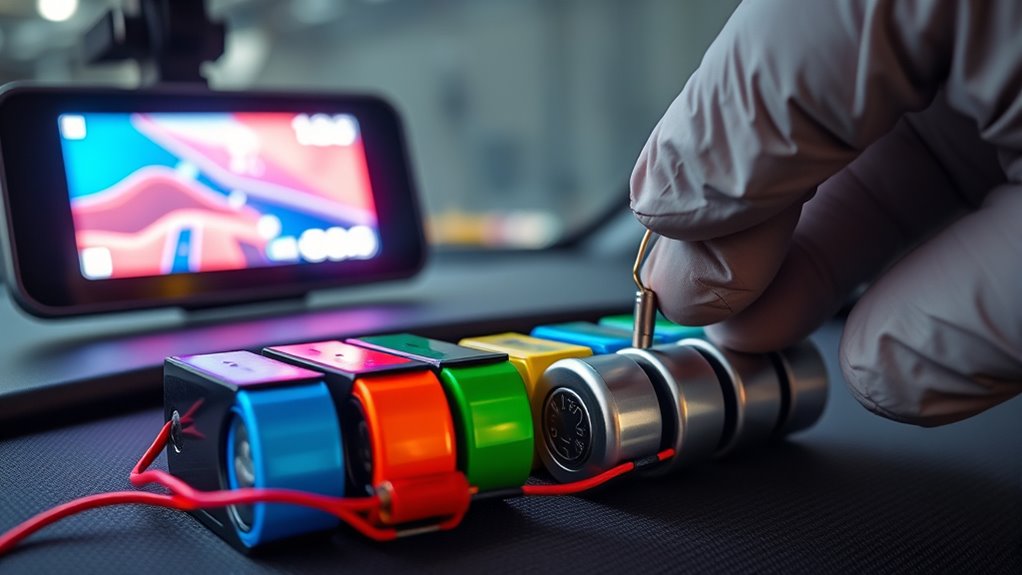
Maintaining and testing backup batteries and supercapacitors is essential to guarantee your dash cam’s timestamp remains accurate during power interruptions. Regular checks ensure backups are ready when needed. For example, coin/button batteries like CR2032 provide long-term RTC backup, but their voltage can drift over time. Supercapacitors excel for short-term retention, but they need periodic recharge due to self-discharge.
| Backup Type | Typical Capacity | Notes |
|---|---|---|
| Coin batteries | 200–240 mAh | Last years, low self-discharge |
| Rechargeable coin cells | ~3.6 V, limited cycles | Recharge circuitry needed |
| Supercapacitors | Tens to hundreds of F | Short-term backup, high cycle life |
| LiPo cells | 10s–100s mAh | Longer outages, require management |
| Hybrid | Combination | Extended retention, longevity |
Identifying and Troubleshooting Common Time Loss and Reset Issues
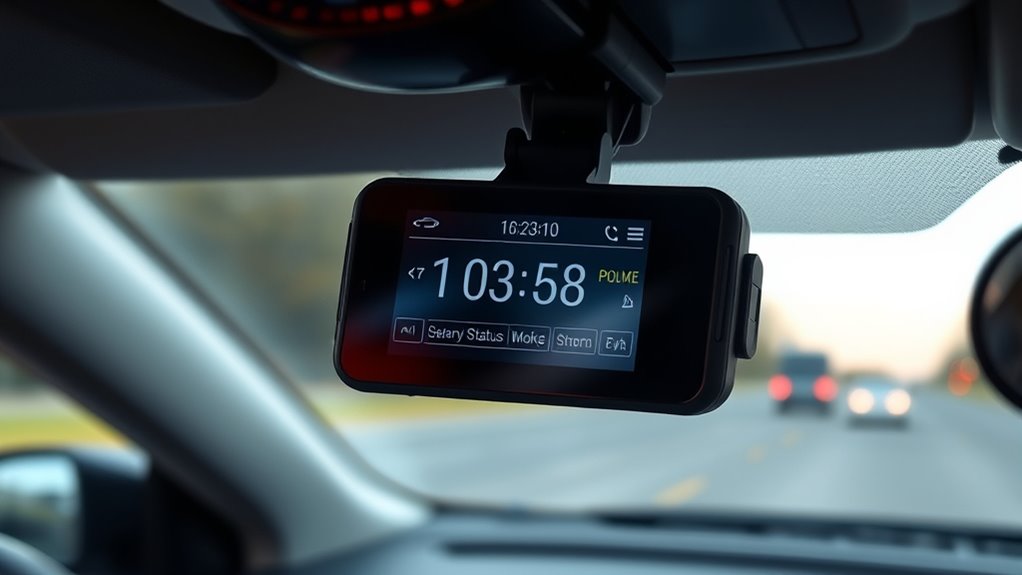
To fix time loss and reset issues, start by checking your supercapacitor and backup batteries for signs of failure or depletion. Next, inspect power connections for voltage drops or loose cables that could interrupt the supply. Finally, verify your firmware and settings are up to date and properly configured to prevent recurring problems. Ensuring stable power supply is crucial, as fluctuations can cause the camera to reset or lose its timestamp.
Supercapacitor and Battery Checks
Supercapacitors and batteries play a crucial role in keeping your dash cam’s timestamps accurate, but issues can arise when these power sources fail to hold charge properly. To troubleshoot, start by checking the supercapacitor’s health—look for signs of reduced charge retention or system info indicating lifespan over 10 years. If your dash cam uses a battery, verify its capacity; swelling or capacity loss suggests replacement is needed. If timestamps reset frequently, inspect whether your system has an RTC button battery, and replace it if it holds less than a month. Using the table below can help you identify common issues and solutions:
| Issue | Cause | Solution |
|---|---|---|
| Time resets after power loss | Dead supercapacitor/RTC | Replace supercapacitor/RTC battery |
| Short time retention | Battery degradation | Replace battery |
| Discharges quickly during parking | No hardwire or faulty power | Use hardwire kit |
| No timestamp update with GPS | GPS auto-sync disabled | Enable GPS autosync |
| Excessive charge cycles | Aging supercapacitor | Replace supercapacitor |
Power Loss and Voltage Drops
Power loss and voltage drops are common causes of dash cam timestamp resets and recording issues, especially during parking or extended shutdowns. When voltage dips below the cam’s cutoff point, it may fail to shut down properly or lose accurate time. Testing shows cutoff accuracy within 0.1V, but some models like the Q800 Pro may not cut off below 12.1V, risking continued drain. Frequent voltage drops below 12V suggest excessive power draw, often from parking mode. Use a multimeter to monitor your battery’s voltage; consistent drops below 12V indicate overload. When voltage falls below the cutoff threshold, the dash cam may reboot or reset its clock. Regularly check your electrical system to prevent undervoltage conditions that cause time discrepancies or recording issues. Internal backup components, such as supercapacitors or batteries, help maintain the clock during these power fluctuations.
Firmware and Settings Verification
Ensuring your dash cam’s timestamp remains accurate requires verifying that its firmware and settings are correctly configured. Start by updating the firmware to the latest version from the manufacturer’s website, as outdated firmware can cause persistent date and time errors. Download the firmware, format your microSD card, and transfer the update file onto it before reinserting into your dash cam and powering on. For models without app connectivity, update firmware manually via microSD. Next, check your time settings: enable manual time setting if GPS isn’t available, or ensure GPS sync is active if your dash cam has a GPS module. Make sure to set the correct time zone and daylight saving options. Regularly verify your firmware version and settings to prevent time discrepancies.
Best Practices for Firmware Updates and Device Calibration

Keeping your dash cam’s firmware up to date and properly calibrated is essential for maintaining accurate timestamps and maximum performance. Always download firmware directly from the manufacturer’s official site to prevent corrupted or malicious files. Check that the firmware matches your model and review release notes before updating. Verify the file’s checksum or signature to confirm integrity. Follow vendor instructions about any required incremental updates and keep a backup of your current firmware and device info for easy rollback. During updates, ensure a stable power supply—use a fully charged power bank or vehicle’s constant power source—and perform updates in a controlled environment with good connectivity. After updating, immediately verify and reconfigure timezone and clock settings, and perform a GPS or NTP sync to ensure your timestamps stay accurate.
Ensuring Long-Term Timestamp Accuracy During Extended Parking Periods

Maintaining accurate timestamps during extended parking periods depends heavily on your dash cam’s power and timekeeping hardware. To keep your clock synchronized and prevent drift, consider these strategies:
- Use a dedicated backup battery or hardwire kit with low-voltage cutoff to sustain power and the RTC during long stays.
- Opt for supercapacitor-equipped units or external batteries rated for wide temperature ranges to avoid RTC loss from battery degradation.
- Select hardwire kits that provide continuous power to both the dash cam and RTC circuit, ensuring timestamps stay accurate even after power loss.
- Monitor your vehicle’s battery state-of-charge and configure cutoff settings to power the RTC long enough without draining your vehicle’s battery excessively.
These steps help preserve timestamp accuracy throughout extended parking durations.
Frequently Asked Questions
How Often Should I Replace or Service the Supercapacitor or Backup Battery?
You should check your dash cam’s supercapacitor or backup battery every 5 years or sooner if you notice issues like date-time resets or sudden shutdowns. Supercapacitors last longer and rarely need replacement, but batteries degrade faster, especially in extreme climates or with frequent parking mode use. If you see swelling, overheating, or performance declines, it’s time to replace or service them promptly to guarantee reliable operation.
Can I Use My Car’s Factory Battery to Power the Dash Cam’s RTC?
Yes, you can use your factory battery to power your dash cam’s RTC, but it’s not foolproof. Think of your battery as a delicate balance beam—if it’s healthy and well-maintained, it’ll hold the time like a steady hand. However, weak or aging batteries risk dropping below needed voltage, causing your RTC to reset or lose time. To guarantee consistent accuracy, consider dedicated backup solutions or dash cams with internal RTC batteries.
What Is the Typical Hold Time for RTC When Using a Supercapacitor?
With a supercapacitor, your dash cam’s RTC typically holds the time and date for about 7-10 days without power. This short duration is due to the capacitor’s limited energy storage compared to batteries. To keep your timestamp accurate longer, you’ll need to hardwire the dash cam to a constant power source or use a dedicated RTC battery. Supercapacitors are ideal for quick shutdowns but not prolonged power retention.
How Do I Verify if My GPS Is Providing Accurate Time?
Think of your GPS as a watchmaker’s precise clock. To verify its accuracy, compare the GPS-derived timestamp to a trusted national standard like UTC using a calibrated timing receiver. Record simultaneous signals, check satellite conditions, and confirm the receiver’s firmware and settings are correct. Conduct repeated tests over time, and note any drift or discrepancies. This process helps confirm your GPS provides reliable, accurate time for your dash cam.
What Firmware Settings Help Prevent Timestamp Loss During Sudden Power Cuts?
To prevent timestamp loss during sudden power cuts, you should guarantee your dash cam has the latest firmware update. This update often fixes date and time errors and improves stability. Enable GPS synchronization if available, which automatically adjusts the time and remains accurate even after power interruptions. For models without GPS, manually set the time after updates, and consider replacing the RTC battery if it frequently resets.
Conclusion
Keeping your dash cam’s timestamp accurate isn’t just about installing the right hardware; it’s about maintaining it properly over time. By understanding your power sources, using GPS, and regularly testing backups, you’ll guarantee your footage stays reliably timestamped. So, next time your camera resets, ask yourself: are you doing everything possible to preserve that critical data? Staying proactive keeps your recordings trustworthy, no matter the circumstances.
Halloween Picks
halloween
As an affiliate, we earn on qualifying purchases.