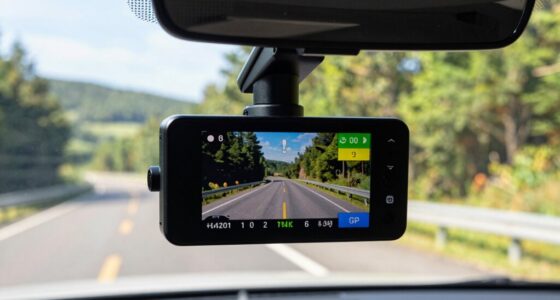

To share dash cam footage without ruining quality, choose a high-quality format like MP4 or MOV with a lossless codec such as H.265. Use compression settings that preserve detail while reducing file size, and keep the original resolution and bitrate. Opt for cloud storage or sharing links for easy, secure access. If you want to learn more about maintaining clarity during transfer, keep exploring these effective strategies.
Key Takeaways
- Export footage in high-quality, lossless formats like MP4 or MOV to preserve original resolution and details.
- Use reliable editing and compression software to minimize quality loss during sharing.
- Keep original files intact and avoid unnecessary cropping or resizing that could degrade quality.
- Share via cloud storage links with permissions and automatic backups for secure, high-quality access.
- Verify compatibility and legal guidelines to ensure footage remains admissible and unaltered during transfer.
Choose the Right File Format for Sharing

When sharing dash cam footage, choosing the right file format guarantees your videos are easily accessible and maintain good quality. It’s vital to take into account file transfer methods, as some formats are better suited for email, cloud storage, or USB drives. Common formats like MP4 or MOV balance quality and file size, making sharing more efficient. Additionally, legal considerations come into play; certain jurisdictions may require specific formats or media to ensure admissibility in court. Always verify any legal or procedural guidelines before sharing footage. Selecting an appropriate format also minimizes potential corruption or compatibility issues during transfer. Understanding file formats and compatibility is essential for ensuring your dash cam videos are accessible, high-quality, and compliant with applicable laws, especially when considering European cloud solutions that prioritize security and sustainability. Moreover, being aware of video compression standards can help optimize file sizes without sacrificing essential details, facilitating smoother sharing processes.
Use Lossless Compression Methods
To preserve the quality of your dash cam footage, you should use lossless compression methods. Choose efficient codecs, adjust compression settings for ideal balance, and rely on trustworthy software to guarantee your videos stay clear and intact. Implementing these steps helps you share high-quality footage without unnecessary file size increases. Additionally, consider safe backup systems to protect your footage during storage and transfer. Understanding the importance of video quality preservation can help you make informed decisions when sharing footage, especially since proper storage practices play a crucial role in maintaining footage integrity over time.
Choose Efficient Codecs
Choosing efficient codecs is essential for maximizing storage space without sacrificing video quality. When selecting codecs, opt for those that support lossless compression, ensuring your footage remains clear and detailed. High-quality codecs like H.264 or H.265 preserve video stabilization features, so your footage stays smooth even after compression. They also handle color grading effectively, maintaining accurate and vibrant colors without degradation. Using these codecs helps keep your files manageable while guaranteeing the integrity of important details. This is especially critical when sharing dash cam footage, as clarity and color accuracy can be indispensable for evidence or review purposes. Detecting passive voice can help improve your writing clarity and effectiveness when editing your footage descriptions or reports. Additionally, understanding video compression techniques can help you optimize your footage for various sharing platforms. By choosing the right efficient codecs, you guarantee your videos stay sharp, true to original quality, and easy to share without cluttering your storage.
Adjust Compression Settings
After selecting efficient codecs, fine-tuning compression settings allows you to maximize storage savings while maintaining video quality. To do this effectively, choose lossless compression methods that preserve every detail in your dash cam footage. During video editing, adjust compression parameters to minimize data loss, ensuring the original quality remains intact. This approach is similar to Lossless Compression techniques used in natural pools to maintain water clarity without chemicals. Implementing lossless compression techniques can help avoid pixelation or blurriness when sharing videos. Additionally, understanding video codecs is essential for selecting the right compression method for your needs. Once you’ve compressed your footage, consider file renaming to organize your clips better, making it easier to find specific moments later. Keep in mind that lossless compression might result in larger files, so balance compression settings based on your storage capacity and quality needs. By carefully adjusting these settings, you ensure your footage stays crisp and clear without sacrificing valuable details.
Use Reliable Software
Using reliable software is essential to guarantee your dash cam footage is compressed without sacrificing quality. When choosing tools, look for options that support lossless compression methods, preserving original video details. This ensures that critical evidence remains clear and usable. Here are key features to contemplate:
- Compatibility with various formats
- Support for lossless codecs like H.264 or H.265
- User-friendly interface for efficient video editing
- Robust file management options
- Ensure the software includes navigation and mapping features for better organization and review of footage navigation and mapping explainers. Incorporating lossless compression techniques helps maintain the integrity of your footage during compression processes, ensuring high quality is not compromised. Additionally, selecting software with advanced compression algorithms can further optimize file size reduction without loss of detail. Moreover, understanding the compression process can help users make informed choices to balance quality and file size effectively.
Select the Appropriate Resolution and Bitrate
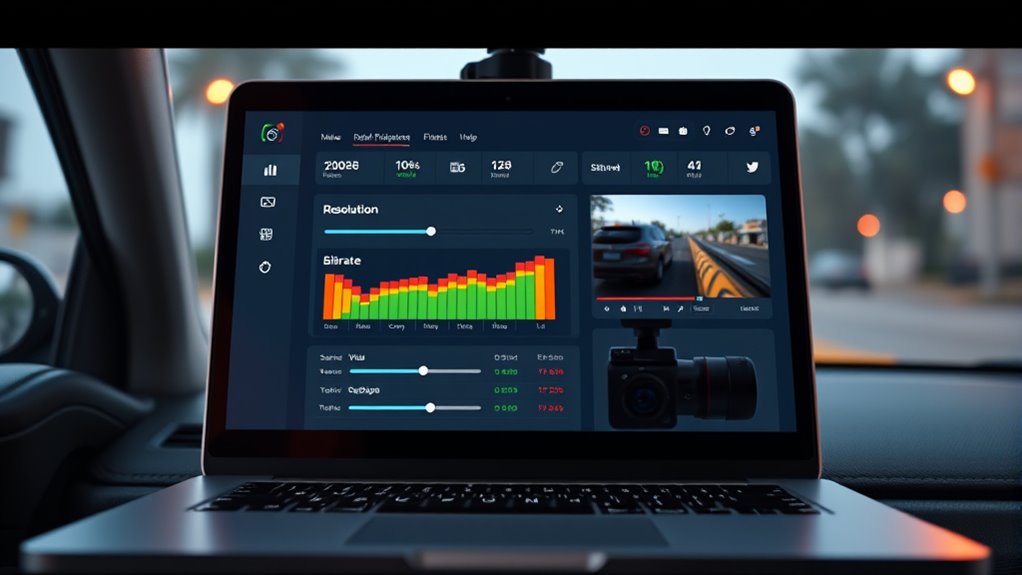
Selecting the right resolution and bitrate is crucial to guarantee your dash cam footage is clear and useful without creating unnecessarily large files. Higher resolution improves detail, but too high can lead to large files that are hard to share. Adjusting bitrate balances quality and file size; too low results in pixelation, too high wastes space. Consider your frame rate for smooth motion and color depth for accurate colors. Here’s a quick guide:
| Resolution | Frame Rate | Typical Bitrate |
|---|---|---|
| 1080p | 30 fps | 8-12 Mbps |
| 1440p | 30 fps | 15-20 Mbps |
| 4K | 30 fps | 25-50 Mbps |
| 1080p | 60 fps | 12-16 Mbps |
| 720p | 30 fps | 4-8 Mbps |
Choose settings based on your sharing needs balancing quality and size. Paying attention to video compression techniques can further optimize your footage for easier sharing without sacrificing clarity. Additionally, understanding how different filtration methods impact video quality can help in selecting the best encoding settings for your needs. Properly managing video metadata can also assist in organizing and retrieving footage efficiently.
Opt for Cloud Storage and Sharing Links

Cloud storage services offer a convenient way to save and share your dash cam footage without cluttering your device. They also preserve video metadata, guaranteeing important details remain intact. When sharing via links, you benefit from:
- Maintaining Original Quality: Files stay uncompressed, ensuring playback compatibility across devices.
- Easy Accessibility: Recipients can view footage without downloading large files.
- Enhanced Security: Set permissions to control who can view or download.
- Streamlined Sharing: Generate direct links for quick distribution via email or messaging apps.
Using cloud storage makes it simple to share high-quality footage while avoiding quality loss. Just make certain the platform supports playback compatibility and preserves metadata, so your footage remains clear and informative for every viewer. Additionally, choosing a service that offers video metadata preservation ensures all important details are retained during sharing. Moreover, selecting a platform with reliable cloud infrastructure can improve upload speeds and reduce the risk of data loss during transfer. Incorporating automatic backup options can further safeguard your footage against accidental deletion or hardware failure.
Maintain Original Files When Possible

To guarantee your footage stays clear and useful, you should keep the original resolution intact whenever possible. Using lossless formats helps preserve detail without compression artifacts, making the video more reliable in disputes. By maintaining the original quality, you avoid losing vital information that might be needed later.
Preserve Original Resolution
Maintaining the original resolution of your dash cam footage guarantees you capture the clearest and most detailed images possible. To do this, avoid unnecessary compression or resizing that can degrade image quality. Here are key tips: 1. Keep the original file intact whenever possible. 2. Use editing tools that support lossless editing to prevent quality loss. 3. Minimize processing steps like video stabilization that can reduce resolution if not handled carefully. 4. Remove timestamps carefully to avoid cropping or resizing that could lower resolution. 5. Be aware of file formats that preserve quality during sharing and storage. Additionally, choosing butter settings for your device can influence how footage is processed and stored, ensuring better preservation of original quality. Understanding metadata management can also help maintain the integrity of your footage during transfer and sharing, especially when considering file format compatibility with sharing platforms.
Use Lossless Formats
Using lossless formats guarantees your dash cam footage remains as close to the original recording as possible. This helps preserve details vital for video stabilization and clear evidence. When you share in lossless formats, you avoid compression artifacts that can degrade quality. These formats also make watermark removal easier if needed, without sacrificing clarity. Keep in mind, lossless files are larger, so verify your storage and sharing platforms support them. If you need to compress files for easier sharing, do so carefully to prevent losing important details. Using the right lossless format ensures your footage stays high quality, maintaining all essential aspects for review or legal purposes while avoiding unnecessary quality loss.
Utilize Editing Tools to Preserve Quality

When editing dash cam footage, applying the right tools can make a significant difference in preserving its original quality. Use editing software that supports high-resolution formats and lossless compression to avoid quality loss. Focus on these key steps:
- Perform color correction to enhance visibility without over-saturating.
- Use audio synchronization tools to align sound with video accurately.
- Export your footage in a lossless format to retain clarity.
- Avoid excessive compression during final rendering, which can degrade quality.
Frequently Asked Questions
How Do I Ensure Compatibility Across Different Devices and Platforms?
You guarantee compatibility across devices and platforms by choosing common video formats like MP4 or AVI, which are widely supported. Before sharing, check each device’s specifications for video format support and convert your footage if necessary using reliable video converters. This way, you avoid playback issues and maintain quality, making your dash cam footage accessible and viewable on any device or platform without hassle.
What Are the Best Practices for Encrypting Shared Footage for Privacy?
You should use strong encryption methods like AES-256 to protect your dash cam footage. Always follow privacy protocols by encrypting files before sharing, ensuring only authorized recipients can access them. Use secure transfer methods such as encrypted emails or file-sharing platforms with built-in security features. Regularly update your encryption tools and passwords to maintain privacy. By applying these best practices, you keep your footage private and safeguard your personal information effectively.
Can I Share Footage Directly From My Dash Cam Without Downloading?
Yes, you can share footage directly from your dash cam using cloud storage options. Many dash cams sync footage automatically to the cloud, allowing you to share links without downloading. Keep in mind, video compression during upload may reduce quality, so choose cloud services that support high-resolution files. This way, you share your footage quickly and conveniently, without sacrificing important details or needing extra steps.
How Does Internet Speed Affect Sharing Quality and File Transfer?
Your internet speed can make or break your sharing experience—it’s like trying to pour water through a clogged pipe. Faster internet bandwidth means quicker file transfers and better quality, while slow speeds cause frustrating buffering and loss of detail. When sharing dash cam footage, file compression helps reduce size without sacrificing quality, but a speedy connection guarantees you upload and share crisp, clear videos seamlessly.
Are There Legal Considerations When Sharing Dash Cam Recordings?
When sharing dash cam recordings, you need to consider legal rights and privacy concerns. You should ensure you have permission from anyone identifiable in the footage and avoid sharing recordings that could infringe on someone’s privacy. Be aware of local laws regarding recording and sharing, as unauthorized use or distribution may lead to legal issues. Always respect others’ privacy and check regulations before posting or sending dash cam videos.
Conclusion
Sharing dash cam footage without sacrificing quality is easier than you think. By choosing the right file format, compressing wisely, and using cloud storage, you can guarantee your videos stay clear and professional. Did you know that over 70% of drivers share dash cam footage for insurance claims? Keep your files safe and high-quality by following these tips, and you’ll always have crisp, reliable footage when you need it most.