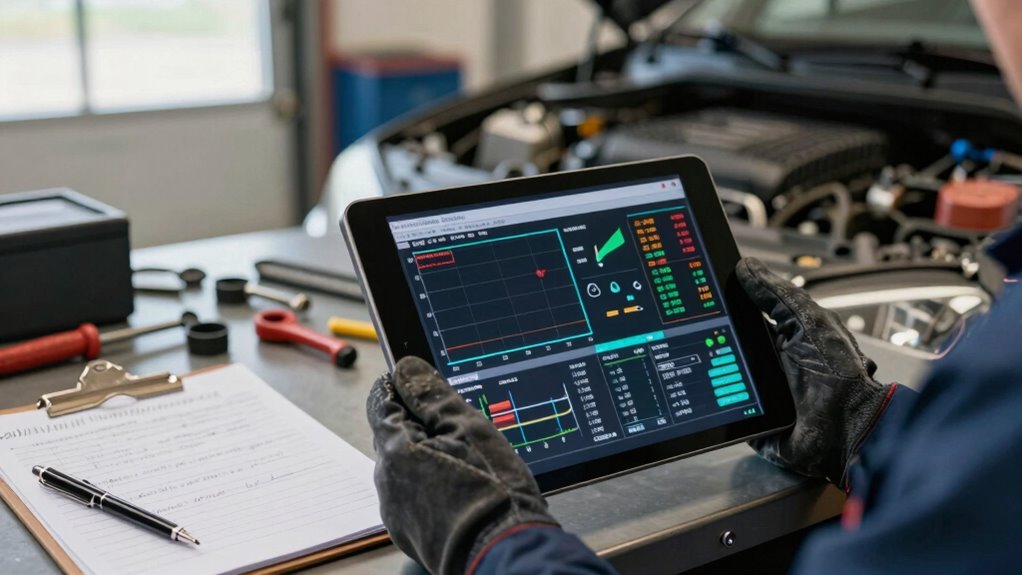

To log vehicle symptoms alongside scan data effectively, start by keeping detailed records of any unusual behaviors, noting conditions like speed, temperature, and terrain. Connect diagnostic tools to the OBD-II port to capture real-time data and save fault codes. Combine these scan results with your symptom notes to identify patterns and potential causes. Regularly update your logs and review them to spot developing issues, and if you want to learn more, there’s helpful advice just ahead.

Get business pricing on garage and car supplies
- Business-only prices and quantity discounts
- Tax-exempt purchasing
- Multiple users, one account, clear invoices
Key Takeaways
- Use a dedicated logbook or digital app to record symptom details, conditions, and timing consistently.
- Connect diagnostic tools regularly to capture real-time scan data during symptom occurrences.
- Note specific circumstances, such as temperature, speed, or terrain, when symptoms and scan data are recorded.
- Cross-reference symptom notes with scan codes to identify patterns and potential causes.
- Review and update logs periodically to track recurring issues and support effective diagnostics.
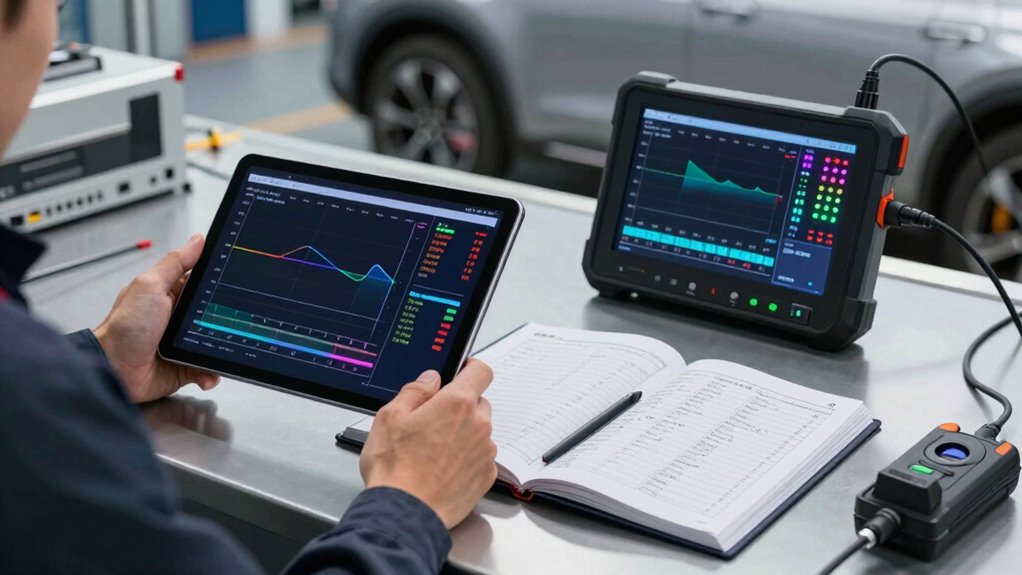
Ever wondered how to tell if your vehicle is giving you warning signs? Recognizing early indications of trouble can save you time and money, but it’s not always straightforward. The key is to effectively log vehicle symptoms alongside scan data, ensuring you have a clear picture of what’s happening under the hood. Using diagnostic tools is essential here. These tools connect to your vehicle’s OBD-II port, pulling real-time data that reveals the engine’s current state. However, just collecting scan data isn’t enough—you need to pair it with detailed symptom logs to diagnose issues accurately.
Start by keeping a dedicated record of any abnormal behaviors your vehicle exhibits. Notice if the engine hesitates during acceleration, if there’s a rough idle, or if warning lights like the check engine light turn on unexpectedly. When these symptoms occur, note the exact conditions—such as engine temperature, speed, or whether you’re on a steep incline. This contextual information can be crucial when troubleshooting later. Many diagnostic tools allow you to save live data streams, which you can then review and compare with your symptom logs. This process helps you identify patterns that might otherwise be missed. Additionally, understanding how to interpret scan codes can significantly improve your troubleshooting accuracy.
Troubleshooting tips include regularly updating your diagnostic software and understanding what specific scan codes mean. When you retrieve a fault code, don’t just record the code number—write down what the vehicle was doing at that moment, the duration of the issue, and any other relevant details. This practice helps you distinguish between transient problems and more serious, persistent issues. Keeping a detailed log can also help you identify recurring symptoms, which might indicate a deeper underlying problem. As you log symptoms, cross-reference them with the scan data, looking for correlations. For example, a misfire code linked with rough idling and a specific sensor reading can point you toward a faulty ignition coil or sensor. Incorporating diagnostic history into your logs can further streamline troubleshooting and help prevent future issues.
It’s also smart to create a routine for logging vehicle symptoms. Before and after long trips, during initial startup, or when noticing unusual noises or smells, make detailed notes. Combining these notes with scan data logs can help you identify potential causes more efficiently. Regularly reviewing your logs can reveal hidden issues that may not be immediately apparent. With consistent logging, troubleshooting becomes more straightforward, enabling you to communicate effectively with mechanics or diagnose problems yourself. Remember, the combination of detailed symptom logging and diagnostic tools provides a powerful approach to understanding your vehicle’s health, helping you catch issues early and maintain excellent performance.
As an affiliate, we earn on qualifying purchases.
Frequently Asked Questions
How Often Should I Log Vehicle Symptoms for Accurate Diagnostics?
You should log vehicle symptoms as soon as you notice any issues or irregularities to guarantee diagnostic accuracy. Regularly tracking symptoms during vehicle maintenance helps identify patterns and prevents minor problems from worsening. For the most precise diagnostics, update your logs whenever symptoms change or new ones appear. Consistent logging provides an extensive record, making it easier to pinpoint problems quickly and maintain ideal vehicle performance.
What Tools Can Help Automate Symptom Logging?
You can’t afford to miss a single symptom with the speed of modern engines! Diagnostic apps like OBD-II scanners and dedicated symptom tracking tools make automating this process a breeze. They sync with your vehicle’s data and help you log symptoms effortlessly, providing real-time insights. These tools guarantee you catch issues early, making troubleshooting faster and more accurate—saving you time, money, and headaches down the road.
How Do I Prioritize Which Symptoms to Record First?
You should prioritize recording symptoms with high severity and frequent occurrences first, as these likely impact your vehicle’s performance the most. Focus on symptoms that happen consistently or worsen over time, as they can signal more urgent issues. By monitoring symptom severity and recording frequency, you guarantee critical problems get addressed promptly, preventing further damage and maintaining vehicle reliability.
Can Symptom Logs Be Shared With Mechanics Remotely?
Imagine your symptoms and scan data as a detailed map you can instantly share. Yes, symptom logs can be shared remotely with mechanics through secure digital platforms, enabling remote diagnosis. Just be mindful of data privacy; choose trusted apps that protect your information. This way, your mechanic gets a clear picture, speeding up repairs and avoiding unnecessary visits, all while keeping your personal data safe and confidential.
What Common Mistakes Should I Avoid When Logging Symptoms?
When logging symptoms, avoid common mistakes like neglecting symptom severity details and inconsistent recording frequency. You should clearly note how severe each issue feels and how often it occurs, as this helps mechanics diagnose accurately. Don’t wait too long to record symptoms—frequent updates provide better context. Also, avoid vague descriptions; be specific about what happens and under what conditions to guarantee your logs are useful.
As an affiliate, we earn on qualifying purchases.
Conclusion
By logging vehicle symptoms alongside scan data, you create a detailed road map of your vehicle’s health, making it easier to navigate repairs. Think of it as tuning your car’s engine with a fine-tooth comb—every detail counts. When you stay organized and thorough, diagnosing issues becomes smoother than a well-oiled machine. So, don’t just read the signs; record them faithfully, and you’ll steer clear of trouble before it hits the road.
As an affiliate, we earn on qualifying purchases.
As an affiliate, we earn on qualifying purchases.
Fall Picks
fall essentials
As an affiliate, we earn on qualifying purchases.