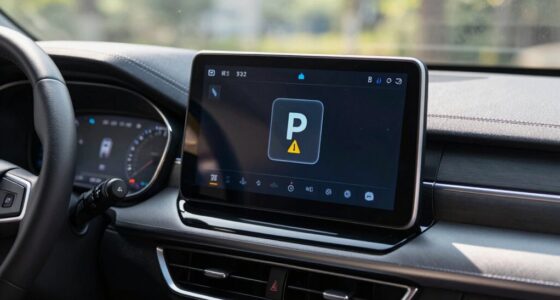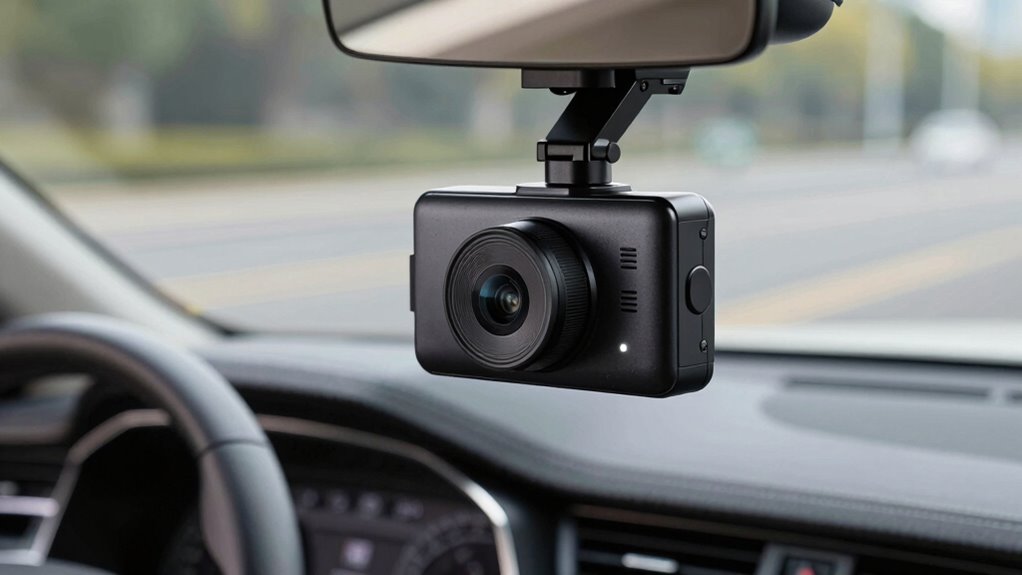

Dash cams generally use between 2 to 5 watts of power, depending on the model and settings. During extended use, especially when parking mode is active, they can drain your vehicle’s battery if not managed properly. Factors like video resolution, frame rate, and standby features affect energy consumption. To prevent unexpected drain, it’s important to monitor your dash cam’s power use and adjust settings accordingly. Stay tuned if you want to learn how to protect your battery effectively.
Key Takeaways
- Dash cams vary in power consumption, influenced by features like resolution, frame rate, and energy-saving settings.
- Modern models include power management to minimize vehicle battery drain during extended use or parking.
- Using hardwire kits with voltage regulation and auto power-off features reduces the risk of battery drain.
- Environmental factors and device age can impact actual power use, causing fluctuations in energy consumption.
- Monitoring and optimizing settings, such as turning off unnecessary features, helps prevent unexpected battery drain.
Understanding Dash Cam Power Requirements
To guarantee your dash cam functions properly without draining your vehicle’s battery, it’s important to understand its power requirements. Modern dash cams utilize advanced battery technology to optimize energy use, ensuring they operate efficiently over long periods. Power management features are essential; they regulate how much power your device consumes, preventing unnecessary drain. Many dash cams are designed to switch off or enter standby mode when the vehicle is turned off, conserving energy. Understanding power consumption and other wellness practices can help you select the right installation setup, like using a hardwire kit with built-in power management. This way, you can record reliably without risking your car’s battery life, maintaining a balance between functionality and energy conservation. Additionally, monitoring your dash cam’s energy efficiency can further extend your vehicle’s battery life during extended recording sessions.
Typical Power Consumption of Common Dash Cam Models
Different dash cam models vary widely in how much power they consume during operation. Some are designed for energy efficiency, helping you save your vehicle’s battery, while others use more power and drain it faster. Understanding these differences allows you to choose a device that balances performance with power consumption effectively. Energy efficiency features can significantly impact how long your dash cam operates without draining your vehicle’s battery. Additionally, knowing the typical power consumption helps in estimating the overall battery drain and planning for longer trips or extended recording periods. Recognizing the impact of industry trends can also guide you in selecting newer, more efficient models that meet your recording needs. As the popularity of dash cams grows, manufacturers are increasingly focusing on power management innovations to cater to eco-conscious consumers, emphasizing the importance of power consumption in choosing the right device.
Power Usage Variability
Understanding the typical power consumption of common dash cam models is essential for managing battery drain effectively. Power usage can vary due to voltage fluctuations caused by temperature changes or electrical system inconsistencies, affecting overall power draw. Additionally, standby power—the energy the dash cam consumes when idle—differs between models, impacting how quickly your battery depletes over time. Some dash cams are designed for low standby power, helping extend battery life, while others may draw more energy even when not actively recording. Recognizing this variability helps you anticipate how your dash cam will impact your battery, especially during extended parking mode or long drives. Properly managing power consumption aligns with the goal of European cloud innovation to promote sustainable and secure solutions. Being aware of power consumption variability and selecting models with lower standby power can significantly improve your vehicle’s battery longevity. Additionally, understanding the electrical system of your vehicle can help you choose a dash cam that minimizes drain and ensures reliable operation. Knowing the charging capacity of your vehicle’s electrical system can guide you in selecting a dash cam that won’t overload your battery or electrical components. Furthermore, using energy-efficient dash cam models can contribute to reducing overall energy consumption, supporting environmental sustainability. By understanding these factors, you can better plan your power management strategies.
Energy Efficiency Levels
Energy efficiency levels vary substantially among common dash cam models, directly impacting how much power they consume during operation. Higher solar efficiency allows some dash cams to harness more sunlight, reducing reliance on vehicle battery power and extending recording time. Solar energy utilization can significantly influence a dash cam’s overall power consumption, especially in sunny conditions. Models with larger battery capacity can store more footage without drawing excessive power, but they often require more energy to operate. Conversely, energy-efficient dash cams use minimal power, helping to preserve your vehicle’s battery life. When choosing a dash cam, consider both solar efficiency and battery capacity, as these factors influence overall power consumption. A well-designed, energy-efficient model minimizes drain, making it easier to manage power use and avoid unexpected battery drain issues. Additionally, key traits of quality assurance engineers such as attention to detail and methodical testing can help ensure that your dash cam performs reliably over time. Properly monitoring power consumption also assists in maintaining optimal vehicle battery health and performance, especially when combined with energy-saving features that some models offer.
Factors That Affect Energy Usage
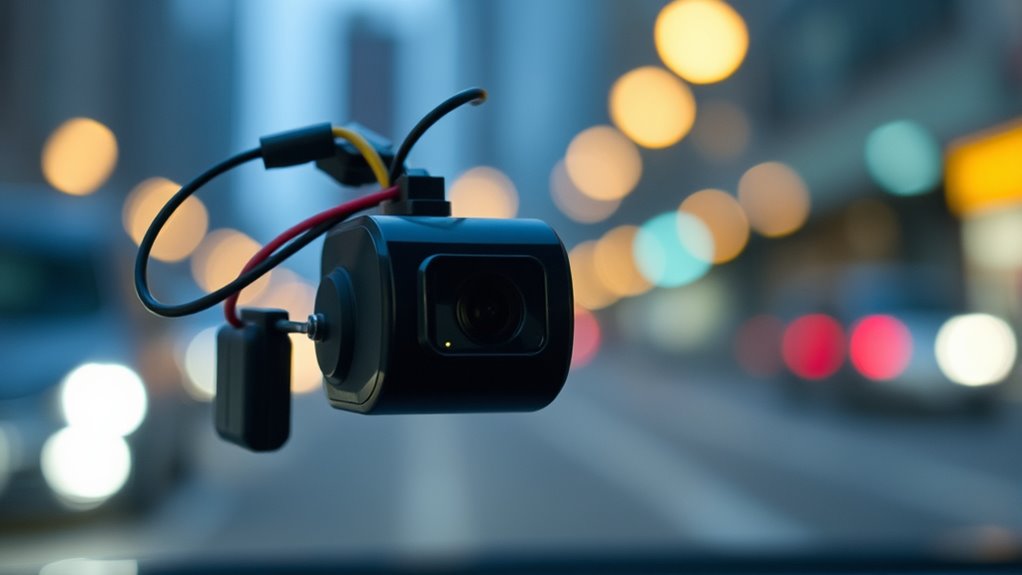
Several factors can considerably influence how quickly your device’s battery drains. One key aspect is the overall battery lifespan; older batteries tend to use power less efficiently, leading to faster drain. The dash cam’s settings, such as resolution and frame rate, also impact energy consumption—higher settings demand more power. Environmental conditions, like extreme temperatures, can hinder battery performance and reduce its lifespan, increasing energy usage. Additionally, the power source, whether connected to your vehicle’s ignition or running on standalone batteries, affects how much energy is used. Proper power conservation strategies, like turning off the dash cam when unnecessary or adjusting settings for efficiency, can help extend your battery’s life and prevent unexpected drain. Battery management and understanding these factors allows you to optimize your device’s energy use. Regular maintenance, such as checking connections and replacing aging components, can also help improve overall efficiency and battery longevity. Implementing energy-efficient settings can further reduce power consumption and prolong battery life.
Myths and Realities About Battery Drain
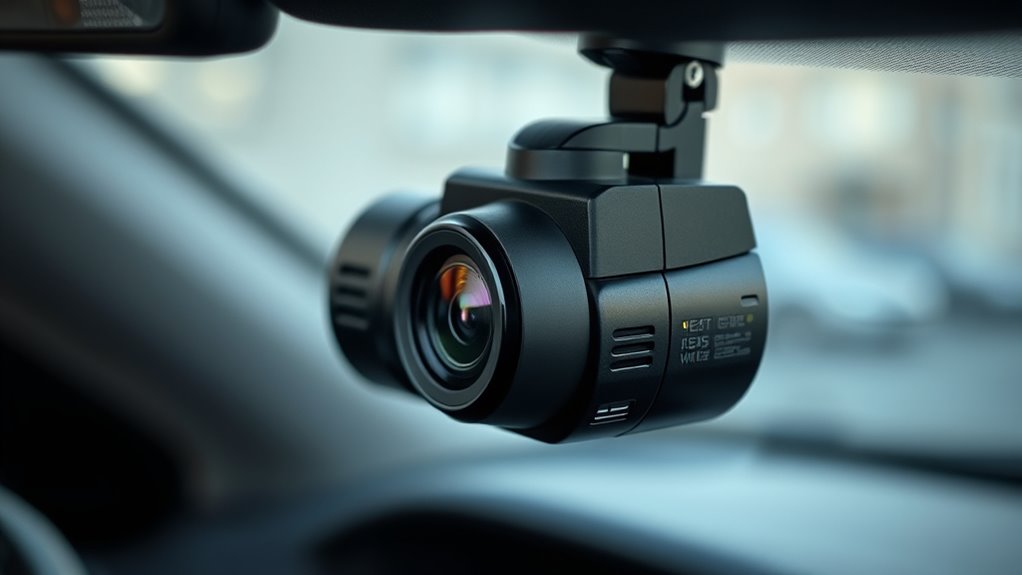
Many people believe certain myths about battery drain that may not be true. Knowing the actual power consumption of your device helps you avoid unnecessary worries. By understanding these realities, you can better manage your battery and reduce drain risks effectively. Additionally, understanding the role of cookies in website functionality can help you navigate online privacy and data management more confidently. For example, some devices like dash cams have specific energy requirements that impact how much power they draw during operation, which is often misunderstood. Recognizing the power consumption patterns of your devices can lead to more accurate expectations and better battery maintenance. Monitoring device efficiency helps in optimizing overall power use and extending battery life. Proper maintenance, such as filter replacement, can also influence the energy usage of related devices, ensuring they operate at peak efficiency.
Common Battery Myths
One common myth is that leaving apps running in the background always drains your battery quickly. This is a widespread battery myth that leads to unnecessary worry. In reality, many apps are optimized to minimize power use when not actively in use, so they don’t considerably impact your battery life. Power misconceptions like this can cause you to disable features or close apps unnecessarily, which may not save as much power as you think. It’s important to understand that battery drain depends on various factors, including screen brightness and background activity, rather than just whether apps are open. Additionally, Vetted practices ensure that your data and device are protected while managing app behavior. By busting these battery myths, you’ll better understand what truly affects your device’s power and avoid misconceptions that lead to inefficient habits.
Actual Power Consumption
Understanding what truly affects your battery life requires separating fact from fiction. Many believe that dash cams drain batteries quickly due to high power consumption, but that’s not always true. In reality, the actual power used depends on your device’s battery capacity and how efficiently it manages power. A dash cam with a larger battery capacity can run longer without draining your car’s main battery, but it doesn’t necessarily use more power per hour. Charging speed also plays a role; a dash cam that charges quickly doesn’t mean it consumes more power during operation, just that it replenishes its battery faster. To gauge real power consumption, look beyond myths and focus on the device’s specifications and how it operates in your specific setup.
Mitigating Drain Risks
While myths about battery drain can cause unnecessary worry, knowing the facts helps you better protect your vehicle’s power supply. To mitigate drain risks, start by understanding your battery capacity and how much power your dash cam consumes. Using models with efficient voltage regulation ensures stable power delivery, preventing fluctuations that can strain your battery. Regularly check your battery’s health and avoid leaving the dash cam on when the vehicle is off for extended periods. Installing a voltage regulator or a smart power management system can further reduce drain. Keep these measures in mind, and you’ll minimize the risk of battery drain, maintaining your vehicle’s reliability without sacrificing the benefits of your dash cam.
Tips to Minimize Power Usage and Protect Your Battery
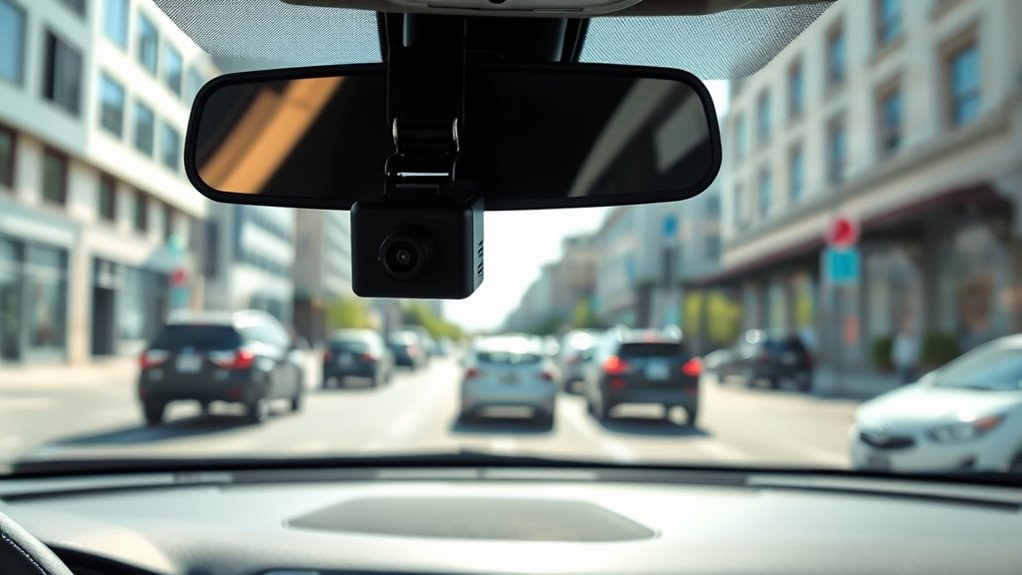
To extend your battery life, start by adjusting your device’s settings to reduce power consumption. Turn off features like wireless connectivity when not in use, and disable GPS integration if you don’t need real-time tracking. These small changes can considerably cut power drain. Additionally, consider lowering the dash cam’s resolution or frame rate, which reduces processing power. Use the table below to understand how different settings impact power use:
| Feature | Power Impact | Recommendation |
|---|---|---|
| Wireless Connectivity | High when active | Turn off when unnecessary |
| GPS Integration | Moderate to high | Disable if not needed |
| Video Resolution | Varies, higher uses more | Adjust to lower settings |
| Screen Brightness | Higher brightness consumes more | Set to ideal or lower brightness |
| Auto Power-Off | Saves power when inactive | Enable to prevent drain |
Monitoring and Managing Your Dash Cam’s Power Consumption
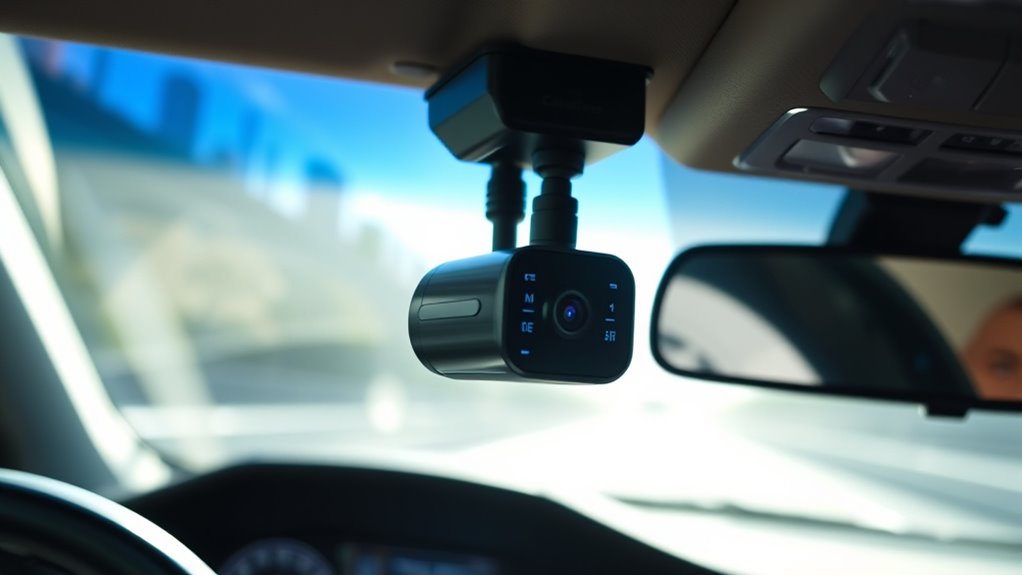
Monitoring your dash cam’s power consumption is vital to prevent unexpected battery drain and guarantee reliable operation. Regularly check how much power your dash cam uses, especially during extended recording or standby modes. Consider installing solar charging systems to supplement power, reducing reliance on your vehicle’s battery and preserving battery capacity. Adjusting settings like resolution or loop recording can also help manage power consumption effectively. Keep an eye on your battery capacity, especially if your vehicle sits unused for long periods, to avoid draining it completely. Using a power management app or device can give real-time data, making it easier to spot power drain issues early. By actively monitoring and managing these factors, you guarantee your dash cam operates smoothly without risking your vehicle’s battery health.
Frequently Asked Questions
Can a Dash Cam Drain My Car Battery Overnight?
Yes, a dash cam can drain your car battery overnight if it’s not properly managed. To prevent this, you should check your dash cam’s power consumption and enable good power management features. Many models have low-power modes or automatic shutoff to protect your battery lifespan. Regularly monitoring your battery and adjusting settings helps guarantee your dash cam doesn’t cause unexpected power drain, keeping your vehicle ready to go.
How Long Can a Dash Cam Run on a Backup Battery?
A dash cam can run on a backup battery for about 30 minutes to a few hours, depending on its power capacity and battery quality. You can extend its runtime by choosing models with larger batteries or connecting it to your car’s power supply. Keep in mind, the actual battery life varies based on usage, settings, and ambient temperature, so check your dash cam’s specifications for precise details.
Do All Dash Cams Have the Same Power Consumption?
Did you know that power consumption variability among dash cams can be as high as 50%? Not all dash cams have the same power consumption; it depends on camera model differences, features, and recording resolution. You should compare specs carefully because some models are designed to be energy-efficient, while others may drain your vehicle’s battery faster. Always check the manufacturer’s info to choose a dash cam that fits your power needs.
Is It Safe to Leave a Dash Cam Plugged in Constantly?
Yes, it’s generally safe to leave your dash cam plugged in constantly if you manage power properly. Use power management features to prevent excessive drain, which helps protect your vehicle’s battery and extends device longevity. Regularly check the connection and consider a hardwire kit with a fuse for extra safety. This way, you guarantee your dash cam operates smoothly without risking battery drain or hardware damage over time.
How Does Temperature Affect Dash Cam Power Usage?
Temperature impacts your dash cam’s power use through thermal effects that influence battery efficiency. When it’s hot, high temperatures can cause your device to consume more power as it works harder to cool internal components. Conversely, cold temperatures reduce battery efficiency, leading to increased power draw to maintain performance. In both cases, temperature variations alter energy consumption, making your dash cam’s power use less predictable and potentially increasing drain during extreme weather.
Conclusion
By understanding your dash cam’s power needs and applying simple tips, you can prevent unexpected battery drain. For example, imagine leaving your dash cam on overnight, only to find your car’s battery dead in the morning. But with proper monitoring and adjusting settings, you keep your camera running smoothly without risking your vehicle’s power. Stay informed, manage wisely, and enjoy peace of mind on every drive.