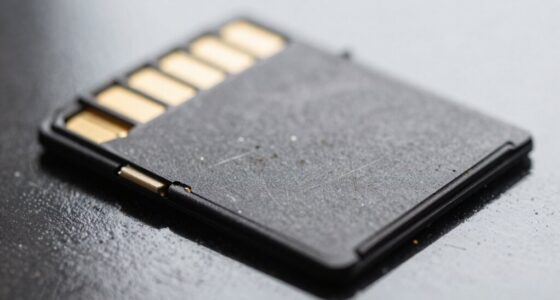
MicroSD adapters can cause random recording failures mainly due to poor physical connections, such as damaged or misaligned contacts, corrosion, or worn springs that disrupt data transfer. Environmental factors like moisture, dirt, and temperature fluctuations also accelerate deterioration and weaken signals. Electronic interference from nearby devices can introduce noise, causing data errors. Using low-quality or counterfeit adapters worsens these problems. To avoid these issues, it’s important to inspect, maintain, and choose reliable adapters—more details follow.
Key Takeaways
- Poor contact between the microSD card and adapter pins causes intermittent connections, leading to recording failures.
- Physical damage or corrosion on adapter contacts increases resistance, resulting in data transfer errors.
- Environmental factors like moisture or dirt can degrade contact quality, causing unstable connections during recording.
- Incompatible or improperly formatted adapters can prevent proper recognition, causing random recording disruptions.
- Electronic interference and power fluctuations can disrupt signals within the adapter, leading to unreliable data recording.
Common Physical Connection Problems With Microsd Adapters

Many physical connection problems with microSD adapters stem from damaged or misaligned contact pins. When you insert or remove the adapter, the metal contacts can bend or shift, disrupting the electrical connection needed for data transfer. Slight misalignments between the microSD card and adapter contacts cause intermittent contact, leading to partial writes or random failures. Corrosion or oxidation on the pins increases contact resistance, resulting in failed or corrupted data. If the microSD isn’t seated properly—moving side-to-side or not fully inserted—you’ll experience inconsistent connectivity, especially with vibration. Worn spring mechanisms in the host device can also cause uneven contact pressure, making detection sporadic. These issues all compromise the physical connection, leading directly to recording failures and data corruption. Regular inspection and cleaning of contacts can help prevent these problems from occurring, and ensuring proper connection stability is crucial for reliable data storage. Additionally, using appropriate hardware can reduce the risk of physical connection issues over time. Proper handling and proper insertion techniques further minimize the chance of damage or misalignment. Being mindful of environmental factors like humidity can also prevent corrosion or oxidation on the contact pins.
Signs of Adapter Damage and Wear Over Time
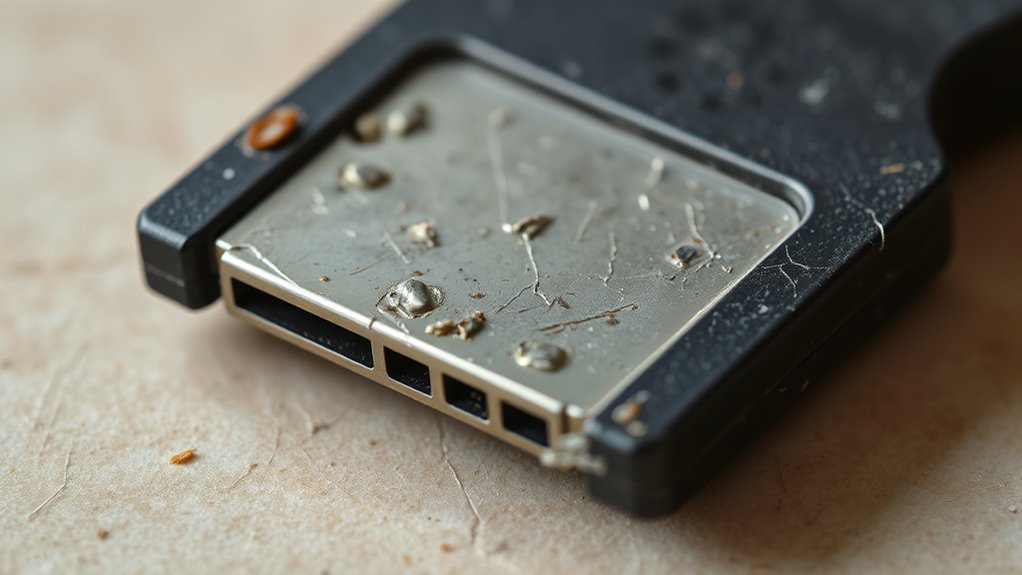
You’ll notice physical damage like darkened or pitted contacts, which signals corrosion or wear that can cause connection issues. Repeated use may lead to loose or bent springs, resulting in intermittent contact during recording. Additionally, visible cracks or deformation in the housing often indicate mechanical wear that compromises adapter reliability. Environmental exposure can further accelerate deterioration, especially if the adapter is exposed to moisture or extreme temperatures over time. Furthermore, the connectivity integrity may degrade as internal components weaken with ongoing use, increasing the likelihood of recording failures.
Visible Physical Damage
Visible physical damage to microSD adapters often signals underlying wear that can compromise their functionality. Cracks, chips, or fractured housing expose internal contacts, increasing failure risk. Warped or deformed shells from heat alter contact pressure, causing recording drops. Melting, discoloration, or burn marks indicate overheating or electrical damage. Bent or scratched contacts raise resistance, leading to data errors. Corrosion and debris impair connection quality, resulting in intermittent failures. Mechanical wear signs like broken retention tabs or loose springs suggest misalignment and unreliable contact. External corrosion, staining, or soot indicate environmental damage that degrades internal components. Recognizing these visible signs helps identify potential issues before they cause recording failures. Physical damage can accelerate the deterioration of internal components, further compromising the adapter’s reliability. Additionally, material degradation over time weakens the structural integrity, making the adapter more susceptible to failure under normal use conditions. Regular inspection and maintenance can help prevent adapter failure caused by these visible damages, especially when environmental factors contribute to corrosion. Environmental exposure can also lead to moisture intrusion, which exacerbates internal corrosion and electrical issues.
Connection Instability
As microSD adapters age, signs of connection instability become more apparent, often reflecting underlying wear and damage. You might notice intermittent connectivity during heavy read or write operations, with frequent disconnections worsening after several years of use. Over time, gold contacts can oxidize or accumulate residue, impeding proper electrical flow, while internal spring contacts may loosen, reducing pressure on the microSD pins. Repeated insertion and removal cause plastic components to degrade, leading to micro-cracks and weakened grip inside the shell. Bent or displaced pins from frequent handling block communication. Environmental factors like moisture can cause corrosion, further impairing signal transfer. Corrosion can cause additional degradation of contact points, making connection issues more likely. These issues often cause the device manager to show errors or unrecognized devices. When instability persists, replacing the adapter is usually the most reliable solution. Connection integrity can diminish as the internal contacts wear down, making regular inspection and replacement necessary to maintain stable data transfer. Additionally, wear and tear can accelerate if adapters are subjected to harsh conditions or frequent use, highlighting the importance of handling adapters carefully. Regular inspections can help identify early signs of contact degradation before failures occur, and understanding the vintage design can aid in diagnosing compatibility issues.
Electronic Interference and Signal Disruptions
Electromagnetic interference from nearby devices or power fluctuations can inject noise into your microSD adapter’s signals, causing data errors. Poor shielding or routing increases susceptibility, especially during high-speed transfers. Recognizing these sources helps you minimize disruptions and improve recording reliability. Proper shielding and grounding practices are essential to reduce electromagnetic interference and ensure stable data transmission. Additionally, understanding auditory processing can help identify environmental factors that contribute to signal disruptions. Implementing noise reduction techniques can further enhance overall data integrity during critical recording sessions. Being aware of electromagnetic compatibility standards can also guide you in selecting suitable components to mitigate interference issues. Moreover, paying attention to signal integrity can help detect and troubleshoot underlying causes of inconsistent recordings. Improving cable management can also reduce unintended electromagnetic coupling and interference.
Electromagnetic Interference Sources
Electromagnetic interference (EMI) from nearby electronic devices can substantially disrupt the data flow within MicroSD adapters, leading to recording failures. Portable radios, cell phones, and Wi-Fi hotspots emit RF fields that couple into SD/data lines, causing bit errors during high-speed transfers. Broadcast transmitters and strong RF sources increase noise levels, corrupting signal timing. Pulsed emissions from walkie-talkies create transient glitches on data and clock lines. Unshielded antennas and patch panels generate standing waves, worsening error rates. Harmonic RF energy can mix with controller clocks, inducing jitter and CRC failures. Conducted interference from shared cables and connectors introduces noise into the interface, especially with long or poorly shielded cables. Switching regulators and motor drivers radiate high-frequency transients, disturbing high-speed signals and increasing the chance of data corruption. Additionally, electromagnetic compatibility (EMC) standards are crucial for minimizing these disruptions and ensuring reliable data storage. Proper cable shielding and grounding practices can significantly reduce the impact of electromagnetic interference on sensitive data signals. Implementing shielded cables and proper grounding techniques can further mitigate EMI effects and improve data integrity. To further reduce susceptibility to interference, utilizing proper shielding and filtering components is highly recommended. Moreover, selecting components with better EMI resistance can enhance overall system reliability and data security.
Power Supply Fluctuations
Power supply fluctuations can directly disrupt MicroSD recording stability by causing voltage sags, noise, and transient events. Sudden drops in voltage during write operations lead to incomplete writes and corrupted files. Undersized adapters or long power leads with limited current capacity produce transient undervoltage during peak loads, such as motor or LED activity, risking data loss and flash wear. Repeated undervoltage events cause aborted program and erase cycles, increasing error rates and risking file-system corruption. Additionally, high-frequency switching noise from poorly regulated adapters couples into the electronics, causing bit errors and protocol issues during transfers. Variations in supply voltage can modulate internal reference voltages, degrading SD interface timing. Voltage fluctuations can also cause timing errors in data transfer protocols, leading to recording failures and corrupted footage. Using high-quality, well-filtered power supplies and adding inline LC filters help maintain stable voltage, reducing recording failures. Implementing power regulation techniques and electromagnetic interference mitigation can further stabilize supply voltages and protect against interference. Proper grounding and shielding of power lines can also mitigate electromagnetic interference, further enhancing recording stability. Ensuring stable power supplies helps prevent voltage dips that can cause data corruption and device malfunctions. In addition, employing proper cable management minimizes electromagnetic coupling and improves overall signal integrity.
Compatibility and Formatting Issues Causing Failures
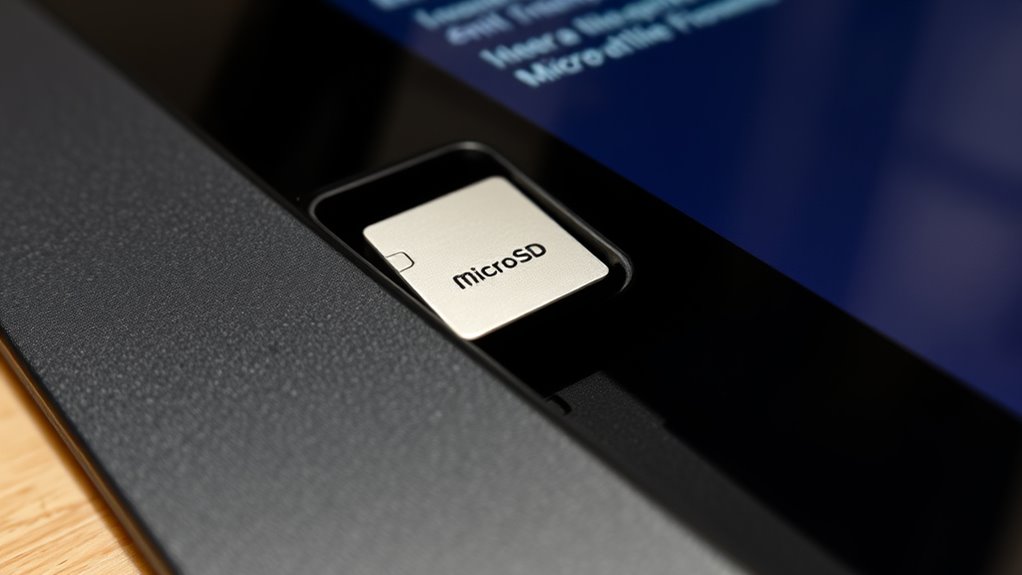
Compatibility and formatting issues are common causes of microSD adapter failures during recording. If your device doesn’t recognize the card, it’s likely formatted in exFAT or NTFS, which often aren’t compatible with cameras or some computers that prefer FAT32. Larger capacity cards default to exFAT, leading to recognition problems. Incorrect formatting in the wrong device can corrupt the card, stopping recordings. Additionally, Windows updates can change how file systems are handled, causing sudden read failures. Using mismatched formats or incompatible file systems can make your adapter or card unreadable, resulting in data loss or recording interruptions. Ensuring your card is formatted correctly for your device and avoiding post-formatting in unsupported hardware helps maintain reliable recording performance.
Detecting Read and Recognition Problems
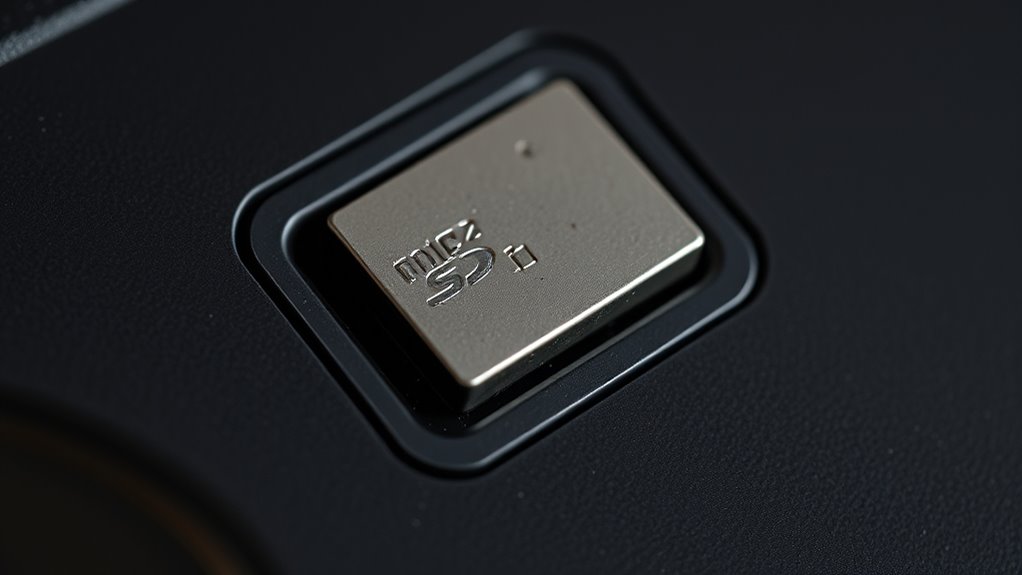
Detecting read and recognition problems with your microSD adapter starts with paying close attention to connection stability. If you notice frequent disconnections or delayed device recognition, inspect the adapter contacts for corrosion, dirt, or bent pins. Loose or poorly seated adapters can cause intermittent signal loss, especially during recording. Watch for repeated reconnect cycles or slow detection, which often indicate contact issues. Signal quality problems may also manifest as CRC errors or transfer timeouts, especially if the adapter lacks proper shielding or routing. If your device struggles to recognize the card or experiences inconsistent read speeds, consider testing with a different adapter or cleaning the contacts thoroughly. Recognizing these symptoms early helps prevent data corruption and prepares you for more targeted troubleshooting. Additionally, compatibility issues between the microSD card, adapter, and your device can cause unpredictable failures, so verifying all components are supported and functioning correctly is crucial.
Troubleshooting Steps for Recording Failures
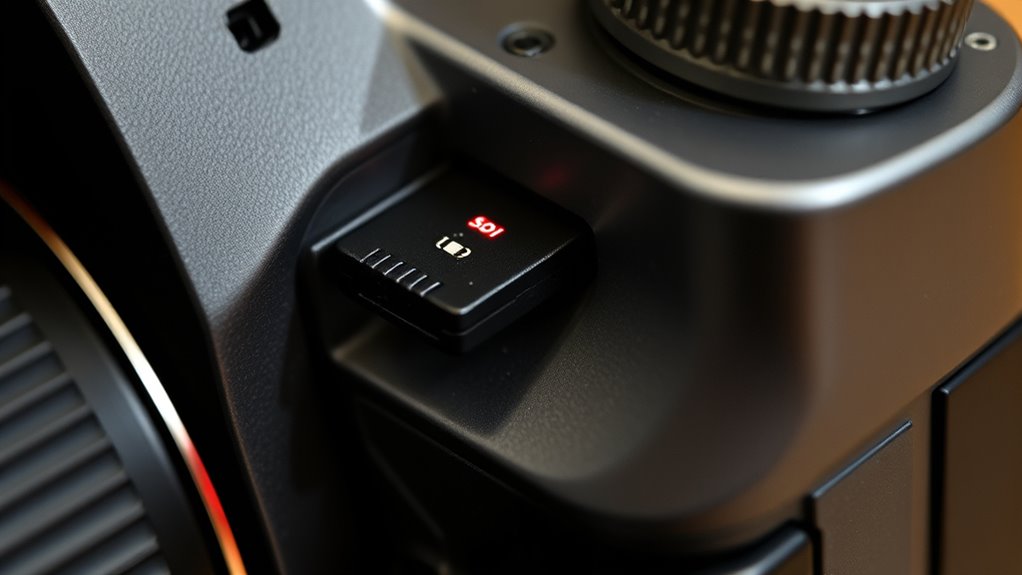
When you notice recording failures, start by systematically checking your physical connections. Verify the microSD card is fully inserted into the adapter and that the adapter is securely seated in the device slot. Don’t force the card, as that can damage contacts. Test the insertion with minimal resistance and verify the adapter doesn’t wobble. Next, inspect and clean the contacts: examine the metal pins for scratches or dirt, gently wipe them with a dry cloth, and blow out debris from the device slot. Check for looseness or damage in the slot contacts using a light or mirror. Confirm the SD card is formatted correctly in FAT32, exFAT, or NTFS, and reformat if necessary. Additionally, physical damage signs such as cracks or corrosion can cause recording issues, so inspect the card for visible damage before use. Finally, try different ports or adapters, test the card directly in a reader, and update your device drivers to rule out hardware or compatibility issues.
Impact of Poor-Quality or Off-Brand Adapters

Poor-quality or off-brand microSD adapters can markedly compromise your recording reliability by increasing the risk of mechanical failure, data loss, and contact point issues. These adapters often have poor construction, making them prone to physical breakdown under stress. Mechanical failures can suddenly render your card inaccessible, especially during high-performance recording. Data loss is common, as unreliable contacts cause corruption or incomplete captures. The table below highlights key drawbacks:
| Issue | Cause | Impact |
|---|---|---|
| Mechanical failure | Low build quality, stress | Sudden adapter breakdown, data inaccessibility |
| Data loss | Unreliable contacts, poor connections | Corrupted files, incomplete recordings |
| Contact problems | Extra contacts, poor gold contacts | Transfer delays, buffering issues |
| Performance gaps | Off-brand, cheap materials | Failures during rapid captures |
Choosing high-quality adapters minimizes these risks, ensuring reliable recordings and reduces the likelihood of corruption or data loss due to poor contact quality.
Effects of Environmental Damage on Adapter Performance
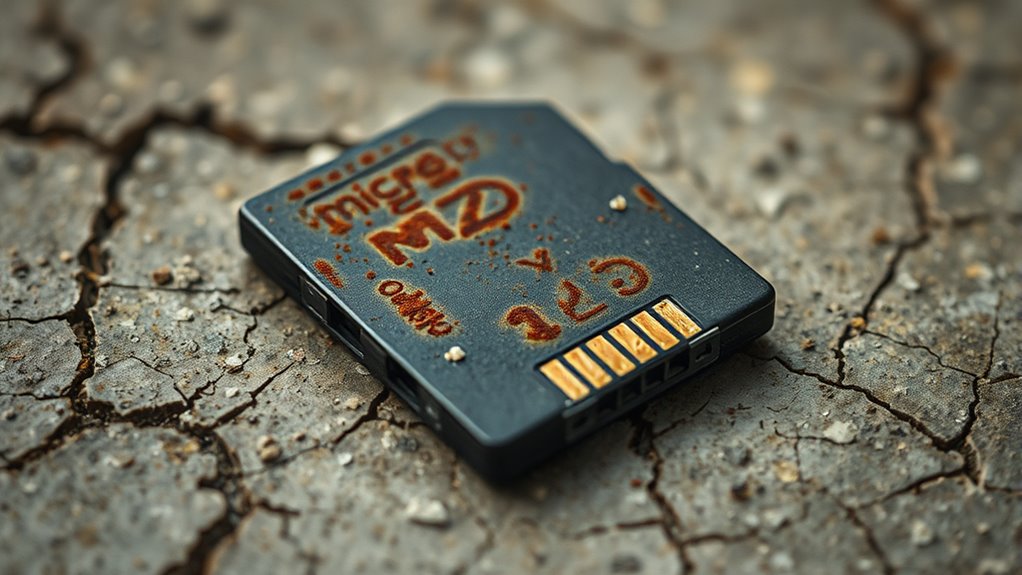
Environmental factors such as water exposure, radiation, temperature fluctuations, and contamination can profoundly impair the performance of microSD adapters. Water seepage through micro-gaps or cracks causes corrosion, especially with saltwater, which accelerates damage and can make adapters unreadable. Freshwater immersion might be survivable for limited periods, but prolonged exposure weakens seals and allows mineral residues to impair contacts. Radiation, especially ionizing types, generates defects in the adapter’s materials, affecting electrical properties and causing failures over time, particularly in space environments. Temperature swings cause thermal expansion, widening micro-gaps and permitting contaminants to enter. Dirt, minerals, and residues from water deposits hinder electrical conductivity, leading to intermittent failures. These environmental damages build up, reducing adapter reliability and increasing the likelihood of recording issues.
How to Maintain and Test MicroSD Adapters Effectively

Maintaining and testing your microSD adapters is essential to guarantee reliable performance and prevent recording failures. Start with a visual inspection: check the packaging for specifications, labels, and warranty info. Examine the adapter’s print for sharpness and look for any misprints. Inspect the micro SD card’s black edges, which can signal counterfeits, and verify text clarity on the face for authenticity. Ensure the lock mechanism functions properly and prevents movement during use. Next, verify capacity with software tools like H2testw on Windows, F3 on Mac, or SD Insight on Android. These tests reveal counterfeit cards that often fail after half their advertised capacity. Fake SD cards are often sold at lower prices and may contain lower quality components, leading to reliability issues. Finally, run speed tests using CrystalDiskMark or Blackmagic Disk Speed Test on PC and A1 SD Bench or Disk Speed Test on mobile devices to confirm your adapter’s performance.
Frequently Asked Questions
Can a Damaged or Worn-Out Adapter Still Function Intermittently?
Yes, a damaged or worn-out adapter can still work intermittently. You might notice it functions sometimes and fails other times, depending on contact quality or electrical resistance. As contacts degrade from frequent use or physical damage, connection issues become sporadic. External factors like temperature or movement can worsen these problems, causing unpredictable recording failures. Regularly inspecting and replacing worn adapters helps guarantee reliable data transfer and avoids intermittent issues.
Do Different Device Brands Affect Microsd Adapter Compatibility?
Oh, absolutely, different device brands are like picky eaters at a restaurant—they all have their quirks. You might find some brands love your microSD adapter, while others throw a tantrum, causing compatibility chaos. Firmware differences, proprietary protocols, and even brand-specific power management mean your trusty adapter could work seamlessly on one device and be utterly useless on another. It’s a high-stakes game of brand compatibility roulette.
How Do Environmental Factors Like Humidity Impact Adapter Performance?
Humidity impacts your microSD adapters by causing corrosion at contact points, which can lead to intermittent or complete recording failures. When exposed to high humidity, moisture can trap inside the adapter, especially if it’s not well-sealed or high-endurance. This trapped moisture accelerates wear and increases the risk of connection issues, particularly in hot, humid environments like South Carolina. Using protective cases and storing adapters within recommended humidity ranges helps prevent these problems.
Are There Specific Indicators That Show an Adapter Is Failing?
If your adapter’s failing, you’ll notice it’s like a switch flipping randomly—your device reports errors, files get truncated, or the card disappears entirely. Look for visible wear like corroded contacts, a loose fit, or cracks. Use an oscilloscope to spot signal glitches, check resistance values for faults, or see if it’s stuck in read-only mode. These signs scream that your adapter’s on its last legs and needs replacing.
Can Firmware Updates on Devices Fix Adapter-Related Recording Issues?
Firmware updates on your device can’t directly fix adapter-related recording issues. They mainly improve device compatibility and communication, but physical problems like poor contact, damaged connectors, or design flaws in the adapter itself won’t be resolved through firmware. To troubleshoot, you should swap adapters, clean contacts, or test on different devices. Firmware updates may help address related driver or OS issues, but hardware flaws need manual fixes.
Conclusion
So, next time your recordings mysteriously fail, don’t blame your device—blame that shiny, “cheap” microSD adapter you bought on a whim. Remember, it’s not just a piece of plastic; it’s the gateway to your memories. Treat it like royalty, or risk losing everything in a flash. After all, who knew that tiny adapter could be so dramatic? Keep it safe, or prepare for the tragic saga of lost footage.