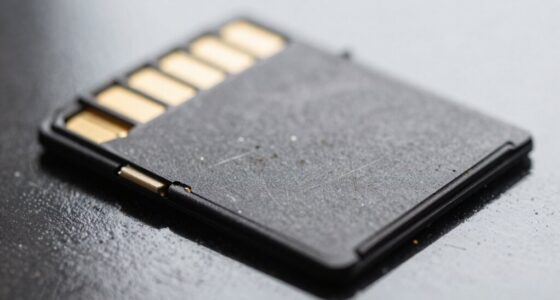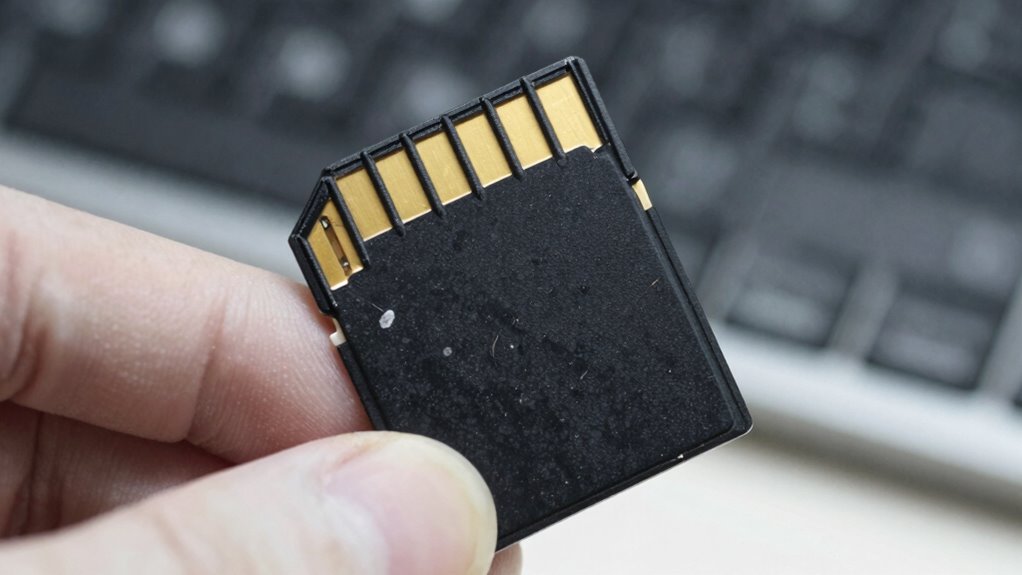

To spot a fake microSD card before it causes data loss, carefully check its physical appearance and packaging for inconsistencies or poor quality. Verify logos, part numbers, and serial numbers online or with the manufacturer. Use software tools to test real capacity and performance, and compare benchmarks with advertised speeds. Always buy from trusted sources and keep documentation. If you want to learn more about spotting fakes, you’ll find useful tips ahead.
Key Takeaways
- Check for official markings, logos, and serial numbers that match manufacturer standards.
- Use testing software like H2testw or F3 to verify actual capacity and data integrity.
- Inspect the plastic finish and molding details for uneven surfaces, rough seams, or inconsistent branding.
- Verify packaging, seals, holograms, and QR codes against official references to detect counterfeit signs.
- Avoid extremely low prices; purchase only from trusted retailers and authorized sellers.
Examine the Physical Appearance and Packaging Carefully
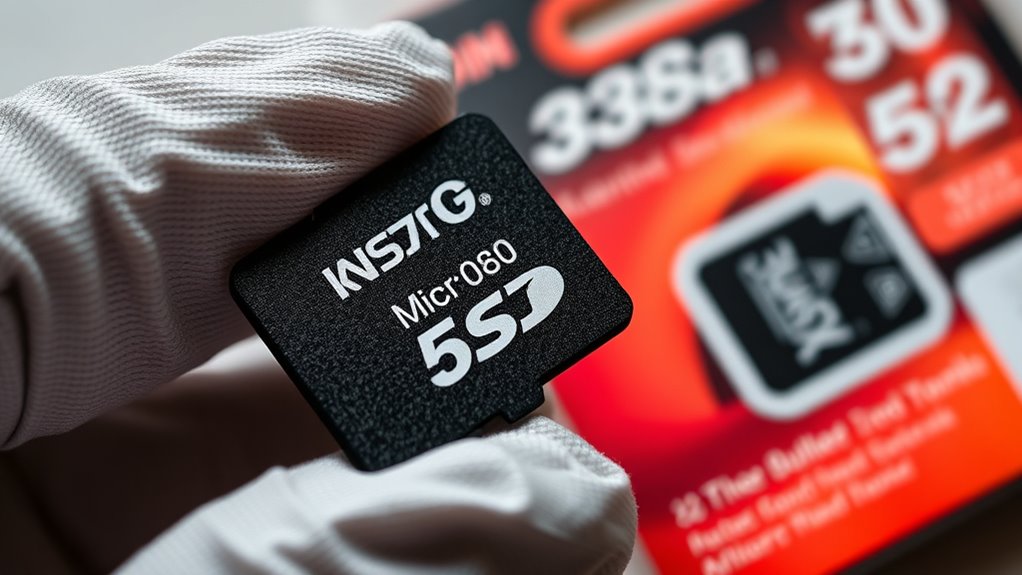
To identify a fake MicroSD card, start by examining its physical appearance and packaging carefully. Look at the logo edges—authentic cards have sharp, clear lines without bleeding ink. There shouldn’t be any fuzzy or smudged printing around the brand logos; high-quality printing keeps ink boundaries crisp. Check the text on the card; it should be perfectly straight and evenly aligned, with no tilting or crooked letters. Pay attention to color accuracy—colors should match the brand’s palette without off-shades or mismatched hues. Feel the plastic; it should be sturdy, smooth, and free of rough seams or uneven molding. A genuine card’s gold contacts will be uniform and shiny, and the lock switch should slide smoothly. Any irregularities in these areas may indicate a counterfeit. Additionally, verify that the packaging has correct holograms and official seals, as counterfeiters often fail to replicate these security features accurately. Authentic packaging often includes QR codes or serial numbers that can be cross-checked with the manufacturer for authenticity.
Verify Official Markings, Logos, and Part Numbers
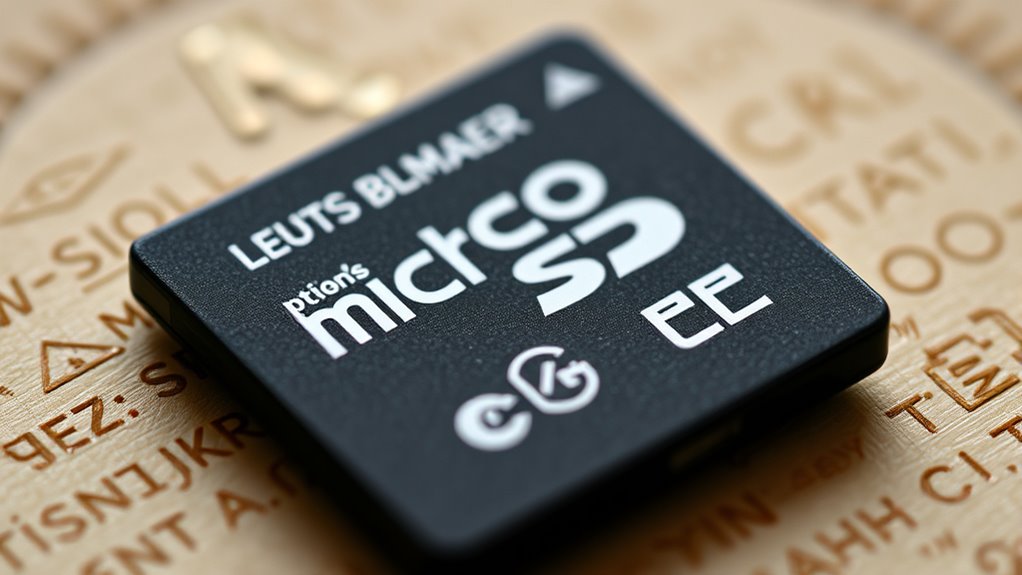
Careful inspection of official markings, logos, and part numbers can reveal counterfeit MicroSD cards that might otherwise seem authentic. Confirm the brand logo matches the exact style, proportions, and colors from the manufacturer’s official pages. The SD or microSD logo’s shape and spacing should align with authentic cards, and speed symbols like Class “10” or UHS indicators must follow official placement and icon standards. Check if logos are embossed or crisply printed; fuzzy or uneven ink suggests a fake. Verify the color palette matches the product line. Look at the part number—authentic cards have precise SKU formats, region codes, and match official listings. Absence or inconsistencies in part numbers, or mismatched capacities, are red flags indicating counterfeit. Additionally, inspecting the serial number and QR code can provide further confirmation of authenticity, as these elements are often missing or incorrect on fake cards. Recognizing manufacturing standards and official markings is essential for preventing counterfeit microSD cards from compromising your data security, and understanding product authentication methods can help you verify legitimacy more effectively. For example, microSD card specifications often include specific details that counterfeiters overlook or imitate poorly, making them useful clues during inspection. Learning to distinguish authentic microSD cards from fakes is a crucial step in safeguarding your data and device performance.
Inspect the Card’s Construction and Material Quality

Inspect the plastic finish for any uneven surfaces or rough edges, which can indicate poor manufacturing. Examine the molding and edges closely to see if they’re smooth and well-formed, as fake cards often have jagged or inconsistent borders. A well-constructed card with clean edges and a high-quality finish suggests genuine construction and material integrity. Additionally, check for any visible signs of poor craftsmanship, such as misaligned logos or inconsistent font printing, which often reveal counterfeit products. Confirm that the manufacturing quality aligns with official specifications to ensure authenticity and avoid substandard materials. Be aware that counterfeit cards may also use low-quality plastics, which can affect durability and performance. Furthermore, counterfeit cards sometimes lack proper serial numbers or have mismatched branding details that can be identified through careful inspection. Paying attention to manufacturing standards can help distinguish authentic cards from fakes.
Check Plastic Finish Quality
Examining the plastic finish quality is a reliable way to tell a genuine MicroSD card from a fake. Genuine SanDisk cards feature a matte black plastic finish that’s even and streak-free, resisting smudges and fingerprints. Fake cards often have streaky, uneven surfaces with inconsistent sheen, making them look glossy or cheap. Authentic cards maintain a uniform matte texture across the exterior, while fakes lack this consistency. The finish on real cards feels solid and durable, not flimsy or easily bent. You should also notice that genuine plastic resists deformation and maintains its shape under pressure. Surface consistency is a key indicator of authenticity, as counterfeit cards may also have a rougher or uneven surface texture that feels different to the touch. Additionally, inspecting the construction quality can reveal discrepancies, as counterfeit cards often show poor assembly or lower-quality materials. It’s also helpful to check the branding and labels, as authentic cards usually have precise, clear printing with no spelling errors or misalignments. Genuine MicroSD cards often use high-quality plastics that provide a consistent and professional appearance, distinguishing them further from fakes. Paying close attention to the plastic finish can help you distinguish genuine from fake cards, since counterfeit products often use cheaper materials that lack the same quality and finish. By inspecting these details, you can quickly identify counterfeit cards that may otherwise seem convincing but fall short in quality and construction.
Examine Molding and Edges
Inspecting the molding and edges of a MicroSD card reveals crucial clues about its authenticity. Look for uneven molding with visible seams or parting lines wider than 0.5mm, which suggests a counterfeit. Genuine cards have precise molding flash removal, with less than 0.1mm residue, and consistent molding depth. Check if edges are sharp or jagged; authentic cards feature beveled, rounded corners with a radius of 0.2-0.5mm, while fake edges are often razor-sharp, chipped, or brittle. Examine the plastic; real cards use uniform polycarbonate or ABS, resisting flex without cracks, whereas fakes may show bubbles or mismatched layers. Proper alignment is key—authentic cards have perfectly aligned top and bottom halves, with no glue residue or offset molding. Manufacturing quality control is essential in preventing counterfeit microSD cards from slipping through detection.
Use Software Tools to Test Actual Capacity and Integrity
Using software tools to test the actual capacity and integrity of a microSD card is essential for detecting counterfeits and ensuring data safety. Full-drive write/read utilities like H2testw and F3 write patterns across the entire reported capacity, then verify the data to reveal actual usable space. Mismatched file counts or sizes indicate reduced real capacity, while unreadable sectors suggest counterfeit or faulty storage. Creating a temporary image matching advertised capacity and reading it back byte-for-byte exposes truncated storage. Prefer write-then-verify tests, as they catch fake capacities and remapped blocks. Running surface scans with utilities like DiskGenius or Disk Drill, combined with filesystem checks, helps identify bad sectors. These tests can also detect physical damage or media degradation. Performing capacity verification with these tools provides concrete evidence of the card’s true capabilities. It is also advisable to check the firmware to ensure it matches official specifications, as altered firmware can be a sign of counterfeit products. Interpreting these results guides your decision on whether the card is genuine or compromised, safeguarding your data and storage reliability.
Benchmark Performance Against Advertised Speeds
Start by measuring the card’s sequential speeds to see if they match the manufacturer’s claims. Next, test random IOPS to evaluate how well the card handles small, everyday data transfers. Additionally, verify if the card maintains consistent write speeds during sustained use, which can reveal fake or low-quality cards. Benchmarking is essential, as manufacturer data often only provides average throughput and does not account for worst-case performance or latency spikes. Moreover, checking for performance consistency across multiple tests can help identify counterfeit cards that may perform well initially but degrade quickly over time. Recognizing performance variability can prevent potential data loss or corruption caused by subpar fake cards. Conducting these tests is crucial because fake microSD cards often exhibit unpredictable or poor performance reliability, which can jeopardize your data security. To further ensure authenticity, consider using performance benchmarking tools that can provide detailed insights into the card’s true capabilities. Staying informed about cryptocurrency market trends can also help users make more cautious purchasing decisions in the digital asset space.
Measure Sequential Speeds
To accurately assess a microSD card’s performance, you need to benchmark its sequential read and write speeds using reliable tools like CrystalDiskMark or Blackmagic Disk Speed Test. Choose test parameters that match advertised speeds—large-block (e.g., 1 MB) sequential tests on a high-quality USB 3.x reader or native SD slot. Repeat tests multiple times with a freshly formatted card, and report the median to minimize variability. Verify test files span hundreds of MiB to measure sustained throughput. Keep in mind that hardware limitations of your device’s SD card reader can impact the results. 1. Compare results directly to advertised MB/s ratings and class symbols to verify minimum performance. 2. Watch for large speed gaps (>30–50%) as signs of fakery. 3. Cross-check read vs. write speeds—fake cards often show normal reads but slow writes. 4. Use long-duration tests to reveal throttling or fake capacities.
Test Random IOPS
After measuring sequential speeds, testing random IOPS provides a deeper insight into a microSD card’s real-world performance. You run continuous 30-second random I/O tests targeting various locations, then calculate IOPS by dividing total operations by actual time with microsecond precision. Use tools like iozone, fio, or Androbench to measure random read and write speeds across different access sizes, from 512 bytes to 64 KiB, over a 256 MiB span. Genuine cards typically meet or surpass A1 and A2 minimum IOPS thresholds—around 1500 to 4000 IOPS for reads and 500 to 2000 IOPS for writes. If your card’s random write performance falls below these benchmarks, it’s a red flag indicating possible counterfeit or inferior quality. Low IOPS are often linked to fake flash memory or reduced capacity.
Verify Sustained Write
How can you determine if a microSD card truly meets its advertised sustained write speeds? First, run multiple tests with reliable tools like CrystalDiskMark or Blackmagic Disk Speed Test. Use large files, around 2GB, to simulate real-world sustained performance. Reformat the card before each test to eliminate fragmentation, and perform 3-4 repetitions to check consistency. Compare your results against the advertised standards: U1 (10MB/s), U3 (30MB/s), and authentic cards averaging around 35MB/s sequential write. Look for these key signs: 1. Speeds consistently below the minimum for your card’s class 2. Noticeable speed drops during extended tests 3. Results far below authentic benchmarks 4. Variability across test runs indicating potential fakes or degradation 5. The inherent limitations of USB bandwidth that can cause saturation and inaccurate measurement This process helps you identify counterfeit cards that may fail prematurely or underperform notably.
Cross-Check Manufacturer Support and Authentication Options
Checking manufacturer support and authentication options is a crucial step in verifying a MicroSD card’s legitimacy. Many brands offer tools like Samsung’s Card UFD Authentication, but these utilities often only work with specific models or OS versions. These verification utilities are designed to help confirm a card’s authenticity but may have limitations based on device compatibility. To ensure the card’s integrity, always consult the manufacturer’s official resources for the most reliable information. You should also visit official vendor download pages for genuine utilities and verify system requirements, such as drivers or native controllers. Use the following table to understand key features:
| Feature | Details |
|---|---|
| Authentication tools | Brand-specific, may have limitations |
| Firmware downloads | Official sources with instructions |
| Utility requirements | OS, drivers, controllers needed |
| Check scope | Authenticity only, not full performance |
| Manufacturer advice | Send suspected fakes to brand teams |
Always cross-check serial numbers, security marks, and packaging details for added confidence. It is also advisable to consult official support channels if you have doubts about a card’s authenticity, as they can provide verification services or guidance. Additionally, verifying the digital signatures of utility files can help confirm their authenticity and prevent tampering. Furthermore, manufacturer support can assist in identifying counterfeit products by analyzing unique identifiers or security features.] When purchasing, consider verified retailers to reduce the risk of counterfeit products.
Conduct Advanced Internal and External Visual Inspections
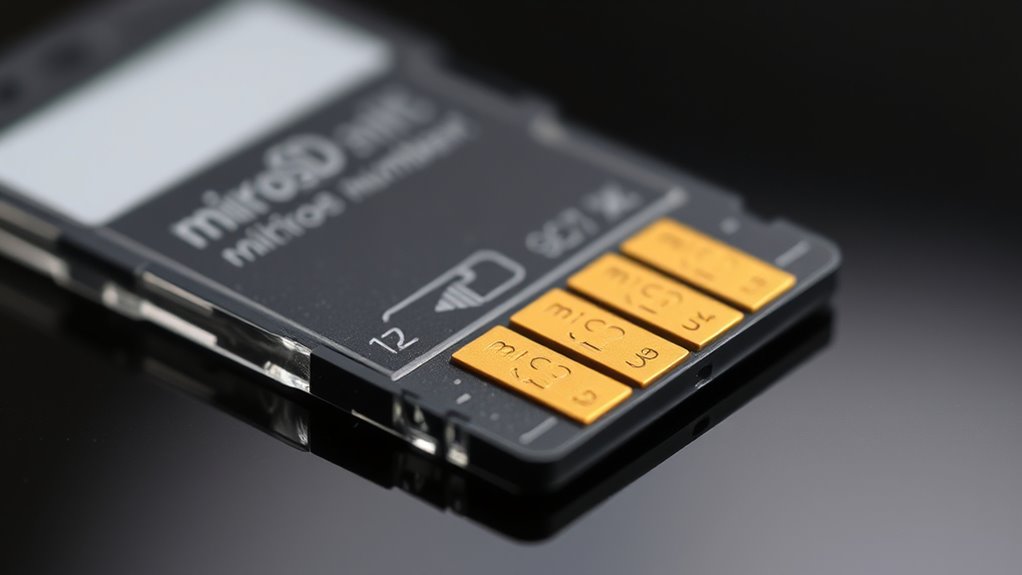
Examining a MicroSD card closely can reveal telltale signs of fakery that aren’t obvious at first glance. Performing thorough inspections can help identify issues early on, saving you from potential data loss or device damage. A careful look at manufacturing quality can often uncover hidden flaws that the naked eye might miss. 1. Surface Finish: Look for uneven textures, peeling laminates, or missing protective films, which suggest manufacturing shortcuts. 2. Label and Print Quality: Blurred text, mismatched fonts, or off-color saturation reveal counterfeit production. 3. Edge and Mold Seams: Irregular seams, flashing, or asymmetrical bevels indicate lower-quality tooling. 4. Internal and Connector Inspection: Pitting, uneven plating, or missing insulating films on contacts point to tampering or poor assembly. Focusing on these details helps you spot fakes early, avoiding potential data loss or device damage from counterfeit microSD cards.
Purchase From Trusted Sources and Be Wary of Unbelievably Low Prices
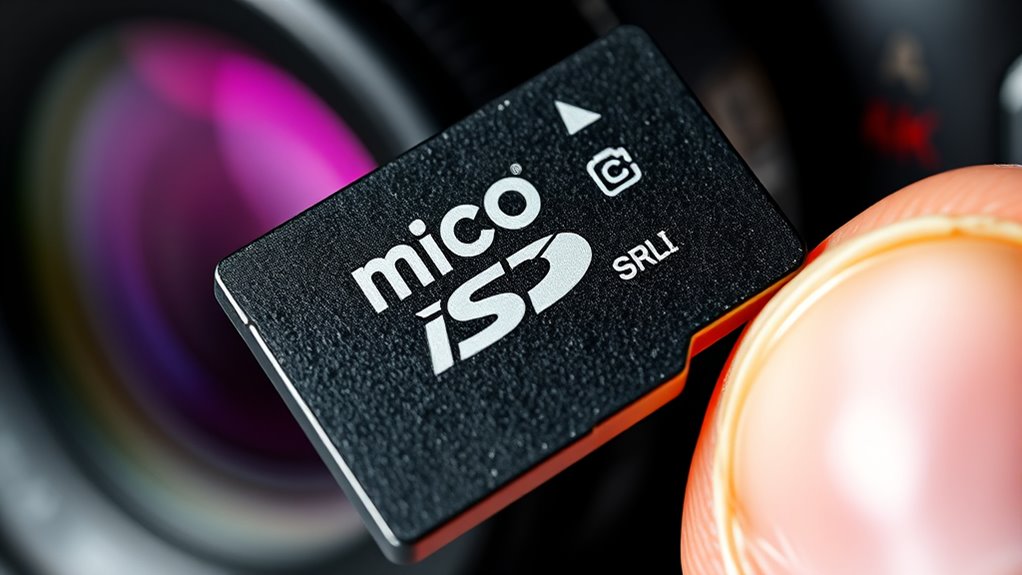
Purchasing your microSD card from trusted sources is essential to avoid counterfeit products. Buy directly from official manufacturer websites like SanDisk or Western Digital, or through authorized retailers such as Amazon shipped directly by the manufacturer or reputable resellers. Steer clear of third-party sellers shipping from Amazon warehouses, as they often deal in fakes. Check that stores provide warranty information and proper UPC/EAN codes on packaging, and verify the retailer’s consistency in branding. Be wary of unbelievable low prices, as counterfeit cards are usually sold at a fraction of genuine costs. Always compare prices with official listings, and watch for deals that don’t match the product’s specifications. Extreme discounts often mean compromised speed and quality, risking data loss or corruption. Authentic products are typically sold at regular market prices and come with verified packaging and labels, making price discrepancies a red flag.
Perform Immediate Post-Purchase Testing and Keep Documentation
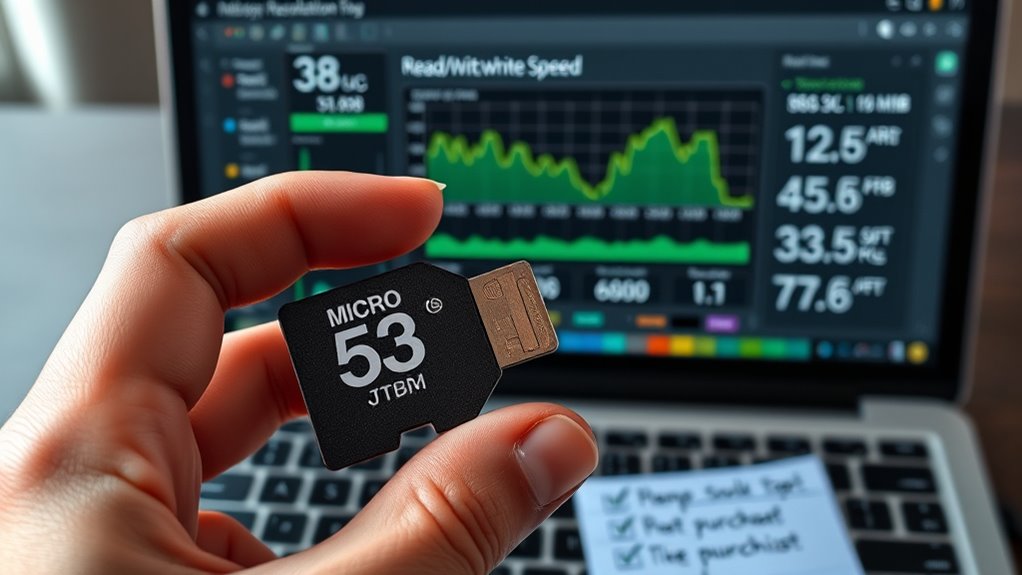
Immediately after buying your microSD card, it’s essential to verify its authenticity through thorough testing and proper documentation. This step helps catch fakes before they cause damage. Run capacity tests using H2testw or F3 to confirm reported storage matches actual capacity. Look for errors or early stops, which indicate fakes. Benchmark speeds with CrystalDiskMark to ensure read/write performance aligns with specifications. Notably slower speeds suggest counterfeit. Conduct quick mobile tests with apps like SD Insight or A1 SD Bench to verify manufacturer info and speed claims. Fake cards often report false capacities or speeds, so verifying these details is crucial. Document everything—screenshots, receipts, hash values, and photos—to support potential returns or disputes. This proactive approach protects your data, investment, and peace of mind.
Frequently Asked Questions
How Can I Verify a Microsd Card’s Authenticity Without Specialized Tools?
You can verify a microSD card’s authenticity without specialized tools by inspecting the packaging and label for mismatched logos, blurry print, or incorrect fonts. Check the barcode or QR code online to confirm it links to the official manufacturer. Run a simple file transfer test to see if the capacity matches expectations and if files copy without errors. Finally, buy from reputable sellers and read reviews to guarantee the card’s legitimacy.
What Are the Signs of Counterfeit Packaging or Branding?
You can spot counterfeit packaging by noticing color inconsistencies, such as faded or oversaturated hues, and blurry or low-resolution artwork. Check for missing or incorrect security labels, holograms, or tamper seals. Look for mismatched logos, improper font spacing, or misaligned labels. Also, verify manufacturing details like country of origin, model numbers, and barcode accuracy. Authentic packaging features crisp printing, correct branding, and proper regulatory symbols, unlike counterfeit items.
How Does Fake Capacity Appear During Performance Testing?
During performance testing, fake capacity shows up as inconsistent write speeds, with sustained throughput dropping once you pass the real storage limit. You might also notice repeated retransmissions or sudden speed changes. When running full sequential write tests, you’ll see errors or mismatches after the genuine space is filled, indicating the card isn’t truly as large as advertised. Random or full-area tests often reveal duplicated data or loops, confirming the fake capacity.
Can a Genuine Card Still Be Counterfeit if It Tests Okay Initially?
A seemingly genuine card is like a mask hiding a counterfeit soul. Even if it tests okay at first, it could still be fake. Fake chips often mimic real ones under initial checks, but they can’t sustain true performance long-term. Over time, signs of deception emerge—slower speeds, data corruption, or sudden failure. Trust your instincts and run thorough, sustained tests to truly verify your card’s authenticity beyond initial impressions.
What Are the Risks of Using a Counterfeit Microsd Card in Critical Data Devices?
Using a counterfeit microSD card in critical data devices risks data loss, corruption, and hardware failure. You might think your files are safe, but these fake cards often misrepresent capacity, causing unexpected overwrites or scattered corruption. Performance issues like slow read/write speeds can hinder your work, and sudden card failure could lead to permanent data loss. This not only jeopardizes your data but can also damage your device, costing time and money.
Conclusion
By carefully examining every detail and trusting your instincts, you can spot a fake microsd card before it’s too late. Think of it as your digital guardian angel, shielding your data from the chaos of counterfeit products. Stay vigilant, test thoroughly, and buy from reputable sources. This way, you’ll keep your files safe and your tech running smoothly—because in the battle against fakes, knowledge is your sharpest weapon.