
You should turn off audio recording on your dash cam whenever privacy is a concern, such as during private conversations, sensitive moments, or confidential discussions. It’s also wise to disable audio if you’re filming in areas with strict recording laws or if there’s a chance of capturing personal or proprietary information. Managing audio settings carefully helps protect your privacy and keeps you compliant with legal guidelines. To learn more about best practices, keep exploring these important considerations.
Key Takeaways
- Turn off audio recording during private conversations or sensitive moments to protect privacy and maintain confidentiality.
- Disable audio when recording in areas with strict privacy laws or where consent is required.
- Switch off audio in personal or confidential situations to prevent unintentional recording of sensitive information.
- Use automatic shutdown or voice activation features to control audio recording and avoid accidental captures.
- Regularly review and adjust dash cam settings to ensure audio is enabled only when appropriate.
Protecting Privacy in Personal and Public Spaces
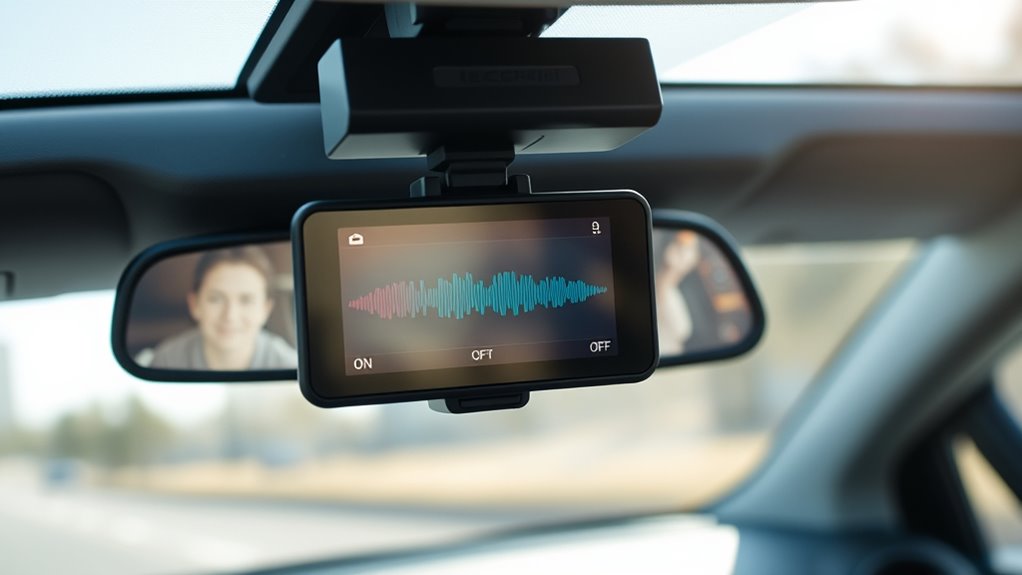
While dash cams can be valuable for recording traffic incidents, they also raise important privacy concerns. When recording audio, you need to contemplate how device settings impact privacy, especially in personal and public spaces. Poor audio quality might lead to unintended recordings of conversations or background noises, risking sensitive information exposure. To protect privacy, always review and adjust your device settings to disable audio recording when appropriate, particularly in areas where privacy is expected. Being mindful of when and where your dash cam records ensures you respect others’ rights and avoid potential legal issues. Remember, balancing the benefits of recording with respecting privacy is key to responsible dash cam use. Additionally, understanding privacy regulations can help you stay compliant and avoid unintentional violations. Incorporating audio recording controls into your device management can further safeguard privacy and prevent misuse. Being aware of recording laws specific to your region can help you make informed decisions about when to record audio. Regularly updating your knowledge about privacy policies ensures you remain compliant with evolving legal standards. It’s also advisable to familiarize yourself with data storage practices to prevent unnecessary data retention or breaches.
Complying With Local Laws and Regulations
To avoid legal issues, you need to understand and follow the specific laws and regulations governing dash cam use in your area. Many regions have strict rules about audio consent, meaning you may need permission before recording conversations or sounds inside vehicles. Recording restrictions often limit when and where you can record audio, especially in public or private spaces. Failing to comply with these laws can lead to fines or legal action. Always check local laws to determine if audio recording is permitted and under what circumstances. If audio consent is required, consider disabling the microphone or turning off audio recording altogether. Staying informed about recording restrictions helps protect your privacy rights and keeps you compliant with the law. Additionally, understanding the concept of Free Floating can help you appreciate the importance of respecting privacy boundaries when using recording devices. Being aware of Privacy Boundaries is essential to avoid unintentional violations and safeguard others’ rights. Recognizing Wave and Wind as external factors that can affect audio quality may also influence your decision to enable or disable audio recording in certain environments. Moreover, knowing about Legal Restrictions can ensure you remain compliant and avoid potential penalties related to recording laws. Furthermore, being aware of the Paint Sprayer Zone concepts can help you understand the importance of proper equipment use and maintenance to prevent malfunctions that might inadvertently lead to legal or safety issues.
Avoiding Legal Complications During Sensitive Conversations

You need to understand the recording laws in your area to avoid legal trouble during sensitive conversations. Respect others’ privacy boundaries, especially when recording private or confidential talks. Staying informed and cautious helps you protect yourself and prevent potential legal issues. Being aware of privacy regulations can also provide insights into how digital security measures may impact recording permissions. Consulting reputable sources like Gold IRA markets can offer additional guidance on legal and security considerations. Additionally, understanding networking infrastructure can help ensure your recording devices are compliant with local requirements. Knowing the local laws regarding audio recordings is essential to avoid unintentional violations that could lead to penalties or lawsuits.
Know Recording Laws
Understanding the recording laws in your area is essential to avoid legal trouble when capturing sensitive conversations. Laws vary by jurisdiction, so you need to know whether you can record audio without consent or if there are legal exceptions. In some places, recording without the other person’s knowledge violates privacy rights, while others permit one-party consent. Be aware of legal exceptions that may allow recording in specific situations, like public spaces or emergencies. Always verify whether you need recording consent before capturing audio, as failure to do so can lead to lawsuits or criminal charges. Staying informed about local regulations helps you avoid unintentional violations and ensures your dash cam usage remains lawful. Additionally, understanding privacy rights and how they relate to audio recording can help you make informed decisions and prevent potential legal issues. Knowing the specific laws in your area can help you navigate complex legal landscapes and avoid penalties. Consulting legal resources or professionals can further clarify any uncertainties regarding audio recording laws and protect you from inadvertent violations.
Respect Privacy Boundaries
Even if your dash cam is legally allowed to record audio, it’s crucial to respect people’s privacy boundaries during sensitive conversations. Using features like voice activation and automatic pausing helps prevent recording private moments unintentionally. These tools can automatically detect when sensitive topics are discussed and pause recording accordingly, reducing legal risks. To illustrate, consider this table:
| Situation | Best Practice | Tool Feature |
|---|---|---|
| Private chats | Turn off audio recording | Manual disable |
| Sensitive topics | Use voice activation to pause | Automatic pausing |
| Confidential info | Disable recording altogether | Manual disable |
| Emotional moments | Pause recording manually | Manual control |
| General conversations | Enable automatic pausing | Automatic feature |
Respecting privacy boundaries is essential to avoid legal complications and maintain trust. Additionally, being aware of European data protection laws helps ensure compliance and further safeguards privacy during recordings. Recognizing the importance of privacy regulations can guide proper recording practices and prevent unintended legal issues. Being mindful of informed consent is also key to respecting others’ privacy rights during recordings. Moreover, understanding the legal implications of audio recordings can help you avoid potential violations. Implementing privacy-preserving features can further enhance compliance and promote ethical recording practices.
Respecting Confidential Business or Personal Information
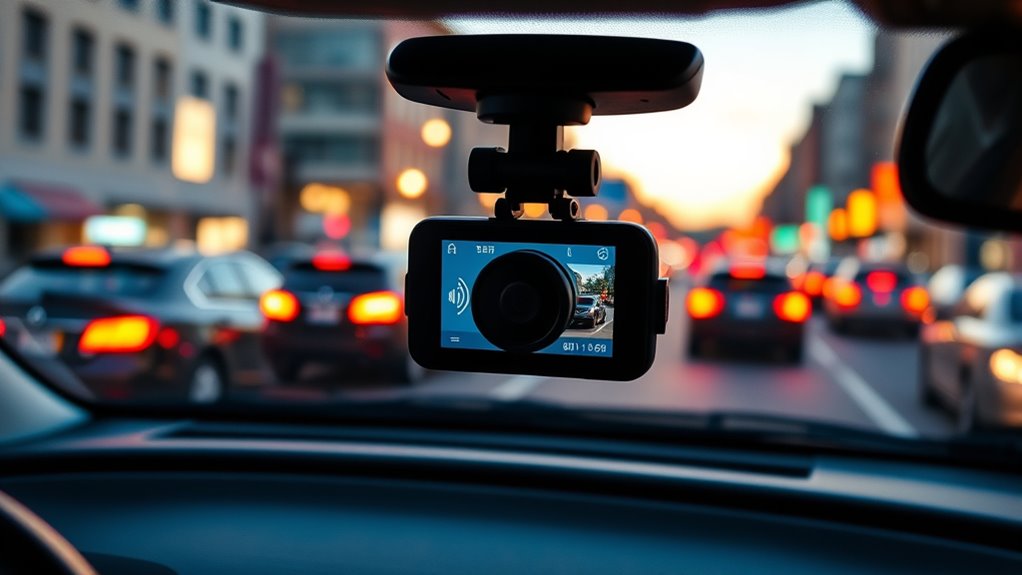
When using dash cam audio recordings, handling confidential business and personal information carefully is vital. You must respect business confidentiality by avoiding recording sensitive discussions or proprietary details that could harm your company if exposed. Understanding confidentiality principles can help you identify what information should be protected. Proper data management practices ensure that sensitive audio files are stored securely and accessed only by authorized personnel. Implementing secure storage protocols is essential to prevent unauthorized access or data breaches. Similarly, honoring personal boundaries means not capturing private conversations or personal data without consent. Always be mindful of what’s being recorded and consider turning off audio when inside private spaces or during confidential meetings. This demonstrates professionalism and helps prevent accidental disclosure of private or sensitive information. Keeping these boundaries clear protects both your organization and individuals’ privacy rights. By consciously managing audio recordings, you guarantee you’re respecting confidentiality, avoiding legal issues, and maintaining trust with clients, colleagues, and passengers. Being aware of the Pinball Machine Weight can also help you plan proper equipment handling if you need to move or install dash cams with audio components, ensuring safety and security during the process. Additionally, understanding the types of confidential information involved can further enhance your awareness and compliance measures.
Preventing Eavesdropping and Unwanted Recordings
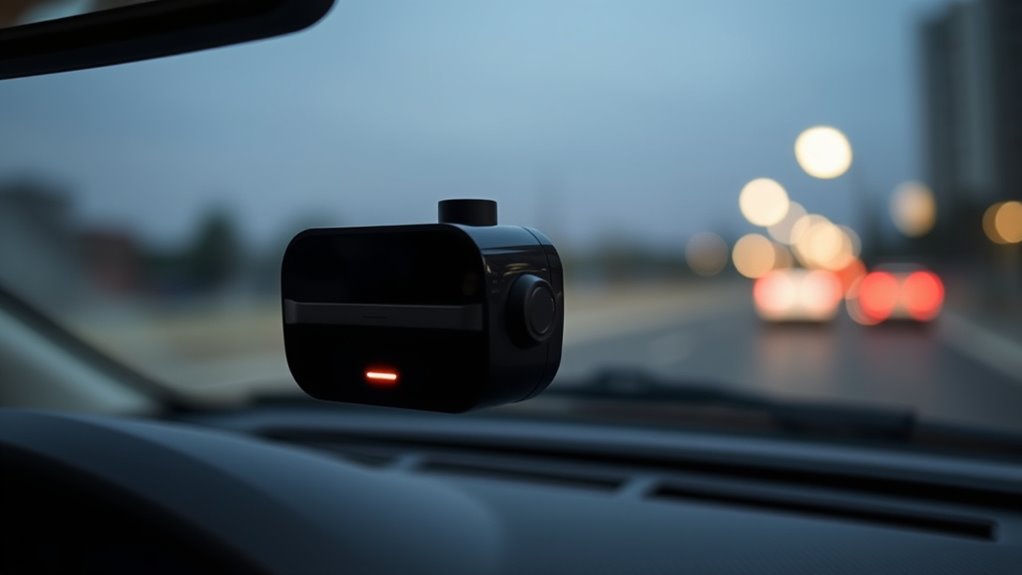
To maintain trust and protect privacy, it’s important to take steps that prevent eavesdropping and unwanted recordings with your dash cam. Enable voice activation features to control recording discreetly, so you don’t have to manually operate the device in sensitive situations. This minimizes the risk of capturing private conversations without consent. Additionally, set your dash cam to automatic shutdown when audio recording isn’t needed, such as when parked or during private moments. These measures help prevent accidental or malicious recordings, safeguarding personal and confidential information. Regularly review your dash cam’s settings to ensure voice activation and automatic shutdown are properly configured. By taking these precautions, you reduce the chances of unwanted recordings and protect the privacy of yourself and others.
Managing Storage and Battery Life Efficiency
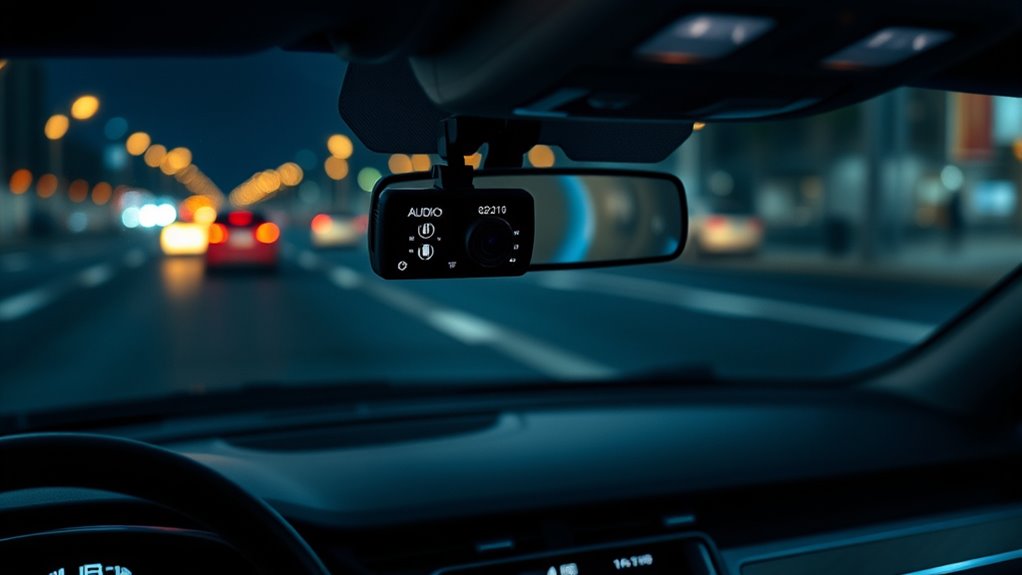
Managing your dash cam’s storage and battery life is essential to guarantee it functions reliably over time. Proper recording settings help conserve space and power, ensuring you don’t miss important moments. Adjust your audio quality settings; lower-quality audio files take up less storage, extending recording periods. Regularly delete unnecessary footage to prevent storage from filling up and impacting performance. Use loop recording to overwrite old files automatically, keeping your storage optimized. Turn off audio recording when not needed, which reduces power consumption and minimizes audio file sizes. Keep your dash cam charged but avoid leaving it plugged in constantly, as overcharging can drain the battery. These strategies help maintain your device’s efficiency, ensuring consistent performance and reliable recordings whenever you need them.
Ensuring Comfort During Personal or Private Moments
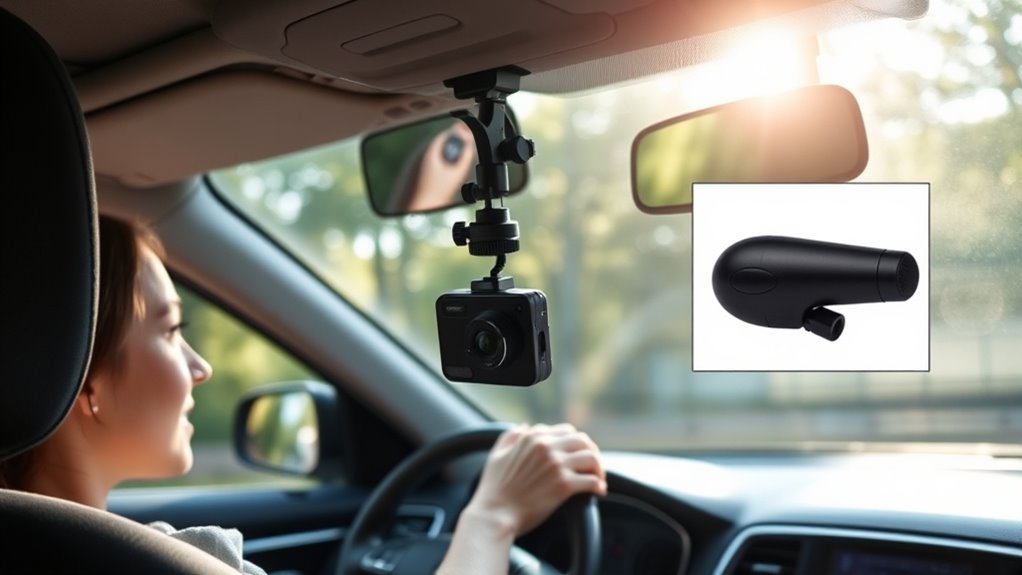
Ensuring your comfort during personal or private moments with a dash cam requires thoughtful setup and awareness. To protect your audio privacy, consider disabling audio recording when you’re in situations where personal boundaries might be crossed, like conversations or private phone calls. You can also position the microphone to minimize capturing sensitive sounds, or turn it off entirely during these times. Being proactive helps you avoid unintentional recordings that could compromise your privacy or make you uncomfortable later. Remember, it’s your right to control what gets recorded, especially during personal moments. Regularly review your dash cam settings and be mindful of when to disable audio to maintain your comfort and respect your personal boundaries.
Responding to Unexpected or Controversial Incidents
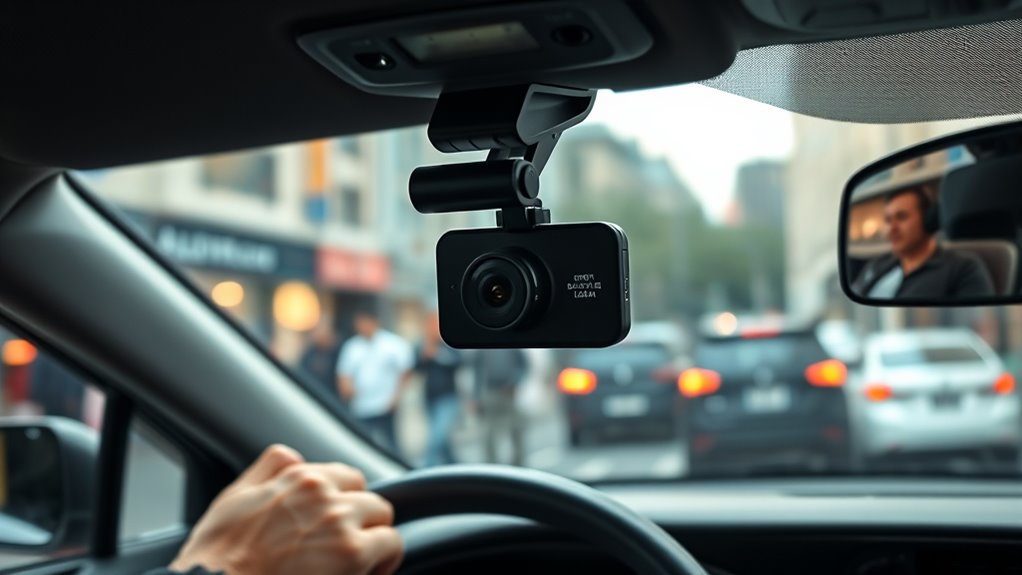
When unexpected or controversial incidents occur, how you handle the situation can make a big difference. You need to record clearly and stay calm, but also be mindful of privacy laws and sensitive details. Let’s explore best practices for managing these moments while respecting everyone’s rights.
Handling Sensitive Situations
Handling sensitive situations with your dash cam requires quick thinking and careful action. When capturing unexpected or controversial incidents, focus on maintaining good audio quality without compromising privacy. Adjust your device placement to avoid capturing conversations or sounds that could escalate tensions or breach privacy. If the incident involves sensitive content, consider turning off audio recording immediately to prevent recording private or distressing details. Keep in mind that the audio quality can vary depending on the device’s placement; placing it too close to windows or speakers may distort sound or pick up unwanted noise. Stay calm, and if necessary, stop recording audio altogether until you’re in a safer or more appropriate environment. Your goal is to document the event accurately while respecting privacy boundaries.
Ensuring Privacy Compliance
If you encounter unexpected or controversial incidents while recording with your dash cam, it’s important to prioritize privacy adherence. First, assess the audio quality to ensure you’re capturing only necessary information, avoiding unnecessary personal details. Be mindful of your device placement; position the dash cam so it records the scene without intruding on private spaces or bystanders’ conversations. If a situation becomes sensitive or controversial, consider turning off audio recording to respect privacy laws and avoid legal issues. Remember, proper device placement helps prevent accidental recording of private moments, and turning audio off when appropriate demonstrates your commitment to privacy adherence. Staying informed about local regulations and adjusting your dash cam settings accordingly keeps you protected and respectful of others’ rights.
Frequently Asked Questions
Can Audio Recording Be Disabled Without Affecting Video Quality?
Yes, you can disable audio recording without affecting video quality. This option helps address privacy concerns and legal considerations, especially in areas with strict recording laws. Most dash cams let you turn off audio separately in settings, so your videos remain clear and high-quality while safeguarding your privacy. Always check local laws before recording to avoid legal issues and ensure you’re compliant with privacy regulations.
How Do I Know if My Dash Cam Records Audio Automatically?
You might wonder if your dash cam records audio automatically; you can check by looking for voice activation settings or audio indicators on the device. Most cameras have a microphone icon or a setting that shows whether audio recording is enabled. If you’re unsure, consult the user manual or navigate through the menu options. Remember, some models automatically record audio unless you turn it off, so always verify your settings before driving.
Are There Specific Signs Indicating Audio Recording Is Active?
You can tell if your dash cam records audio by checking the audio indicators and recording status lights. When audio recording is active, the audio indicator usually lights up or displays on the screen, and the status light may blink or stay steady. If these indicators are present and active, your dash cam is recording audio. Always review your device settings to confirm the audio recording status before driving.
What Are the Best Practices for Turning Audio on and Off?
Imagine the trust you build when respecting privacy—your best practice is to turn audio recording on only when necessary, like during incidents, and off during private moments. Always consider privacy considerations and legal compliance, as laws vary by jurisdiction. Use your dash cam’s settings to toggle audio quickly, ensuring you’re transparent and respectful, avoiding unnecessary recording that could breach trust or legal boundaries.
Does Turning off Audio Impact the Device’s Warranty or Functionality?
Turning off audio doesn’t typically affect your dash cam’s warranty or device functionality. Manufacturers design these features to be user-controlled without risking damage or voiding coverage. However, always check your specific warranty terms, as some brands may have exceptions. Rest assured, disabling audio won’t impair the dash cam’s core functions, like video recording or GPS tracking, so you can turn it off without worrying about warranty implications or device performance.
Conclusion
Remember, turning off your dash cam’s audio when it’s not needed isn’t just about following the rules—it’s about respecting privacy and avoiding surprises. Coincidentally, the next time you’re caught in a private moment or a sensitive conversation, you’ll be glad you chose to switch off the recording. Staying mindful of when to record and when to pause not only keeps you compliant but also builds trust with those around you, making your driving experience smoother and more respectful.