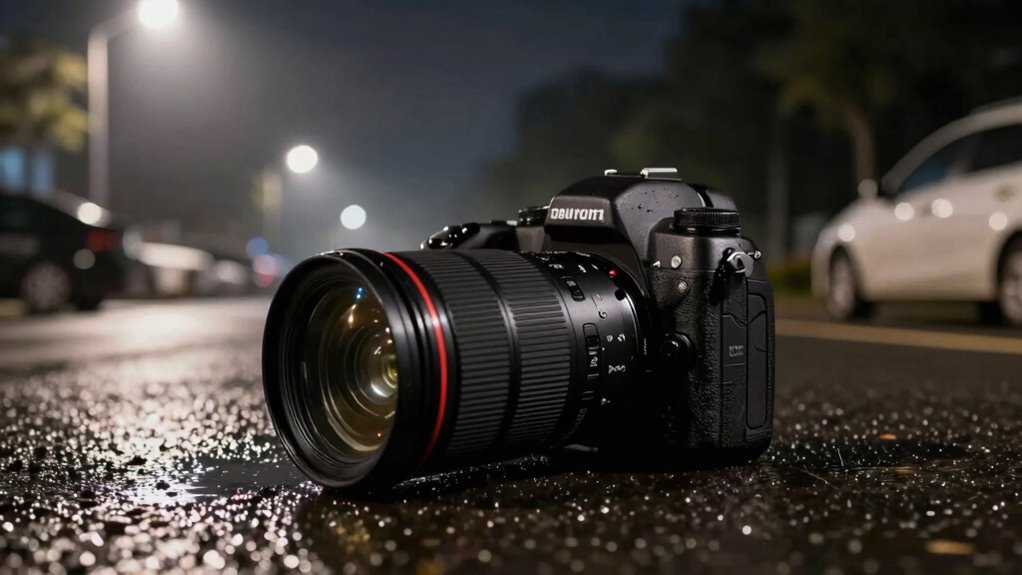

To make your night footage appear twice as clear, focus on lowering your camera’s ISO to around 800 or less, which reduces noise and enhances detail. Combine this with a wide aperture and a shutter speed set at double your frame rate for natural motion. Using manual focus and stabilization techniques also sharpens your shot. Keep exploring these settings further, and you’ll reveal even better low-light clarity.
Key Takeaways
- Use a low ISO setting (around 800 or lower) to minimize noise and improve image clarity in night footage.
- Set shutter speed to double your frame rate (e.g., 1/50s for 24fps) for natural motion and sharper images.
- Open the aperture wide (f/1.4–f/2.8) to maximize light intake and enhance scene brightness.
- Stabilize your camera with a tripod or gimbal to prevent shake and maintain sharpness.
- Apply targeted noise reduction in post-processing to smooth grain while preserving fine details.
Understanding the Impact of ISO Settings
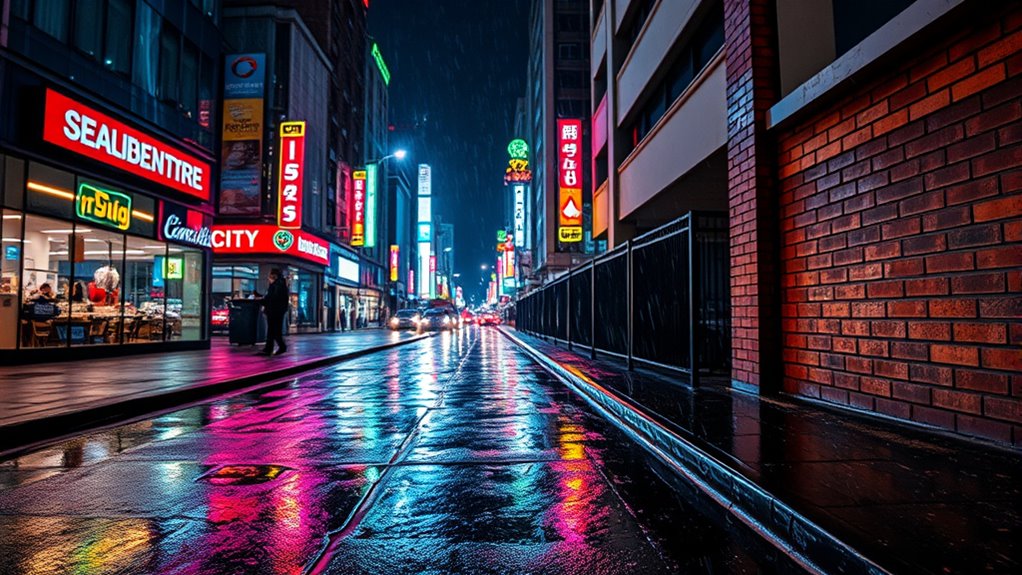
Understanding the impact of ISO settings is essential for capturing clear night footage. When you increase ISO, your camera becomes more sensitive to light, allowing you to shoot in darker conditions. However, a higher ISO also introduces more noise, which can obscure details. Sensor size plays a vital role here: larger sensors handle high ISO better, producing cleaner images and reducing the need for excessive noise reduction. Proper ISO settings also influence color grading, as noise can complicate post-processing adjustments and lead to less accurate colors. By balancing ISO with your camera’s sensor size, you can achieve well-exposed footage with minimal noise, making your night shots look sharper and more professional. Additionally, sensor technology can further enhance your ability to capture clear images in low-light conditions. The dynamic range of your camera also affects how well you can preserve detail in shadows and highlights at different ISO levels, especially when combined with exposure settings for optimal results. Optimizing these settings based on your sensor characteristics helps you achieve the best possible clarity in your night footage. Understanding how noise reduction techniques interact with ISO settings can also help you fine-tune your camera for even better results in challenging lighting.
How Noise Reduction Affects Night Footage

Noise reduction techniques can greatly improve your night footage, but they also impact image clarity. When applied too aggressively, they may blur details or create a plastic-like appearance. Finding the right balance ensures your footage stays clear without losing important details. Additionally, understanding optimal settings can help you maximize your footage quality while maintaining clarity. Adjusting noise reduction settings appropriately can help prevent over-smoothing and preserve fine details, especially when working with footage that has diverse noise levels or motion artifacts. Properly calibrated noise reduction can leverage image processing techniques to enhance overall footage clarity without sacrificing detail. Being aware of noise profiles can guide you in choosing the best settings for different lighting conditions and movement scenarios.
Noise Reduction Techniques
When you apply noise reduction techniques to night footage, you can considerably improve image clarity, but it often comes with trade-offs. Reducing noise smooths out grain enhancement, making details appear cleaner. However, overly aggressive noise reduction can soften textures and obscure important features. To maintain a natural look, you need to balance noise reduction levels carefully. During color grading, noise reduction helps create a more polished appearance, but excessive filtering can eliminate subtle color variations and reduce depth. Fine-tuning these techniques allows you to suppress unwanted grain without sacrificing essential details. The goal is to enhance clarity while preserving the scene’s authenticity, ensuring your footage looks crisp and professional without unwanted artifacts or loss of vital visual information. Additionally, understanding how noise reduction affects indoor air quality can help you create a comfortable living environment that supports better visual clarity and overall well-being. Recognizing the impact of advanced noise reduction algorithms can lead to more effective post-processing workflows. Implementing optimized noise reduction settings can further improve the balance between noise suppression and detail preservation for superior results. Moreover, awareness of ear wax odor can be useful in diagnosing potential health issues related to audio and environmental factors. Furthermore, staying informed about latest noise reduction technology can ensure you are utilizing the most effective tools for your footage.
Impact on Image Clarity
Applying noise reduction to night footage directly impacts image clarity by smoothing out grain and reducing visual distractions. This process makes details sharper and more defined, allowing viewers to focus without interference from noise. However, aggressive noise reduction can sometimes soften edges, diminishing contrast and making lens flare appear less vivid. It also influences color grading, as reduced noise allows for more accurate and vibrant color adjustments. When applied carefully, noise reduction enhances overall clarity without sacrificing natural textures or introducing artifacts. Proper settings balance noise suppression with detail preservation, ensuring your footage looks crisp and professional. Ultimately, this setting helps night footage achieve a cleaner, clearer appearance, making every scene more visually appealing and easier to interpret.
Adjusting Shutter Speed for Better Clarity
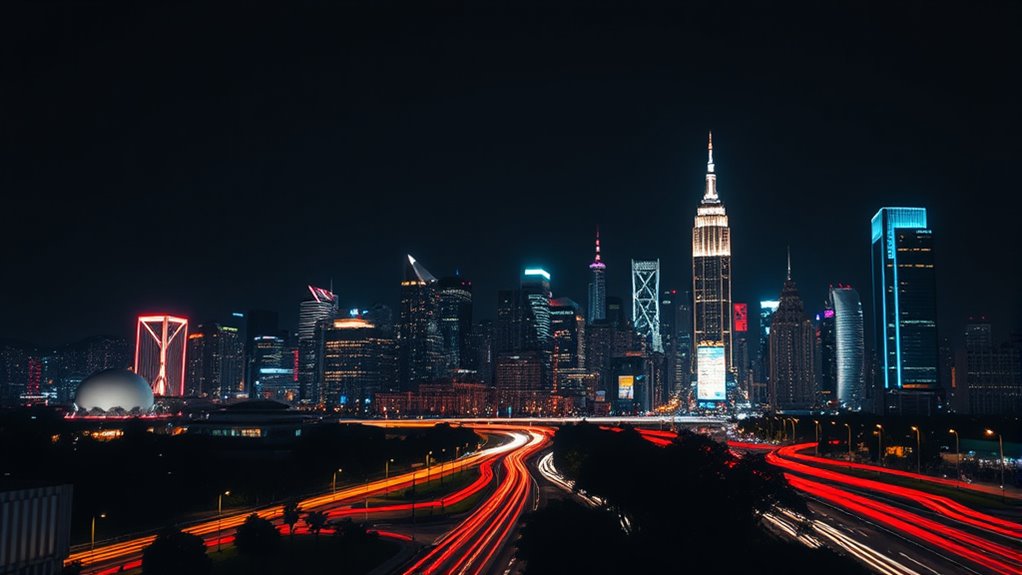
Adjusting your shutter speed is key to capturing clearer night footage. When you tweak the shutter speed, you control how long the sensor gathers light, directly impacting your image clarity. Remember, shutter speed is one corner of the exposure triangle, so balance is essential. To improve your shots, consider these tips:
Adjust your shutter speed to balance light intake and capture sharper night footage.
- Use a faster shutter speed to freeze motion and reduce blur.
- Slow down the shutter speed when you need more light, but brace your camera or use a tripod.
- Find the sweet spot where your shutter speed complements ISO and aperture for ideal clarity.
The Role of Aperture in Low-Light Conditions
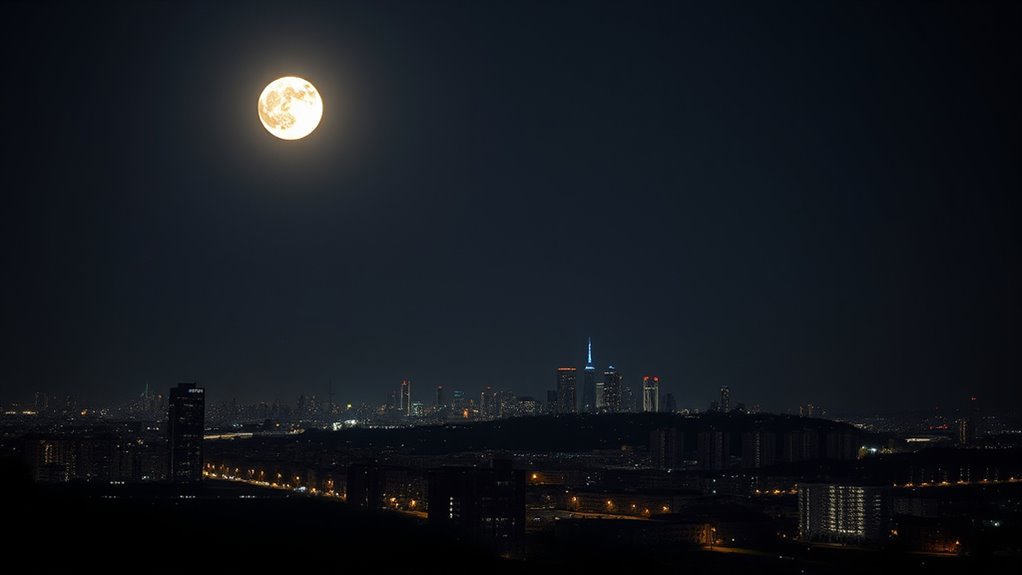
Aperture plays a essential role in low-light conditions because it controls how much light enters your camera. A wider aperture size lets in more light, making your footage brighter without needing longer exposure times. This is especially helpful at night when lighting is limited. Additionally, a larger aperture reduces the depth of field, which means your subject stays sharp while the background blurs. This effect can help isolate your subject from distracting elements and improve overall clarity. Conversely, a smaller aperture limits light and increases depth of field, which may make night footage appear darker and less focused. By adjusting your aperture wisely, you can optimize both brightness and focus, resulting in clearer, more detailed night footage.
Using Manual Focus for Sharp Night Shots

In low-light conditions, autofocus systems can struggle to produce sharp images, which is why using manual focus is often essential for night shots. When you switch to manual focus, you gain precise control over what’s sharp, especially in tricky lighting. To get the best results, consider these tips: 1. Focus on a nearby object to establish a clear point. 2. Adjust the focus ring slowly to find the sharpest point. 3. Keep in mind that a wider depth of field increases the area in focus, making it easier to capture sharp night footage. Additionally, understanding focus accuracy is crucial for capturing crisp images in challenging lighting conditions. Using manual focus helps you avoid focus hunting and ensures your subject stays crisp. Mastering focus and understanding depth of field are key to capturing stunning night shots with clarity. Being aware of your camera settings can also optimize your results in low-light environments.
Enhancing Footage With Post-Processing Techniques

You can considerably improve your night footage by adjusting noise reduction settings to minimize grain. Enhancing contrast and brightness helps bring out details that might be hidden in shadows, while sharpening techniques make your image crisper. These post-processing steps can make a noticeable difference in the overall clarity of your shots.
Adjust Noise Reduction Settings
Adjusting noise reduction settings is a crucial step in enhancing night footage, as it helps eliminate grain and smooth out visual imperfections. Too much noise reduction can cause loss of detail, while too little leaves unwanted image noise. To find the right balance, try these tips:
- Start with low noise reduction settings and gradually increase until grain lessens without sacrificing sharpness.
- Pay attention to areas with fine details; excessive noise reduction can blur these regions.
- Use preview modes to compare before and after adjustments, ensuring the footage remains natural and clear.
Enhance Contrast and Brightness
Once you’ve minimized noise without losing detail, enhancing contrast and brightness can substantially boost night footage clarity. Start by adjusting your camera stabilization to guarantee steady shots, which helps prevent unnecessary shadows or blurry areas that reduce detail. Proper lens selection is also essential; choose lenses with good light-gathering capabilities to capture more light naturally. During post-processing, increase contrast carefully to make dark areas darker and light areas pop, creating more depth. Brightness adjustments can reveal hidden details, but avoid overexposing. These tweaks help night footage look sharper and clearer, making scenes more vivid without sacrificing natural look. Additionally, understanding lighting conditions can help you better adapt your camera settings for optimal night shot results. You can also consider camera settings tailored for low-light environments to further enhance image quality. Ensuring your camera stability remains consistent during filming is crucial for avoiding unnecessary motion artifacts and maintaining clarity. Using appropriate lens choices can maximize light capture and improve overall image quality. By combining stable footage, ideal lens choice, and precise contrast and brightness enhancements, you’ll transform your night shots into clearer, more detailed visuals.
Use Sharpening Techniques
To enhance night footage further, applying sharpening techniques in post-processing can make details crisper and more defined. You can emphasize textures and edges, bringing clarity to dim scenes. Be cautious with over-sharpening, which can introduce unwanted artifacts like halo effects around bright spots or lens flare. Use these steps:
- Adjust the sharpening slider carefully, focusing on areas with important detail.
- Combine sharpening with color grading to balance color accuracy and avoid unnatural hues.
- Apply selective sharpening to specific regions, ensuring the overall scene remains natural without exaggerating noise or lens flare.
Recommended Camera Settings for Night Videography

Capturing clear night footage requires setting your camera with specific parameters that optimize low-light performance. Focus on a wide sensor size, like full-frame, to capture more light and reduce noise. Use a low ISO—around 800 or lower—to prevent graininess. Set your aperture wide open (f/1.4–f/2.8) to maximize light intake. Keep your shutter speed at double your frame rate for natural motion. For color grading, shoot in a flat profile to retain details and allow flexibility in post-processing. Additionally, understanding the sensor size can significantly impact the amount of light captured and overall image quality. Recognizing the impact of sensor size can help you choose the right camera for night videography, especially when considering the traits of different dog breeds for outdoor shoots. Being aware of industry trends can further refine your night videography techniques and equipment choices. Exploring various learning opportunities in aviation can also inspire innovative approaches to videography, especially in unique outdoor conditions.
Common Mistakes to Avoid When Shooting at Night

Shooting at night can be challenging, and many photographers make common mistakes that compromise image quality. First, avoid excessive lens flare by keeping light sources out of your frame or using a lens hood. Second, don’t neglect proper color grading; improper adjustments can make your footage look unnatural or dull. Ultimately, watch out for overexposing highlights, which can ruin details and create unwanted glare. These errors often lead to less clear footage and can make night scenes appear less vibrant. By paying attention to lens flare and mastering color grading, you’ll ensure your shots stay sharp and true to life. Avoid these pitfalls, and your night footage will look considerably clearer and more professional.
Tips for Stabilizing Your Footage in Low Light
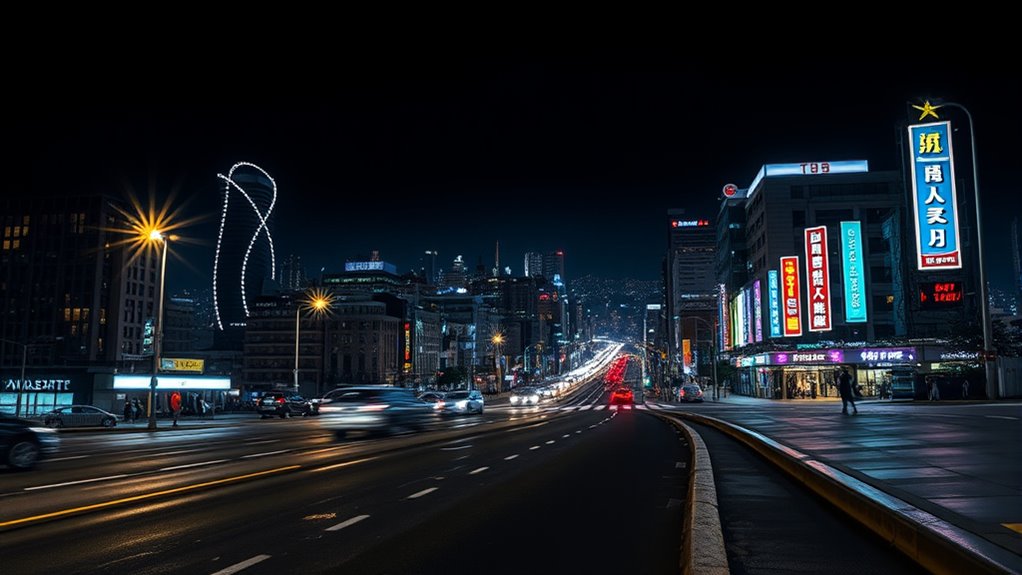
Stable footage is harder to achieve in low light, but there are effective ways to improve your results. First, use a tripod or stabilizer to minimize camera shake, which is common when shooting at night. Keep your lens clean to prevent lens flare, which can distort your image and make stabilization harder. When editing, apply gentle color grading to enhance details and reduce noise, making your footage appear steadier. Avoid sudden movements and plan smooth, deliberate shots to maintain stability. Additionally, consider using lenses with image stabilization features, which help counteract minor shakes. Proper stabilization combined with thoughtful editing guarantees your night footage looks clear and professional, even in challenging lighting conditions.
Frequently Asked Questions
Does the Recommended Setting Work With All Camera Models?
The recommended setting works with most camera models, but camera compatibility varies. You should check your camera’s specifications and verify it supports the feature. Keep your software updated, as manufacturers often release updates to improve compatibility and performance. If your camera isn’t compatible, you might need to adjust settings or consider an upgrade to achieve the best night footage quality.
Can This Setting Be Used for Both Video and Still Photography?
Yes, you can use this setting for both night photography and still photography, but verify your camera compatibility first. It enhances low-light performance, making your night shots clearer and more detailed. For video, it helps stabilize images and improve visibility. Keep in mind, some cameras might require adjustments to optimize results. Experimenting with the setting on your specific device ensures you get the best possible night photos and videos.
How Does This Setting Affect Battery Life During Night Shoots?
Think of this setting as a gentle but persistent whisper in the dark. It does increase battery drain and power consumption during night shoots, so your camera works harder to gather light. This means your battery life shortens faster, requiring you to carry extra power sources. While it sharpens your footage, be prepared for quicker battery depletion, especially on longer shoots. Balance your desire for clarity with these energy costs to keep shooting smoothly.
Is This Setting Effective in Extremely Low-Light Environments?
Yes, this setting is effective in extremely low-light environments because it enhances night vision by increasing light sensitivity. You’ll notice clearer footage even in minimal light, as the camera adjusts to capture more detail without additional lighting. This setting optimizes your device’s ability to perform well in dark conditions, making night shots sharper and more vivid, which is perfect for capturing scenes in challenging low-light situations.
Do I Need Additional Accessories to Optimize This Setting?
No, you don’t need extra accessories to maximize this setting. It already enhances night vision and reduces noise effectively, making your footage clearer in low-light conditions. However, if you want even better results, consider using a tripod to stabilize your camera and improve sharpness. Additional accessories like external lenses or infrared illuminators can further boost night vision performance, but they aren’t necessary for the setting’s optimal use.
Conclusion
By mastering these settings, you can transform your night footage from blurry to breathtaking. It’s tempting to think high ISO alone will make your shots clearer, but the truth is, a balanced approach—adjusting shutter, aperture, and focus—makes all the difference. When you trust these techniques, you’ll see night scenes come alive with clarity and detail, proving that with the right settings, even darkness can reveal stunning visuals. Don’t settle for less—your best night footage is just a few tweaks away.