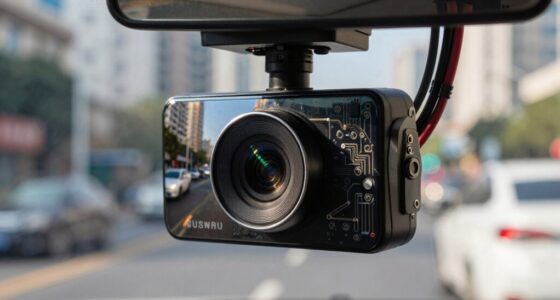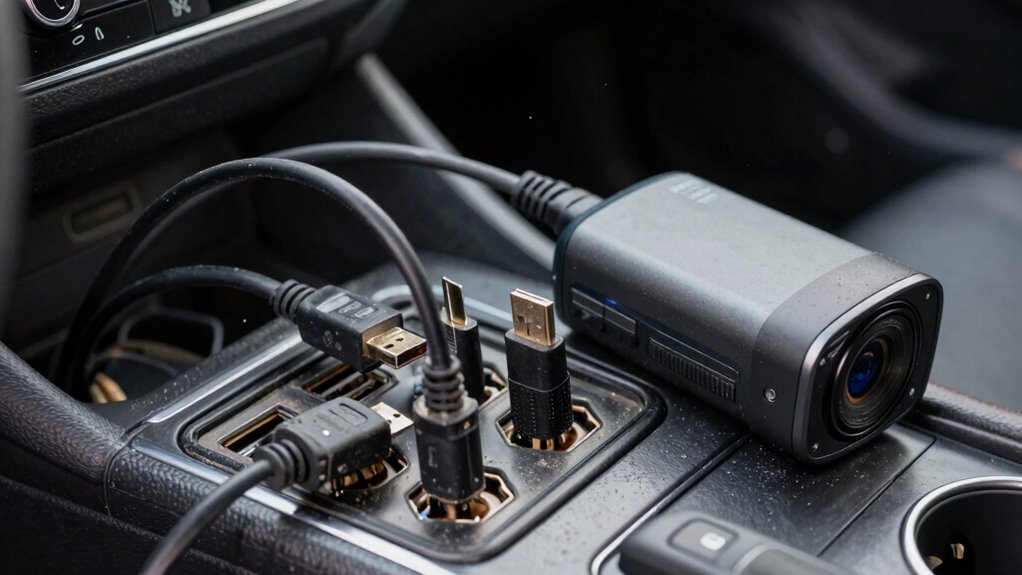
Factory USB ports often disappoint dash cam owners because they’re designed for occasional use, not the steady power your dash cam needs. They can cause flickering, footage loss, or sudden shutdowns due to voltage fluctuations. Plus, their limited data transfer speeds lead to lag or corrupted files. Installation can be tricky, and the ports aren’t built to support high-demand devices. Keep going, and you’ll discover how upgrading can resolve these common issues for good.

Get business pricing on garage and car supplies
- Business-only prices and quantity discounts
- Tax-exempt purchasing
- Multiple users, one account, clear invoices
Key Takeaways
- Factory USB ports are designed for low-power, occasional use, not continuous dash cam operation.
- They often experience voltage fluctuations, causing dash cams to reboot or stop recording.
- Limited data transfer speeds can lead to lag, corrupted files, or incomplete footage.
- Difficult access and poor cable stability hinder reliable connection and maintenance.
- Factory ports lack the power capacity needed for high-demand dash cam features and continuous operation.
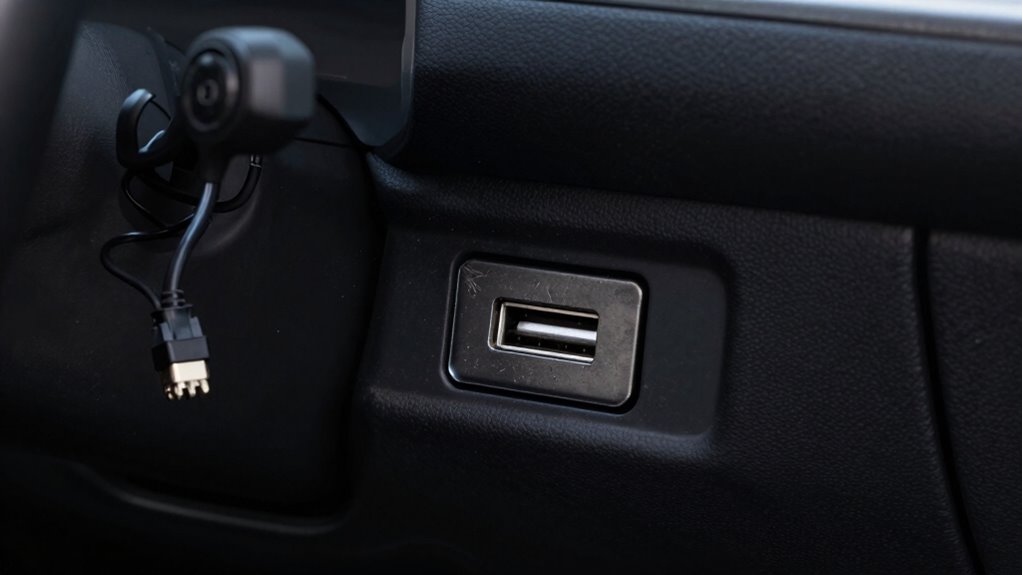
Many dash cam owners find themselves frustrated because factory-installed USB ports often don’t deliver the reliable power or data transfer needed for their devices. These ports are typically designed for occasional use—like charging a smartphone or connecting a few simple gadgets—but they aren’t built to handle the steady power demands or data flow that a dash cam requires for peak performance. When you rely on these factory ports to power your dash cam, you might notice it flickering, losing footage, or not recording at all. That’s because the power supply from factory USB ports can be inconsistent, especially when other vehicle systems draw power simultaneously. The voltage might fluctuate, causing your dash cam to reboot or shut down unexpectedly, which defeats the purpose of having a dependable recording device.
In addition to power issues, data transfer through factory USB ports can be equally problematic. These ports aren’t tailored for the continuous data streaming that dash cams generate. Instead, they’re typically intended for transferring small files or occasional updates. As a result, you might experience lag or corrupted footage when trying to review your recordings. The data transfer rate from factory ports may be too slow or unstable, leading to missed frames or incomplete video files. This is especially frustrating if you rely on clear, continuous footage for evidence or security. The design of factory USB ports often prioritizes convenience over performance, which isn’t ideal when your dash cam needs a consistent and robust connection. Additionally, factory ports may lack the necessary power capacity to support the high demands of modern dash cams.
Furthermore, factory ports are often situated in locations that aren’t ideal for dash cam installation. They may be difficult to access or hidden behind panels, making it challenging to connect or replace cables. Even if you do manage to use them, the limited power capacity might prevent your dash cam from functioning at its full potential. You might find yourself constantly adjusting connections or dealing with loose cables because factory ports weren’t intended for the high-power, high-data demands of dash cameras. Moreover, the installation flexibility of factory ports is often limited, adding to the inconvenience of trying to keep your dash cam powered reliably. A dedicated power source can significantly improve the stability and reliability of your dash cam setup.
Ultimately, relying on factory USB ports can leave you feeling disappointed, especially when your dash cam fails to perform reliably. Upgrading to a dedicated power supply or using an aftermarket power source designed specifically for dash cams ensures consistent power delivery and stable data transfer. This not only boosts your device’s performance but also provides peace of mind, knowing your footage is secure and complete every time you hit the road.
high power USB car charger for dash cam
As an affiliate, we earn on qualifying purchases.
As an affiliate, we earn on qualifying purchases.
Frequently Asked Questions
Can Factory USB Ports Handle High-Resolution Dash Cam Footage?
Factory USB ports typically can’t handle high-resolution dash cam footage well. They often lack a reliable power supply and fast data transfer capabilities needed for large video files. As a result, your dash cam might experience interruptions, slow uploads, or even power issues. To guarantee smooth recording and playback, consider using a dedicated power source or upgraded USB ports designed for high data transfer speeds.
Are Factory USB Ports Protected Against Power Surges?
You might think your factory USB port is reliable, but without proper power surge protection, it’s vulnerable to voltage spikes that can damage your dash cam. While some ports boast port durability, they often lack built-in safeguards against power surges. To keep your device safe, consider adding surge protectors or using dedicated power sources. Protecting your equipment guarantees uninterrupted footage and prolongs the lifespan of your dash cam.
Do Factory USB Ports Support Fast Charging for Dash Cams?
Factory USB ports usually don’t support fast charging for dash cams because they lack adequate power delivery capabilities. These ports often prioritize basic connectivity over power output, which means they may not supply enough current for quick charging. Additionally, their port durability might be limited, causing potential issues over time. For reliable fast charging and durable connections, consider using an aftermarket port designed specifically for higher power delivery and enhanced durability.
How Long Do Factory USB Ports Typically Last Under Regular Use?
Factory USB ports typically last around 3 to 5 years with regular use, but durability concerns can affect this lifespan. Power limitations in these ports may cause wear and tear faster, especially if you’re using high-power devices like dash cams constantly. Over time, connections might weaken or fail, so it’s wise to monitor performance and consider alternative power sources if you notice issues. Proper care can extend their usability.
Are There Compatibility Issues Between Factory USB Ports and Certain Dash Cam Models?
Yes, compatibility issues can arise between factory USB ports and certain dash cam models. Some factory ports may not provide a stable power supply or reliable data transfer, causing your dash cam to malfunction or disconnect. You might find that the port doesn’t support the necessary power output or data transfer speeds, leading to recording problems or charging failures. Always check your dash cam’s specifications and test the port before installation.
USB power splitter for vehicle dash cam
As an affiliate, we earn on qualifying purchases.
As an affiliate, we earn on qualifying purchases.
Conclusion
So, if you’re relying on factory USB ports for your dash cam, you might find yourself frustrated, disappointed, or even stranded without power. Because these ports are often underpowered, unreliable, and designed for low-energy tasks, they can’t keep up with your dash cam’s demands. To guarantee consistent recording, to avoid missed footage, and to keep your drive worry-free, consider upgrading to a dedicated power source. Because, after all, your dash cam deserves more than just a basic port.
dash cam power supply upgrade kit
As an affiliate, we earn on qualifying purchases.
As an affiliate, we earn on qualifying purchases.
high-speed data transfer USB cable for dash cam
As an affiliate, we earn on qualifying purchases.
As an affiliate, we earn on qualifying purchases.
Columbus Day / Indigenous Peoples' Day Picks
long weekend sales
As an affiliate, we earn on qualifying purchases.