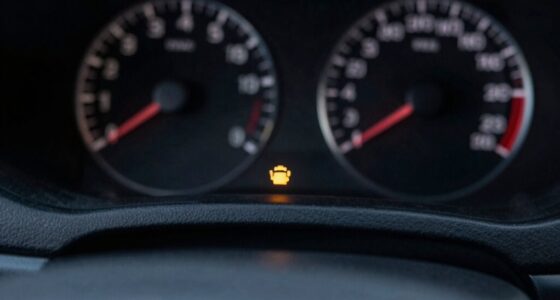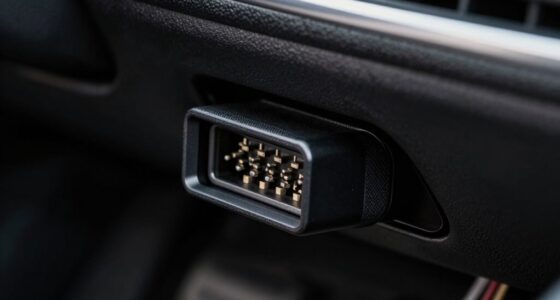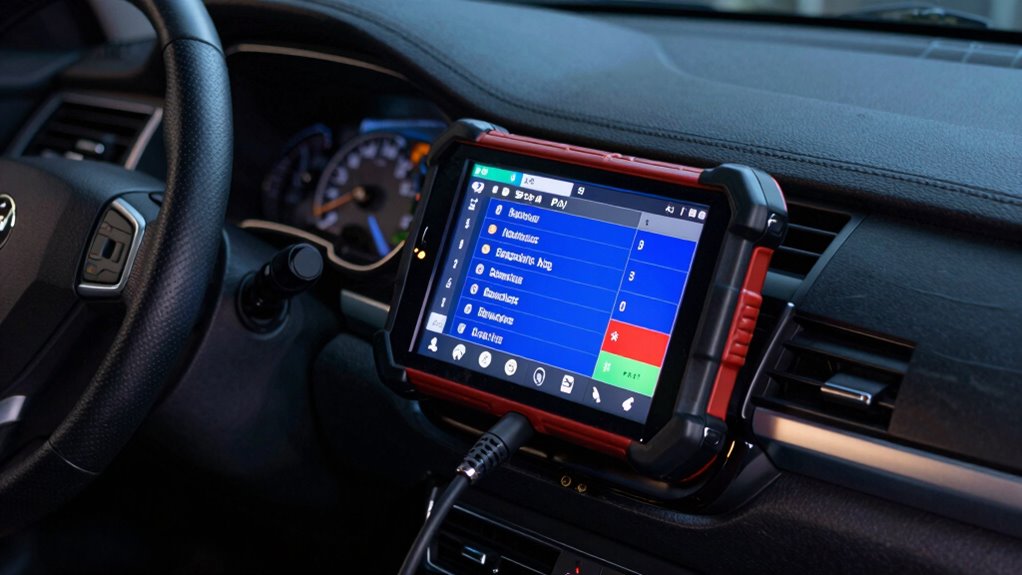
When your vehicle fails an emissions test, it’s often because some OBD2 readiness monitors haven’t completed their self-tests. This can happen if you haven’t done enough driving cycles, have active trouble codes, or recently repaired or modified your car. Short trips, idling, or resets can delay monitor completion. To fix this, you need to drive properly to let the system finish testing. Keep reading to find out how to get all your monitors ready quickly.
Key Takeaways
- Incomplete or not yet run monitors prevent your vehicle from passing emissions tests.
- Recent battery resets or ECU reprogramming clear monitors, causing delays in readiness.
- Short, inconsistent drives hinder monitor completion, especially for non-continuous tests like catalysts and EVAP.
- Active or unresolved DTCs block monitor progress, leading to test failures.
- Low fuel levels, vehicle modifications, or environmental factors can prevent monitors from completing successfully.
Understanding OBD2 Readiness Monitors and Their Purpose
Understanding OBD2 readiness monitors is essential because they guarantee your vehicle’s emission control systems are functioning properly. These monitors perform self-tests to observe the performance of emissions-related systems, ensuring they operate within regulatory standards. When you visit an inspection station, the system verifies that all components have been evaluated through these monitors, confirming compliance with emissions regulations. The monitors also help identify issues that could increase emissions, enabling repairs before problems worsen. They include continuous monitors, which run constantly during engine operation to check sensors and systems like misfire detection and fuel management. Non-continuous monitors run once per trip under specific conditions, testing components such as the catalyst and EVAP systems. Overall, OBD2 readiness monitors serve as the vehicle’s self-diagnostic tools, maintaining emissions integrity and passing emissions tests. Understanding OBD2 monitoring processes is crucial for vehicle owners to ensure their cars remain compliant and environmentally friendly.
Common Causes for Monitors Remaining Not Ready
When monitors stay not ready, several common issues can be to blame. Insufficient drive cycles are a top cause; your vehicle needs specific city and highway driving conditions, often over a week, to complete self-tests. Short commutes prevent monitors from finishing, even if there are no faults. Active or pending DTCs also prevent readiness; a check engine light or stored codes block monitor completion. Low fuel levels can stop certain tests, especially the EVAP monitor, which requires fuel between 35% and 85%. Vehicle modifications, like catalytic converter removal or aftermarket accessories, can disable related monitors or interfere with diagnostics. Additionally, drive cycle completion depends on a variety of factors including ambient temperature and engine load, which can affect how quickly monitors become ready. The proper driving conditions are crucial for completing all tests successfully. Finally, computer or OBD issues, such as faulty ECM programming, damaged connectors, or unsupported sensors, can halt the process altogether. Understanding the specific conditions needed for each monitor can help diagnose why they remain not ready and how to address the underlying issues effectively.
How Recent Repairs and Battery Work Affect Readiness Status
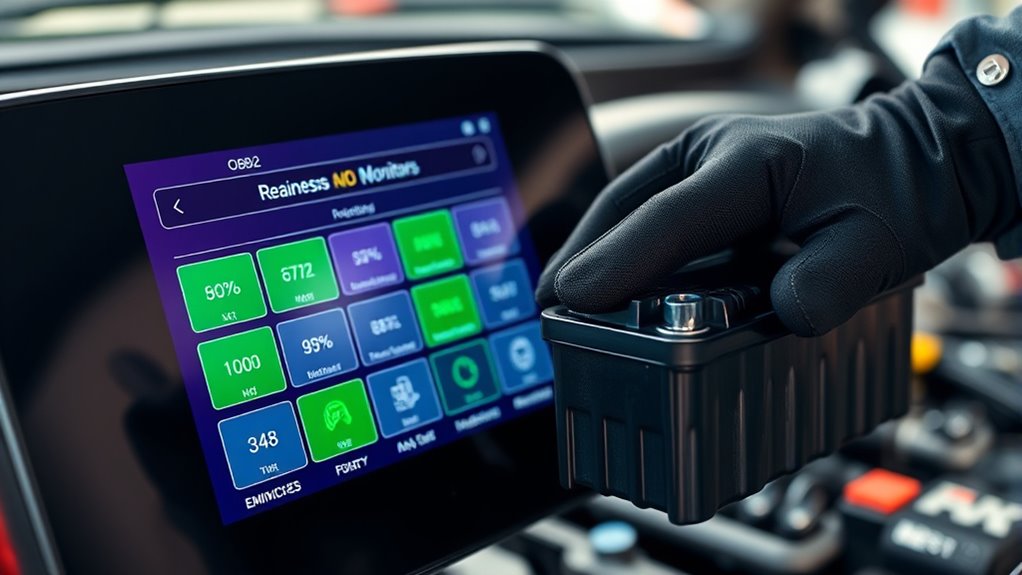
When you disconnect your battery or complete recent repairs, it resets the vehicle’s ECU and clears most readiness monitors. This means you’ll need to complete drive cycles—usually 50 to 100 miles of varied driving—for the monitors to reset. Keep in mind, battery work and repairs can temporarily delay readiness status, requiring patience before emissions testing. Additionally, understanding Free Floating concepts can help you better manage the overall process. Being aware of Vetted information can help ensure you’re following accurate procedures and guidelines during this process. To optimize your efforts, using simple tools like BTU and CADR quick‑calculators can assist in maintaining your vehicle’s performance and readiness. Knowing how Youngster Choice impacts vehicle systems can also provide insights into efficient troubleshooting and monitoring.
Impact of Recent Repairs
Recent repairs can profoundly impact your vehicle’s OBD2 readiness status, often resetting monitors and delaying their completion. Clearing diagnostic trouble codes (DTCs) during repairs resets monitor status to *not ready*, requiring drive cycles to reestablish readiness. Reprogramming or replacing the PCM/ECU also resets monitors, needing additional driving to complete tests. Swapping emissions components like catalytic converters or oxygen sensors forces their associated monitors to rerun and stay *not ready* until conditions are met. If repairs don’t fix the underlying issue, monitors may never complete despite driving. Many regional inspections require all applicable monitors to be *ready* before passing. Typically, it takes about a week or several drive cycles, sometimes longer, with specific conditions to complete all monitors after repairs. Vetted wave and wind conditions can also influence the time needed for monitors to complete, especially in regions with high wind or wave activity.
Battery Disconnection Effects
Disconnecting your vehicle’s battery causes a power failure that resets all OBD2 readiness monitor statuses to incomplete. This means your vehicle’s systems forget their recent diagnostic progress, forcing monitors to restart their cycle. After a battery disconnection, your vehicle may show “not ready” or “incomplete” for key emissions monitors. This can lead to failed emissions tests until the monitors reset through driving. Additionally, disconnecting the battery clears diagnostic trouble codes (DTCs), which can mask underlying issues. The reset process begins anew after reconnecting the battery, requiring you to complete specific drive cycles. Keep in mind, some monitors need particular conditions like temperature or fuel level to reset properly. Patience and proper driving are necessary before your vehicle is ready for testing again.
- Monitor statuses reset to “not ready” after battery disconnect
- Diagnostic trouble codes (DTCs) are cleared during reset
- Drive cycles are needed to set monitors back to “ready”
- Specific conditions like temperature or fuel level may be required
- Older vehicles might need more time to reset than newer models
The Impact of Driving Cycles and Time on Monitor Completion
Your vehicle needs specific driving cycles and enough time to complete all OBD-II monitors. Short trips or inconsistent driving can delay monitor readiness, especially for systems like catalysts or misfire detection. Understanding these cycle requirements helps guarantee your vehicle passes emissions tests and is prepared for inspection. Proper driving conditions are essential to ensure that all monitors reach completion, avoiding potential failure of emissions testing due to incomplete diagnostics. Additionally, maintaining consistent engine operation helps optimize monitor completion times, leading to a smoother testing process.
Drive Cycle Requirements
Driving cycles and time play a crucial role in completing OBD2 readiness monitors because each vehicle requires specific patterns of operation to run diagnostic tests successfully. Manufacturers program unique drive-cycle protocols that include precise sequences of idling, steady-speed driving, acceleration, and deceleration. Some monitors need multiple cycles due to cool-down and warm-up periods, so a single trip often isn’t enough. Completing these cycles on a chassis dynamometer with FTP parameters is common during certification. After DTC clearing or battery disconnect, you must repeat manufacturer-specific cycles to reset monitors. Proper conditions must be met during trips, including engine temperature, vehicle speed, and electrical loads, to enable each monitor and ensure successful diagnostic testing. Accurate timing and sequence adherence are essential for monitor completion. Additionally, drive cycle protocols are often detailed in the vehicle’s service information to ensure correct execution.
Time Needed for Monitors
The time required for OBD2 monitors to complete varies considerably depending on driving patterns and vehicle conditions. Most properly functioning vehicles reach readiness within about two weeks after reset or battery disconnection. Many agencies report that everyday driving typically restores readiness within two to three days for newer vehicles, while older models may need more time. Continuous monitors, like misfire or exhaustive components, often become ready almost immediately or on the first drive cycle. Non-continuous monitors, such as EVAP or catalytic converters, need specific conditions and multiple drive cycles, sometimes taking days or weeks. Combining city and highway driving speeds up completion because some monitors require both low- and high-temperature conditions. Short trips and idling extend the process, delaying full readiness. Proper drive cycle design can significantly influence how quickly monitors complete their testing. Additionally, driving habits play a crucial role in how efficiently these monitors run their checks and complete their cycles, and maintaining regular vehicle maintenance helps ensure quicker monitor completion and more reliable emissions testing.
Factors Affecting Completion
Completing OBD2 monitors depends heavily on meeting specific drive-cycle conditions and OEM enable criteria. Your vehicle needs particular speeds, durations, and idle times for non-continuous monitors to run properly. Sometimes, you must repeat the prescribed cycle multiple times. The ECM checks if conditions like temperature, load, and sensor status are met before running monitors. If these aren’t satisfied, the tests won’t complete. Some monitors require previous ones to finish first, creating ordered dependencies. Additionally, driving modes such as steady highway speeds, stop-and-go traffic, and moderate accelerations help satisfy these criteria. Proper sensor function, fuel levels, and absence of active faults also influence completion. Without meeting these specific factors, your vehicle’s readiness may remain incomplete, causing test failures.
- Manufacturer-specific drive cycles and procedures
- Steady speeds for catalyst and emissions monitors
- Repeated or multiple test attempts within a single cycle
- Sensor health and correct operation
- Fuel tank level and fault codes
Troubleshooting Emission-Related Faults That Block Monitors
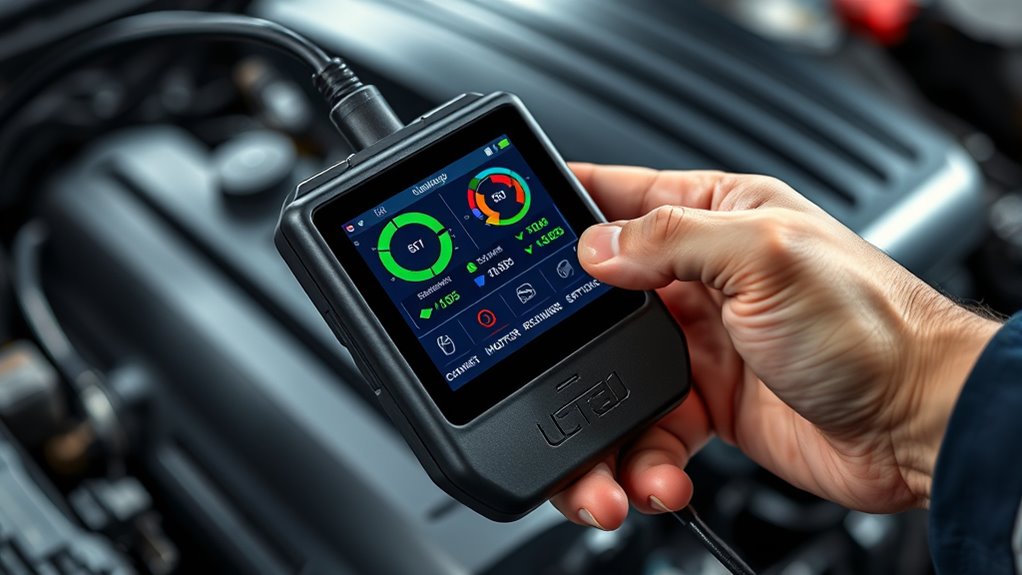
Troubleshooting emission-related faults that block monitors begins with identifying and resolving the underlying issues causing the Diagnostic Trouble Codes (DTCs) or faults. Check for any stored or pending DTCs that illuminate the MIL, as these often prevent monitors from completing. Avoid clearing codes blindly; instead, repair the faults first. Ensure the fuel level is within the required range, especially for EVAP testing, and verify that the vehicle has undergone proper drive cycles—combining city stops and highway runs—to meet operating conditions. Inspect sensors, wiring, vacuum lines, and exhaust leaks that could hinder monitor routines. After repairs, use a scan tool to confirm DTC clearance and monitor status. Recreate the necessary driving conditions, following manufacturer-specific procedures, to help the monitors reset and complete.
Dealing With Unsupported Monitor Status and ECU Programming Issues
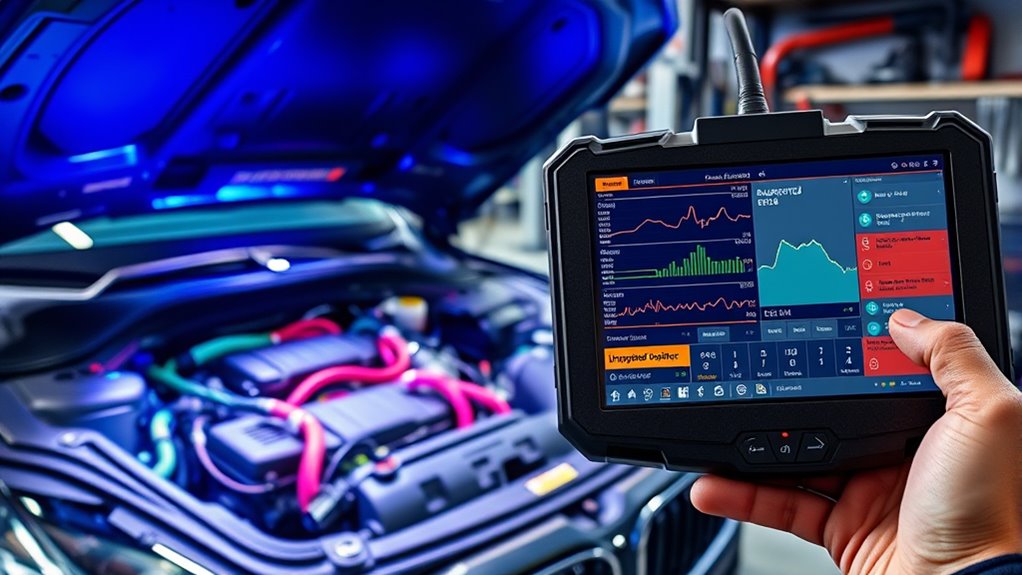
When dealing with unsupported monitor status and ECU programming issues, understanding why certain monitors show as unsupported is essential. Unsupported monitors mean your vehicle’s design doesn’t include those tests, so they won’t affect your readiness status. Common causes include vehicle age, with some models naturally lacking specific monitors, or after resetting the ECU, which clears monitor data. ECU communication problems, like a disconnected scanner or incorrect protocol, can also block data exchange. Reprogramming or updating the ECU may be necessary if persistent issues prevent monitor completion. Keep in mind:
- Some monitors are inherently unsupported due to vehicle design
- Resetting the ECU erases monitor data, causing not ready statuses
- Communication errors stop data transfer and hinder diagnosis
- Reprogramming or recalls fix persistent monitor failures
- Drive cycles are needed after resets to restore readiness
- ECU communication protocols are critical for proper data transfer and diagnosis.
- Ensuring proper diagnostic connection can help identify communication issues and facilitate repairs.
Practical Tips to Ensure Your Vehicle Passes the Emissions Test

Ensuring your vehicle passes an emissions test requires proactive maintenance and attention to key systems. First, replace spark plugs and ignition coils at recommended intervals to prevent misfires that increase hydrocarbons and NOx emissions. Keep the air–fuel mixture near the ideal ratio (~14.7:1) by timely fuel system servicing, and repair or replace clogged fuel injectors and filters to reduce unburned hydrocarbons. Use the correct engine oil and change it regularly to prevent oil burning, which raises HC levels. Address vacuum and intake leaks before testing to avoid false high emissions. Confirm all OBD readiness monitors are complete by completing necessary drive cycles. Repair or replace faulty sensors and clear trouble codes after repairs, ensuring your vehicle is fully prepared for a successful emissions test. Additionally, regularly inspecting and replacing clogged air filters can significantly improve airflow and overall engine efficiency, helping to meet emissions standards.
Frequently Asked Questions
Can a Vehicle Pass Emissions if Some Monitors Are Still Not Ready?
Yes, your vehicle can pass emissions if some monitors aren’t ready, but it depends on your state’s rules. For example, Ohio requires all monitors to be ready post-DTC clear or battery disconnect, but California allows at most one incomplete monitor. Verify your state’s specific criteria, as some programs accept a certain number of incomplete or not-ready monitors. Confirm your vehicle meets those thresholds before testing.
How Long Does It Typically Take for Monitors to Reset After Clearing Codes?
Typically, it takes about two to three days of diligent driving—mixing city stops and highway hauls—for monitors to reset after clearing codes. You need consistent, conscious cruising to complete the cycle, especially on older vehicles. Keep the fuel level in the middle range, make certain all systems are smoothly functioning, and drive with patience. Remember, some monitors might take longer, so stay steady and give your vehicle the time it needs to reset.
Does a “Pending” DTC Prevent the Vehicle From Passing Emissions?
A pending DTC usually doesn’t prevent your vehicle from passing emissions if the check engine light isn’t on. These codes indicate potential issues that need more diagnostics, but they haven’t been verified as faults yet. Your vehicle’s emissions system can still meet standards, and the readiness monitors might remain incomplete. Just guarantee that the pending codes resolve after proper drive cycles, and avoid clearing codes before the test to prevent delays.
Are There Specific Driving Patterns Recommended to Complete All Monitors?
You should follow specific driving patterns to complete all monitors. Start with a warm-up drive at steady highway speeds (55–65 mph) for 10-15 minutes, then include repeated acceleration and deceleration cycles. Incorporate extended idling (2.5–9 minutes), stop-and-go city driving, and avoid resetting codes during the process. Check monitor status with a scan tool regularly, and follow manufacturer-specific drive cycles for best results.
Can ECU Reprogramming Fix Unsupported Monitor Statuses?
Did you know that many owners report fixing unsupported monitor statuses with a simple ECU reflash? Reprogramming can indeed resolve ECU software bugs or misconfigurations causing incomplete monitors. It’s often effective when software issues prevent monitors from completing. However, it’s not a guaranteed fix—problems like hardware faults or wiring issues won’t be fixed by reprogramming. Always consider professional diagnosis before deciding on reprogramming as a solution.
Conclusion
Understanding OBD2 readiness monitors helps you identify why your vehicle might fail an emissions test. Did you know that over 20% of vehicles fail due to incomplete monitors? By addressing common issues like recent repairs or driving cycles, you boost your chances of passing. Staying proactive and informed guarantees your car’s emissions system is prepared, saving you time and money. Keep these tips in mind, and you’ll be better equipped for your next test.