

To save yourself from future headaches, prioritize consistent personal data management. Regularly review and adjust your privacy settings on devices and apps to limit access to sensitive information like location and contacts. Use strong encryption and trusted VPNs whenever connecting to unsecured networks, especially on the go. Stay informed about cybersecurity trends and update your privacy habits accordingly. If you keep these practices in mind, you’ll be better prepared to protect your data and enjoy stress-free driving.

Get business pricing on garage and car supplies
- Business-only prices and quantity discounts
- Tax-exempt purchasing
- Multiple users, one account, clear invoices
Key Takeaways
- Regularly review and adjust app and device privacy settings to limit unnecessary data sharing.
- Use strong encryption protocols to protect personal data during storage and transmission.
- Avoid connecting to unsecured Wi-Fi networks; utilize trusted VPNs for secure internet access.
- Disable unnecessary app permissions, such as location tracking and contacts, to minimize data exposure.
- Stay informed on cybersecurity trends and update privacy practices accordingly for ongoing protection.
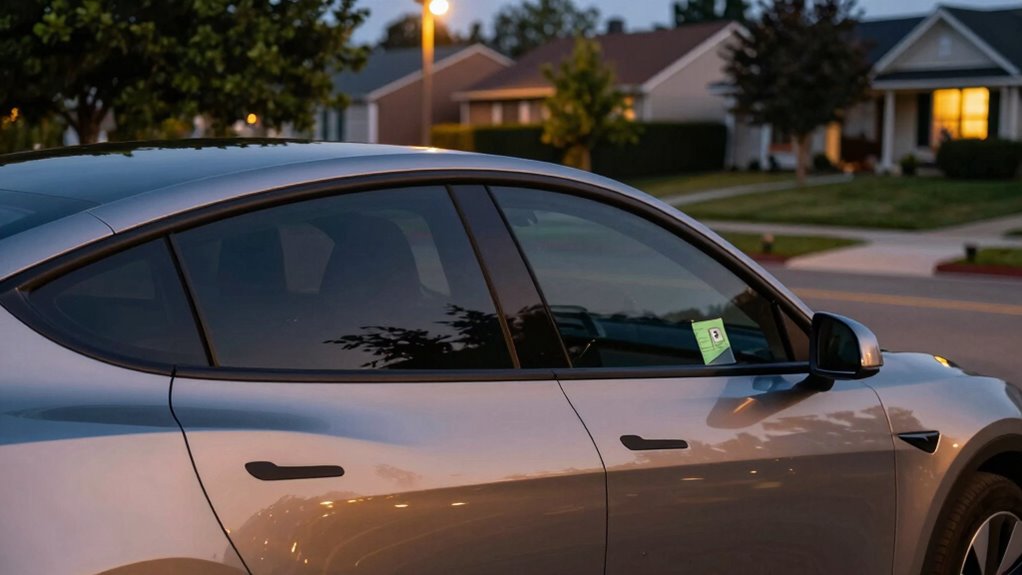
In today’s connected world, protecting your personal information while driving can save you from unnecessary headaches. As you rely more on smartphones, navigation apps, and connected car systems, your data becomes vulnerable to breaches and misuse. The key to avoiding future trouble is adopting a simple privacy habit: practicing good personal data management and understanding how data encryption keeps your information safe. When you’re mindful of what data you share and how it’s protected, you reduce the risk of identity theft, unauthorized tracking, or data leaks that could cause major stress down the line. Staying informed about cybersecurity news can also help you recognize emerging threats and adapt your privacy practices accordingly.
Start by reviewing the privacy settings on your devices and apps. Many navigation and entertainment systems collect a lot of personal data—your location, contacts, even driving habits. You want to limit what’s accessible and turn off permissions that aren’t necessary. This is part of effective personal data management, where you decide what information to share and how it’s used. It’s tempting to accept all permissions for convenience, but doing so leaves your data more exposed. Instead, only enable permissions for features you genuinely need, and disable those that aren’t critical.
Limit app permissions to protect your personal data and maintain control over what information you share.
Data encryption becomes your best friend in this process. When your device encrypts your data, it turns your personal information into a code that’s unreadable to outsiders. This means that even if someone intercepts your data—say, through a cyber attack or a compromised network—they won’t be able to access your sensitive information. Make sure your devices and connected services employ strong encryption protocols. Keep your software updated, as manufacturers regularly release security patches that enhance data encryption standards, making it tougher for hackers to breach your information.
Practicing good personal data management also involves being cautious about what you share on public networks. Avoid accessing sensitive accounts or transmitting personal information over unsecured Wi-Fi networks while on the road. If you need to do so, use a trusted virtual private network (VPN) to encrypt your internet connection. This adds an extra layer of protection, ensuring your data remains private even on insecure networks.
personal data privacy app settings
As an affiliate, we earn on qualifying purchases.
As an affiliate, we earn on qualifying purchases.
Frequently Asked Questions
How Can I Check if My Vehicle’s Data Is Being Shared?
You can check if your vehicle’s data is being shared by reviewing its privacy settings, often found in the infotainment system. Look for options related to wireless encryption and data anonymization, which help protect your information. Enable features that promote data anonymization, ensuring your personal details aren’t linked to shared data. Regularly update your vehicle’s software and consult the user manual to stay informed about data sharing practices.
What Are the Legal Implications of Hiding My Information?
Hiding your information can have legal implications, especially if it conflicts with privacy legislation that requires transparency. Laws may demand data encryption to protect your data, and failing to comply might result in penalties. You could also face legal issues if hiding data breaches regulations or contractual obligations. Always stay informed about privacy legislation and verify your data practices align with legal standards to avoid potential lawsuits or fines.
Does Privacy Habit Affect Insurance Rates?
Your privacy habits can influence your insurance rates, especially when you practice data encryption and protect your personal info. Insurance companies may offer discounts if you demonstrate responsible data management, reducing risks associated with identity theft or fraud. By keeping your data secure, you show good habits that can lead to lower premiums. Ultimately, maintaining strong privacy practices not only safeguards your information but may also give you a financial advantage through insurance discounts.
Can Privacy Settings Be Reversed Easily?
Yes, privacy settings can be reversed easily. Many privacy myths suggest that once you change settings, they’re permanent, but that’s not true. You can usually reset or adjust your data protection preferences at any time in your account settings. Just remember, staying informed about data protection practices guarantees you’re making the right choices. Regularly reviewing your privacy settings helps keep your information secure and prevents unintended exposure.
How Often Should I Review My Privacy Preferences?
Think of your privacy preferences as a garden needing regular tending. You should review them at least every three to six months to stay in control. This helps maintain privacy compliance and guarantees your data encryption stays effective against new threats. Regular reviews prevent surprises, keep your settings optimized, and protect your personal information. Don’t wait for a breach—stay proactive to safeguard your digital life.
As an affiliate, we earn on qualifying purchases.
Conclusion
So, next time you’re tempted to share every detail of your road trip online, remember: a little privacy habit now can save you from hours of headache later. No one wants their GPS location turned into a runaway meme, or their car’s info sold to the highest bidder. Keep your secrets, keep your sanity—after all, who needs more chaos than a spilled coffee on the dashboard? Stay private, stay sane.
data encryption software for smartphones
As an affiliate, we earn on qualifying purchases.
As an affiliate, we earn on qualifying purchases.
As an affiliate, we earn on qualifying purchases.
Halloween Picks
halloween
As an affiliate, we earn on qualifying purchases.