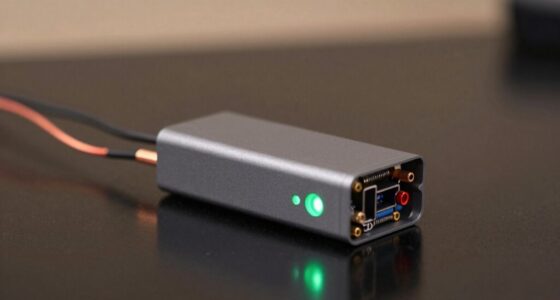
When you lock your car, the vehicle’s power system often cuts power to non-essential circuits, including the accessory line that supplies your dash cam. This is a safety feature to protect the battery and conserve energy. If your dash cam turns off when locking, it’s likely because it’s wired to these circuits or the power management system is shutting off power during lock events. Keep exploring to find out how to prevent this from happening.
Key Takeaways
- Locking the vehicle activates the BCM’s power cut-off or sleep mode, shutting off accessory circuits including the dash cam.
- Many dash cams are wired to the ACC circuit, which loses power when the ignition is off and the vehicle is locked.
- Vehicle security systems disable non-essential power sources during lock events to prevent parasitic drain, turning off the dash cam.
- Power dips caused by door locking or engine start can temporarily shut down or reset the dash cam.
- Improper wiring, faulty connections, or reliance on the ignition circuit can cause the dash cam to turn off when the vehicle is locked.
How Vehicle Power Circuits Affect Dash Cam Operation
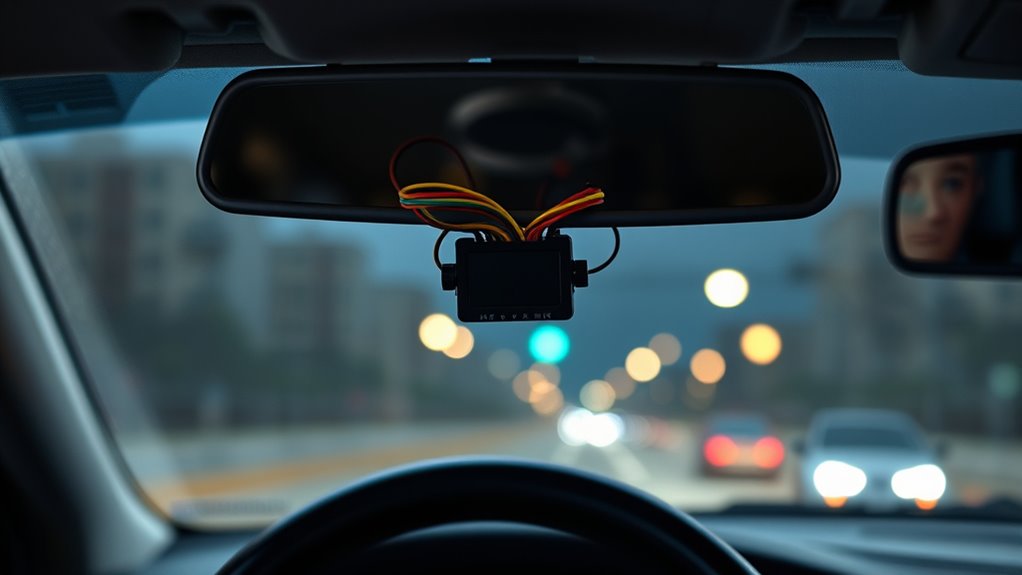
Vehicle power circuits play an essential role in whether your dash cam stays on or turns off when you lock your car. Many vehicles have built-in battery management systems that protect the battery by shutting off non-essential circuits, including aftermarket accessories, when voltage drops too low. If you use an aftermarket hardwire kit, a low-voltage cutoff can prevent deep battery drain, but incorrect settings or absence of one can cause rapid battery depletion. Some factory modules or ECUs remove accessory power shortly after locking, which turns off dash cams connected to those circuits. Additionally, vehicles with battery-saving modes or sleep functions can cut power once locked. Choosing the wrong fuse or ground point can also cause power interruptions, making your dash cam turn off unexpectedly. Understanding these vehicle-specific power behaviors can help you select the best wiring setup to ensure your dash cam remains operational. Knowing how vehicle power management systems operate can further assist in configuring your dash cam to stay powered. Being aware of power circuit design helps prevent unintended power loss and ensures continuous operation of your device. Furthermore, vehicle electrical architecture can vary significantly between models, affecting how power is supplied and managed. Recognizing electrical system complexities can aid in troubleshooting power issues effectively. Additionally, consulting your vehicle’s owner’s manual can provide insights into specific power circuits and their behaviors.
Impact of Ignition and Accessory Circuits on Power Supply

The way your dash cam connects to your car’s electrical system substantially influences whether it stays powered or turns off when you lock the vehicle. If you connect it to the ACC circuit, it powers only when the ignition is in the ACC or ON position, so locking the car cuts power. When the key is removed, the ACC circuit deactivates, stopping power to the dash cam. Conversely, connecting to a constant power (VCC) circuit provides continuous voltage, keeping the dash cam on even when the vehicle is locked. This setup supports parking mode but risks battery drain. The fuse tap’s polarity and proper testing ensure the dash cam receives the correct power source. Your wiring choices directly impact whether your dash cam remains operational or shuts down upon locking. Proper wiring is essential to prevent power loss and ensure your dash cam functions as intended. Understanding the electrical circuits in your vehicle helps optimize dash cam performance and reliability. Additionally, power management techniques can help prevent unnecessary battery drain while maintaining continuous operation. Knowing how electrical components interact within your vehicle’s system can further improve your dash cam’s dependability, especially when considering different power sources and their effects on device operation. Furthermore, awareness of vehicle electrical design can guide you in selecting the most suitable power connection method for your dash cam needs.
Voltage Dips During Engine Start and Their Effects

Voltage dips during engine start can markedly impact your dash cam’s operation, especially if it relies on a steady power supply. When you turn the key, the starter demands a surge of current, causing voltage to drop as low as 9 V or less in some cases. This sudden dip can:
- Reset or power down your dash cam if voltage falls below its operational threshold
- Trigger electrical noise, causing microcontroller resets or reboots
- Interrupt ongoing recordings, risking file corruption or loss
- Alter vehicle electronics, reducing accessory power availability
- Accelerate damage to internal components like capacitors and regulators
Voltage dips are more likely to occur if the battery is weakened or if there are high resistance connections in the wiring. Factors like corroded connections, weak batteries, or high current loads worsen voltage sag. These dips are more severe in cold weather or with aging batteries, making your dash cam vulnerable during engine start. Proper wiring maintenance can help mitigate some of these issues and improve voltage stability during startup.
The Role of Hardwired Power Solutions and Their Settings
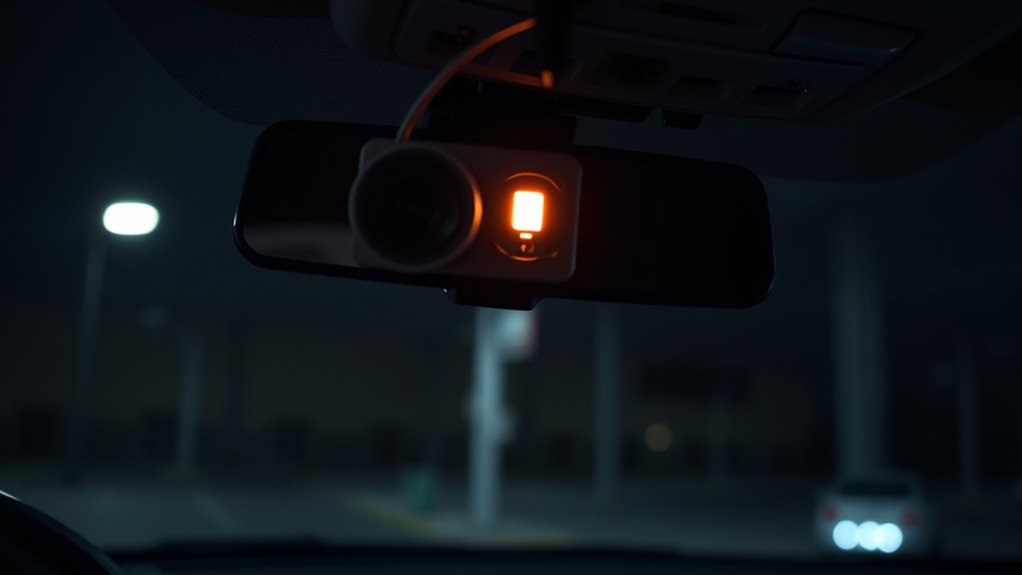
Hardwired power solutions come with adjustable settings that help prevent your dash cam from draining your car’s battery. By customizing cutoff voltages, you make certain the camera stays powered during parking mode without risking a dead battery. Properly configuring these settings is key to balancing continuous recording and vehicle safety. Additionally, understanding the different cookie categories can help in managing your privacy preferences while using connected vehicle apps. Being aware of power management features allows you to optimize your dash cam’s performance and extend its lifespan. For example, some systems include automatic shutdown options that turn off the device when battery levels are low, ensuring your vehicle remains reliable and battery protection is maintained. Regularly testing your system with repeatable tests ensures these settings are functioning correctly and your dash cam operates reliably over time.
Hardwire Kit Settings
Properly configuring your hardwire kit is essential to guarantee your dash cam functions correctly without draining your vehicle’s battery. First, adjust the voltage cutoff settings using the included toggle switch or controller. This prevents the dash cam from depleting your battery by shutting it off at a set voltage, typically around 11.8V-12.4V. Make sure to:
- Set the cutoff voltage appropriately based on your vehicle’s battery specs
- Use the display to monitor battery voltage levels
- Confirm the red wire connects to a constant power fuse
- Attach the yellow wire to the ACC fuse for ignition detection
- Secure the black ground wire to a clean, unpainted metal surface
- Test the setup to ensure the dash cam automatically powers on and off with the vehicle ignition. Proper setup ensures your dash cam powers smoothly in parking mode and avoids unexpected shutdowns, especially when considering battery management strategies. Additionally, adjusting the cutoff settings correctly helps prevent voltage sag, which can lead to vehicle starting issues or damage to the battery. Understanding power supply stability is crucial for maintaining reliable dash cam operation over time.
Impact of Power Cutoffs
Because many vehicle electrical systems cut power to accessory or constant circuits when the ignition is off or doors are locked, your dash cam may unexpectedly lose power despite being hardwired for parking mode. Vehicles with body control modules (BCMs) can change which fuses are “constant” versus “switched,” causing inconsistent power delivery. Some systems delay power cutoff after locking, giving only a short window before shutdown. Low-voltage cutoffs protect your battery but may turn off your dash cam prematurely if the battery is weak or parasitic draws from other devices increase drain. Wiring to a fuse that’s not truly constant or improperly placed can also cause abrupt power loss. These power cutoffs, driven by vehicle settings or electrical system behaviors, can interrupt your dash cam’s operation unexpectedly. Understanding the vehicle’s electrical architecture is essential to ensure reliable dash cam operation and appropriate wiring choices. Additionally, proper wiring practices can help mitigate these issues by ensuring your dash cam receives consistent power. Recognizing how vehicle electrical systems manage power distribution is crucial for troubleshooting and optimizing dash cam performance. For example, some systems may have parasitic draw that gradually depletes the battery, causing power to cut out unexpectedly. To further complicate matters, power management features in modern vehicles can intermittently interrupt power to protect the vehicle’s electrical system.
Common Wiring and Connection Issues Causing Power Loss

Wiring and connection issues are common culprits behind dash cam power loss, especially when the system shuts off unexpectedly after locking your car. Faulty or incompatible cables can disrupt power or signal detection, causing shutdowns. Incorrect fuse ratings or blown fuses in the power circuit may cut off power unexpectedly. Faulty hardwire kit connections, like incorrect ACC wire attachment or loose contacts, can lead to voltage drops and power interruptions. Wiring to underpowered circuits often results in voltage drops that turn off your dash cam. Additionally, interference or improper connection of the ACC signal line can disable parking mode power retention. Ensuring all connections are secure and compatible with your system can help prevent these issues and improve overall reliability. Properly inspecting and upgrading wiring components when necessary can further enhance system stability, especially in cases where power supply capacity is insufficient to support the dash cam’s energy needs. Checking for proper wiring configuration can help identify underlying issues and ensure consistent power delivery. Being aware of potential wiring faults can also help in diagnosing intermittent power problems before they lead to complete system shutdowns.
Modern Vehicle Systems That Limit Accessory Power When Locked

Modern vehicle systems limit accessory power when locked to protect your battery and improve security. The body control module manages power distribution, often shutting down outlets and dash cams after a set time or when doors lock. Understanding these strategies helps you troubleshoot why your dash cam loses power once you lock your car. Fuse F46 is used for accessory power connection, but it is designed to be the proper fused connection from the fuse box, with no alternative fuse or wiring method suggested for disabling accessory power. Recognizing how vehicle security features operate can help you determine if these systems are causing your dash cam to turn off. Additionally, some vehicles incorporate automatic power management to prevent battery drain, which may also influence accessory power behavior.
Factory Power Management Strategies
Factory power management strategies in vehicles actively limit accessory power when the car is locked to protect the battery and improve security. The Central Body Control Module (BCM) enforces power cut-offs, prioritizing critical systems like doors and alarms while disabling low-priority accessories. It uses timed shutdowns, allowing ECUs to log data before power is fully cut. CAN filters restrict wake requests to authorized ECUs, reducing unnecessary power draw. Ignition and accessory relays are reconfigured or replaced with solid-state switches, often incorporating current sensing and auto-reclose features. Battery state-of-charge conditions also influence power disconnection, ensuring accessories stay off if the battery is low. This coordinated approach ensures your vehicle’s electronic systems remain secure, conserve energy, and prevent unnecessary battery drain during lock events.
Deep Sleep and Low Power Modes
When your vehicle enters deep sleep or low power modes, it actively reduces power consumption to protect the battery during extended periods of inactivity. These modes are triggered after 14 days of inactivity, when battery voltage drops below 9.5 volts, or during extreme hot or cold weather. For example, Ford and Lincoln systems shut down non-essential systems, while Nissan LEAF models enter sleep when unplugged. Power conservation mechanisms limit accessory draw, reducing vibration sensitivity and temporarily disconnecting cloud connections. As a result, accessories like dash cams lose power when the vehicle is locked. Reconnecting the modem or telematics systems takes about 20-30 seconds once the vehicle wakes. Deep Sleep Mode reduces power draw to extend battery life, which can lead to temporary loss of certain functions like dash cam operation. Exiting deep sleep requires manual start or activity detection, ensuring the vehicle and accessories conserve energy during long periods of inactivity.
Electronic Control Module Behavior
The Electronic Control Module (ECM), particularly the Body Control Module (BCM), plays a crucial role in managing accessory power when your vehicle is locked. It implements logic to disable circuits like the cigarette lighter to prevent parasitic drain, monitoring door and lock status before severing power. The BCM coordinates with other ECUs over vehicle networks to confirm ignition and sleep states, ensuring power is cut at appropriate times. It also uses manufacturer preferences to respect accessory timeouts, such as delayed-off lighting. This coordination helps prevent battery drain during extended periods of vehicle inactivity. – Controls relays or MOSFET switches that supply accessory power – Disables relay-coil drive in locked/sleep modes, causing power loss – Integrates with security systems to cut non-essential circuits – Coordinates network-wide sleep sequences to conserve battery – Overrides may occur on circuits with direct fuses or special wiring
Parking Mode Requirements and Power Management Settings

To guarantee your dash cam stays powered during parking mode, you need to meet specific power source requirements and configure your settings properly. A constant 12V or 24V supply or a dedicated battery ensures continuous power when the engine is off, as ignition-switched accessory power cuts out. Hardwiring to the fuse box with a constant B+ connection is common, and OBD-II adapters provide an easy plug-in alternative. External batteries or power banks with low-voltage cutoff protect your vehicle’s battery while powering the dash cam. Choose parking modes like buffered or event-triggered recording to reduce power consumption. Proper power management settings, such as low-voltage cutoffs, prevent shutdowns caused by voltage drops. Ensuring correct wiring and mode selection keeps your dash cam operational during parking, avoiding unintended shutdowns. Using a reliable power source is essential for maintaining continuous operation during extended parking periods.
How to Improve Power Stability and Prevent Shutdowns

Ensuring your dash cam stays powered during parking requires more than just proper wiring; it also depends on maintaining a stable power supply. You can improve stability by addressing voltage fluctuations, cable integrity, and power interruptions. Here are key steps:
Maintaining a stable power supply is key to keeping your dash cam active during parking.
- Use surge-protected adapters and voltage regulators to prevent surges and fluctuations.
- Opt for braided or reinforced cables, ensuring secure connections and matching cable gauge with your dash cam’s needs.
- Consider capacitors or auxiliary batteries to bridge short power interruptions caused by stop-start systems.
- Regularly inspect and replace worn cables and check fuse connections to avoid intermittent power loss.
- Choose compatible power adapters with accurate low-voltage cutoffs to prevent battery drain and shutdowns.
- Using high-quality components can significantly reduce the risk of power interruptions caused by worn or incompatible parts.
Implementing these practices keeps your dash cam consistently powered and prevents unexpected shutdowns.
Choosing the Right Hardwire Kits for Continuous Power

Choosing the right hardwire kit is essential for maintaining continuous power to your dash cam, especially when parking. First, identify your vehicle’s fuse box location, often under the driver’s side dashboard or in the glove compartment, and confirm fuse types like Micro2, Micro3, Mini, ATO, or LPM by inspecting directly. Use your vehicle manual or fuse diagram for guidance. Select a fuse tap that matches your fuse type, ensuring you insert the original fuse into the tap correctly. Connect the red wire to a constant power fuse, the yellow to the ignition-switched fuse, and ground the black wire to a clean metal bolt. Proper routing along edges and securing connections will ensure reliable operation and avoid power interruptions. Matching fuse types by shape and size is critical for safe and compatible connection.
Balancing Battery Health and Continuous Dash Cam Operation
To keep your dash cam running without harming your battery, you need to balance power consumption and battery health carefully. Adjust your settings to minimize drain during parking, like using motion detection or timelapse mode, and consider voltage cutoff devices to prevent over-discharge. Staying mindful of your driving habits and managing accessories can also help maintain a healthy battery while ensuring continuous recording. Using energy-efficient dash cam models can further reduce power draw and extend battery life over time.
Managing Battery Drain Risks
Managing battery drain risks involves balancing the need for continuous dash cam operation with preserving your vehicle’s battery health. To do this effectively, you should:
- Regularly check your battery’s health to prevent overdrain.
- Use smart chargers that alert you to potential issues.
- Consider dedicated power solutions like external battery packs that run independently.
- Adjust usage patterns, such as turning off unnecessary accessories before leaving.
- Enable low-voltage protection features that cut power if the battery drops too low.
- Proper installation and maintenance are essential to ensure your dash cam operates efficiently without causing undue strain on your vehicle’s electrical system.
These strategies help ensure your dash cam stays operational without compromising your vehicle’s battery life. By monitoring temperature conditions and avoiding extreme weather parking, you further reduce drain risks. Proper management keeps your dash cam ready when you need it most, without risking a dead battery.
Optimizing Power Settings
Optimizing your dash cam’s power settings helps maintain battery health while guaranteeing continuous surveillance. Start by selecting low-power models like Thinkware U3000 or Vueroid D21 4K, which draw only a few milliamps in parking mode. Use hardwire kits, such as Thinkware TWA-SH, with low voltage protection to prevent battery drain. Adjust parking mode to activate only during impacts, and set automatic shutoff timers for fleet models to avoid unnecessary power use. Regularly test your settings with recorded footage to find the balance between performance and battery preservation. Consider external power solutions like dedicated packs or solar panels for extended recording. Properly configuring these settings ensures your dash cam stays operational without risking your vehicle’s starting power.
| Power Mode | Typical Draw | Key Feature |
|---|---|---|
| Parking Mode | 0.1-0.3 amps | Impact activation, minimal drain |
| Continuous | 0.5-2 amps | Full-time recording |
| Low Power | 2 milliamps | Ultra-efficient, long-lasting |
Frequently Asked Questions
Can Firmware Updates Fix Dash Cam Power-Off Issues When Locking the Car?
Yes, firmware updates can fix dash cam power-off issues when locking the car. They often include improvements to power management, parking mode stability, and shutdown sequences, reducing abrupt shutdowns or corrupted recordings. Before updating, check the release notes to guarantee the fix addresses your problem. Remember, firmware updates won’t resolve hardware issues like wiring faults or battery problems, so verify your power connections first.
How Do I Know if My Vehicle’s Electrical System Is Compatible With Continuous Power?
You can check if your vehicle’s electrical system supports continuous power by measuring the voltage at your accessory circuit when the car is off; it should stay close to 12 volts. Confirm that the circuit is fused as constant hot, not ignition-switched. Use a multimeter to test if power remains when locking the car. If voltage drops or cuts out, your system may not be compatible for continuous dash cam operation.
What’s the Best Way to Prevent Voltage Dips From Affecting My Dash Cam?
Did you know voltage dips can drop by up to 0.3V during engine shutdown, causing your dash cam to turn off? To prevent this, use a dedicated battery pack with built-in voltage regulation, ensuring steady power. Install a hardwire kit with adjustable low-voltage cutoff, set it slightly above your battery’s deep-discharge level, and verify voltage with a multimeter. These steps keep your dash cam powered reliably, even during long parking periods.
Are There Dash Cams Specifically Designed for Stop-Start Vehicle Systems?
Yes, some dash cams are specifically designed for stop-start vehicle systems. These models incorporate features like low-voltage tolerance, fast restart capabilities, buffered power, and compatibility with hardwire kits that safeguard your battery. They also often include ignition sensing and firmware optimized for transient power events. When choosing, look for cameras labeled as stop-start compatible or those with advanced power management features to guarantee reliable operation during frequent engine stops and restarts.
How Can I Confirm My Wiring Connections Are Secure and Reliable?
Imagine your dash cam suddenly stops recording during a vital moment. To confirm your wiring is secure, start by inspecting all connections for tightness and corrosion. Gently tug on wires to check for looseness, and make certain fuses are properly seated without damage. Use a multimeter to verify voltage stability and continuity. Reseating plugs and replacing damaged wires or fuses guarantees reliable power, preventing future interruptions.
Conclusion
To keep your dash cam running smoothly even when you lock your car, you need to understand how your vehicle’s power system works. Address wiring issues, choose the right hardwire kit, and adjust settings to prevent power dips. Don’t let small problems snowball—stay ahead of the game and make certain your dash cam stays on when it matters most. After all, if you don’t fix the leaks, the boat’s bound to sink.