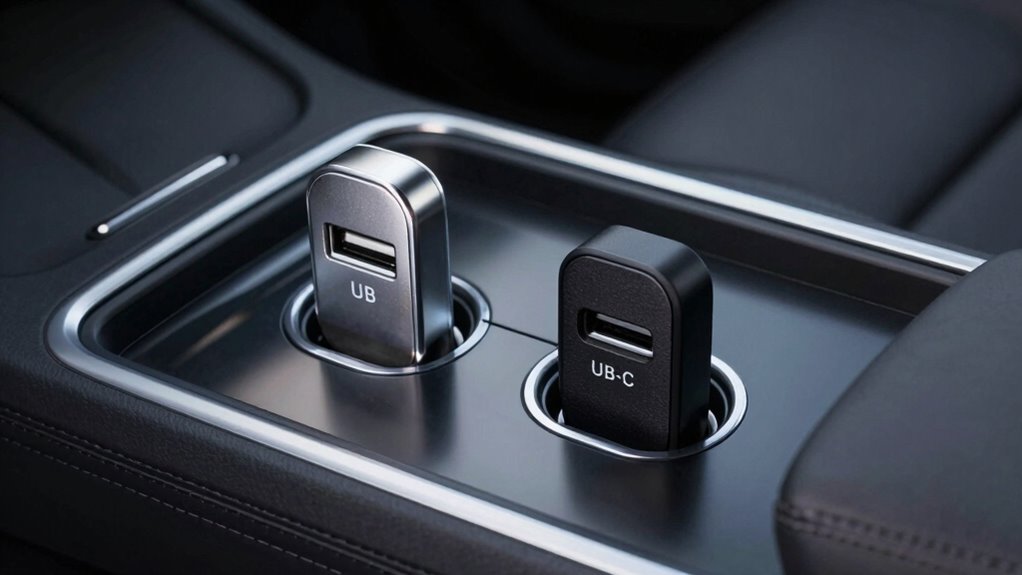

Choosing between USB-C and USB-A in your car affects charging stability and data transfer. USB-C supports smarter power negotiation like Power Delivery, but poor cables, wiring issues, and vehicle electrical fluctuations can cause dropouts. USB-A offers limited, fixed voltage, making it more prone to connection issues in noisy environments. Internal device design and compatibility also play roles. To avoid dropouts, understanding these factors helps you pick the best setup—continue to explore how to guarantee reliable connections.
Key Takeaways
- USB-C’s dynamic power negotiation improves stability, reducing dropouts compared to fixed-voltage USB-A ports.
- Poor cable quality or incompatible wiring can cause connection drops, especially with high-speed USB-C cables.
- Electrical noise, voltage fluctuations, and transient spikes in vehicles disrupt USB-A and USB-C connections differently.
- Shared circuits and insufficient grounding in vehicles can lead to instability, impacting both port types but more so with USB-C’s negotiation.
- Device firmware and automotive implementation variability influence dropout frequency, with USB-C’s complex protocols being more sensitive.
Understanding Power Delivery and Voltage Negotiation
Understanding power delivery and voltage negotiation is key to grasping how modern USB ports efficiently charge your devices in cars. Power Delivery (PD) technology in USB-C allows faster charging by adjusting voltage and current based on your device’s needs. PD chargers can deliver 30W, 45W, or up to 100W, enabling rapid charging—about 30 minutes to go from 0% to 50% on smartphones. The process involves communication between the charger, cable, and device, which negotiate the appropriate power level, ensuring safe and efficient delivery. If negotiation fails, the system falls back to lower power modes, reducing charging speed. Unlike USB-A, which supplies a fixed 5V without negotiation, USB-C dynamically adapts, making charging smoother and more reliable, especially in variable car environments. European cloud innovation plays a role in supporting these advanced charging technologies through energy-efficient and secure infrastructure.
The Impact of Cable Quality and Wiring on Connection Stability

The quality of your USB cable directly influences the stability of your connection, especially in a vehicle’s challenging environment. Thicker conductors (lower AWG) reduce voltage drop and heat, supporting stable charging and data transfer. Cheap cables with thin wires increase resistance, causing slower charging and intermittent current, especially when vehicle voltage fluctuates. Longer cables raise overall resistance, making voltage sag more likely during high-power sessions, leading to dropouts. Elevated resistance also generates heat, which accelerates insulation wear and can cause intermittent contact or open circuits under vibration. Proper cable design, including shielding and twisted data pairs, prevents electromagnetic interference from vehicle systems, reducing data errors and disconnects. Using high-quality cables with proper wiring standards significantly enhances connection stability in automotive environments. Additionally, selecting cables with robust connectors** and reinforced construction can greatly reduce connection failures caused by vibrations and movement within the vehicle. Incorporating cables with low-resistance conductors ensures minimal voltage drop and maintains consistent connection quality even during demanding conditions. A well-designed cable also minimizes electromagnetic interference, which can be a significant source of data errors and dropouts in automotive settings. To further improve reliability, choosing cables with comprehensive shielding can help minimize electromagnetic interference that leads to data errors and dropouts. Furthermore, ensuring the cable has quality insulation** prevents moisture ingress and physical damage, contributing to overall durability in the automotive environment.
How Vehicle Electrical Environment Affects Charging Performance
Your vehicle’s electrical environment can cause voltage fluctuations and noise that disrupt USB charging. Transient power spikes, like load-dumps and cranking events, may momentarily drop or spike voltages, affecting connection stability. These issues can lead to slower charging, device resets, or even disconnects if your charger isn’t designed to handle them. Robust chargers can better withstand these electrical disturbances, maintaining stable power delivery even during engine start or load changes. Understanding electrical interference and how it interacts with vehicle power quality can help you select the right charger for reliable performance, especially when considering electrical noise and its impact on charging stability. Additionally, selecting chargers with noise suppression features can significantly improve connection reliability in challenging electrical environments. Recognizing the electrical environment’s influence on charging can guide you in choosing more reliable chargers for your vehicle.
Voltage Fluctuations and Noise
Vehicle electrical systems are inherently dynamic, causing voltage fluctuations and electrical noise that can impact USB charging performance. Modern alternators fluctuate between 13 and 16 volts depending on battery charge, with normal operation often experiencing drops to 12.9–14.1 volts. When batteries are fully charged, the system reduces voltage to around 12 volts, leading to temporary dips. Battery management systems adjust voltage based on battery age and type, sometimes causing deliberate reductions. Shared circuits with USB ports, especially those with low-amp designs or non-standard ports, are vulnerable to overload and noise, which can disrupt data transfer and cause power drops. These fluctuations and noise sources lead to inconsistent charging, device dropouts, and intermittent connections, especially when multiple devices draw power from the same circuit. Alternator control strategies can also influence voltage stability and noise levels, impacting device performance. Additionally, electrical noise can introduce interference that affects sensitive electronics connected to the vehicle’s power system. Moreover, grounding issues within the vehicle can exacerbate electrical noise, further disrupting charging stability and data integrity. Proper circuit design and grounding techniques are essential to minimize these effects and ensure reliable charging performance. Implementing noise filtering measures can significantly improve overall charging stability and reduce dropouts.
Transient Power Spikes
Transient power spikes in automotive electrical systems can cause significant disruptions to USB charging performance. These sudden surges can damage or intermittently interrupt your charger’s operation. Here are four common types you should know:
- Load Dump Transients: When the battery disconnects while the alternator runs, voltage surges up to 120V, lasting hundreds of milliseconds, risking component damage. Proper electrical system design can help mitigate these effects. Additionally, implementing surge protection devices can further safeguard against such high-voltage events.
- Cold Crank Dips: During engine startup, high starter currents drop voltage below 5V temporarily, causing devices to suspend charging.
- Inductive Load Switching: Turning motors on or off creates high-voltage spikes from collapsing magnetic fields, inducing transient surges.
- Transient Characteristics: These brief, high-amplitude events—lasting microseconds to milliseconds—stress electronics, leading to failures or dropouts if not properly suppressed. Understanding the vehicle electrical environment can help you mitigate these effects and protect your charging devices.
Internal Design Differences Between Multi-Port and Single-Port Chargers
The internal design differences between multi-port and single-port chargers primarily stem from how they manage power distribution and component integration. Multi-port chargers use smart chips to dynamically allocate power, sharing wattage across ports, which can lead to voltage drops during simultaneous use. They incorporate multiple DC-DC converters, increasing their size and complexity, and include features like overcurrent and overvoltage protections per port. In contrast, single-port chargers focus on delivering full power to one device, using fewer components and simpler voltage regulation. They avoid shared pathways, reducing voltage drops and heat.
| Feature | Multi-Port | Single-Port |
|---|---|---|
| Power Management | Smart chips, shared wattage | Direct, full power output |
| Voltage Regulation | Intelligent, multi-port regulation | Basic, single output |
| Component Integration | Multiple converters, added protections | Minimal ICs, simpler design |
Data Pin Mapping and Compatibility Challenges in Automotive Settings
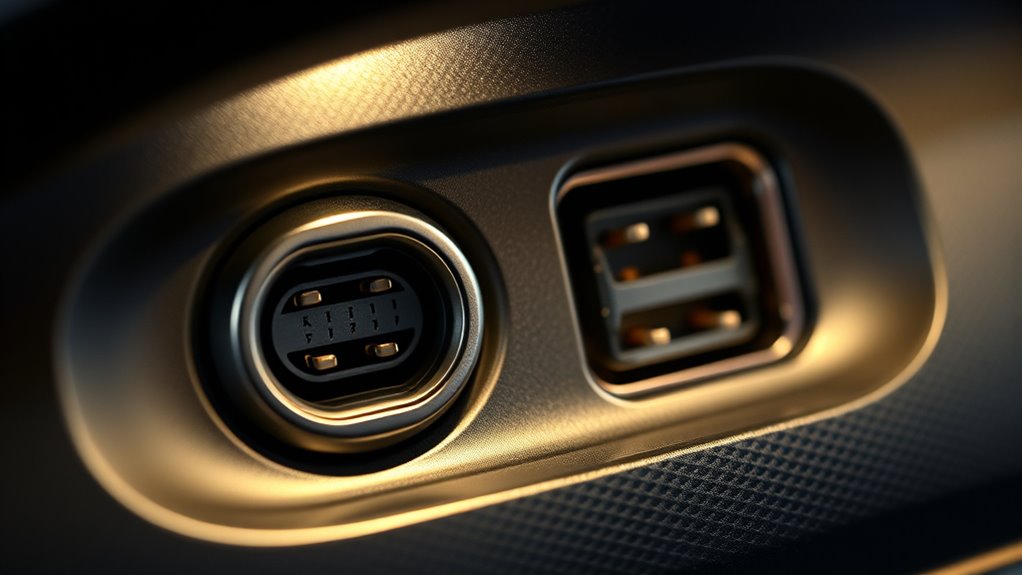
Wiring mismatches between USB‑A and USB‑C ports can cause connection issues or device damage if the CC/ID lines are not properly handled. These mismatches often limit data transfer rates or prevent devices from negotiating power properly. Compatibility challenges with infotainment systems also arise when port wiring and signaling standards don’t align, leading to unstable connections. Understanding the specific pin configurations and functions of each port type is essential for diagnosing and resolving these issues effectively. Properly matching the wire configurations can help prevent damage and ensure reliable connectivity in automotive environments. Additionally, paying attention to the signal integrity and shielding can further reduce interference and dropout problems. Regularly reviewing connection standards can help maintain optimal performance and compatibility. Ensuring compatibility also involves checking power delivery protocols to avoid potential damage or malfunction.
Wiring Mismatch Risks
Data pin mapping inconsistencies pose significant risks in automotive USB connections, especially when integrating USB-C and USB-A interfaces. If pin sequences aren’t aligned correctly, you may encounter connection failures or even damage. Here’s what can happen:
- Mismatched data lines can cause devices to fail to recognize each other, especially when switching between USB 2.0 and 3.1 standards.
- Nonstandard connectors or custom automotive cables may disrupt standard pin sequencing, leading to connection delays or errors.
- Improper impedance matching from incorrect wiring causes signal reflections, resulting in data corruption or dropouts.
- Deviations in pin contact lengths can prevent proper VBUS and GND connections first, risking power issues or damage during initial contact.
- Incorrect wiring configurations can also lead to increased electromagnetic interference and reduced overall connection stability. Additionally, consistent wire integrity is essential to prevent intermittent failures over time. Ensuring proper pin assignment during installation helps maintain reliable data transfer and avoids potential damage.
These wiring mismatches threaten signal integrity and reliable data transfer in your vehicle’s infotainment system.
Data Rate Limitations
In automotive environments, compatibility challenges often limit USB data transfer speeds due to differences in pin mapping and connector types. USB-C supports higher data rates, up to 20 Gbps with USB 3.2 using multiple lanes, and even 40 Gbps with USB4. It uses four lane pairs to enable these speeds, maintaining signal integrity. In contrast, USB-A maxes out at 5 Gbps with USB 3.0, and older versions drop to 480 Mbps with USB 2.0. USB-A connectors lack multi-lane support, which caps their data rates. Additionally, mixed device and port standards negotiate the slowest supported speed, further reducing performance. Cable quality, length, and the presence of proprietary protocols also impact data transfer, making high-speed data transfer in cars more challenging and often limited by these compatibility and pin mapping differences. The physical connector type influences the maximum achievable data transfer rate in automotive settings, highlighting the importance of choosing the appropriate port and cable for optimal performance. Moreover, connector compatibility plays a crucial role in ensuring reliable data transmission and preventing dropouts. A thorough understanding of appliance testing and compatibility specifications can help prevent issues and improve overall performance. Understanding signal integrity is also essential to mitigate data loss and maintain stable connections during high-speed transfers. Additionally, electrical standards are critical to ensuring that automotive USB systems meet safety and performance requirements, further supporting reliable connections. Developing a solid grasp of electrical standards can further enhance compatibility and connection stability in automotive environments.
Compatibility With Infotainment
Compatibility challenges in automotive infotainment systems often arise from differences in pin mapping and connector standards between USB‑A and USB‑C. USB‑A ports have fixed wiring with VBUS, GND, D+, and D‑, while USB‑C introduces CC pins, SBU pairs, and additional high-speed pairs, complicating compatibility. Mismatched or poorly wired cables can leave CC negotiation unresolved, causing devices to be treated as charge-only or not recognized. Additionally, automotive systems sometimes repurpose USB‑C pins for accessory signals, conflicting with data expectations for Apple CarPlay or Android Auto.
Consider these points:
- USB‑A relies on fixed host wiring, no CC negotiation.
- USB‑C requires orientation-agnostic CC wiring and resistors.
- Improper cables may limit VBUS or misreport roles.
- Firmware differences and power management can cause reconnections or dropouts.
Variability in Standards and Real-World Device Behavior
The landscape of USB standards in cars is highly fragmented, leading to unpredictable device behavior and charging performance. Different manufacturers implement varying versions of USB Power Delivery (PD), from PD2.0 to PD3.1 EPR, each with distinct voltage levels and negotiation quirks. Proprietary fast-charge protocols like Qualcomm Quick Charge and vendor-specific PD variants further complicate handshake success. Variations in cable quality—such as presence of e-marker chips and wire gauge—affect current flow and may cause chargers to down-rate power or disconnect. Automakers also differ in infotainment data modes, influencing how ports behave during power negotiation. Additionally, noisy electrical environments, transient vehicle events, and thermal protections can interrupt PD sessions. Device firmware and OS policies add another layer of variability, often resulting in intermittent dropouts despite physical connections. The presence of electromagnetic interference in vehicles can also disrupt the communication and cause inconsistent charging behavior.
Common Causes of Dropouts in USB-A and USB-C Car Chargers

Dropouts in USB-A and USB-C car chargers often stem from physical wear and contamination that disrupt the electrical connection. Over time, contacts can corrode or become dirty from dust, food debris, and humidity, causing intermittent signals. Loose or worn receptacles after repeated plug-ins can produce micro-arcing or unstable contact, especially during vibrations. Bent or damaged pins, common in older ports, lead to faulty signal paths or short circuits, causing frequent disconnects. Additionally, mechanical strain on cables near the connector can fracture conductors or cause intermittent power or data lines inside the cable. These physical issues create unstable connections that result in dropouts, making reliable charging and data transfer difficult during your drive.
Physical wear, dirt, and damaged pins cause USB-A and USB-C car charger dropouts.
- Corroded or dirty contacts
- Loose or worn receptacles
- Bent or damaged pins
- Cable strain or fractures
Best Practices for Reliable Charging and Data Connections in Vehicles
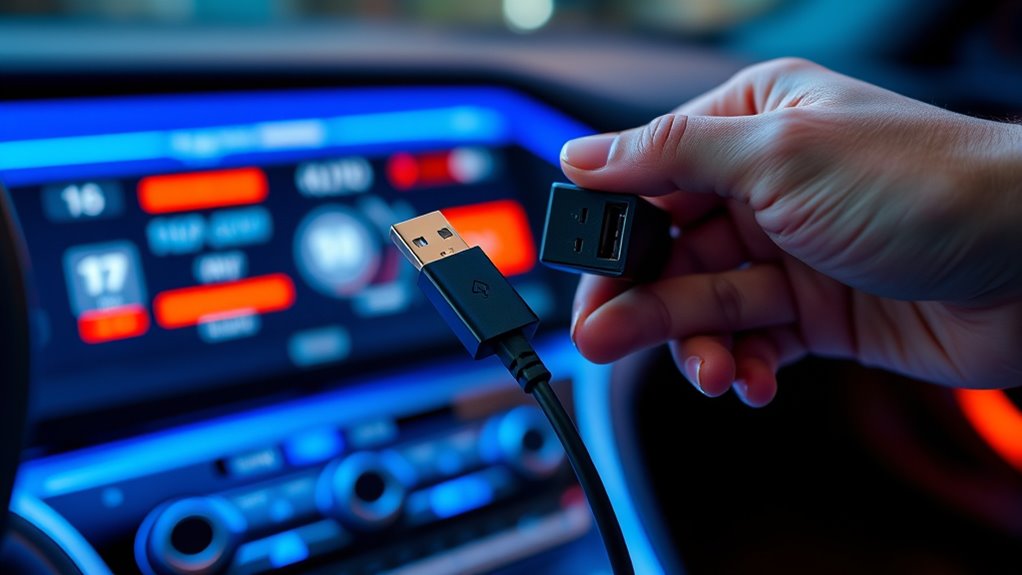
Ensuring reliable charging and data connections in your vehicle requires careful selection of cables, chargers, and proper wiring practices. Use cables rated for your device’s power protocols and amperage to prevent undervoltage, heat, and negotiation failures. Opt for USB-C to USB-C cables with e-marker chips for high-current and PD support, especially with high-wattage chargers. Match connector types to your device’s data needs: USB-C for modern smartphones and tablets, USB-A for legacy compatibility, but be aware that USB-A may limit data and charging speeds. Replace worn or damaged cables and keep lengths moderate to reduce resistance and heat buildup. Choose car chargers with proper safety certifications, overcurrent protection, and multi-port management. Connect chargers to fused circuits, avoid high loads on critical lines, and route cables away from interference sources to ensure consistent performance. Using high-quality, certified components also helps prevent connection dropouts and maintains stable data transfer.
Frequently Asked Questions
Can Using Cheaper Cables Cause More Charging Dropouts in Cars?
Yes, using cheaper cables can cause more charging dropouts in your car. Low-quality cables often have poor wiring, fewer copper cores, and inadequate shielding, which leads to higher resistance and interference. Longer or extension cables worsen these issues, causing voltage drops and unstable connections. Additionally, mismatched or incompatible cables and chargers can further disrupt power delivery, resulting in frequent dropouts and unreliable charging.
Do All USB-C Ports Support Full Power Delivery in Vehicles?
Think of your USB-C port like a well-trained athlete—capable of delivering full power, but only if it’s properly prepared. Not all USB-C ports in vehicles support full Power Delivery; many are limited by design or implementation. Car manufacturers often restrict power to protect electronics, so unless the port explicitly supports high wattage profiles like 100W, you might not get full charging capacity. Always check your vehicle’s specifications.
Why Do Some Chargers Overheat Even With Good Cables?
You might notice some chargers overheat even with good cables because of internal design flaws or low-quality components. Poor thermal management, such as inadequate heatsinks or thermal protections, causes heat buildup. High power demands, especially during fast charging or multiple device use, increase thermal stress. Environmental factors like hot cabin temperatures or dirty vents also hinder cooling. These issues lead to overheating, potentially damaging the charger or causing performance drops.
Are Multi-Port Car Chargers More Prone to Connection Issues?
Imagine juggling multiple balls; it’s tricky to keep all in the air without drops. Multi-port car chargers are similar—they’re more prone to connection issues because they split power among several devices, causing voltage drops and interference. Data shows 29% of structural problems involve loose ports, increasing dropouts. So, when you connect multiple devices, you risk unstable charging, just like trying to keep too many balls aloft at once.
How Do Vehicle Power Fluctuations Impact USB Data Stability?
Vehicle power fluctuations can cause USB data instability by creating voltage dips below the stable 5V needed for proper operation. When engine cranks or start-stop systems activate, voltage drops occur, disrupting power delivery. This intermittent power loss interrupts data flow and charging, leading to dropouts. Long cables and wiring resistance amplify these issues, making it essential for chargers to have robust voltage regulation and drop compensation to maintain reliable data transfer.
Conclusion
To keep your devices powered without unexpected dropouts, pay close attention to cable quality, charger design, and your vehicle’s electrical environment. While USB-C promises faster, more reliable connections, hidden factors can still cause surprises. Are you prepared to choose the right setup? The key to seamless charging might just depend on understanding these subtle differences. Don’t settle for less—your next drive could reveal what’s really behind those frustrating dropouts.